Remove licences from users
This topic explains how Subscription Administrators (SAs) can revoke (unassign) a tool licence from a user via the Console.
Applies to:
- Atlassian (Jira & Confluence)
- GitLab
- Sonatype (Nexus IQ & Nexus Repository)
- Jira Service Management (JSM)
Prerequisite
You can revoke a licence only if the licence cost is paid by your subscription.
Steps
The following example shows how to revoke an Atlassian licence. Follow similar steps for other tools.
- Log in to Console using your non-SE GSIB, COMET, or GMD (SEED) device.
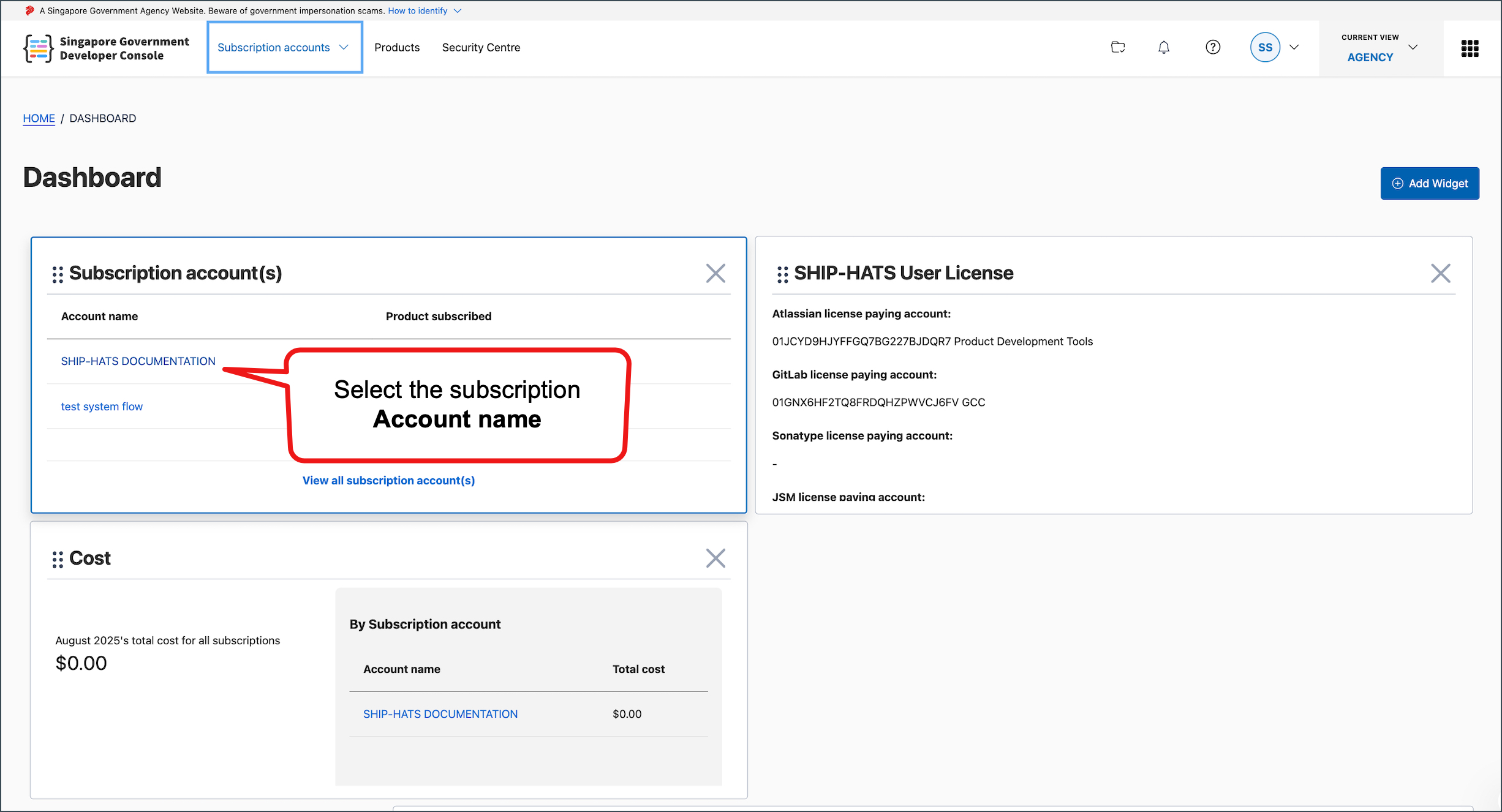
- Go to Subscription Accounts and select the required SHIP-HATS subscription.
- Go to USER MANAGEMENT.
- Find the required tool and click the down arrow next to it.

- Click Manage.

- Select the user(s) to revoke and click the delete icon.

If you can’t find the user, use the Search box to locate them by their email address or name.
- Confirm the deletion when prompted.
- To revoke licences for other tools, repeat the steps.
Result
- The user can no longer access the revoked tool(s).
- The licence seat is released and becomes available for reassignment.
- If you remove all licences assigned to a user, that user is no longer part of your subscription.
