Socket.dev (Trial)
⚠️ Trial offering Socket.dev is currently available as a trial offering and is not part of the standard SHIP-HATS toolset.
SHIP-HATS is offering Socket.dev as a trial offering, and there are no costs to agencies during the trial phase. We will review trial outcomes and user feedback to decide whether to adopt it as a long-term offering. If the tool proves valuable, we will explore ways to scale it sustainably and evaluate whether certain costs can be absorbed.
Socket.dev interacts only with source code artefacts (manifests, SBOMs, and optional on-premise reachability results) and may be used for code classified as Official (Open).
Do note that code classification is distinct from system classification. To maintain a conservative risk posture during the trial, limit scans to repositories containing code classified as Official (Open).
Any repository scans you perform within your organisation are visible to other Socket users in the same organisation.
For example, if your organisation is GovTech and you scan a repository using Socket, other Socket users in GovTech can view the scan results.
About Socket
Socket is a comprehensive security solution that protects applications from software supply chain attacks. It proactively detects malicious packages, known vulnerabilities, and other dependency risks by analysing open-source code in real time.
With automated feedback, real-time alerts, and customisable security policies, Socket empowers developers to respond quickly to threats—seamlessly integrating into your development workflow without compromising productivity.
Why to use Socket
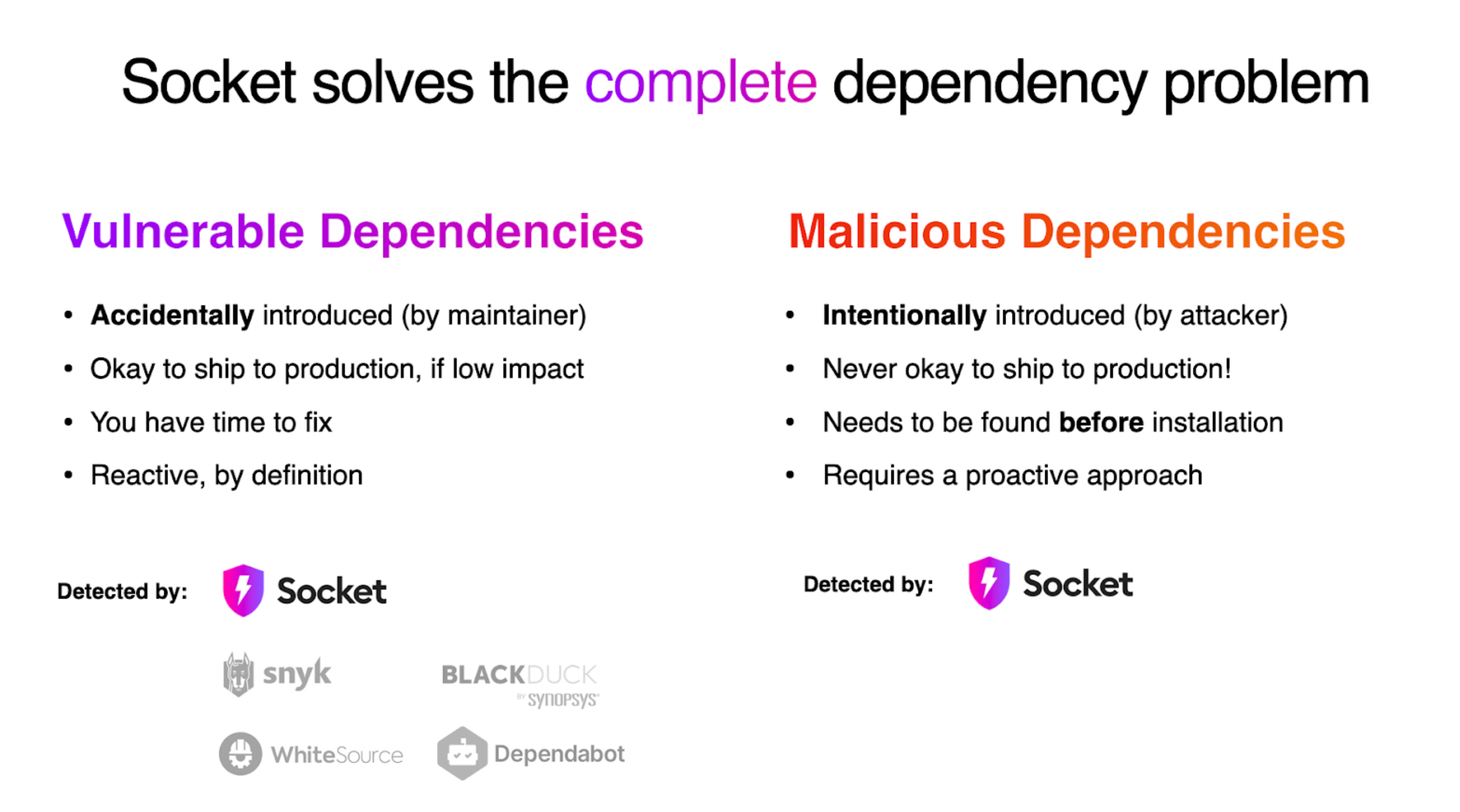
Socket addresses both vulnerable and malicious dependencies—each with different characteristics and mitigation strategies as shown below:
Get started (First-time users)
Complete the below steps to onboard Socket:
Raise a support ticket and use your official email address while filling in the required details.
You’ll receive an email invitation once your request is processed.
Open the email invitation. If you don’t see it in your inbox, check your spam or junk folder.
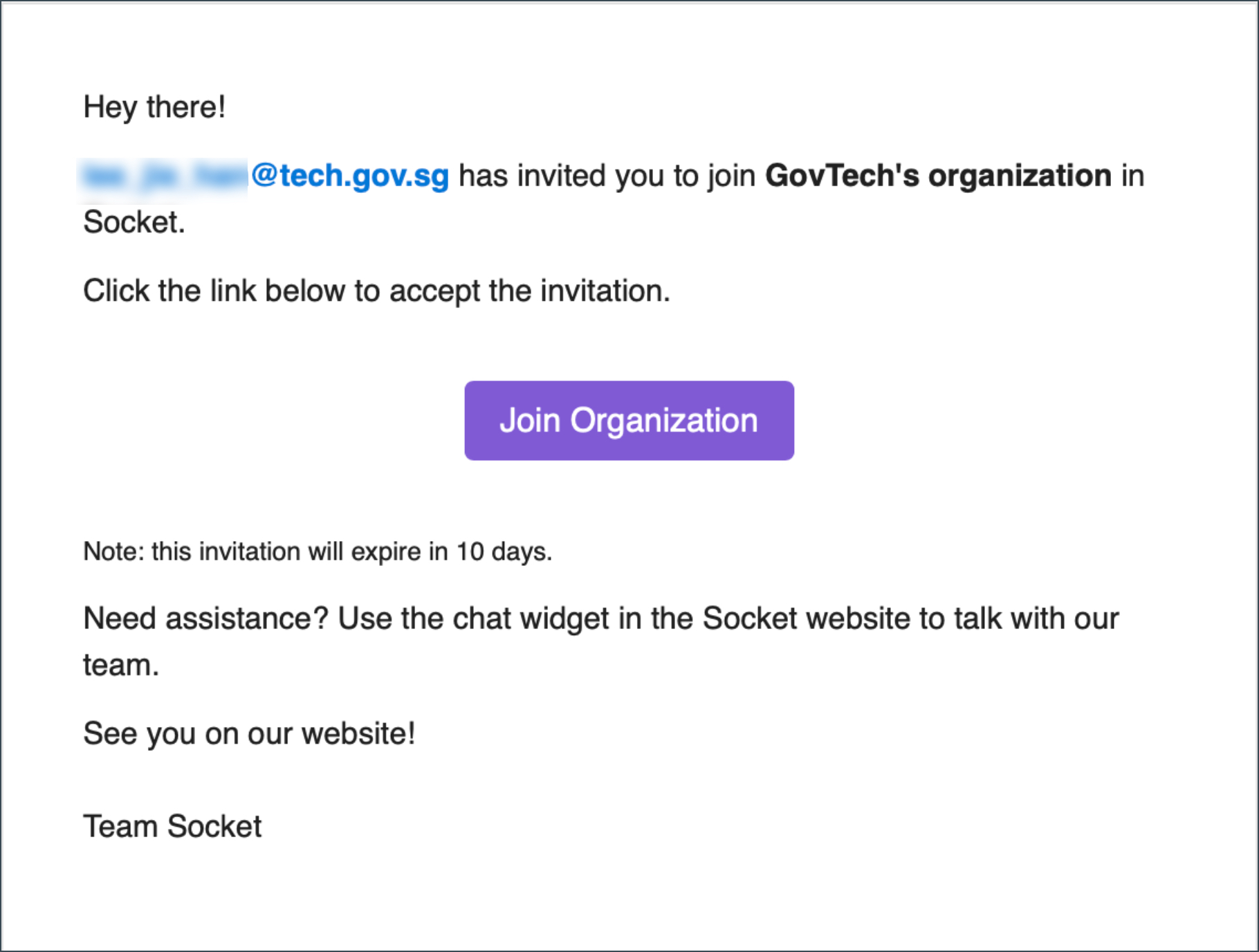
Click Join Organization in the email.
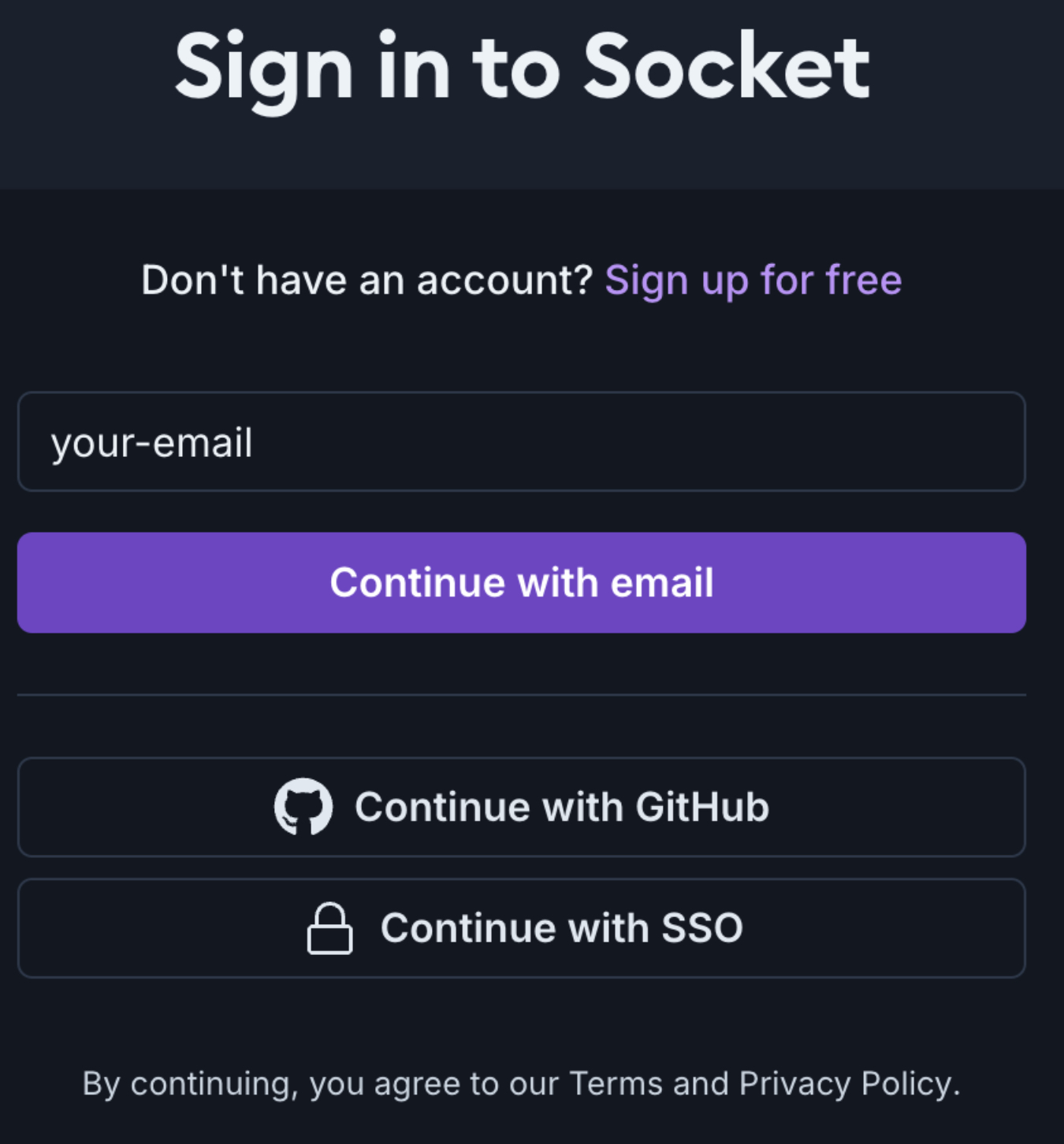
On the login page, enter your email address and click Continue with email.
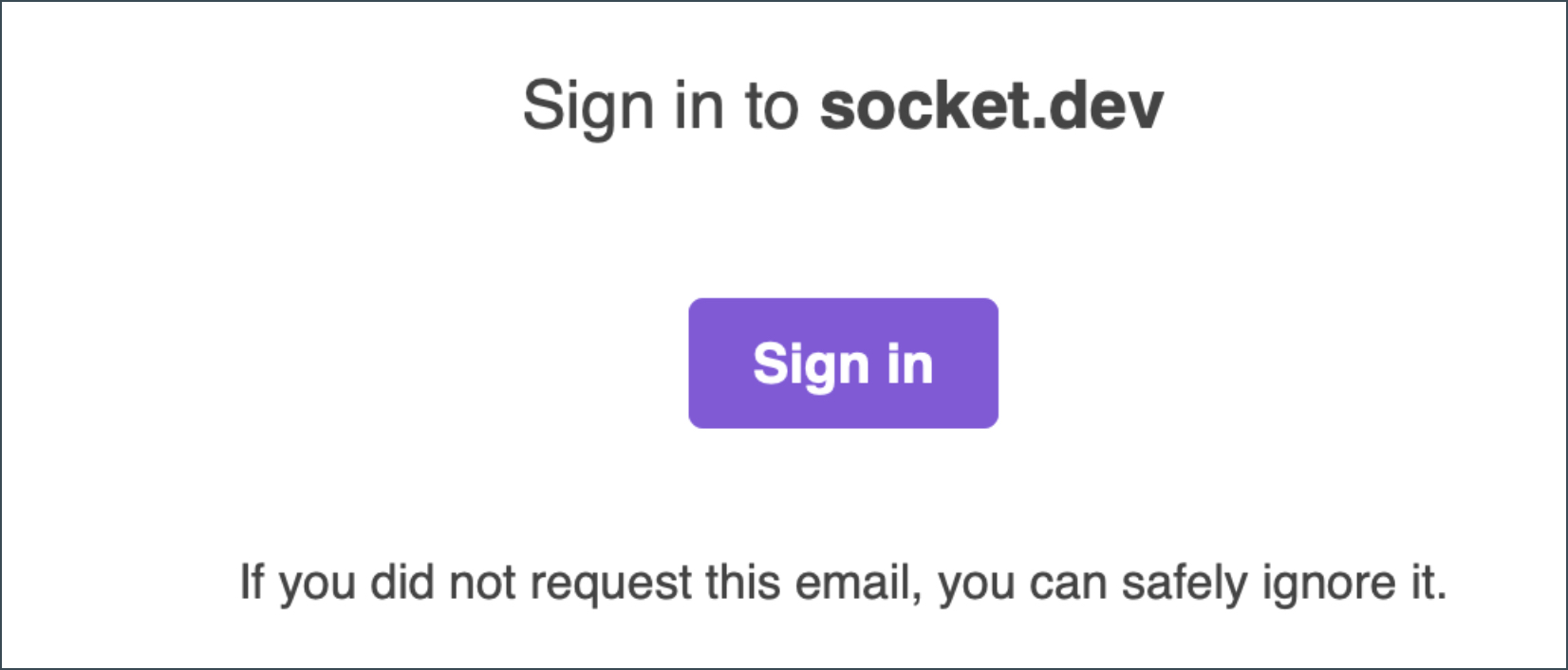
Check your inbox for a login email and click Sign In.
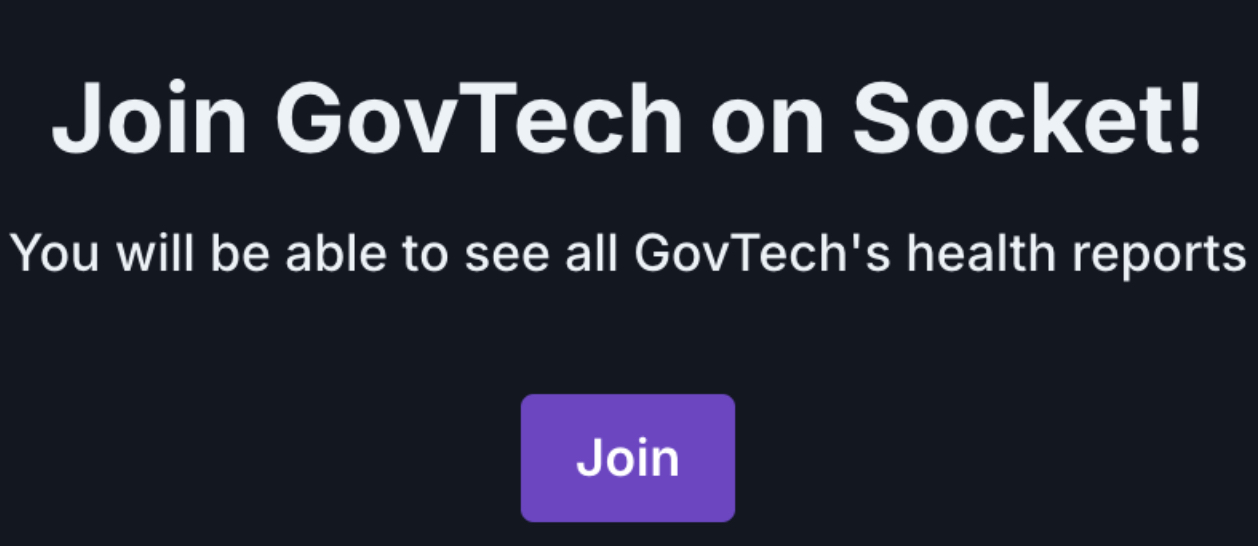
After signing in, click Join.
Returning users
To log in:
Go to the Socket Login page.
Enter your official email address and click Continue with email.
Check your inbox for a login email and click the Sign In button to log in.
Workflow integration
Socket provides multiple integration options to seamlessly enhance your development workflow’s security posture. It integrates directly with your CI/CD pipelines and developer tools to detect software supply chain risks in real time.
Supported integration methods
CI/CD & Command Line Integration
Socket for Gitlab Pipeline: Add Socket to your GitLab pipeline to automatically monitor any configured projects for risks—such as the introduction of install scripts, obfuscated code, usage of privileged APIs (like shell, network, filesystem, and environment variables), and reachable known CVEs. This enables continuous monitoring with no additional changes required to your code or build environment. For detailed instructions, refer to Socket documentation
Socket CLI: Use the command-line interface to integrate Socket with your CI/CD pipelines and perform security checks directly from your terminal.
If you are using Socket CLI integration method, to ensure successful login and scanning:
Refer to our SEED docs and download the Cloudflare CA certificate in PEM format.
Run the following command in your terminal, replacing with the actual path where you saved the PEM file:
export NODE_EXTRA_CA_CERTS="/Cloudflare_CA.pem"
Before running a socket scan, temporarily turn off Cloudflare WARP on your device. This is an interim workaround because WARP can interfere with local network scanning or modify network routing and that may block or distort scan results. The SHIP-HATS team is actively working with the Socket team to resolve this issue so WARP can remain enabled in the future.
- Socket REST API: Use Socket REST API for your integration requirements.
To use any of the above integration methods, you’ll need an API Token to authenticate your requests
Developer tools
VS Code Extension: Enhance your development environment with the Socket VS Code Extension for real-time feedback and in-editor security checks.
Safe npm: Use this to protect your Node.js projects with Safe npm, a secure wrapper for npm that automatically checks for malware and vulnerabilities in dependencies before installation.
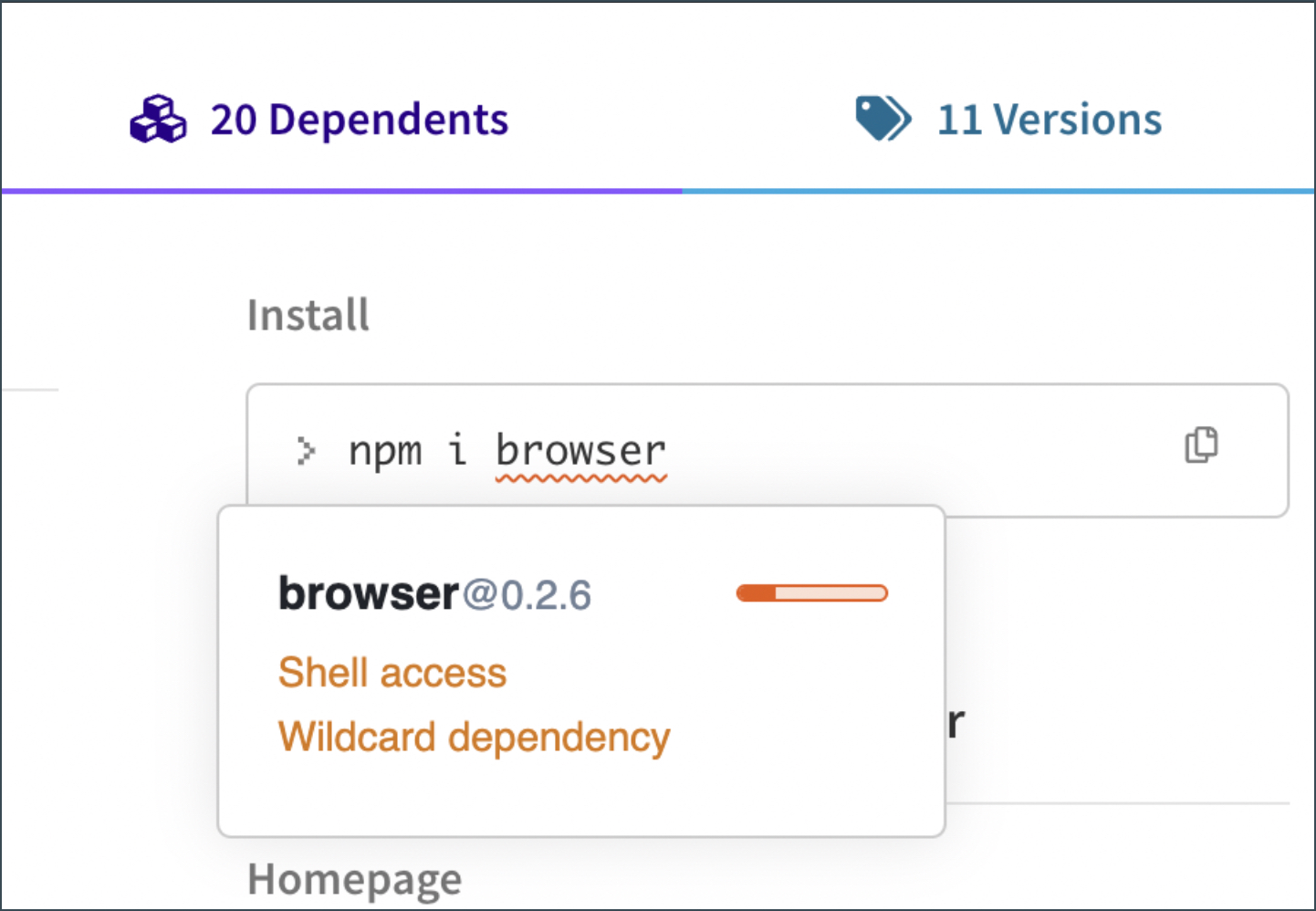
Socket Chrome Extension: Use this to get real-time protection by detecting security risks in open-source packages directly from your browser.
Monitoring & Analysis tools
- Data Export Integrations: Use SIEM tools like Elastic or Splunk to centralise security monitoring.
⚠️ Currently, Bitbucket, Azure DevOps, and Jenkins are supported without PR comment feedback. Monitoring and alerts are still functional, but PR comments are not posted.
Request API tokens
This section covers how to request an API Token.
How to get API Token
- Raise an SSD request to get an API Token.
- After the approval, API tokens will be shared securely with you.
Get your organisation details
Some integrations (like the REST API) require your Socket organisation slug and ID. This section covers how to find organisation details such as “slug”.
How to get it
- Go to Socket Dashboard and log in.
- In the top-left corner of the dashboard, you’ll see the currently selected organisation name (e.g., “GovTech”).
- The organisation slug appears in the URL after /org/. For example, in the following screenshot, the slug is GovTech: https://socket.dev/dashboard/org/**GovTech**/people/members

Using Socket
Integrating Socket into your development workflow is quick and seamless. Depending on your environment, you can use any of the following methods:
Run scans on GitLab merge requests: Configure GitLab Pipelines to automatically scan merge requests and surface potential supply chain risks before merging.
Leverage Socket CLI: Perform scans in your local environment or incorporate Socket checks into your CI/CD pipelines for continuous security validation.
Monitor risks with VS Code extension: Receive real-time alerts directly within your IDE to catch issues early as you code.
Socket firewall
Socket Firewall helps prevent malicious or risky dependencies from being installed by enforcing security checks during package installation.
⚠️ Registry mode is not currently configured in SHIP-HATS. Use Wrapper mode until further notice.
Recommended setup: Wrapper mode
Use Wrapper mode as the primary setup for Socket Firewall.
Wrapper mode integrates with your existing package manager workflows and applies security checks before dependencies are installed. This allows you to enforce dependency security policies across developer environments and CI/CD pipelines.
👉 For setup instructions and usage details, refer to the official documentation: https://docs.socket.dev/docs/socket-firewall-enterprise-wrapper-mode
For the best security coverage, we recommend integrating Socket into your CI/CD pipeline to enable continuous monitoring of your dependencies. This helps proactively detect vulnerabilities, supply chain risks, and quality concerns before they impact production.
For links to demos, refer to Additional resources
How Socket works
Socket uses static analysis, monitoring suspicious changes, and CVE reachability techniques to detect threats.
| Technique | How it works |
|---|---|
| Static analysis | Statically analyses open-source packages and dependencies to detect signs of supply chain attacks. |
| Alerts on suspicious changes | Notifies developers of security-relevant changes like new install scripts, obfuscated code, or use of privileged APIs (shell, network, filesystem, and environment variables). |
| CVE reachability analysis | Checks if known CVEs are actually exploitable in your app to help you prioritise what to fix. |
Reachability tiers
| Tier | Description |
|---|---|
| Tier 3 (Available) | Detects when your application directly imports a vulnerable package. |
| Tier 2 (Coming soon) | Adds pre-computed function-level reachability for deeper insights without needing code access. |
| Tier 1 (Coming soon) | Provides full function-level reachability powered by Coana for precise vulnerability path tracing. |
Reachability benefits
- No changes needed to your code or build environment
- Reduces developer time spent triaging irrelevant CVEs
- Works out-of-the-box across CI/CD and developer workflows
Alert management
Alert categories
Socket checks for a wide range of risks to help you maintain secure, reliable, and compliant software dependencies. Some of them are:
| Alert category | Description | Examples |
|---|---|---|
| Supply Chain Risks | Flags critical vulnerabilities, malware, or untrusted dependencies. | Potential typo squats, Telemetry, Shell access, Known malware, Protestware / troll packages |
| Vulnerability | Alerts for known CVEs categorised by severity. | Critical CVE, High CVE, Medium CVE and Low CVE. |
| Quality issues | Reports on broken or unresolved requires, package.json issues, and more. | Suspicious stars on GitHub, Unpopular package, Missing dependency |
| Maintenance risks | Detects packages that are unmaintained or deprecated. | Deprecated, Unmaintained |
| License issues | Identifies potential license compliance issues. | License policy violation, Copyleft licenses, Permissive licenses. |
How does Socket define severity
Socket assesses the severity of issues based on the potential impact on your application and the likelihood of exploitation. Critical issues typically involve known malware or vulnerabilities that could lead to severe security breaches.
Here’s an improved and polished version of your Alert Actions and Triage Functionality section that fits smoothly into your docs style:
Alert actions and triage functionality
Manage alerts effectively with Socket’s triage features to maintain focus and streamline security workflows:
- Acknowledge Alerts: Mark alerts as acknowledged to indicate they have been reviewed and are being addressed.
- Ignore Alerts: Dismiss alerts that are not relevant, false positives, or have already been mitigated to reduce noise.
- Track and Document: Keep a clear record of alert statuses and actions for accountability and audit purposes.
Responding to alerts
Use the table below to understand how to act on alerts based on their severity:
| Severity | Recommended action | Examples |
|---|---|---|
| Block (Critical Issues) | Immediately remove or replace the affected packages. | Malware detection, critical CVEs |
| Warn (High-Risk Issues) | Review the issue before merging the changes. | Telemetry in packages, new install scripts |
| Monitor (Medium & Low-Risk Issues) | Regularly review and address issues based on risk assessment. | Outdated dependencies, minor CVEs |
| Ignore (Low Priority) | May be ignored depending on your organisation’s risk tolerance. | Minified code, floating dependencies |
Best practices
- Regular scanning: Set up continuous scanning using Socket in your CI/CD pipeline.
- Manual reviews: Manually inspect high-risk packages flagged by Socket.
- Stay updated: Keep Socket CLI and extensions up-to-date to leverage the latest improvements and vulnerability definitions.
- Enable branch protection: Use branch protection rules to prevent merging code with unresolved alerts.
- Leverage permissions: Understand and manage what permissions Socket for GitHub requires to operate securely and effectively.
- Integrate with SIEM tools: Centralise security events and alerts for streamlined monitoring and faster incident response.
- Enable required Status Checks (Optional): Make the Socket GitLab check required to pass before developers can merge.
- Guidance: When you’re ready, you can enforce that developers address feedback from Socket before merging their pull requests. For more information, see “About Status Checks” on GitLab.
Additional features
This section outlines the additional features available in Socket.dev that you can benefit from.
- Language Support: Socket.dev supports multiple programming languages to provide comprehensive security coverage.
- Alert Types: Access a comprehensive list of issues and alerts detected across all your projects. You can filter issues by severity, category, or project.
- Alert Categories: Get detailed insights into specific package vulnerabilities and risks. Enables you to understand the nature of each issue, whether it’s a vulnerability, quality concern, or maintenance problem.
- Package Scores: Socket assigns scores on factors such as Vulnerability, Maintenance and Quality.
- Manifest File Detection: Identify dependencies and potential risks.
- Organization Alerts: Manage alerts at the organizational level.
- Threat Feed: Stay informed about the latest threats and vulnerabilities.
- Dependency Search: Search and analyse dependencies within your projects.
- Package Search: Explore and analyse different software packages across multiple ecosystems, including npm, Go, Maven, and PyPI.
