Add or remove users from user groups
Subscription Admin (SA) and Project Admin (PA) can manage user groups to add or remove users in user groups.
When users are added to a group, they inherit the group’s permissions. When users are removed, their access provisioned through that group is revoked.
Prerequisite
Ensure the following:
You are an SA for the subscription or a PA for a SHIP-HATS project within the subscription.
Required licences are provisioned to the users in the group. See Provision licences to users.
Steps
In the Console, go to the required SHIP-HATS subscription.
Click User groups .
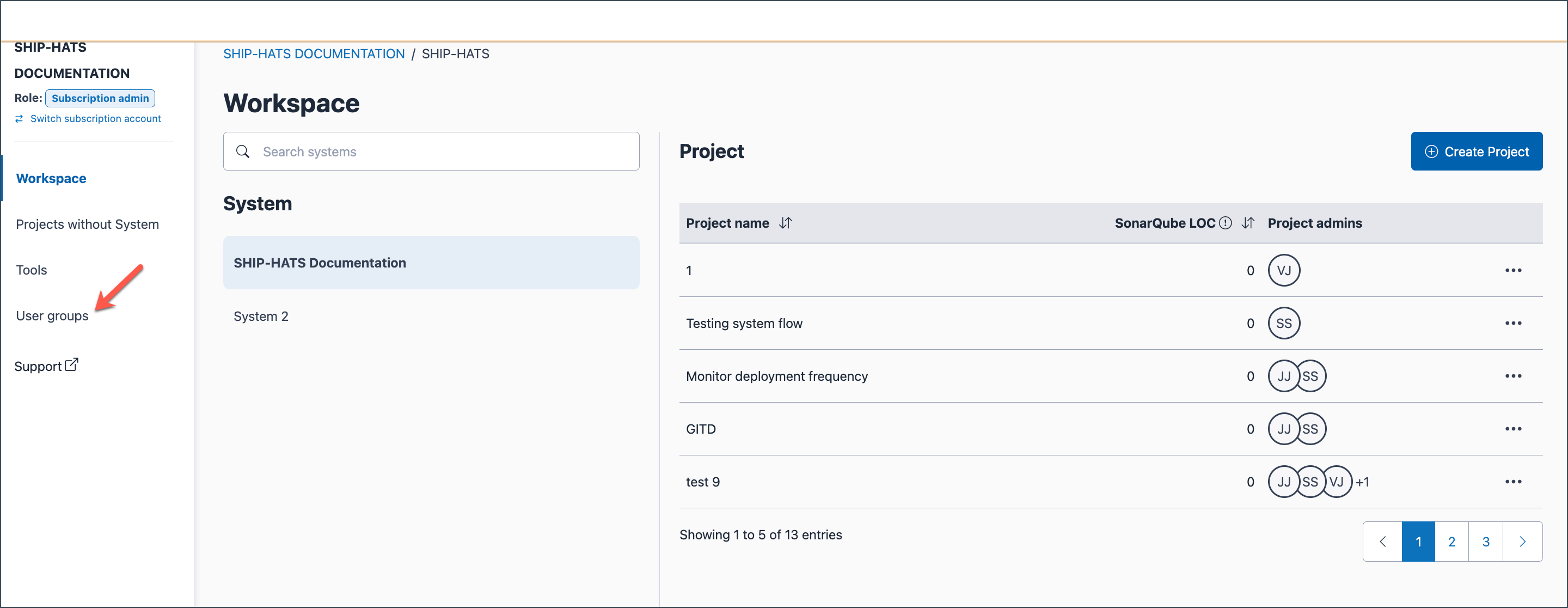
Existing user groups are listed.
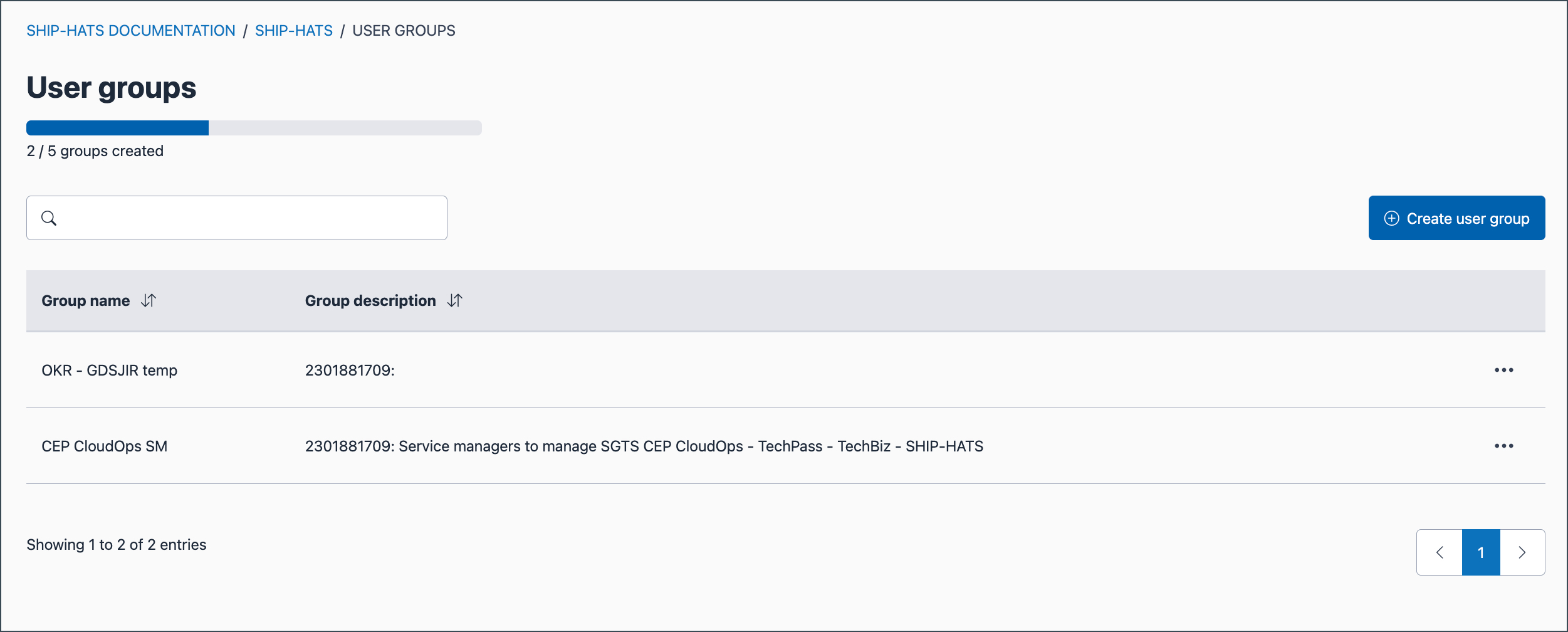
Locate the required group. Select the ellipsis (…) next to the Group name, then select Manage.
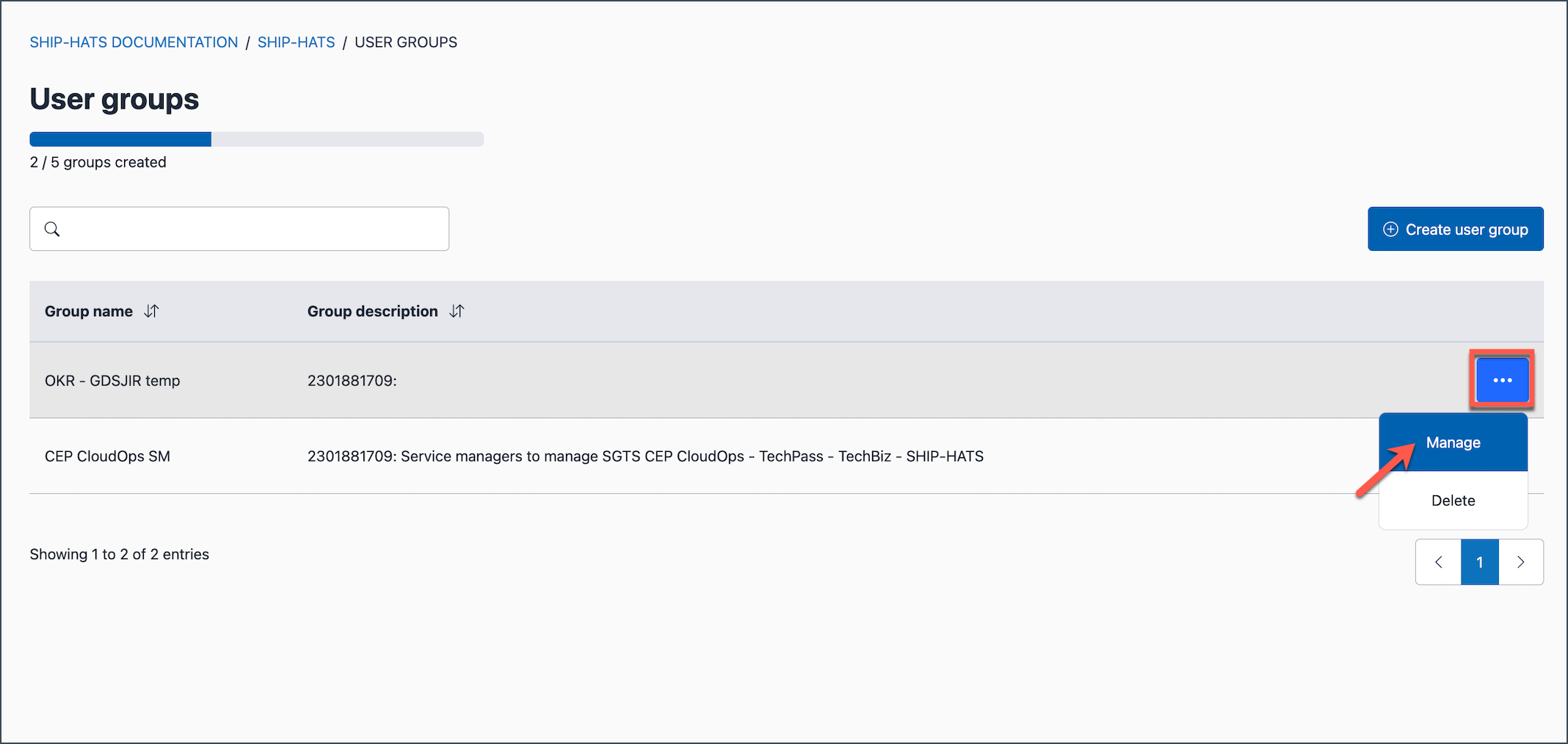
Click Add users.
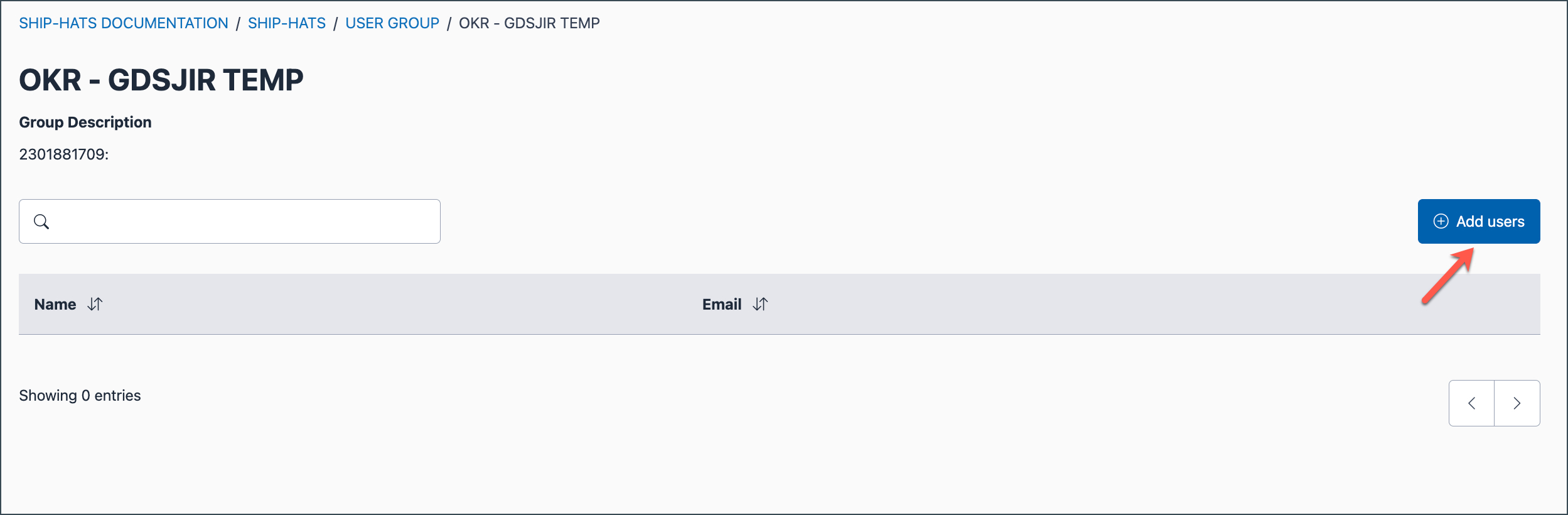
Search for and select the required users.
Click Submit.
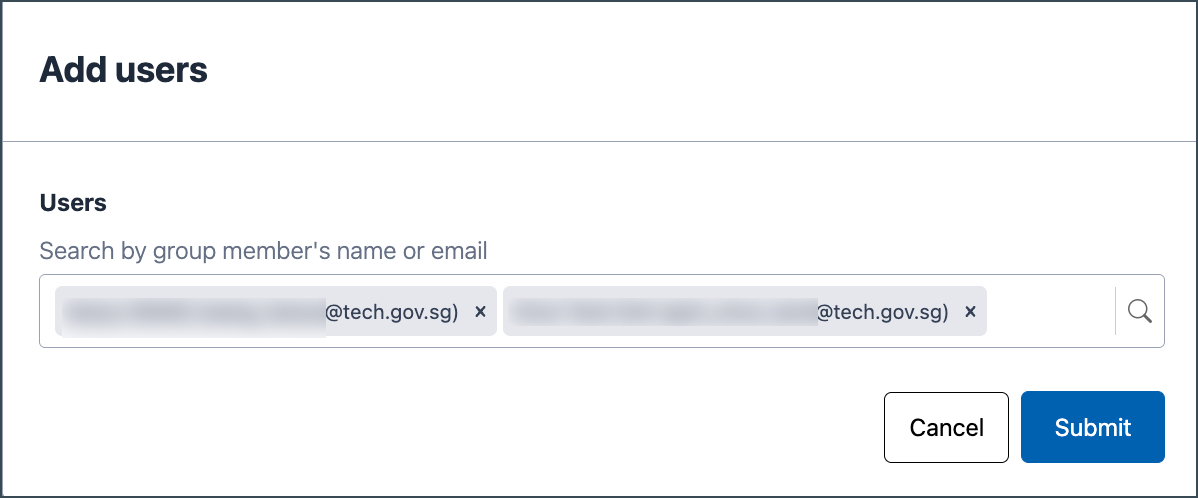
The added users are listed under the group and automatically inherit the permissions assigned to the group.
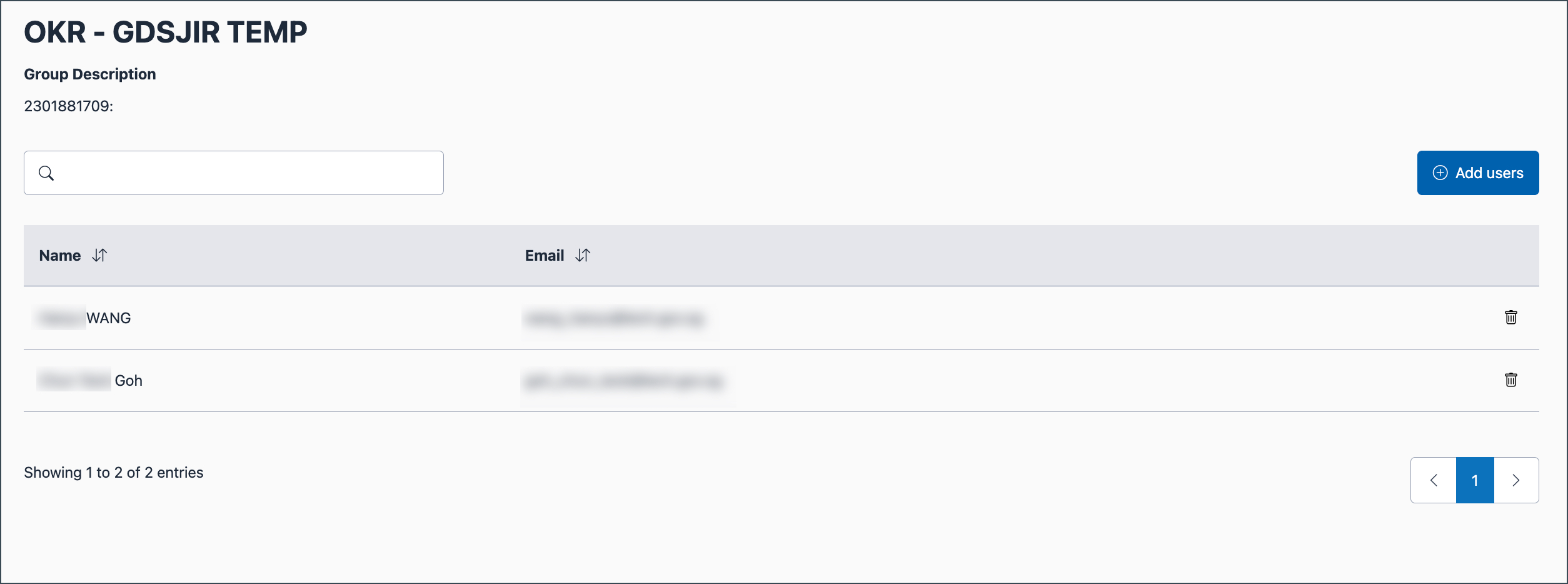
Click the delete icon
 next to the user.
Tip: If the user list is long, use the search bar above the list to quickly find the user.
Click Confirm.
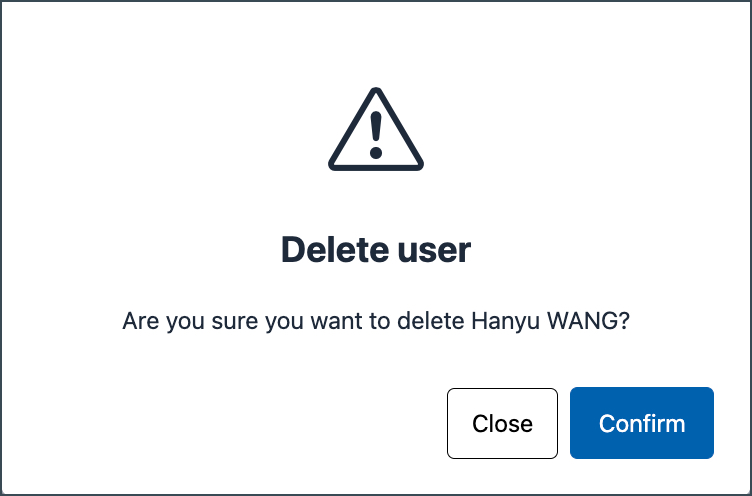
Permissions assigned through the group are revoked for the removed user.
