Create systems
Only Subscription Admins (SAs) can create Systems and assign Technical Admins (TAs) to manage them.
Technical Admins can be public officers or vendors, and must have an active TechPass account.
You must create a system before creating SHIP-HATS projects and configuring tools.
Before you begin
- You must be a Primary or Secondary Subscription Admin (SA)
- Have the organisational email addresses of users to assign as Technical Admins (TAs)
- A Digital Governance Platform (DGP) ID is required for production systems. See Digital Governance Platform (DGP) ID
Steps
Log in to Console.
Go to the required subscription account.
For detailed steps, see View subscription accounts.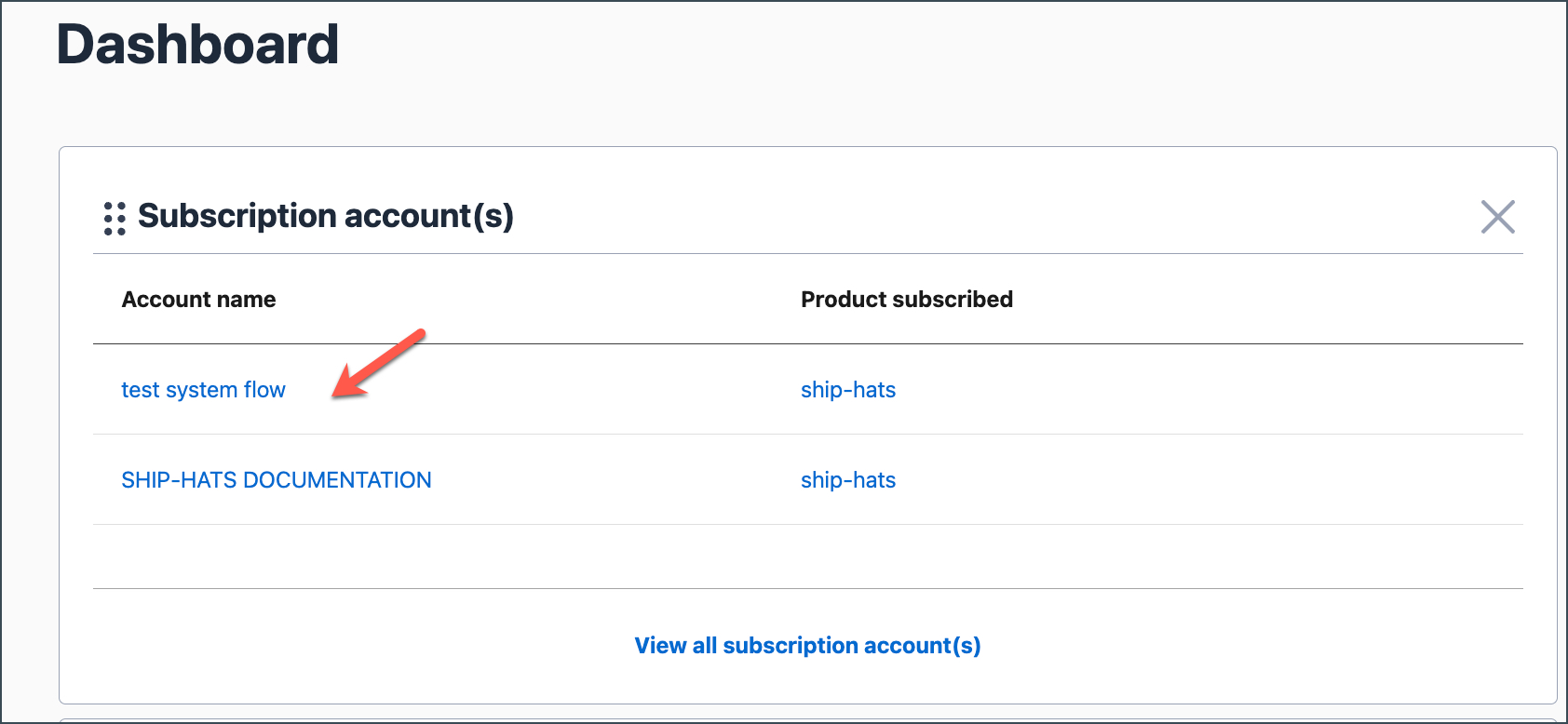
Go to the SYSTEMS tab.
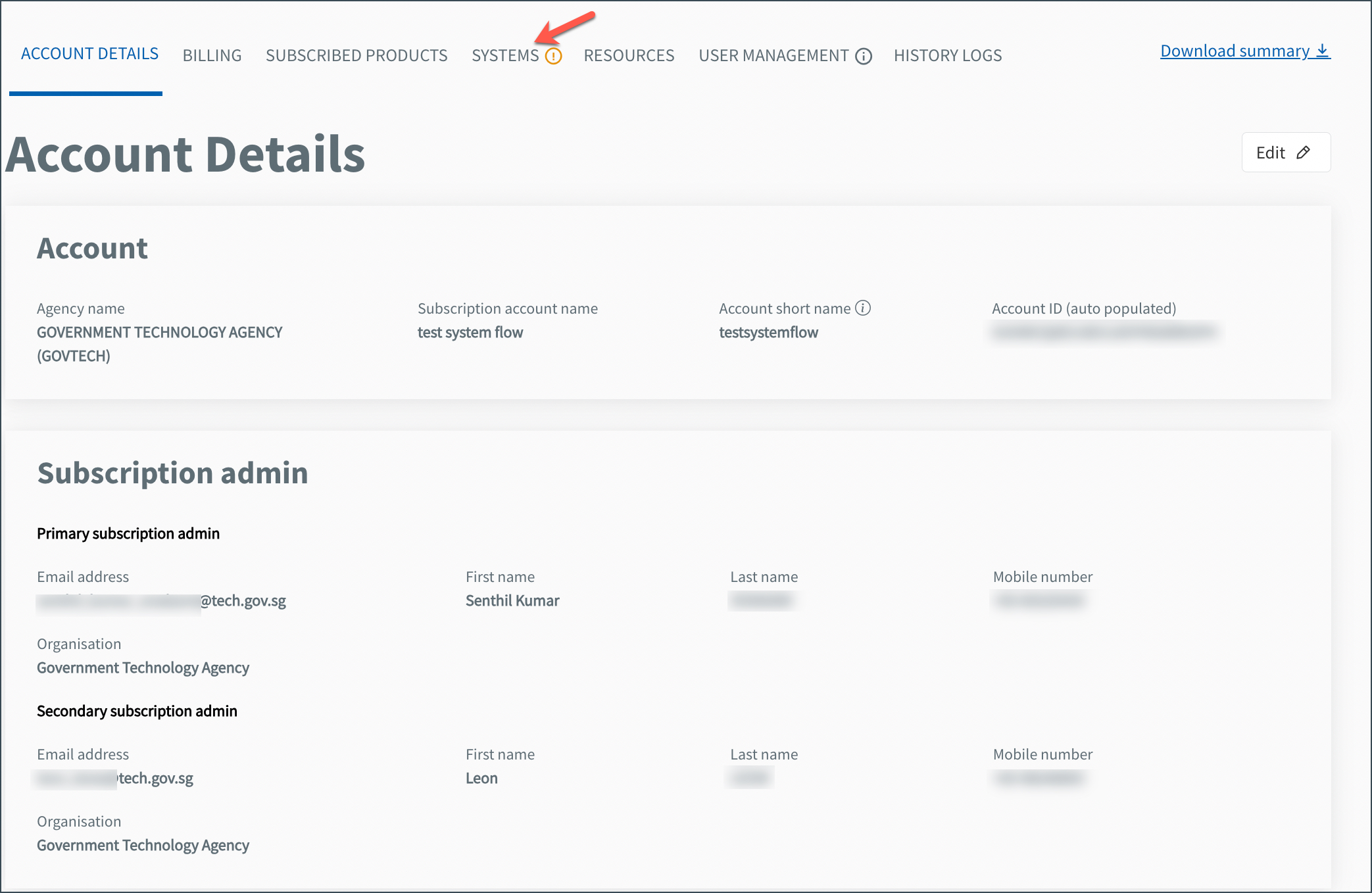
Existing systems, if any, are listed here.
Click Create system.
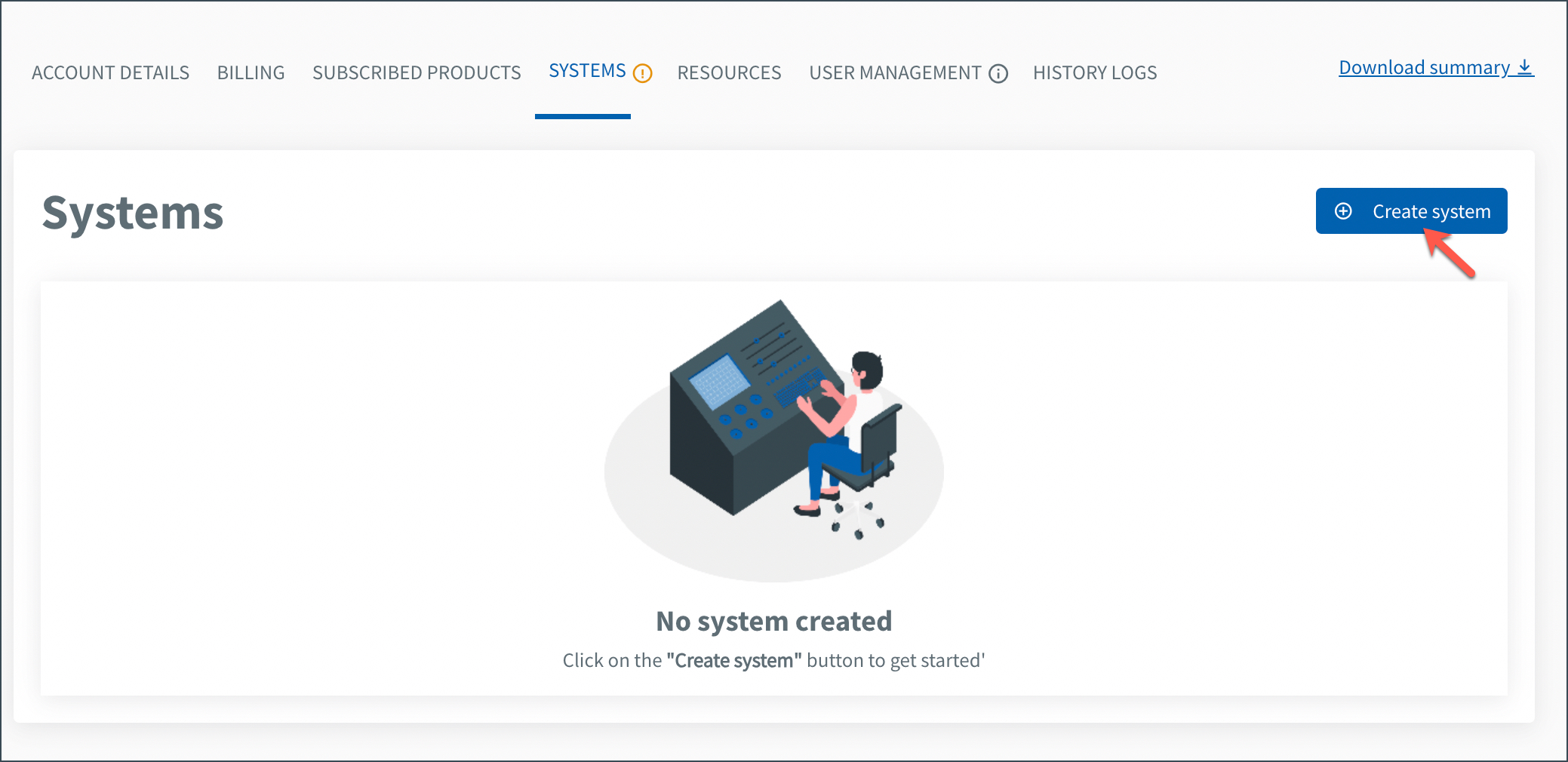
Enter the required details:
Field Description System name Enter a meaningful name for the system. This name is used to identify the system in Console. System description Enter a short description of the system (optional). DGP ID Select whether your system has a DGP ID:
- Yes, I have a DGP ID – Select the agency and DGP subsystem
- No – Select if your system is a POC (proof of concept)
For production systems, a DGP ID is required.Technical admin Enter the organisational email address of the Technical Admin. The details (name and contact number) are auto-populated from TechPass.
You can add up to three Technical Admins.Click Next.
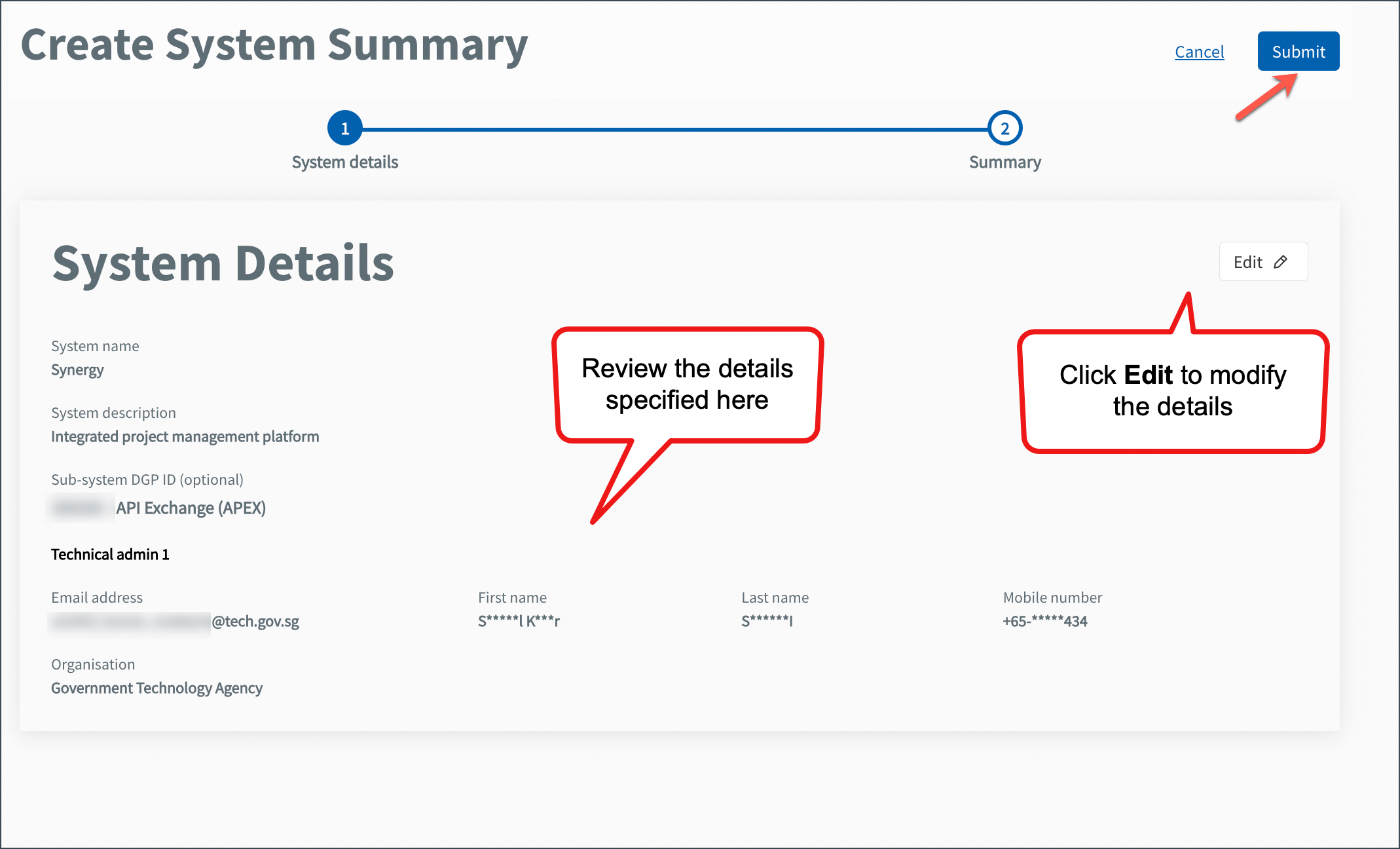
Review the details. Click Edit if you need to make changes.
Click Submit.
A success message appears, and the system is listed under the SYSTEMS tab.
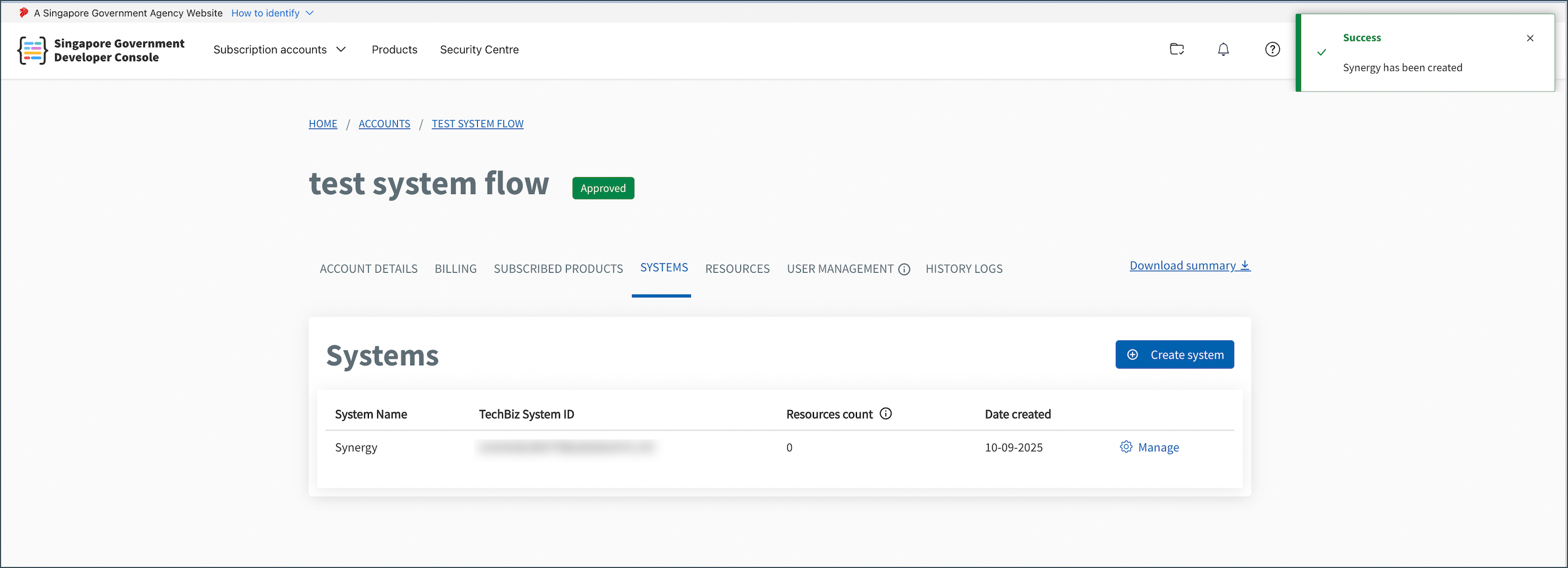
The system is created successfully. The system appears under the SYSTEMS tab.
