View systems
Subscription Admins (SAs) and Technical Admins (TAs) can view systems in a subscription account.
Use this topic to view existing systems and their details before creating SHIP-HATS projects or configuring tools.
Steps
Log in to Console.
Go to the required subscription account.
For detailed steps, see View subscription accounts.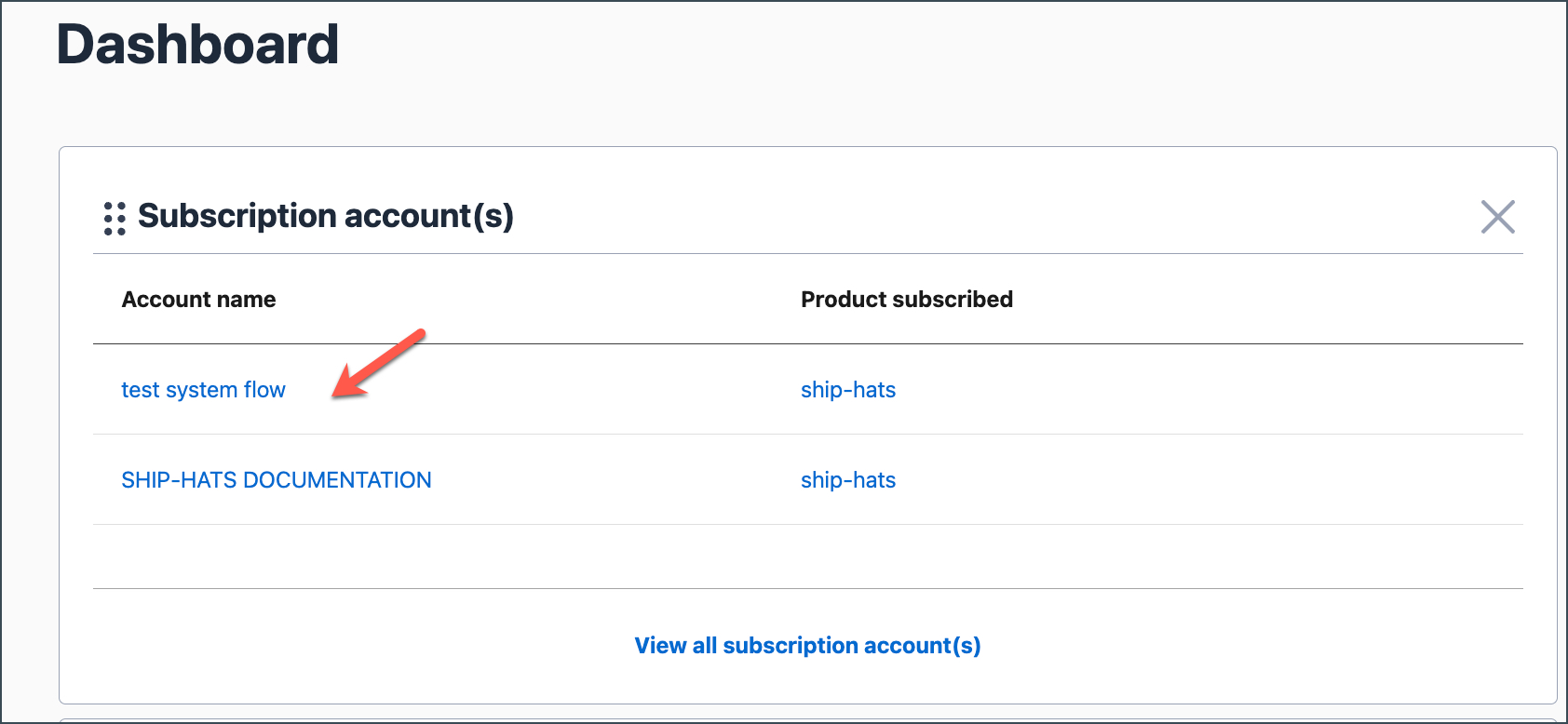
Go to the SYSTEMS tab.
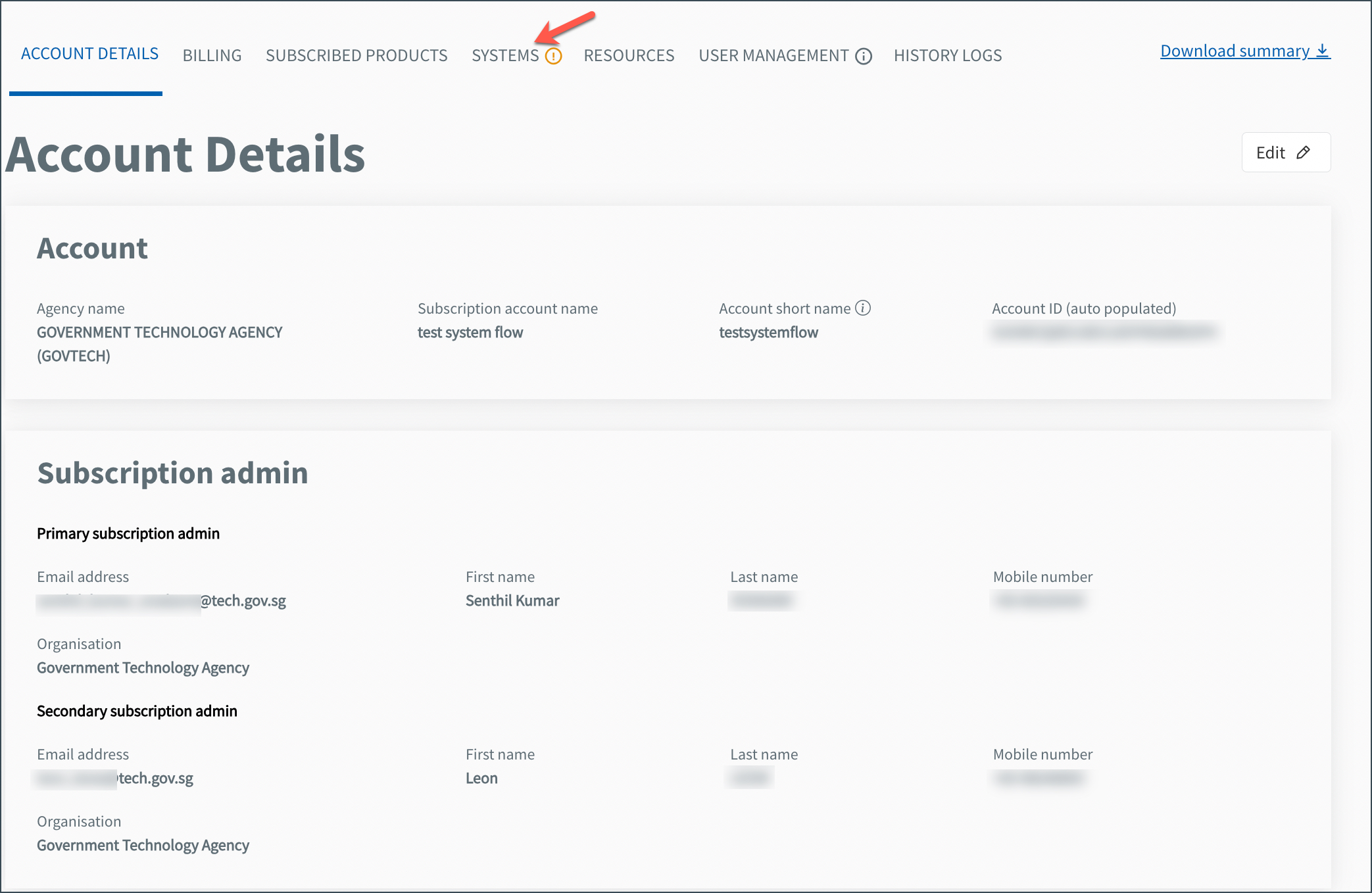
Existing systems are listed with their details, including:
- System name
- Description
- Assigned Technical Admins
