Automated threat detection through SIEM
The StackOps Innersource base rules contains a subset of rules for threat detection.
The process of threat detection constantly changes, especially as the threat landscape evolves and new threats arise. While we might not be able to protect our systems from every single threat, we can learn from every security incident and ensure our systems bounce back quickly. One way of doing this is to leverage StackOps’ threat intel feature, which uses Indicators of Compromise (IoCs).
What are IoCs?
IoCs are behaviours or data that tell you that a breach or cyberattack has happened within your system. The presence of IoCs mean that there are vulnerabilities that you need to address. IoCs can help you analyse past security events and identify patterns or behaviours for future threat detection.
With IoCs, you can identify:
- When there is an anomaly in your environment.
- Evidence that supports the anomaly.
- The root cause.
To learn more about IoCs, refer to these links:
- Fortinet - IoCs
- Cisco - What are IoCs?
Using IoCs in StackOps Elastic
Leveraging Elastic’s Threat Intel feature, StackOps has developed a set of SIEM rules that automates the IoC threat detection for you. With this set of SIEM rules, you will be alerted if an IoC is detected.
How it works
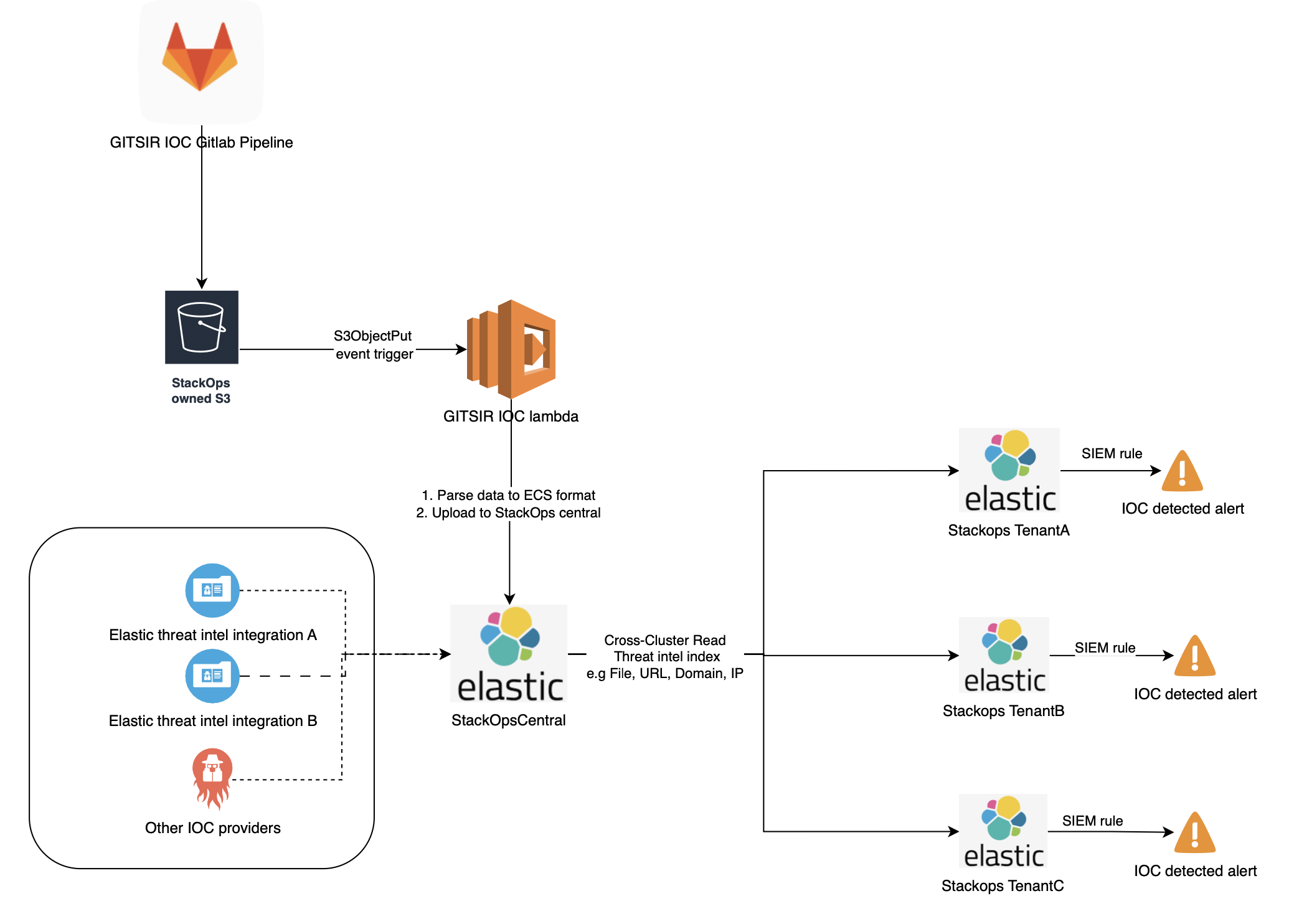
This process is triggered when a new IoC list is published on the GITSIR list repository.
The process is summarised below:
Auto download the latest GITSIR IoC list to StackOps S3 bucket: Retrieves the latest IoC list and pushes it to the S3 bucket owned by StackOps.
Parse file to StackOps ECS format: Uses lambda to convert the IoC list to ECS format with defined IoC mappings.
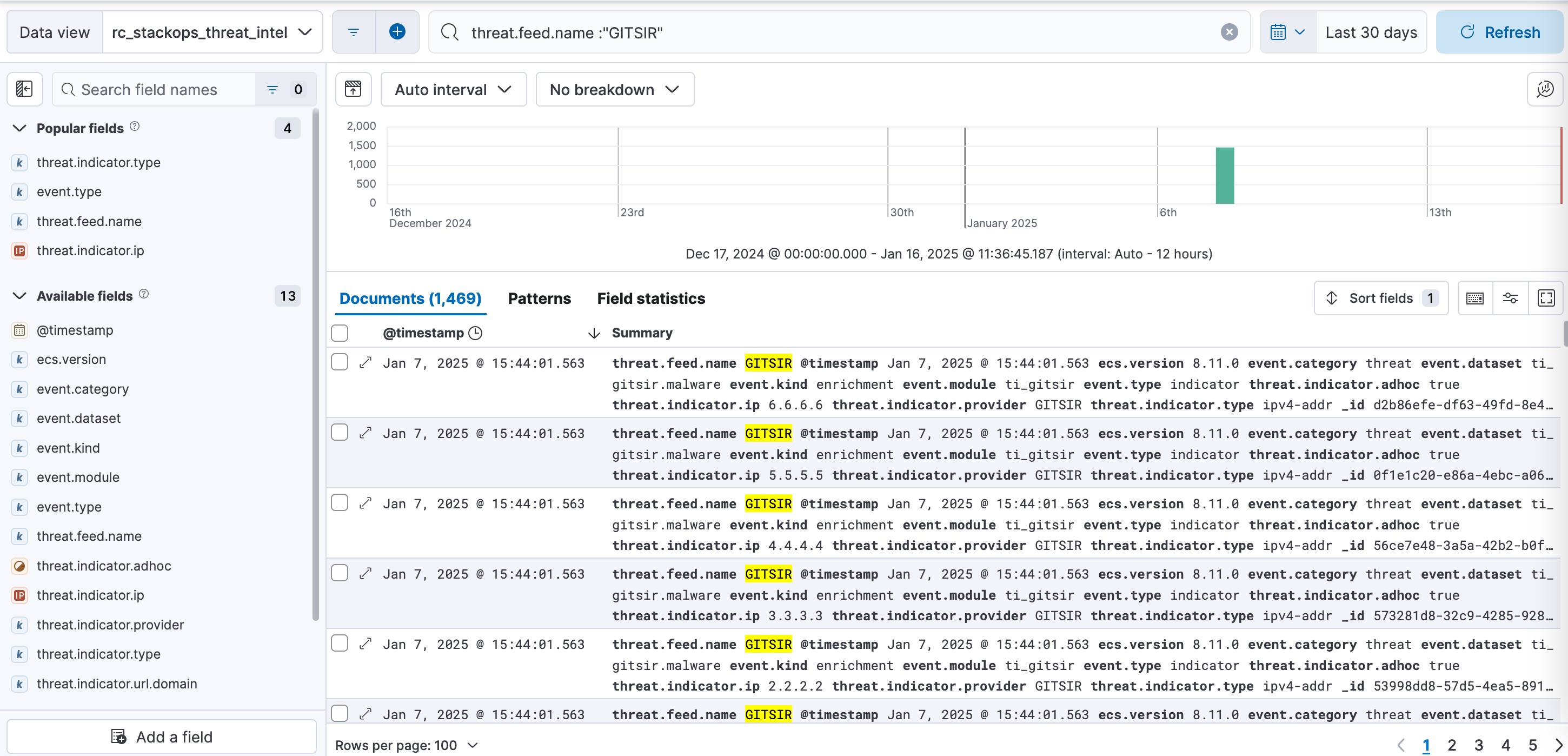
Field Type Description @timestamp date Timestamp of data ingested. ecs.version keyword Mandatory for ECS formatting. event.category keyword Value is always threat. This is used in dashboarding.event.dataset keyword Value is ti_gitsir.malware.event.kind keyword Value is always enrichment.event.module keyword Value is always ti_gitsir. This is used in dashboarding.event.type keyword Value is always indicator. This is used in dashboarding.threat.indicator.ip ip IP address from the GITSIR IoC list. threat.indicator.type keyword Value is either ipv4-addrordomain-name.threat.indicator.url.domain keyword Domain name from the GITSIR IoC list. threat.indicator.provider keyword Value is GITSIR.threat.indicator.adhoc boolean True or false, indicates whether the data source is adhoc or routine.
Adhoc threats originte from unplanned scans, outside of routine scans, to analyse a new list of malicious IP addresses.threat.feed.name keyword Provider is always GITISR. This is used in dashboarding.Compare and upload to StackOpsCentral monitoring cluster: Threat intelligence SIEM rules identify IoC matches by comparing existing logs with the last 30 days of IoCs from central malware indices aggregrated from the agency’s past logs. These scans run every 2 hours.
For GITSIR routine IoCs, the IoC and timestamp is always updated to the latest scan timestamp whenever the GitLab ingestion pipeline is triggered, as these IoCs are continuously active.
For GITSIR adhoc IoCs, the IoC timestamp is not updated as these IoCs are not active at all times. Consequently, adhoc IoCs are excluded from scans 30 days after ingestion.
Cross cluster read with StackOps baseline: With StackOps’ baseline, tenants are able to read threat intel indices across clusters from the StackOps Central monitoring cluster through a pre-defined data view.
Propogate custom SIEM rules to tenants: Custom threat intel rules are pushed to StackOps Elastic tenants.
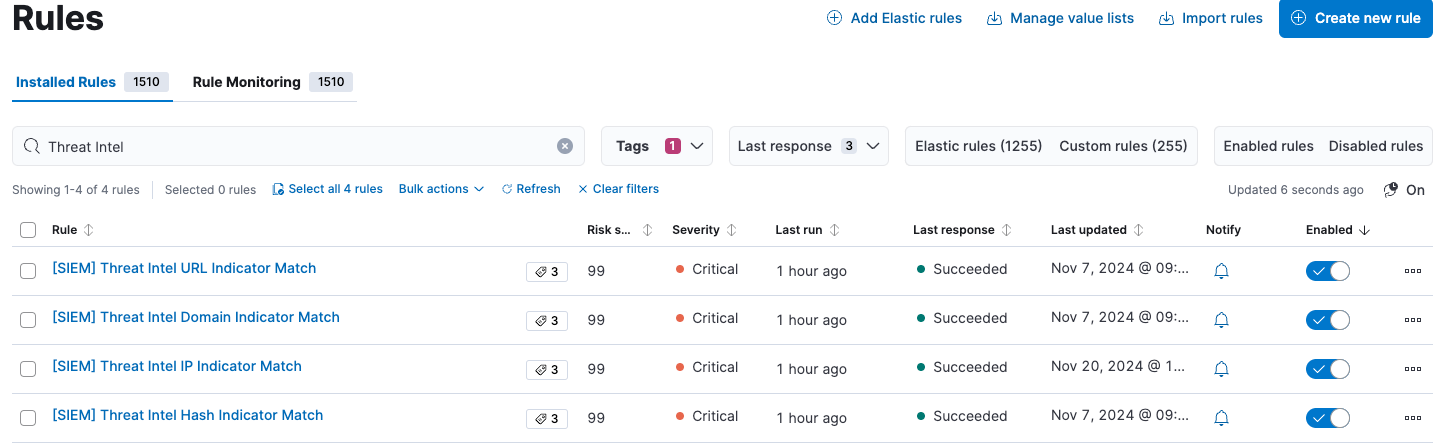
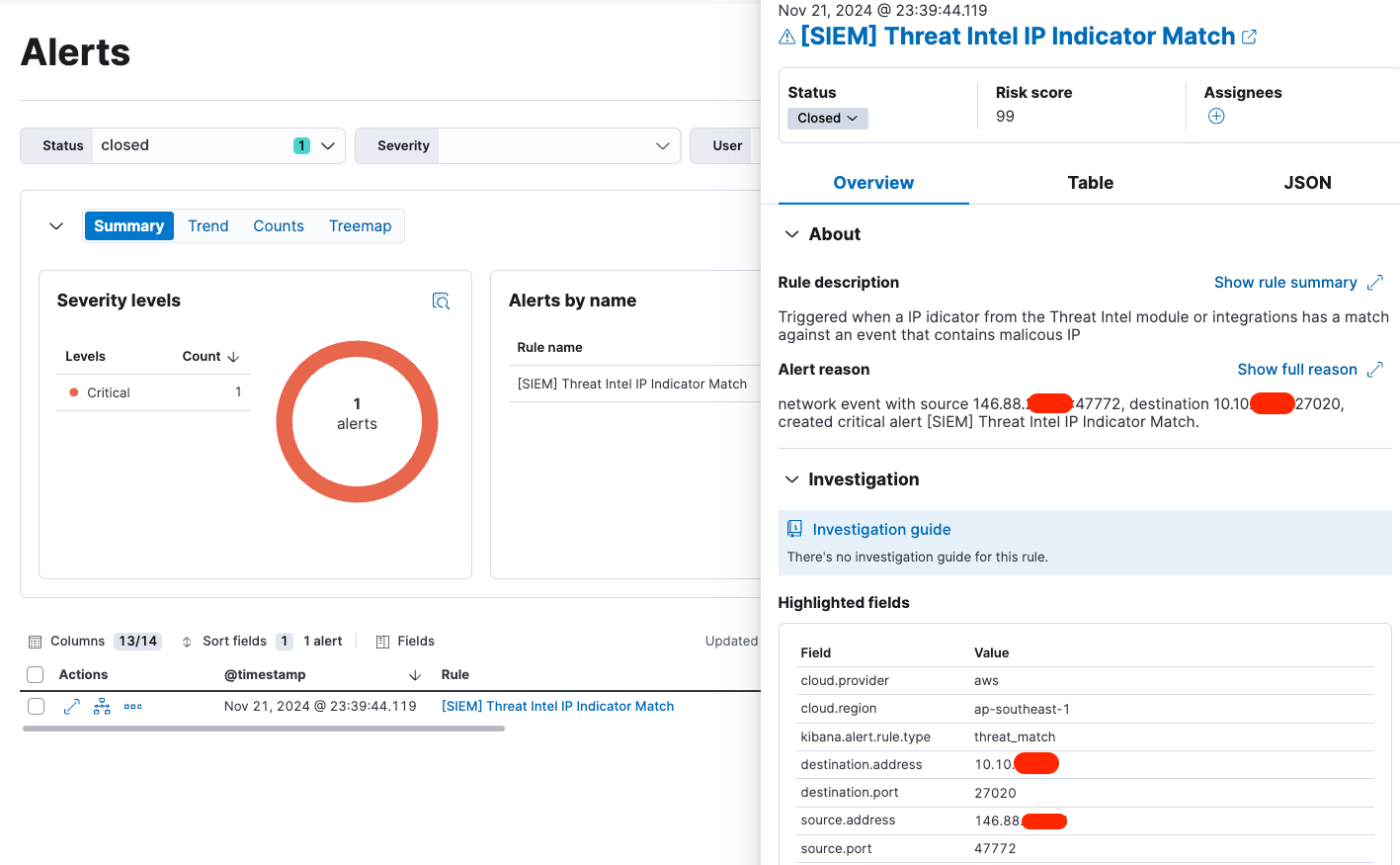
Check for IoC and alert tenants: The custom threat intel rules will continuously run to find IoC matches. If a match is found, tenants will be alerted.
The Threat Intel dashboard is available on Innersource, which allows you to import IoC lists manually.
How to view threat intel data
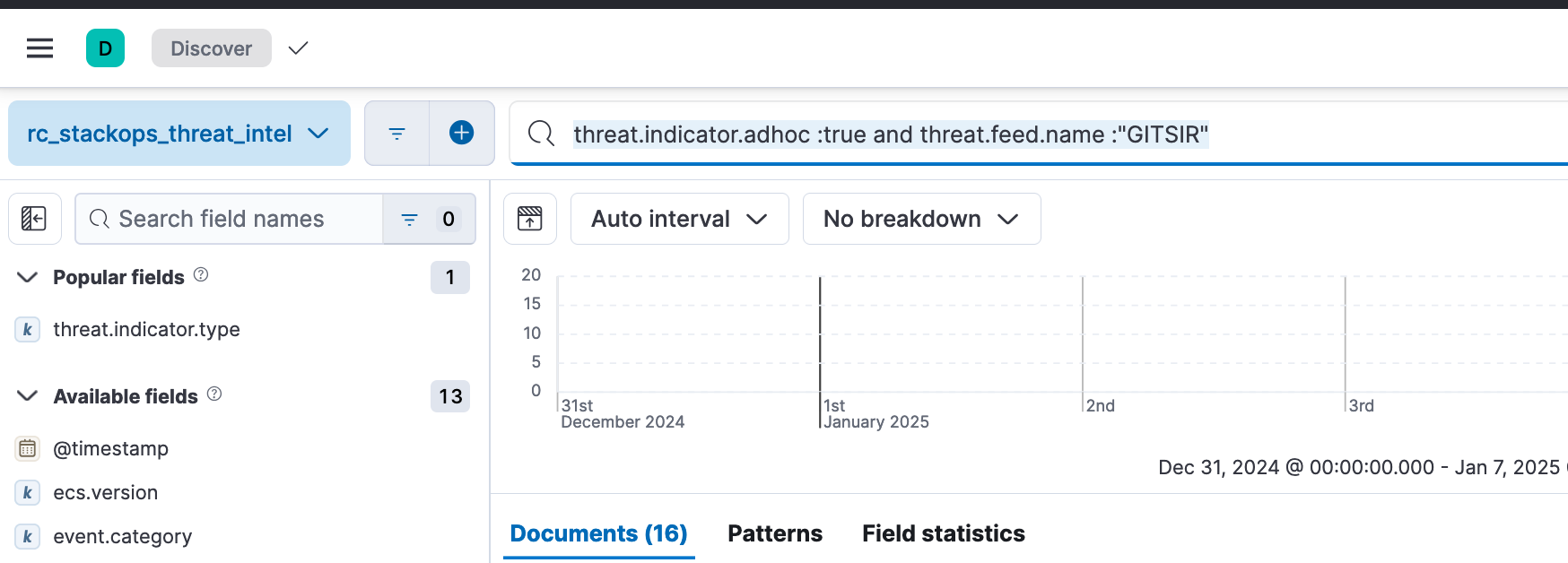
Use the StackOps pre-defined data view rc_stackops_threat_intel to view threat intel IoC data. You can use threat.indicator.adhoc field to determine whether the IoC source is from a routine job or adhoc ingestions.