AWS CloudTrail integration for Elastic Agent
The AWS CloudTrail integration enables you to collect AWS account activity logs. For more information, refer to Elastic documentation.
Before you begin
Ensure that you have already set up the following resources:
- A StackOps Elastic deployment with its Kibana URL.
- A whitelisted VPC Endpoint between your AWS VPC and StackOps deployment.
- CloudTrail logs that are piped to an S3 Bucket or SQS Queue.
- Elastic Agent installed on your AWS infrastructure.
Adding AWS CloudTrail integration
Pre-requisites:
- S3 Bucket ARN or SQS Queue URL
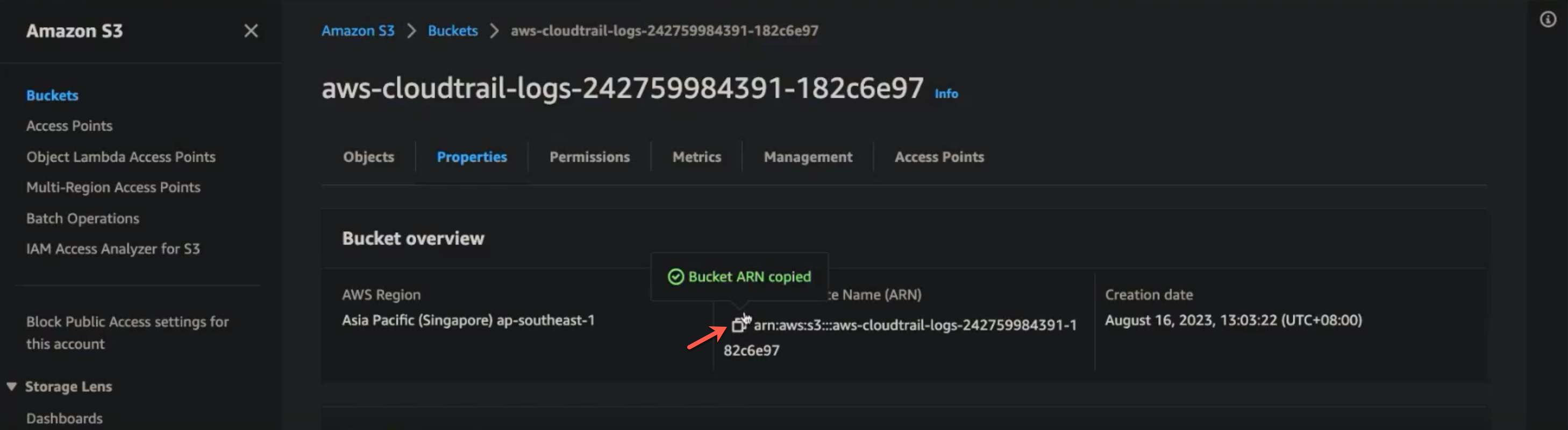
To add AWS CloudTrail:
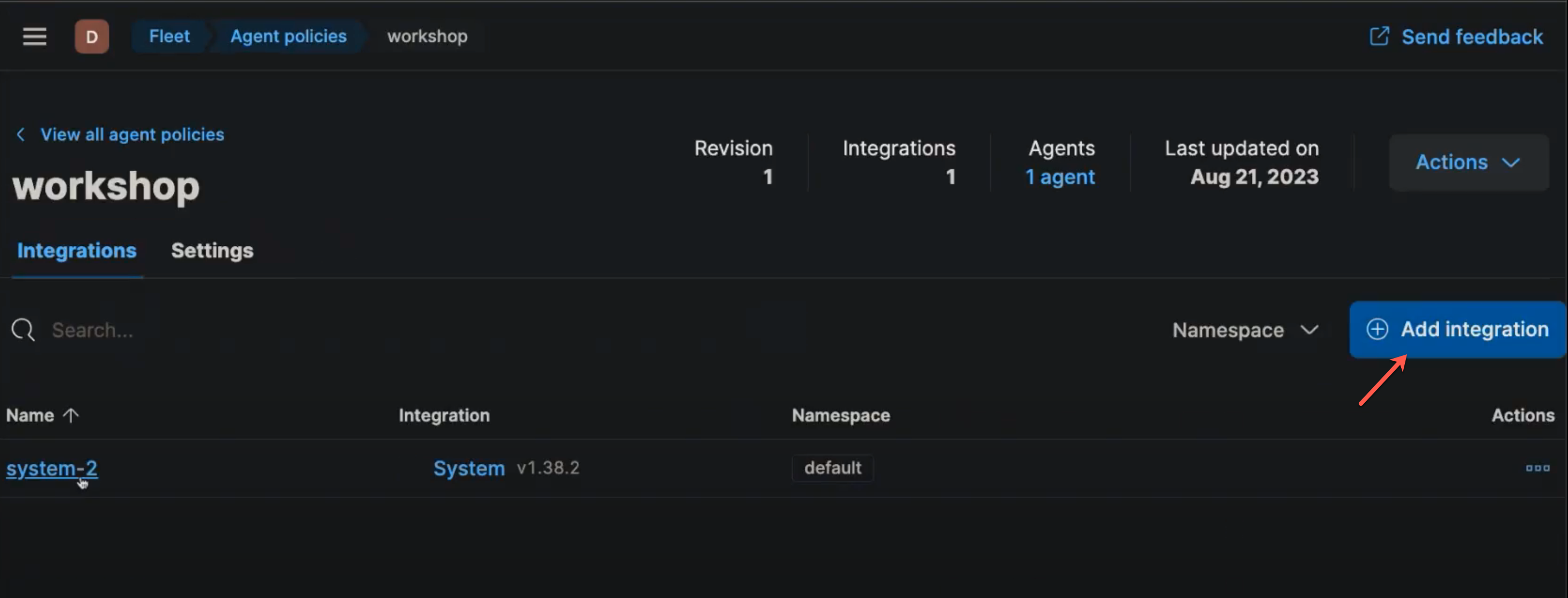
In Kibana, go to Management > Fleet.
Select Agent policies.
Select the policy that you want to add the integration to.
Select Add integration.
Search for and select
AWS CloudTrail.Select Add AWS CloudTrail to enable the integration.
In Integration settings, provide the following details:
- Enter a Name and Description.
- Under Advanced options, enter
ap-southeast-1for Default AWS Region. - (Optional) Specify Role ARN.
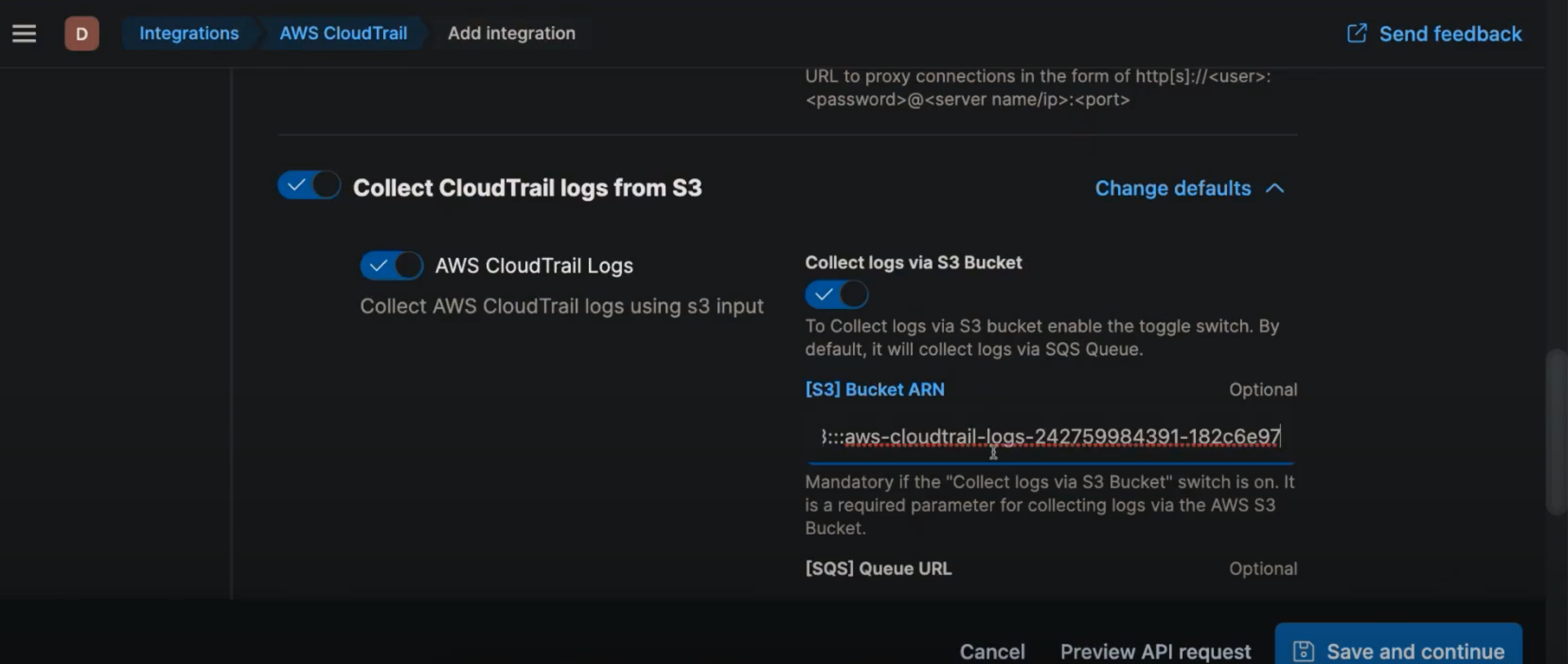
In Collect CloudTrail logs from S3, provide the following details:
- If using S3 Bucket:
- Switch on Collect logs via S3 Bucket.
- Enter the [S3] Bucket ARN.
- If required, specify other configuration settings in Advanced options.
- If using SQS Queue (recommended if you are using multiple Elastic Agents):
- Enter the [SQS] Queue URL.
- If needed, switch on Preserve original event. Note that this may incur additional cost and storage usage.
- If required, specify other configuration settings in Advanced options.
- If using S3 Bucket:
Select Save and continue, then select Save and deploy changes.
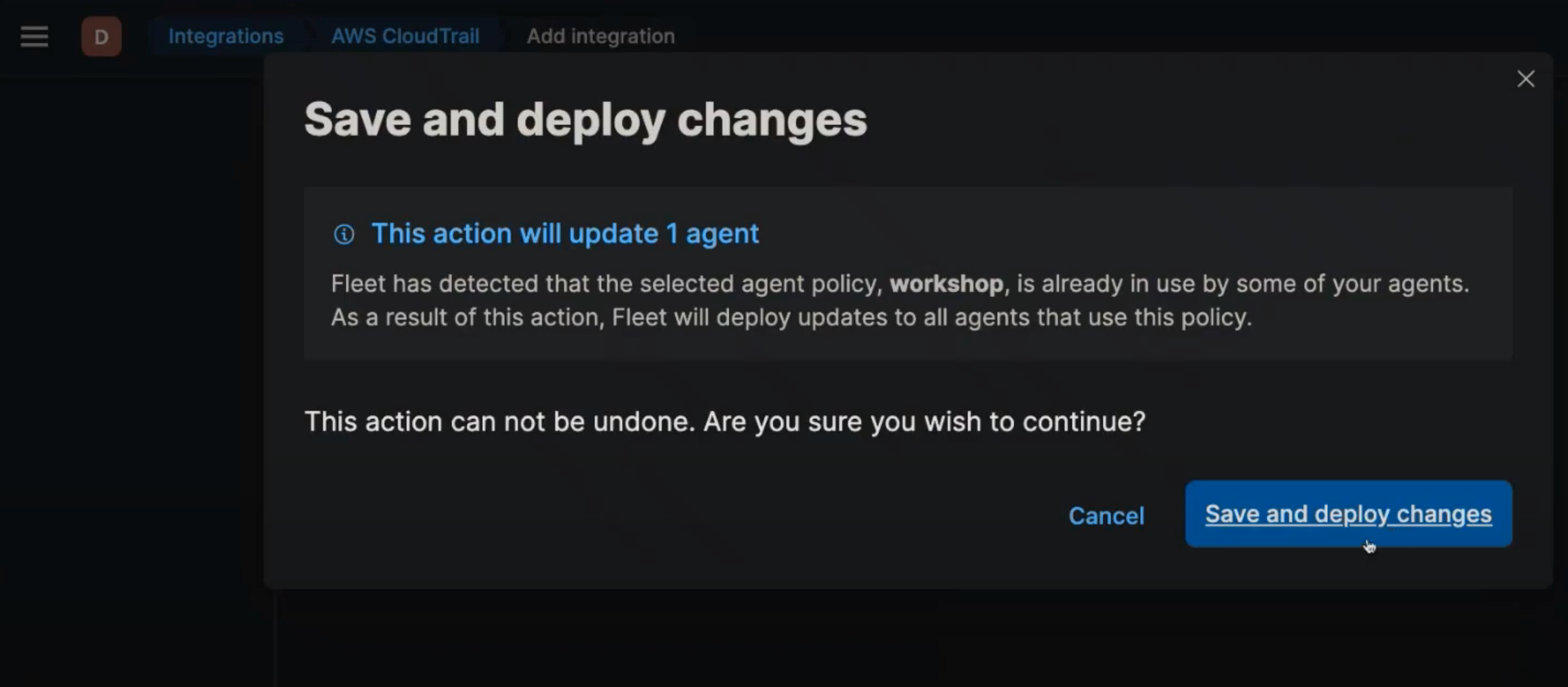
By default, the integration will be deployed to all agents attached to this policy.
Verifying the setup
To verify that the logs are successfully piped to Elastic:
- In Kibana, go to Analytics > Discover.
- Select
logs-*in the data view and search forevent.dataset : aws*to view the CloudTrail logs.
For data analysis, you can specify the time period to read the historical data. We recommend using Last 7 days.
Troubleshooting
If you are unable to receive the CloudTrail data, check that you have set up the integration correctly in the steps above. Otherwise, check the agent diagnostics in Fleet:
- In Kibana, go to Management > Fleet .
- Select an agent that has the CloudTrail integration.
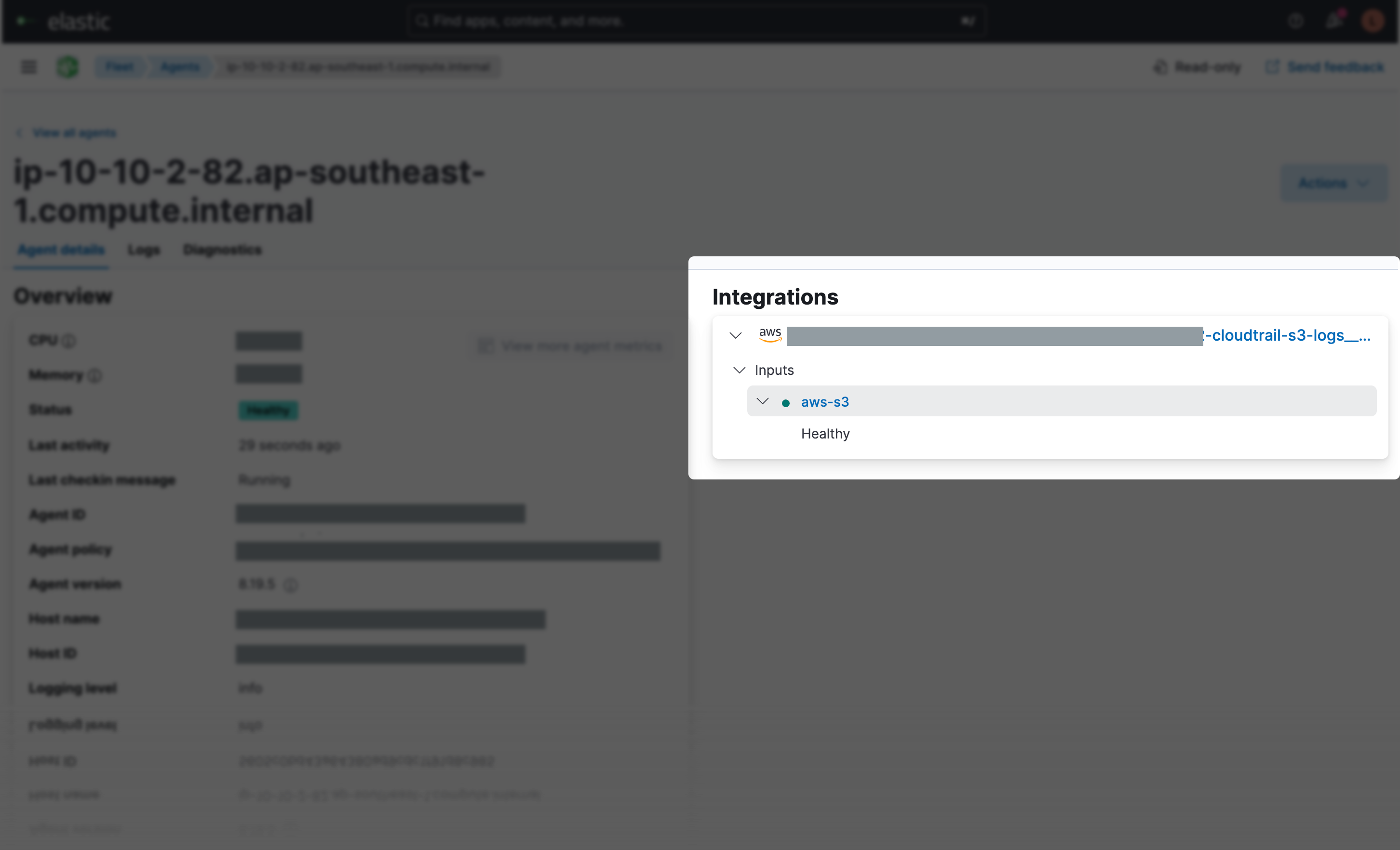
- Under Integrations, select the CloudTrail integration, then select Inputs to view the diagnostic status.