Using the AI Assistant
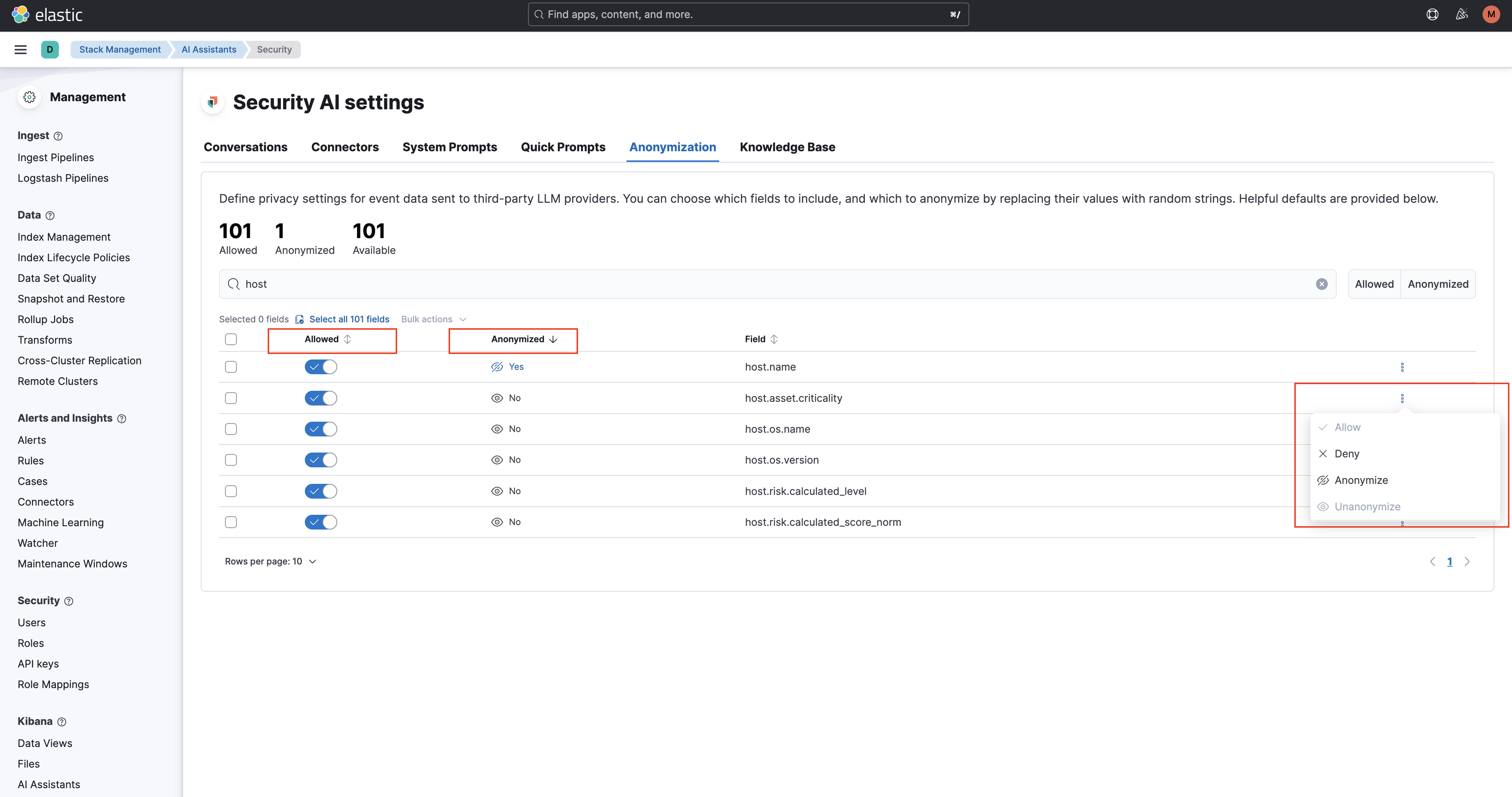
The AI Assistant is designed to make your data easier to understand, analyse, and work with in StackOps Elastic. By default, StackOps provides baseline settings for the AI Assistant in the Default Kibana space, improving its safety, reliability, and ease of adoption. The baseline settings include the following:
- Observability AI Assistant anonymisation rules.
- Security AI Assistant anonymisation fields.
- Security AI Assistant system prompt to guide AI responses in alignment with intended security-assistant usage and operational expectations.
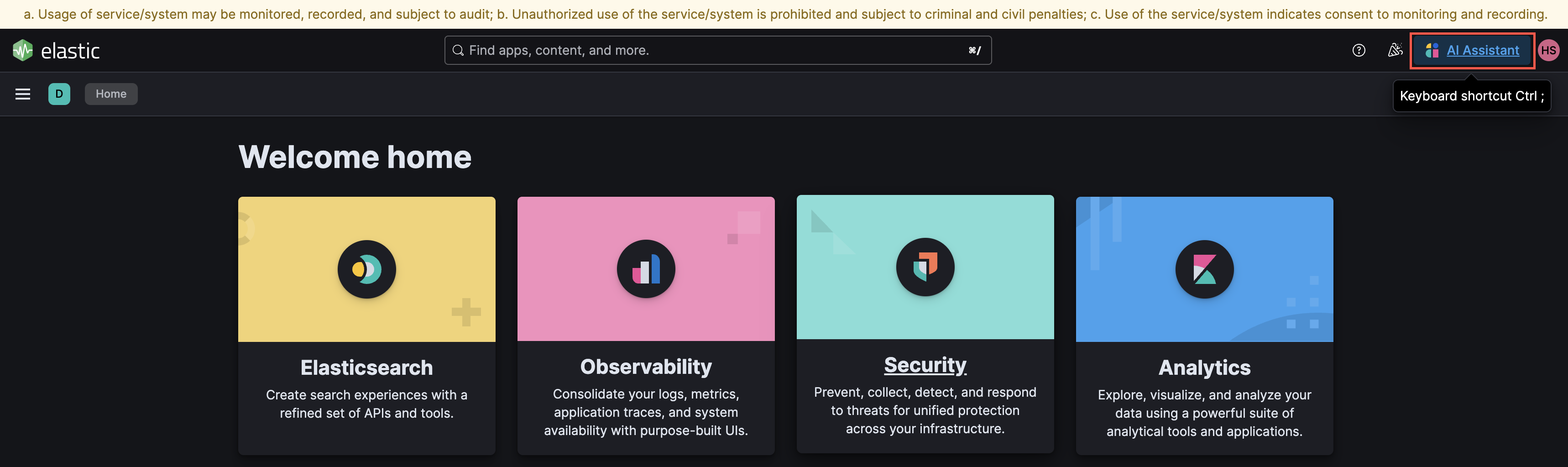
- Shortcut to the AI Assistant.
Getting started
You can begin using the AI Assistant by default without any setup required. The default LLM connector provided in the AI Assistant is Elastic Managed LLM, which will incur additional costs.
You can also bring your own LLM for the AI Assistant at your own cost. For more details on setting up an LLM connector, refer to Set up LLMs for AI capabilities
Chatting with AI Assistant
You can chat directly with the AI Assistant to ask questions about your instance or services. The assistant can provide explanations, run searches, and generate visualisations based on your data.
In Kibana, click on Open the AI Assistant button in the right-top corner.

This opens the AI Assistant flyout, where you can ask the assistant questions about your instance or services.
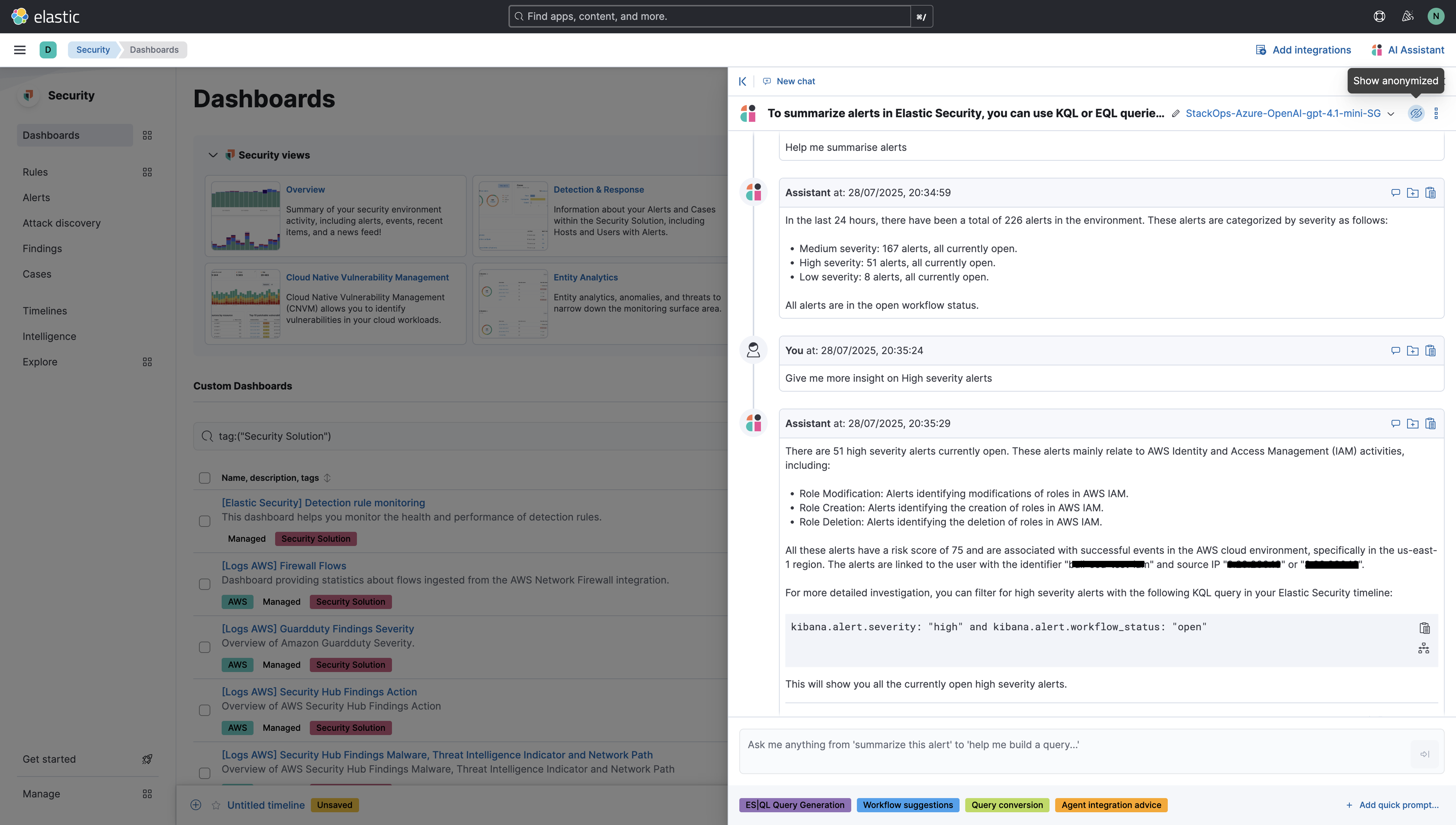
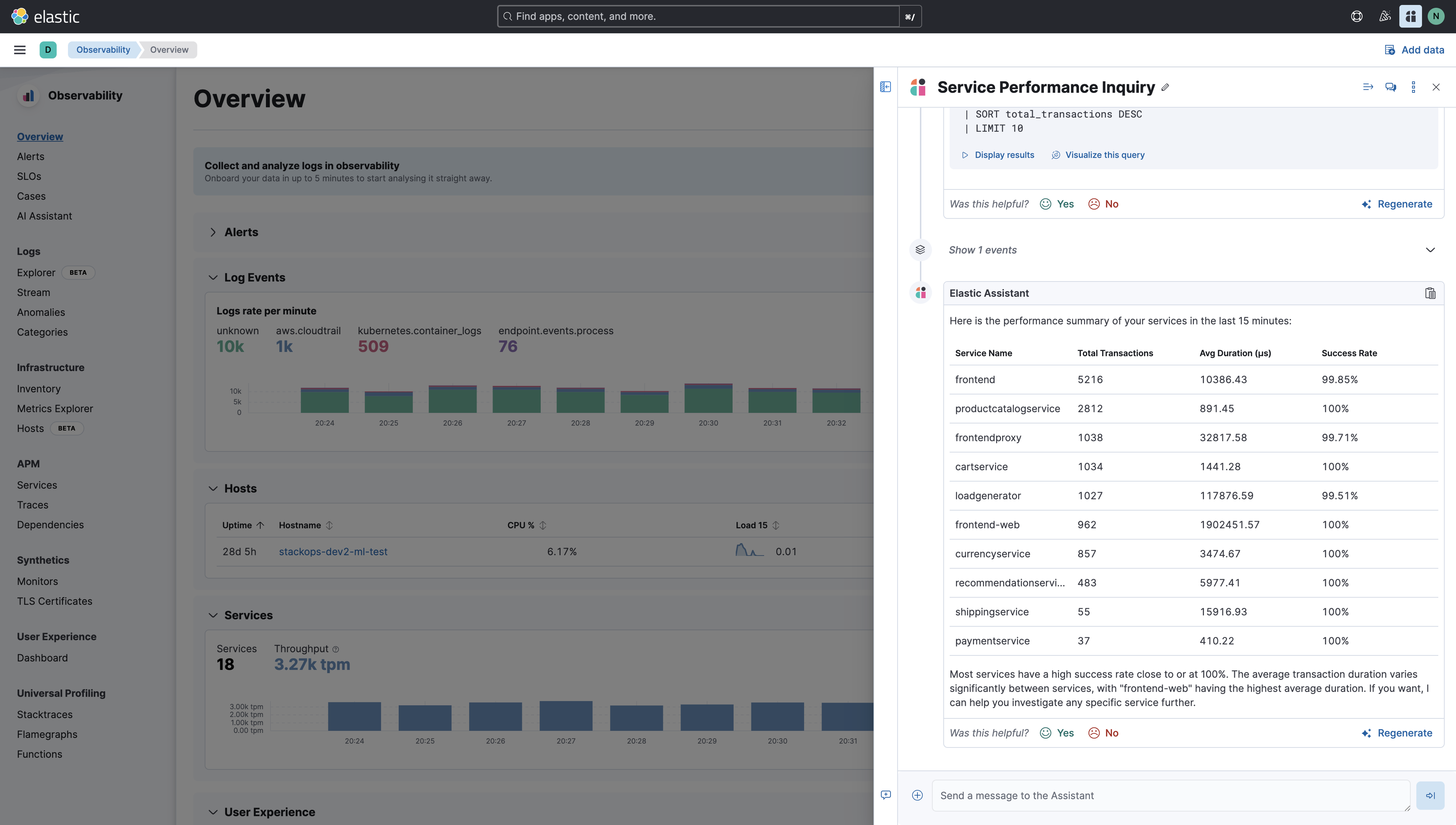
- The assistant uses function calling to interact with third-party generative AI providers.
- This allows it to perform searches and run advanced functions on your data.
- All searches run by the Observability AI Assistant use the same permissions as the logged-in user, ensuring results are consistent with your access rights.
For more information, refer to Elastic Documentation.
AI Assistant Anonymisation
Anonymisation helps to mask sensitive information or personally identifiable data before chat messages leave Kibana for a third-party LLM. Anonymisation rules substitute deterministic tokens (for example, EMAIL_ee4587) so the model can maintain context without ever seeing the real value.
How Anonymisation works
When an Anonymisation rule is enabled in the AI Assistant Settings, every message in the request (system prompt, message content, function call arguments/responses) is run through an Anonymisation pipeline before it leaves Kibana.
Each enabled rule scans the text and replaces any match with a deterministic token such as
EMAIL_ee4587b4ba681e38996a1b716facbf375786bff7. The prefix (EMAIL,PER,LOC, …) is the entity class; the suffix is a deterministic hash of the original value.The fully masked conversation is sent to the LLM.
After the LLM responds, the original values are restored, so the user sees deanonymised text and any persisted conversation history stores the original content. Deanonymisation information is stored with the conversation messages to enable the UI to highlight anonymised content.