Release Management
Releases provide a versioned snapshot of the project, capturing the most recent published decisions, workflows and test suites. This enables users to make production endpoint calls of different version releases.
When click on Create Release button, a new release named release/<x.0.0> is created, with <x> representing an incremental version number.
Creating a Release
- Navigate to Project Release by clicking the following icon:
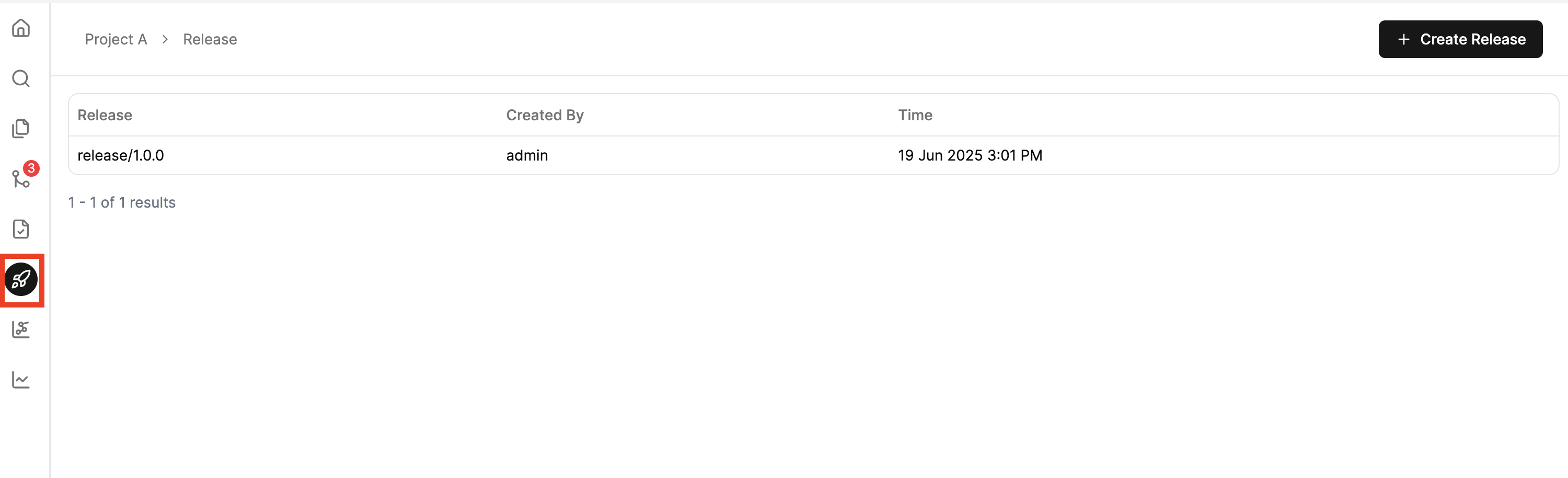
- Click Create Release.
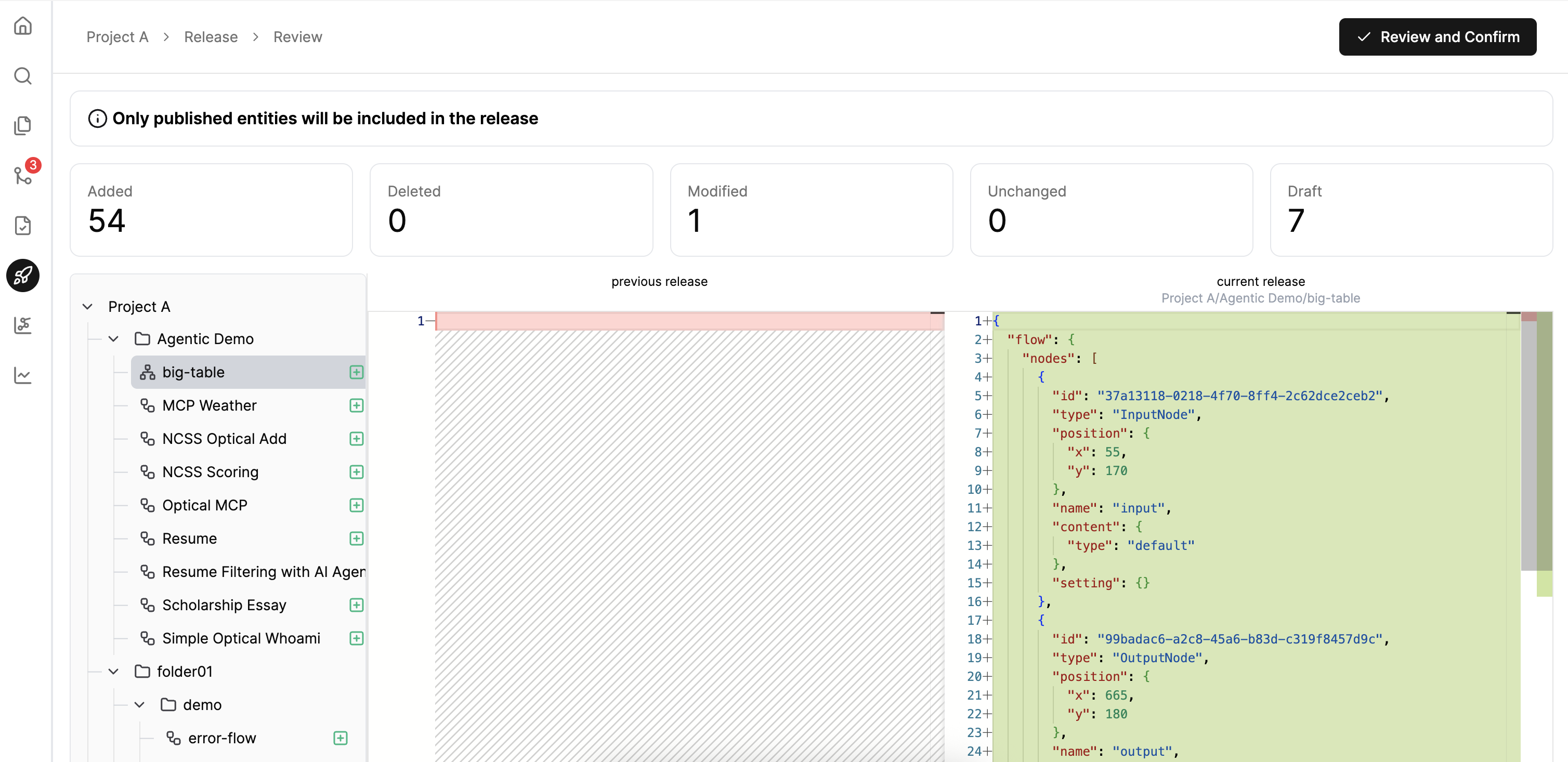
- Review the changes against the previous release.
- Click Review and Confirm
Next Steps
Once a release is created, your workflow or decision becomes accessible via production endpoints of that particular release:
Execution - Execute your workflows and decisions via API. Learn about endpoint configuration, authentication with access tokens, request/response formats, and troubleshooting common issues.
