Quick Start for Administrators
Prerequisites: As you get started with Opus, ensure you have:
- TechPass Account: A valid email address associated with TechPass is required for access
- Machine: Non-SE GSIB/Comet/SEED machines can access our non-public facing Platform.
- Network Requirements: Review the Network Requirements guide for URL whitelisting requirements
This guide will help you get started with Opus as an administrator. Follow these steps to onboard, create your first project, and set up your team.
Step 1: Login to Opus
New to Opus? You no longer need to sign up for a workspace separately. Simply log in and the onboarding flow will walk you through creating your workspace and first project in one go.
- Navigate to the Opus management portal
- Log in via TechPass
- If you do not have a workspace yet, the onboarding flow will guide you to create one. You can also create your first project at the same time during onboarding.
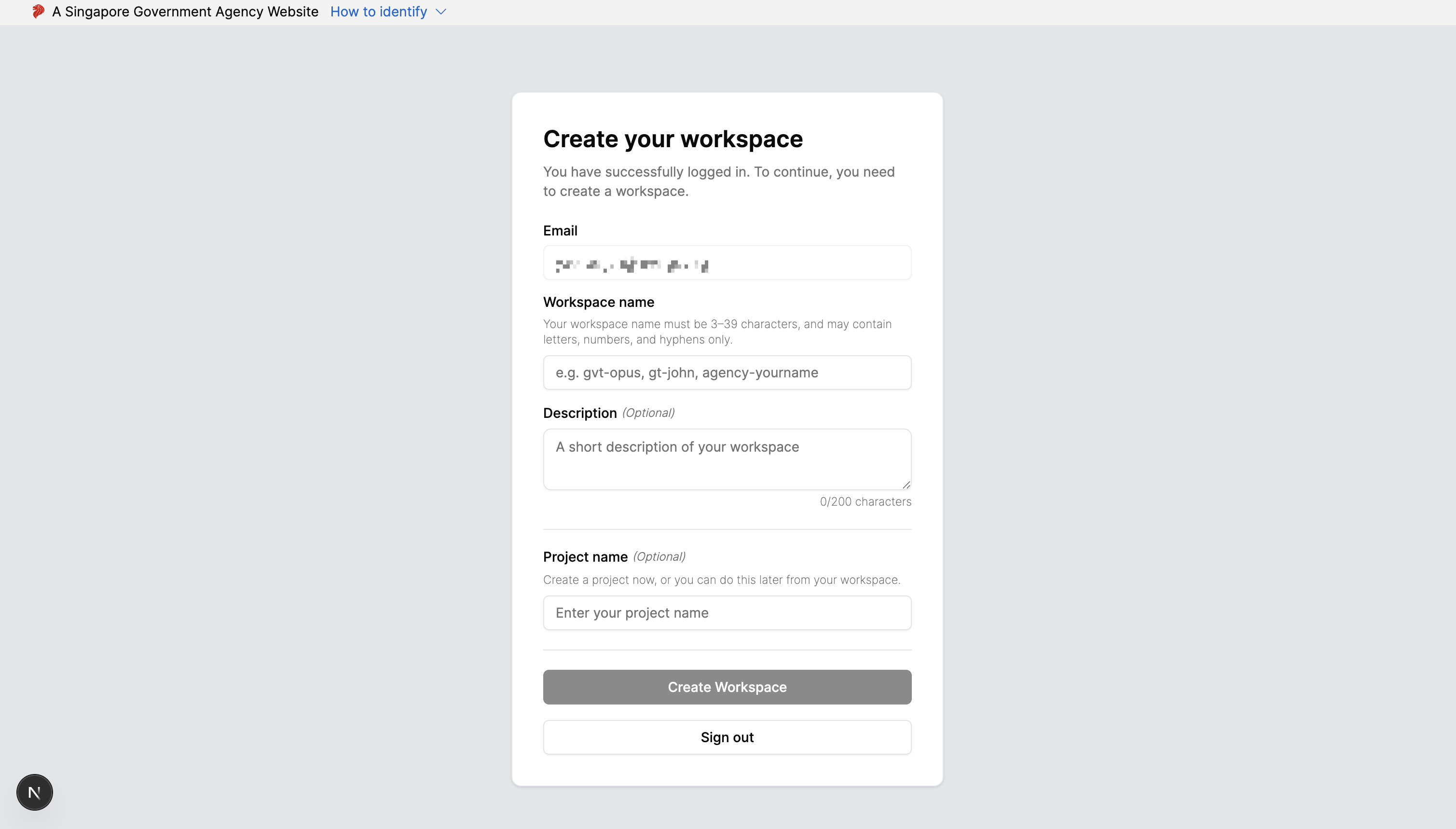
- If you already have a workspace, you will see the dashboard with administrator privileges to create projects and manage users
Step 2: Create Your First Project (if you haven’t already)
If you did not create a project during onboarding, you can create one from the dashboard. Projects organise your workflows and decisions.
Project Management Guide - Learn how to create, update, and delete projects.
Step 3: Invite Your Team
Invite users to your organisation and assign them to projects with appropriate roles (Administrator, Editor, or Viewer).
User Management Guide - Learn how to invite users, manage groups, and assign project permissions.
Next Steps
Now that you’ve set up Opus, you’re ready to start building automations:
- Build Workflows: See the Workflow Overview guide
- Build Decisions: See the Decision Overview guide
- Monitor Usage: See the Plan and Usage guide to track execution usage and understand your plan limits
