Retrieve a document with CorpPass
Use this flow when a document has been issued to a business entity.
Before you begin
You need CorpPass access for the business entity.
If FileSG has not been enabled for your company, ask your CorpPass Administrator to grant access to FileSG.
Steps
- Go to https://www.file.gov.sg.
- Select Log In.
- Select For Businesses.
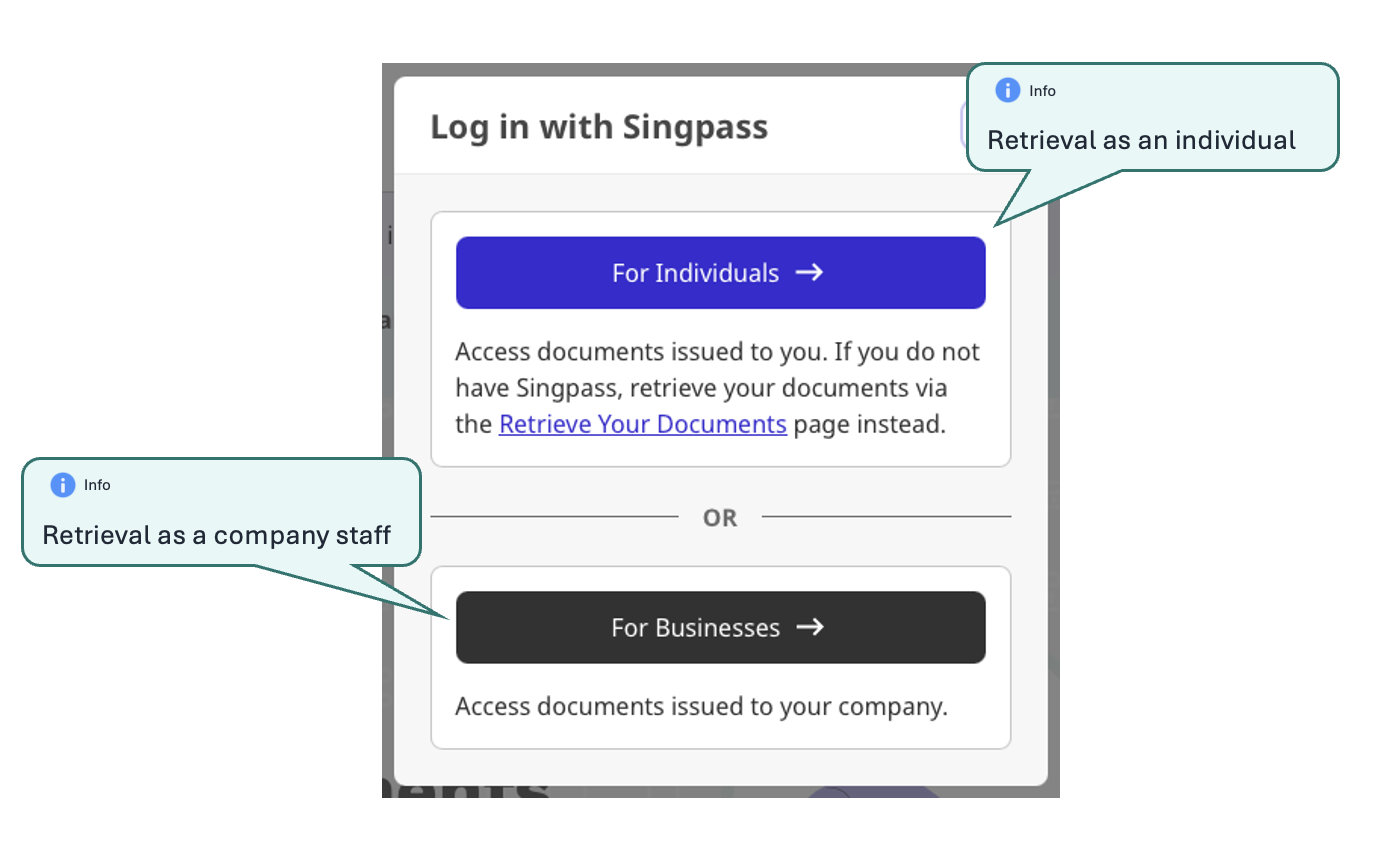
- Log in with CorpPass.
- Select the relevant business/entity when prompted.
- Find and access the document.
