Update your product
After your product is created, you can update your product information at any time.
Prerequisites
- You must have a
tech.gov.sgemail address to access Console - You must be signed in with your TechPass account
- You must be a product admin for the product
Step 1: Log in to Console
- Go to Console
- Switch to Product view from the sidebar
If you do not see the Product view for your account, contact the Console team.

Step 2: Navigate to the update product page
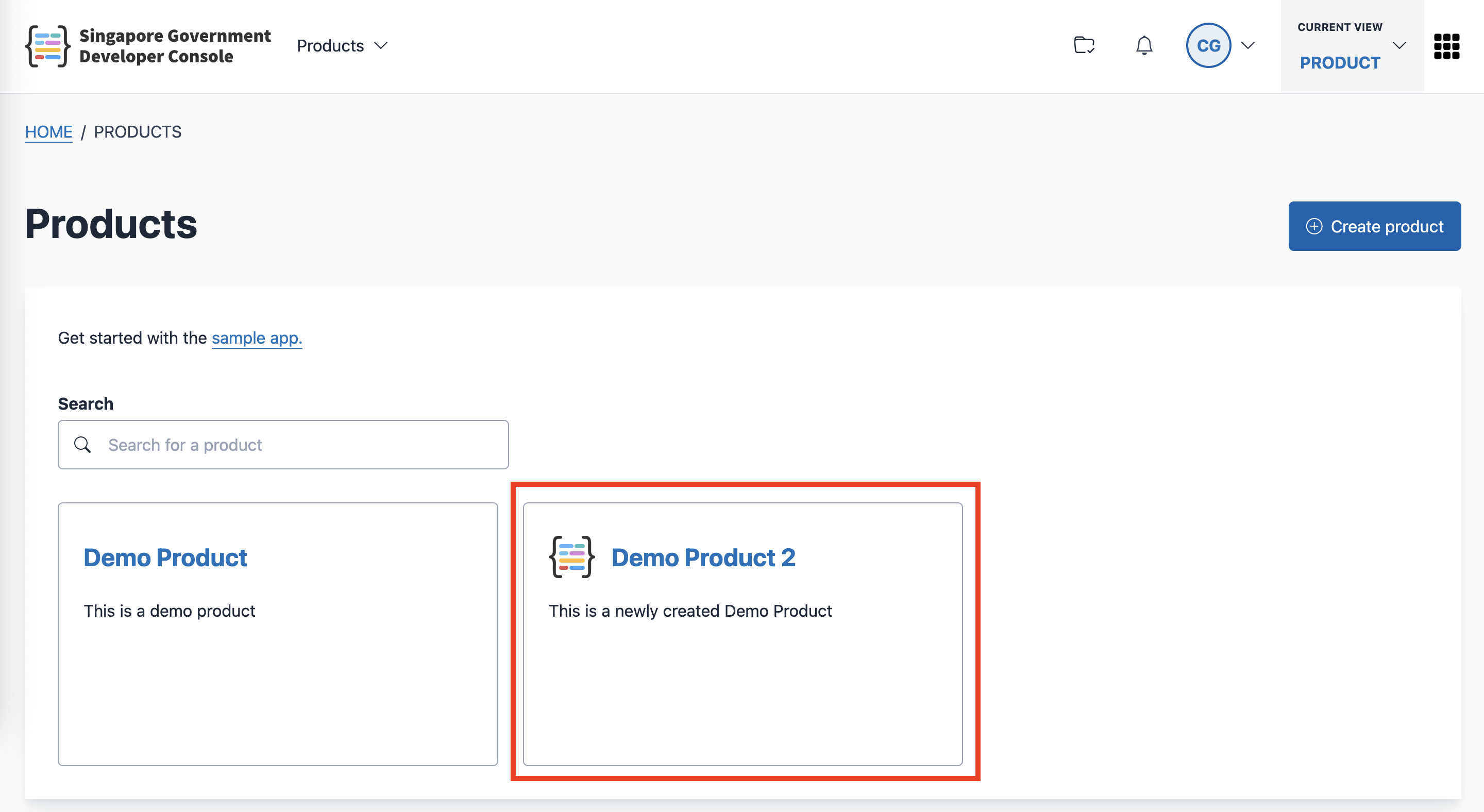
Visit the Products page.
Click the product that you want to update.
Click the Configure button.

Click the Edit button to go to the update product page.
Step 3: Update your product info
- Make changes to your product information as needed.
- View the summary preview of your product info.
- Click Submit to save your changes.
