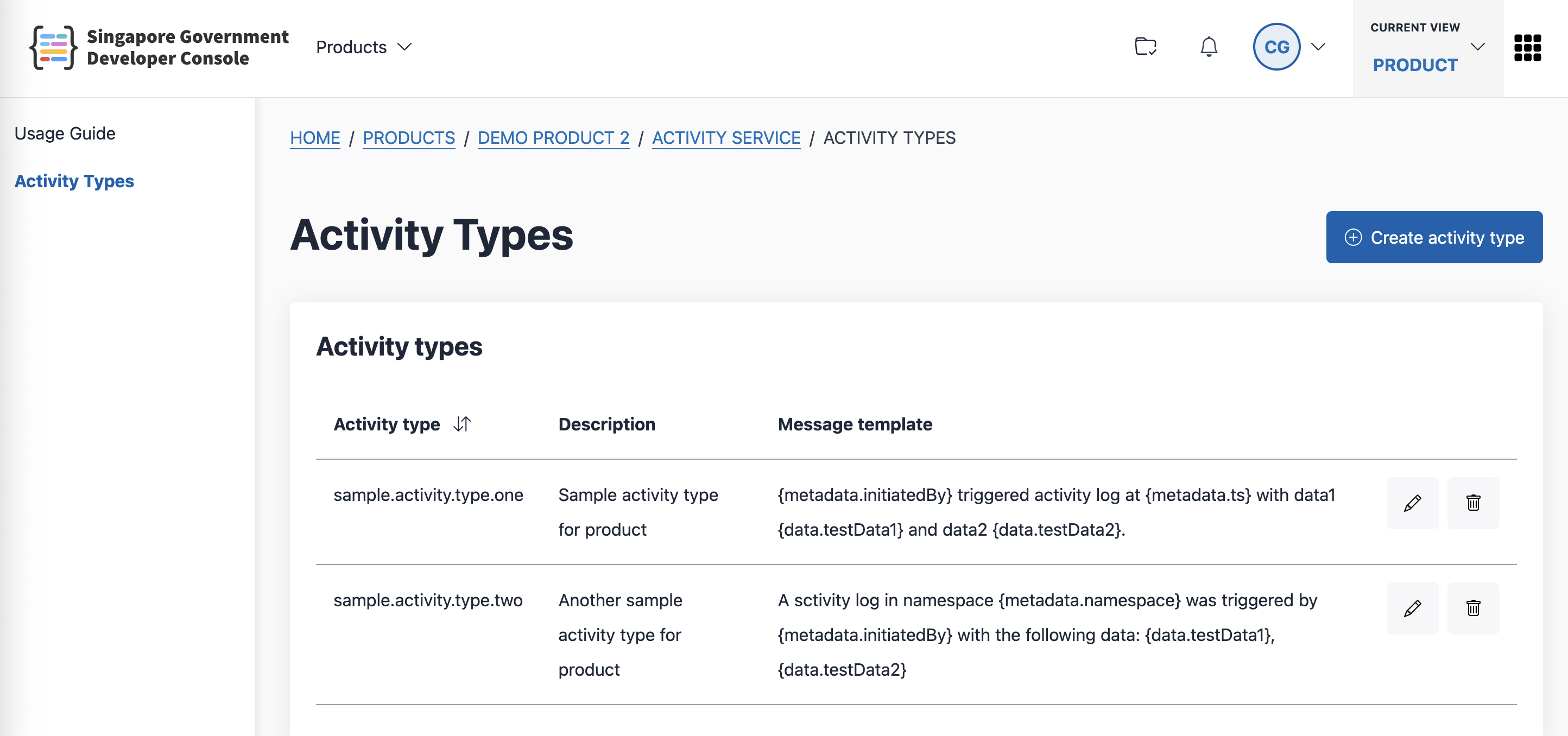
Configure your activity types
If you have not created a product, create a product first. Once your product is created , you can configure the activity types for your product.
Step 1: Log in to Console
- Go to Console
- From the sidebar, switch to Product view. If you do not see the Product Vvew for your account, contact the Console team.

Step 2: Navigate to your Product’s Activity types
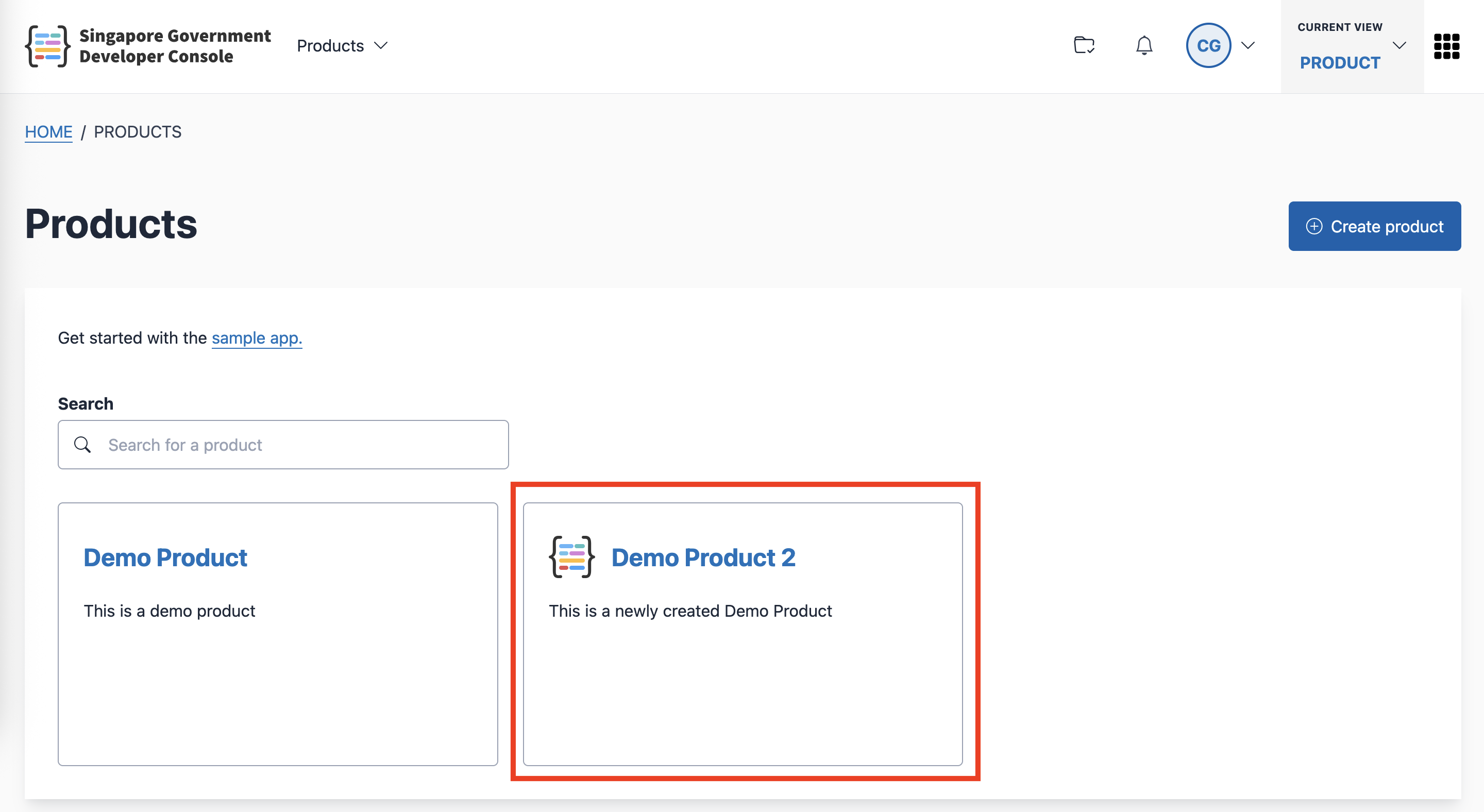
Go to the Products page.
Click the product that you want to update.
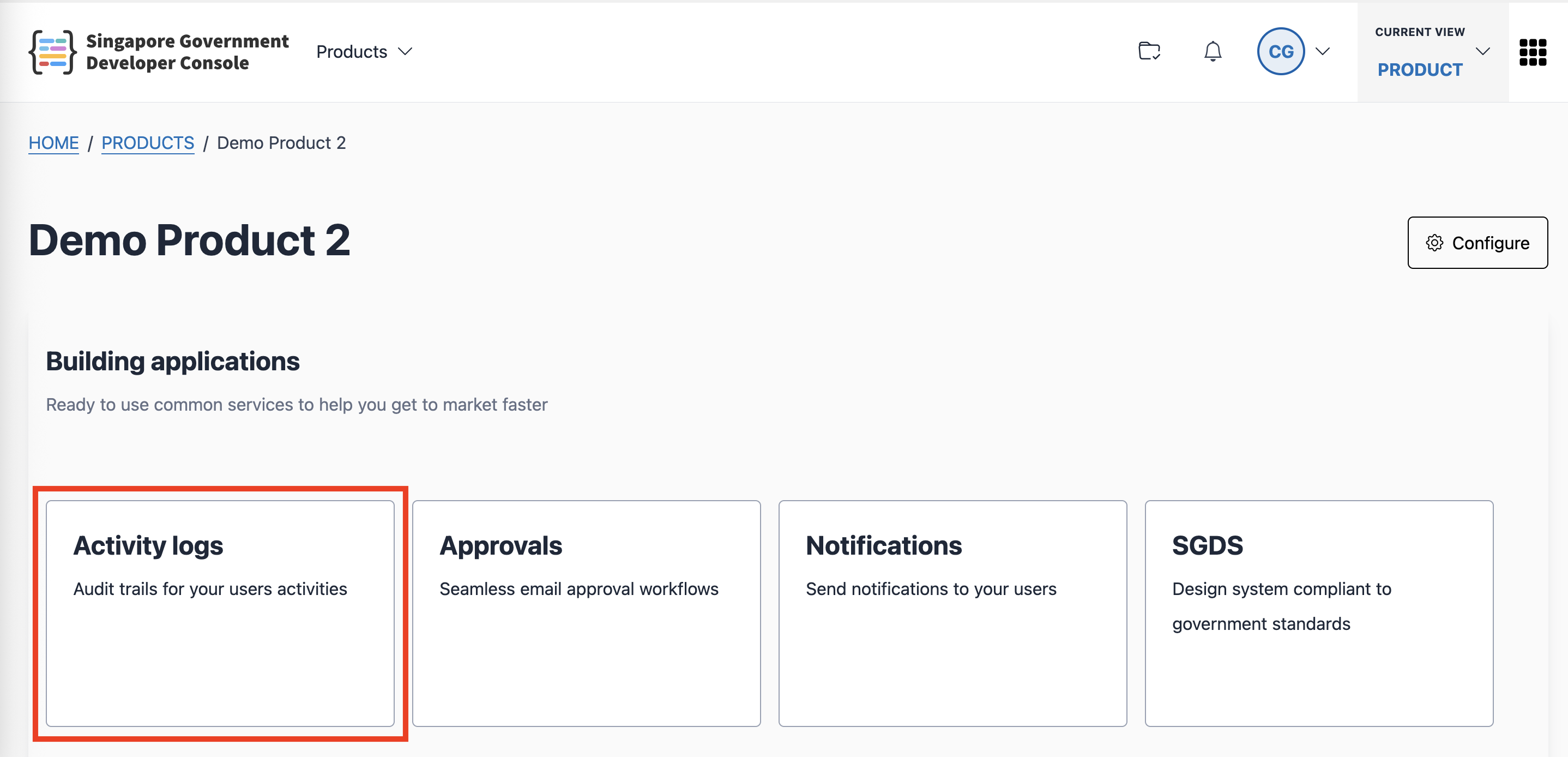
- Click the Activity logs card
Step 3: Configure the Activity Types
You can create, update and delete the activity types for your product. Learn more in the Activity service introduction.