Announcement service
Overview
The Console announcement service allows you post announcements for your users in Console.
Announcement breakdown
Announcements can be broken down into the following fields:
- Except: A short summarised message of the announcement.
- Message: A optional, more detailed message for the announcement.
- Priority Level: Info/Important/Critical - used to indicate the importance of the announcement.
- Announcement Start to End date
Managing announcements
As a product admin, you can create, update and publish/un-publish announcements for your product within Console.
Step 1: Log in to Console
- Go to Console
- From the sidebar, switch to Product view. If you do not see the Product Vvew for your account, contact the Console team.

Step 2: Navigate to your Product’s Announcement functionality
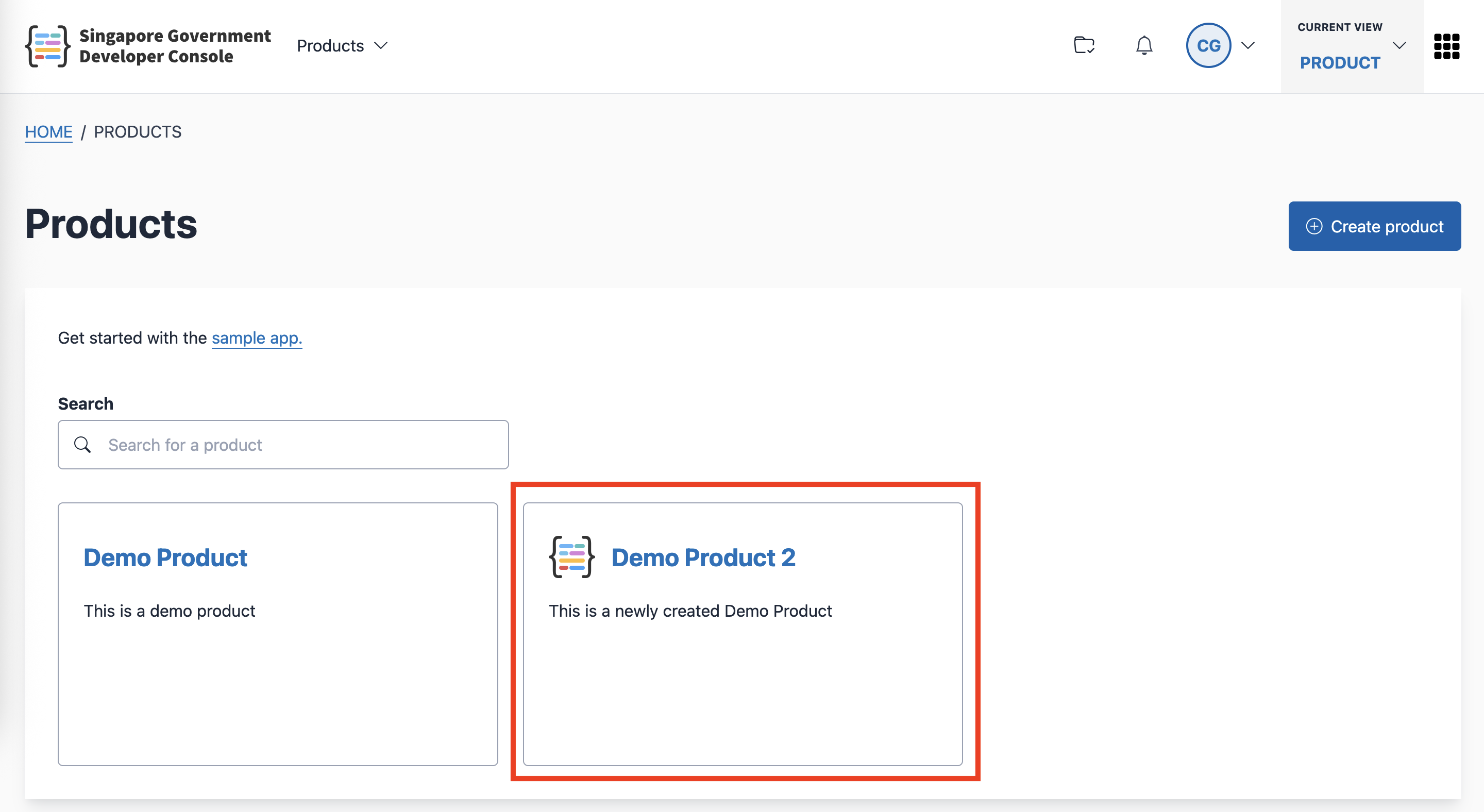
Go to the Products page.
Click the product that you want to use.
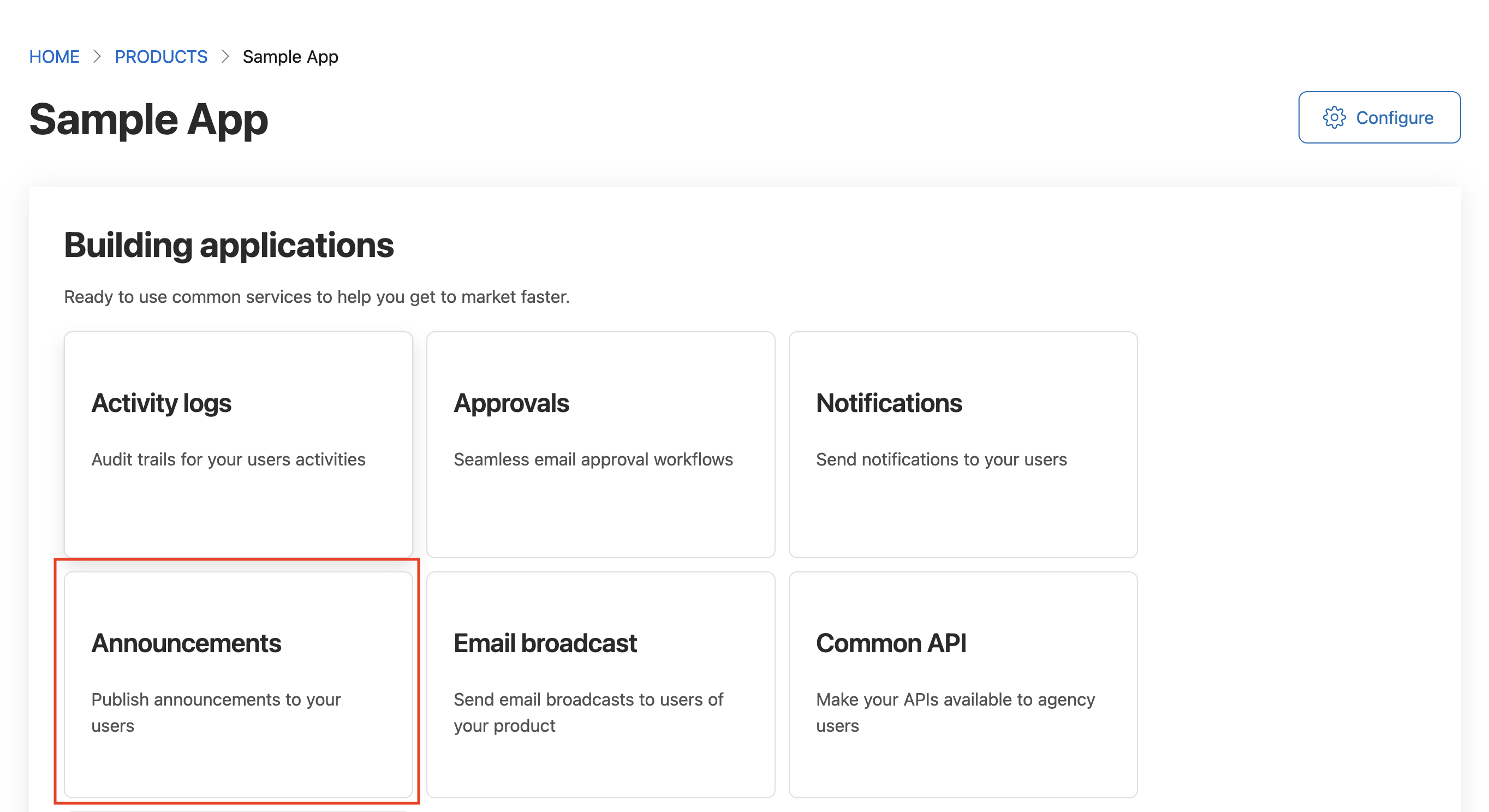
- Click the Announcements card
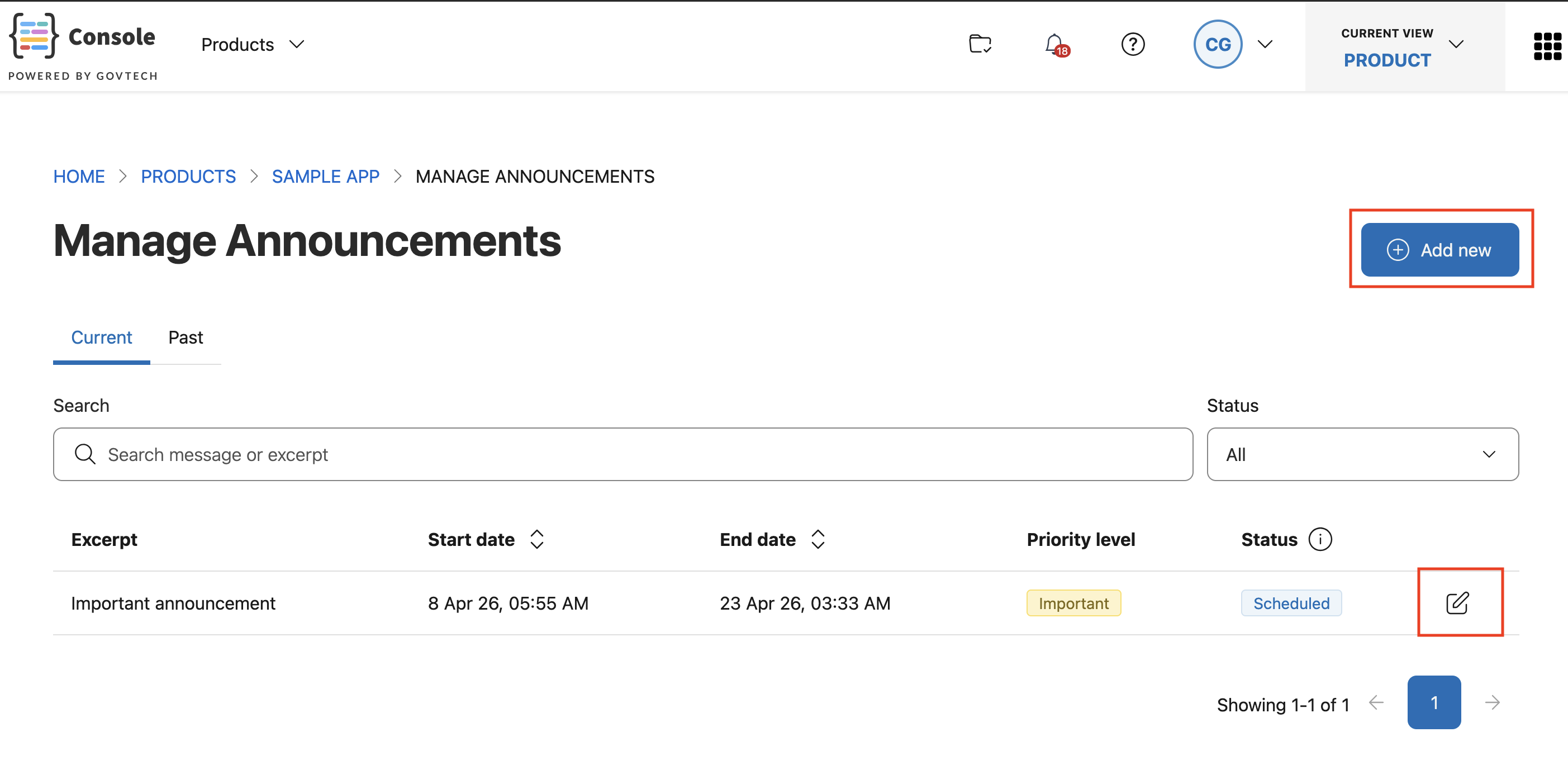
Step 3: Create new announcement or edit existing announcement
Click on the “Add new” button if you want to create a new announcement.
Click on the edit/view icon for a specific announcement if you want to view or update the existing announcement.
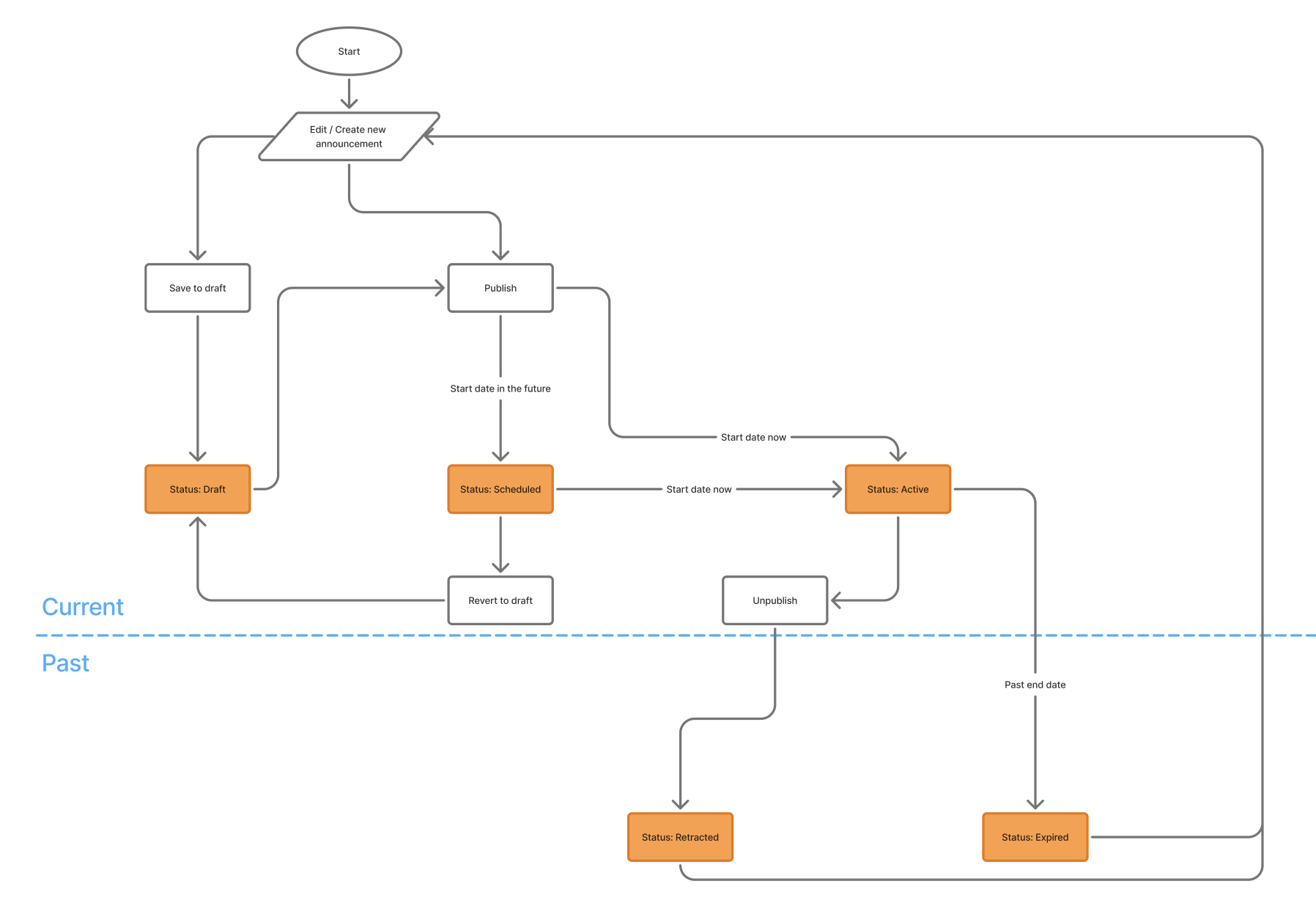
Announcement Lifecycle
Draft status: When an announcement is created, it is in Draft status.
Scheduled/Active status: Once an announcement is published, it is in the Scheduled status if the start date is not reached. If the start date has been reached, it will immediately go into the Active status.
Retracted status: When you decide to unpublish an active announcement, it goes into the Retracted status.
Expired status: Active announcements that reach the end date automatically go into the Expired status.
Announcement Locations
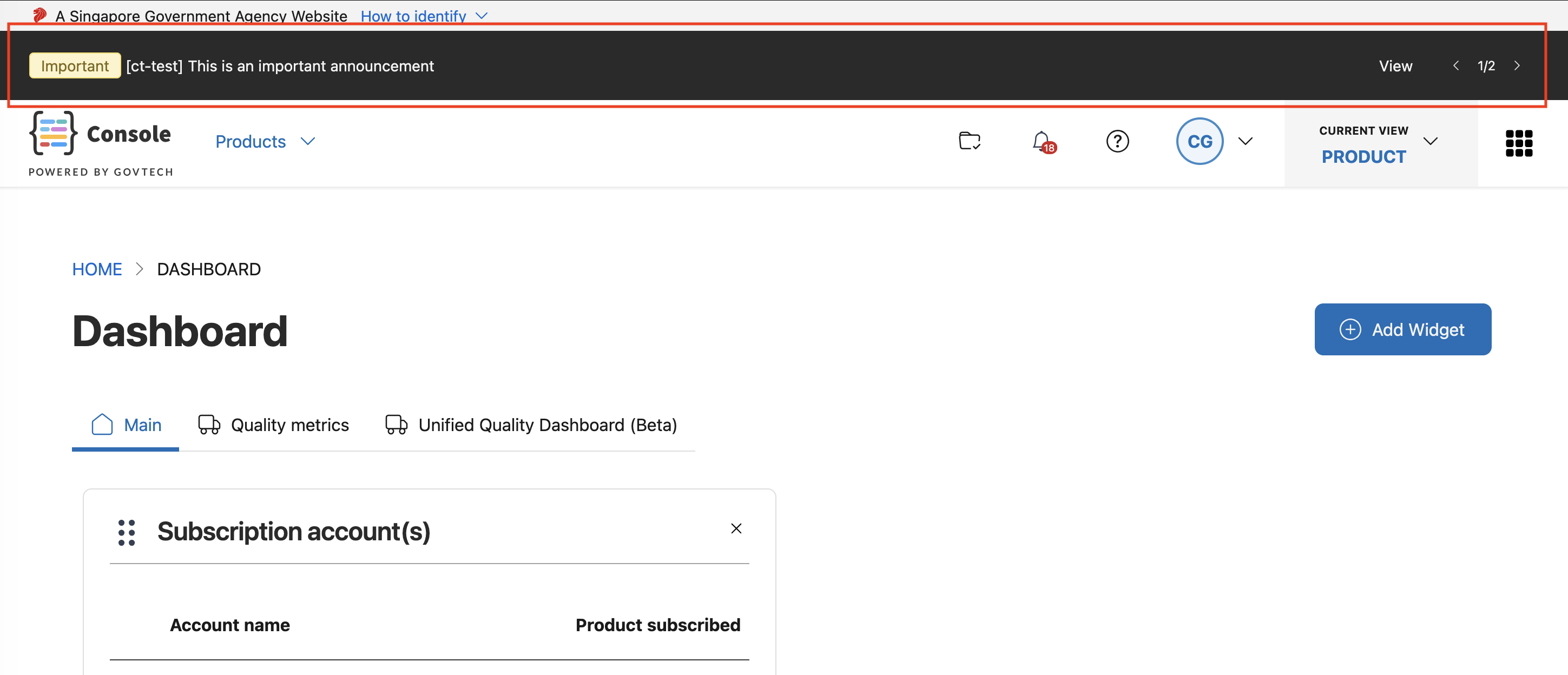
The Announcement banner will be displayed in all pages in Console, including pages before login. The announcement banner will scroll through the existing announcements at that current point in time. Note that all active announcements from all products will be shown.
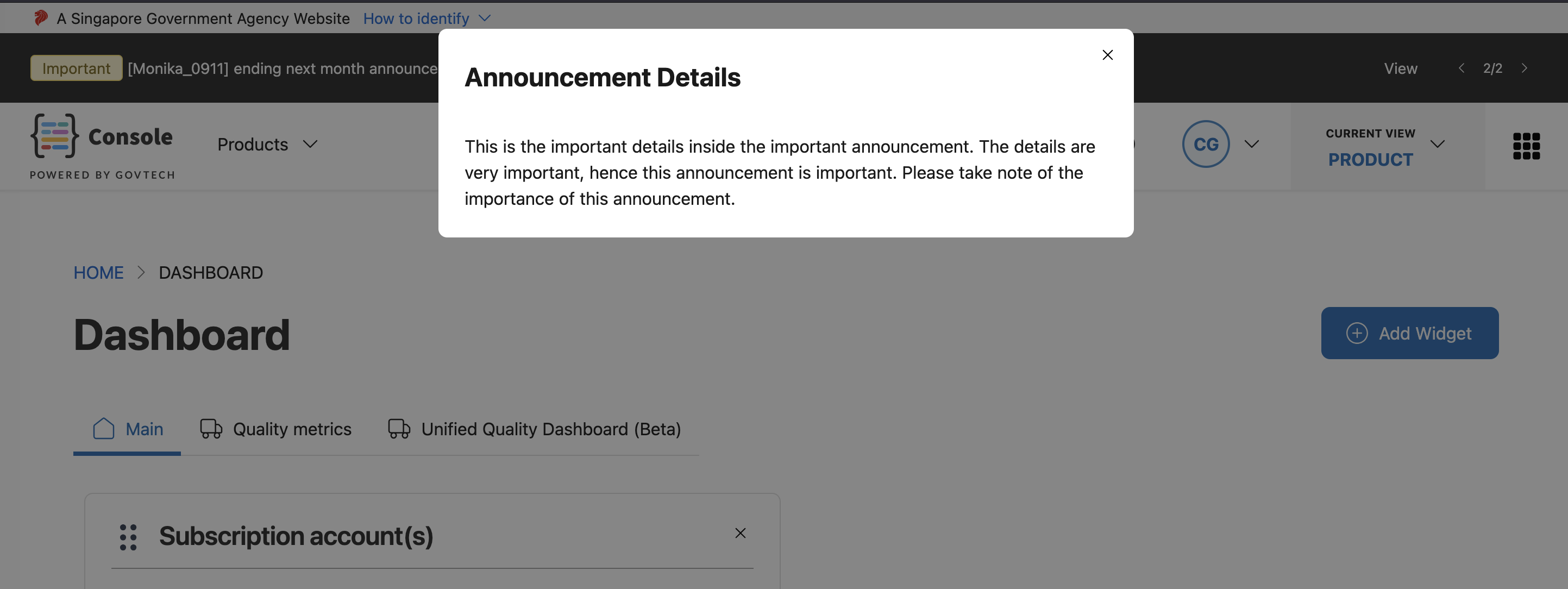
If there is a more detailed message in the announcement, clicking on “View” in the announcement banner will bring up a modal with the detailed information.
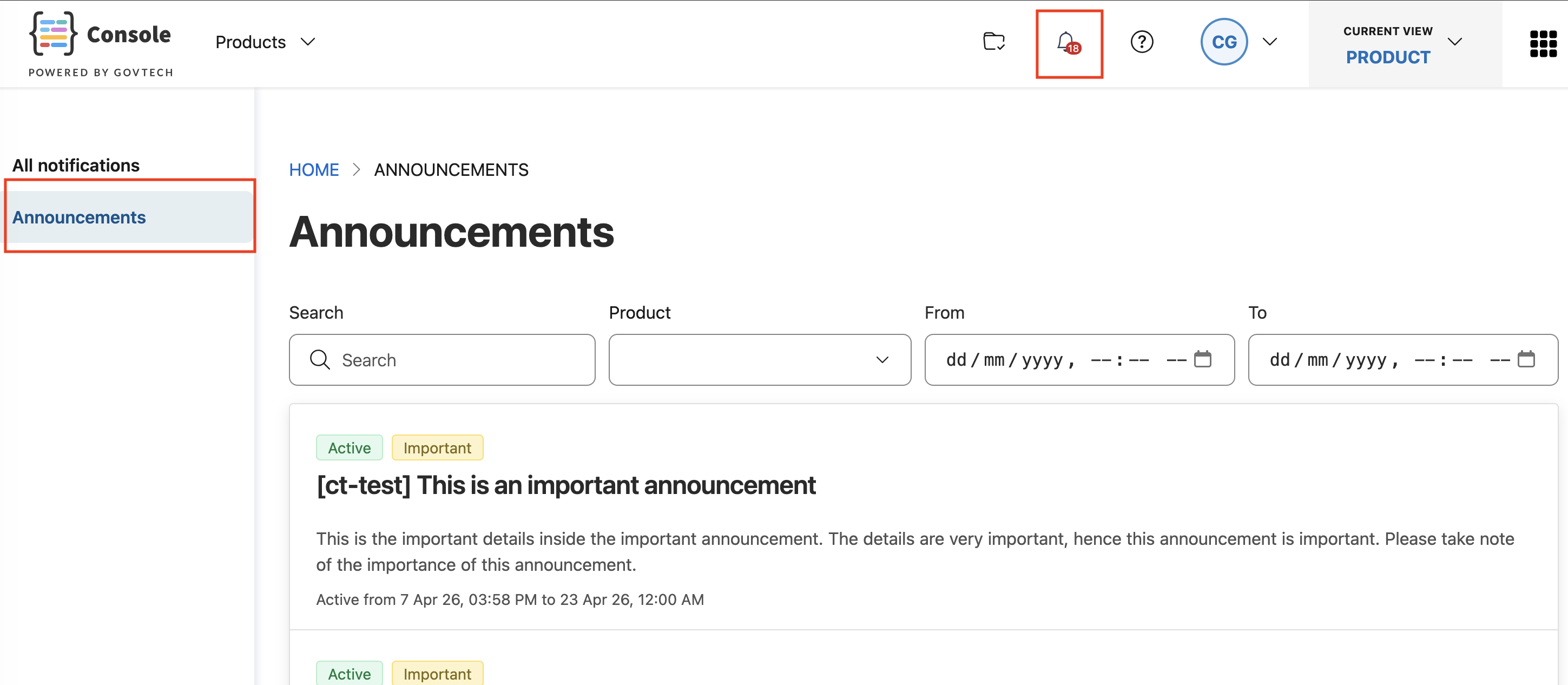
All announcements can also be found in the announcements page. Users can browse all active and past announcements in this page.
API specifications
- Staging: Announcement service – staging
- Production: Announcement service – production
