Sending
Overview
The Console notification service also supports sending emails to a list of users, or to a Techpass group of users.
Sending Emails through Console
If you have not created a product, create a product first. Once your product is created , you can send emails for your product.
Step 1: Log in to Console
- Go to Console
- From the sidebar, switch to Product view. If you do not see the Product Vvew for your account, contact the Console team.

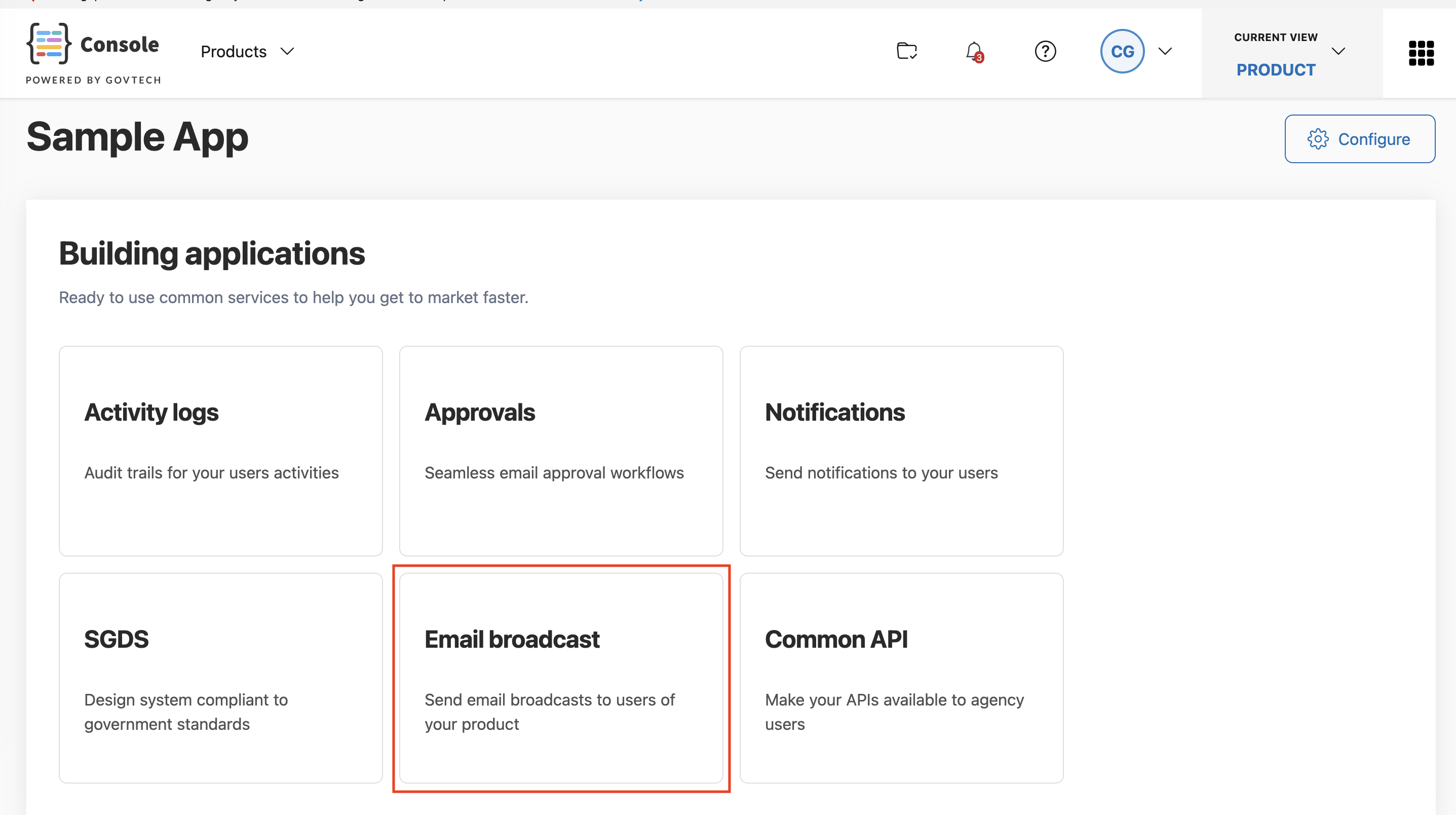
Step 2: Navigate to your Product’s Email broadcast functionality
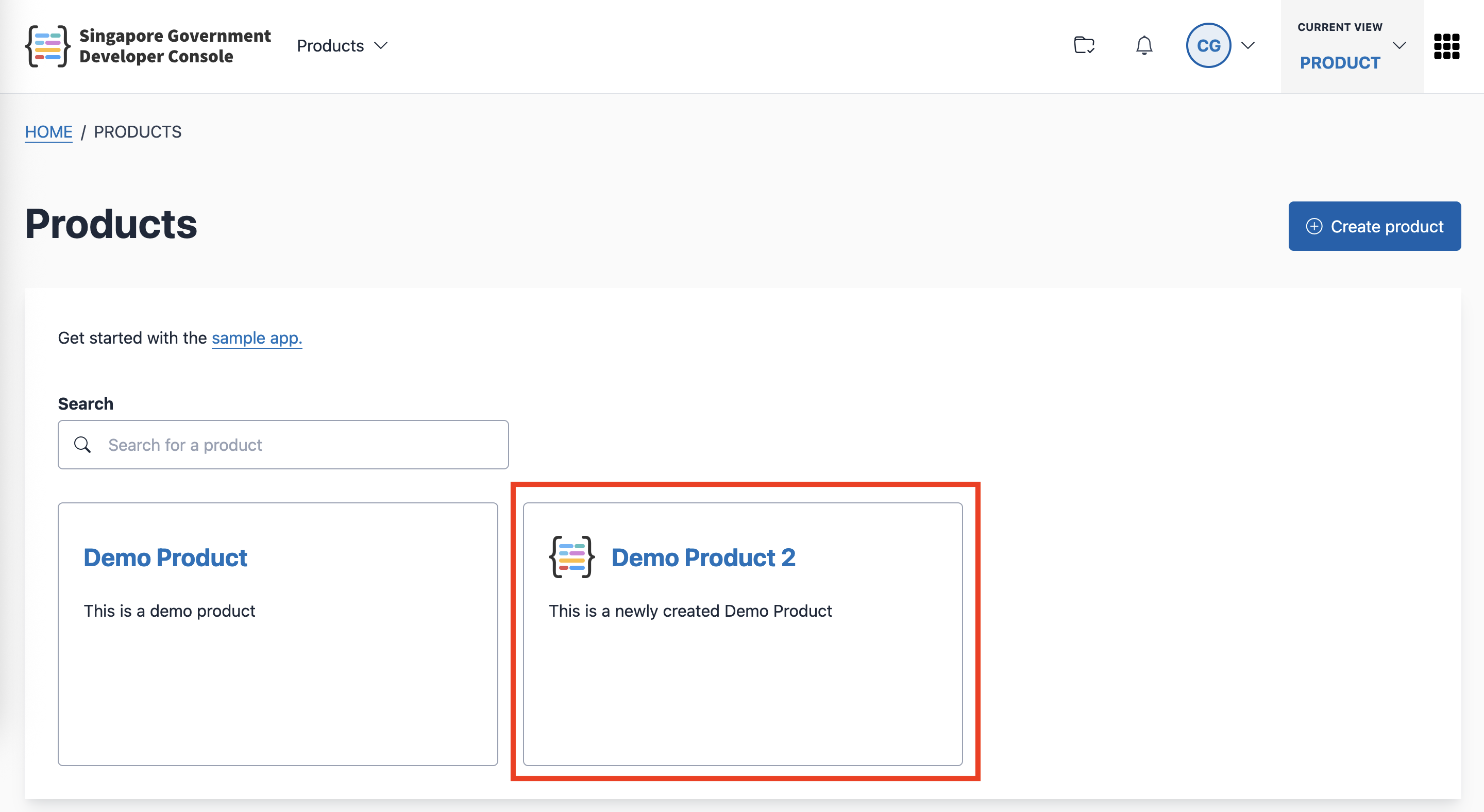
Go to the Products page.
Click the product that you want to use.
- Click the Email Broadcast card
Step 3: Craft your email and send
Use the email editor to craft your email, and decide on your email subject.
Select how to specify your recipient email list. You may choose to select a Techpass user group in your Techpass namespace, or upload a CSV file of email addresses, or paste the email addresses directly.
Select your sender email address. As default, you will have 2 sender email addresses available,
notification@console.developer.gov.sgand<product>@console.developer.gov.sg. If you want to custom your own sender email address, you may add additional sender email addresses through Techpass.Send the email.
Sending Emails through API
You may send emails by sending a request to the Notification service API. For detailed API definitions, see API specifications.
API specifications
- Staging environment: Console services API (staging)
- Production environment: Console services API (production)
