Log in to TechBiz portal
You can log in to TechBiz portal using a TechPass account. Alternatively, public officers without a TechPass account can log in using the TechPass OTP service.
Note:
- The TechPass OTP service is available only to public officers who do not have a TechPass account.
- Available TechBiz features may vary depending on the your user role. For example, the Invite users to TechPass feature is not available to vendors.
This document guides you to do the following:
Audience
- Public officers.
- Vendors who have the Technical admin role in a TechBiz account.
Prerequisites
- You need a non-SE GSIB or Comet device or GMD.
- An active TechPass account if you are logging in with TechPass.
Log in with TechPass
Go to the TechBiz portal.
Click Log in.
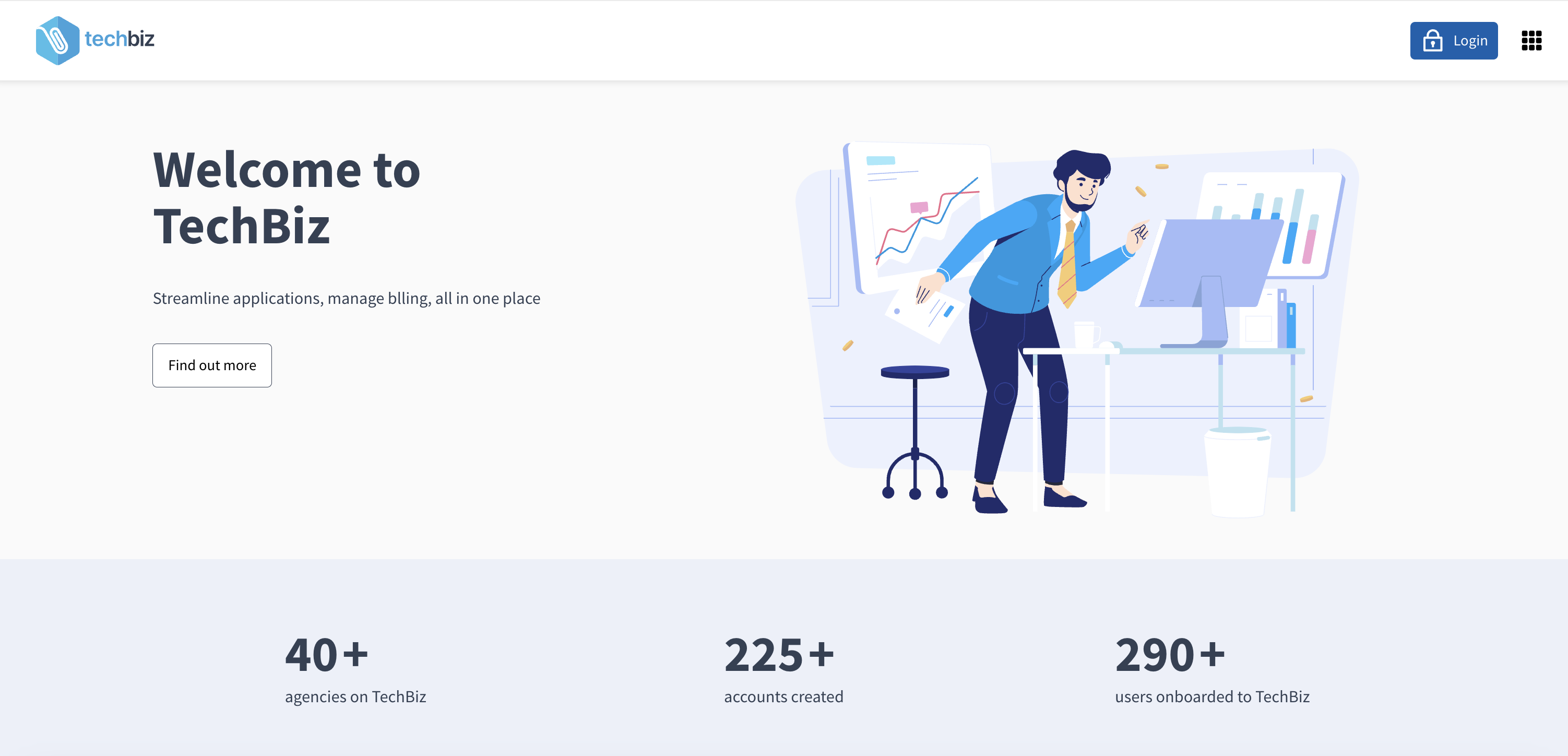
Follow the on-screen instructions and approve your sign-in.
Log in with TechPass OTP
Public officers with a government email address in the format <your_name>@<acronym for your agency>.gov.sg, can use the TechPass OTP service to log in to TechBiz portal.
Go to the TechBiz portal.
Click Login.
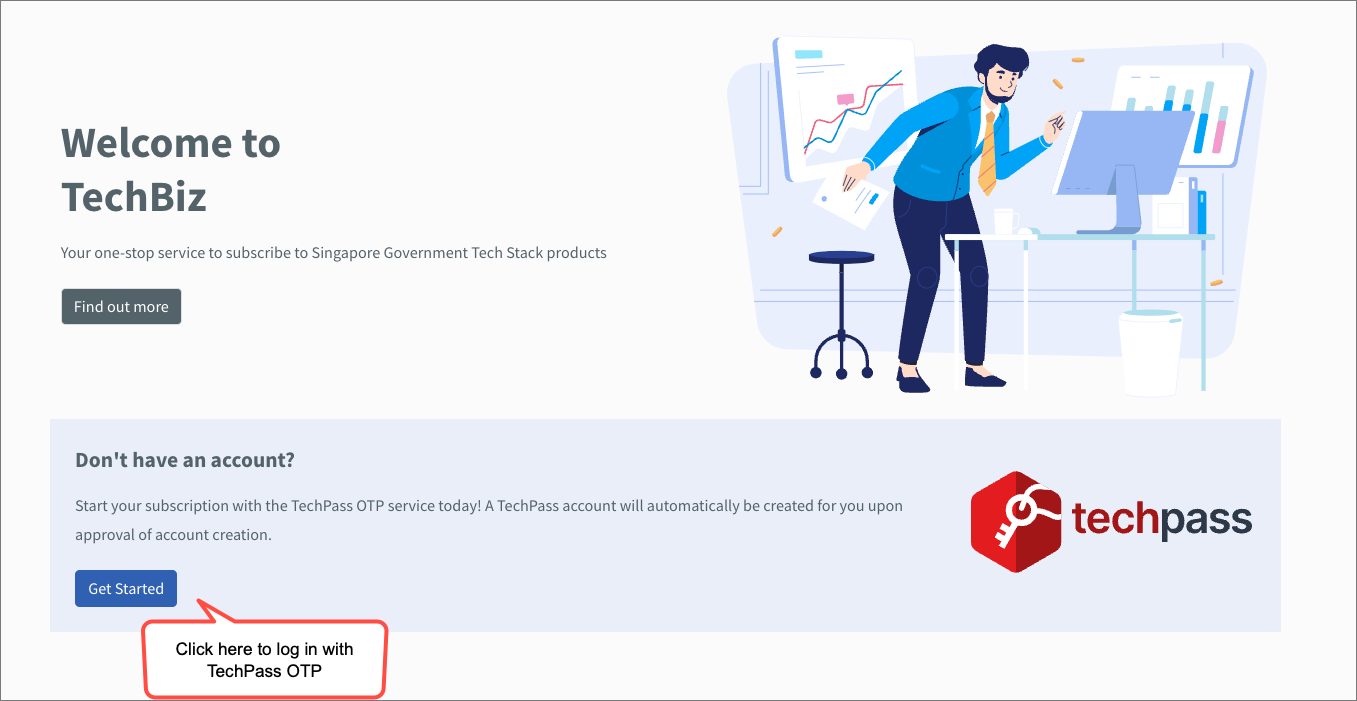
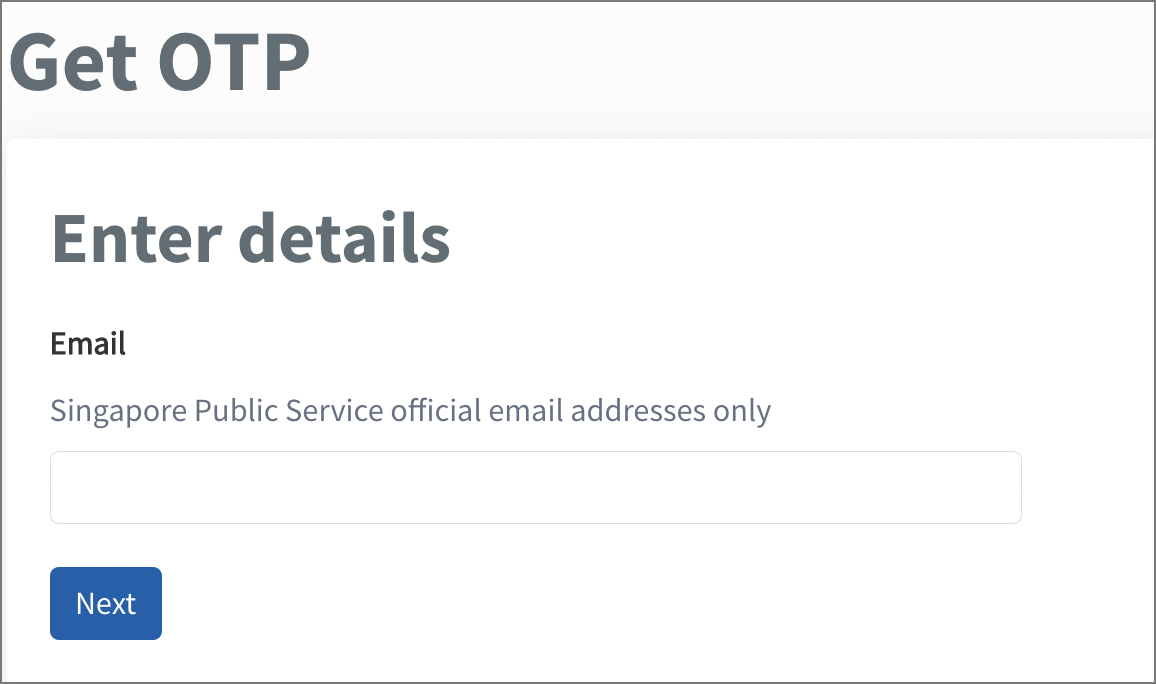
Enter your organisational email address in Email and click Next. You will receive an OTP at this email address.
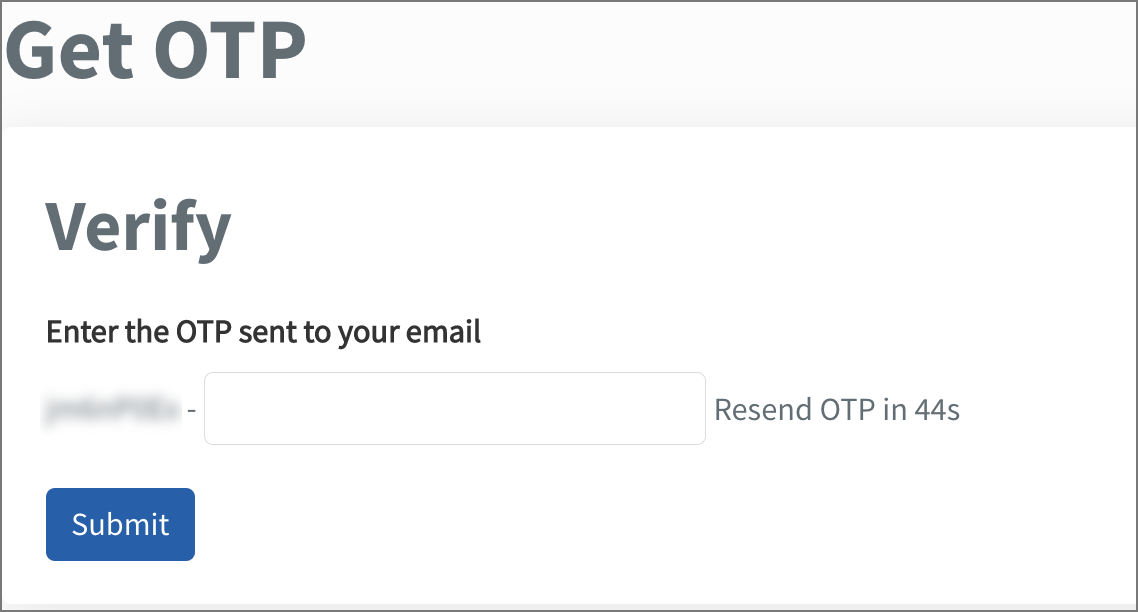
Enter the OTP and click Submit to log in to the TechBiz portal.
You are now logged in to the TechBiz portal.
TechPass OTP provides an alternative sign-in method for public officers who do not have a TechPass account.
Note:
- For more information about creating a TechPass account, refer to the TechPass documentation.
If you do not have a TechPass account, you can create one through any of the following methods:
- By using the Console sign-up option on the TechBiz login page.
- By signing up directly through the TechPass portal.
- By completing the product onboarding process. If you are specified as a subscription administrator and the onboarding request is approved, a TechPass account will be created automatically if you do not already have one.
- By inviting yourself or other users through the Invite users to TechPass function in the TechBiz portal.
