Approve or reject account request
When a public officer submits a request to create an account, the Approver receives an email and a notification on the TechBiz portal to process the request. Subscription admins and Billing admin will also be notified.
Note: Only CIOs or delegates can approve the account request.
Approve or reject an account request
Option 1: Approve or reject on TechBiz portal
Review the attachments in the email notification or in the TechBiz portal.
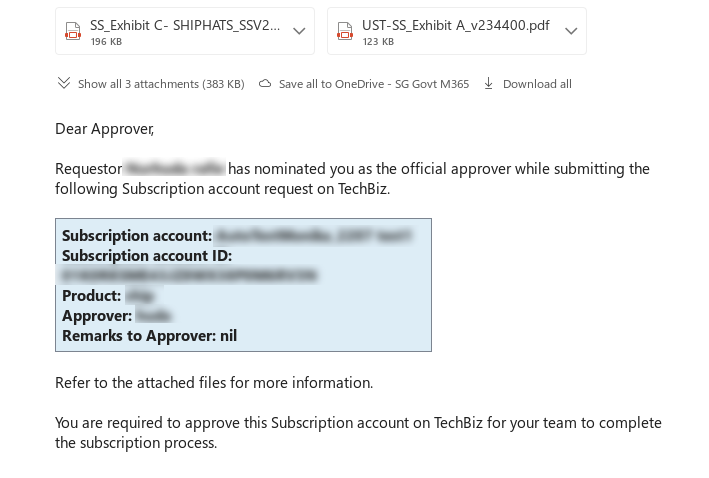
Click the link provided in the email.
Log in to TechBiz portal using your non-SE GSIB or Comet device or GMD.
Note: Approvers can also access the TechBiz portal using TechPass or TechPass OTP.
Select the account to be approved.
Enter remarks for the requestor if required.
Acknowledge that the information provided by the requestor is verified.
Option 2: Approve or reject through email
Review the attachments in the email notification or in the TechBiz portal.
Respond to the email indicating Approved or Rejected. Select Reply All to complete the approval process.
Notifications
- The requestor will be notified by email.
- The subscription and billing admins will also be notified.
- The account’s status is displayed as approved when the request is approved.
