View SonarQube applications
Subscription Admins (SAs) and Project Admins (PAs) can view the SonarQube applications created under a SHIP-HATS project.
Prerequisites
Ensure the following:
- You are a Subscription Admin (SA) for the subscription, or a Project Admin (PA) for a SHIP-HATS project within the subscription.
Steps
In Console, go to Products > SHIP-HATS, and select the required subscription to open the Workspace.
For detailed steps, see Access Workspace.
Click Tools > SonarQube.
Select the required SHIP-HATS project.
The list of SonarQube applications created for the selected project is displayed.
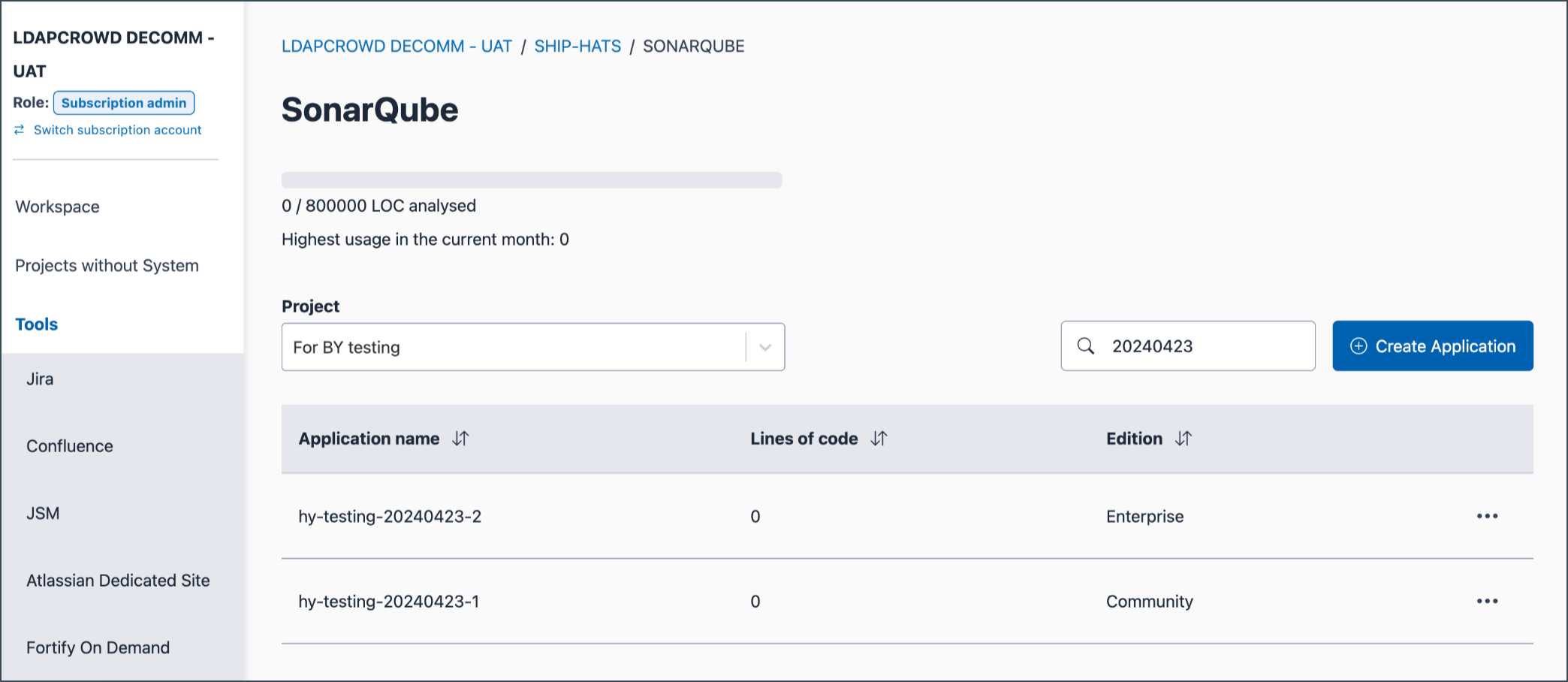
You can use the search field to filter by application name.
