Log in to SonarQube
This topic explains how to log in to SonarQube using TechPass authentication.
Prerequisites
- You have been assigned a role in SonarQube (SA, PA, or user).
Steps
Go to the appropriate SonarQube portal:
Click Log in with SAML.
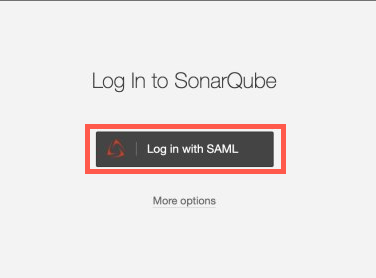
Authenticate your login using TechPass.
After successful authentication, you will be redirected to the SonarQube dashboard.
You are now logged in to SonarQube and can access applications, view code analysis results, and perform tasks according to your permissions.
