Alerts
Content in this page will be updated to reflect the features and configurations specific to the Cloud version.
To set Jira server alerts, you need to enable Slack Webhook.
Enable Slack Webhook
To enable Slack Webhook to Jira
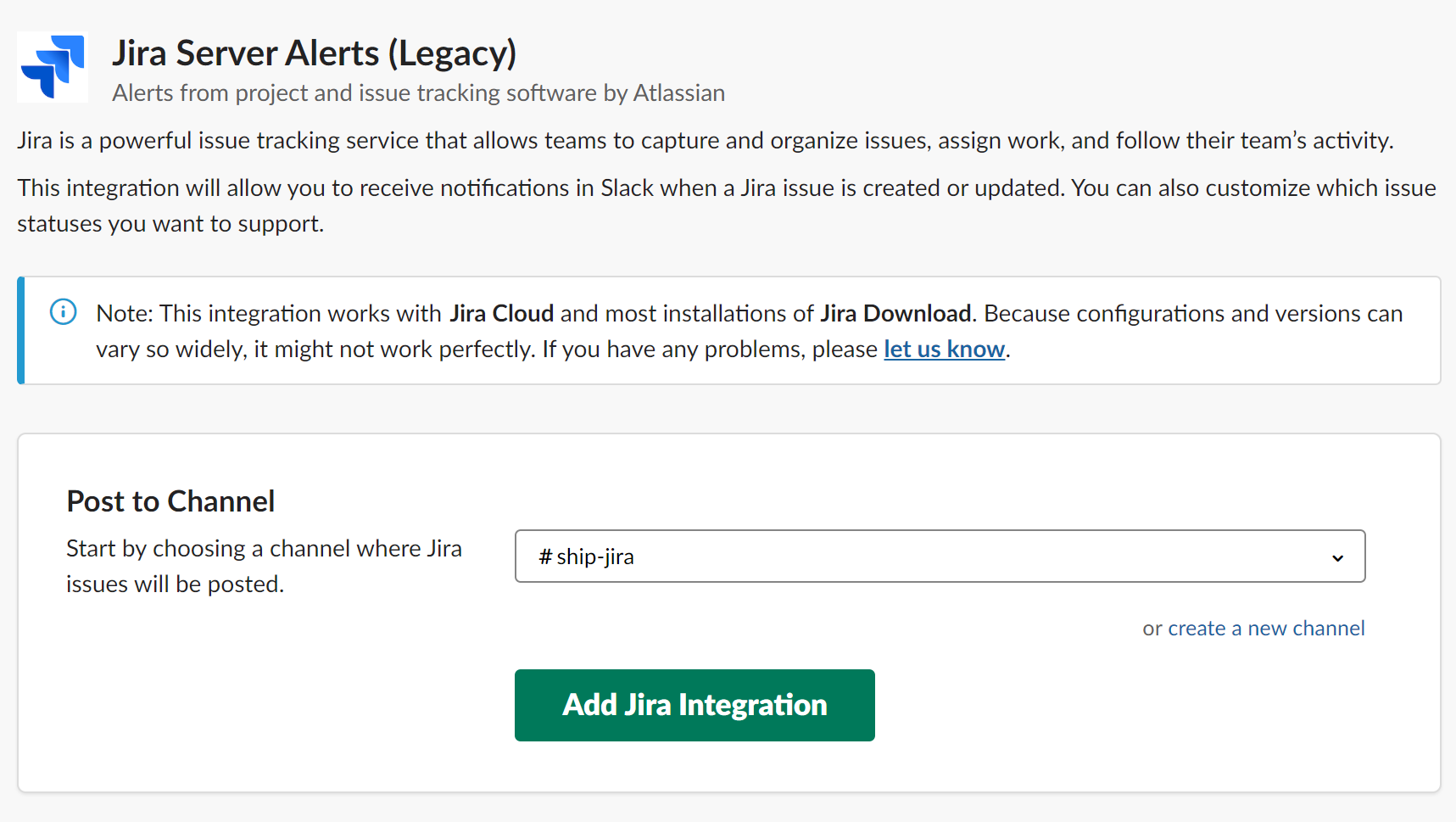
Install Jira Server Alerts on your slack.
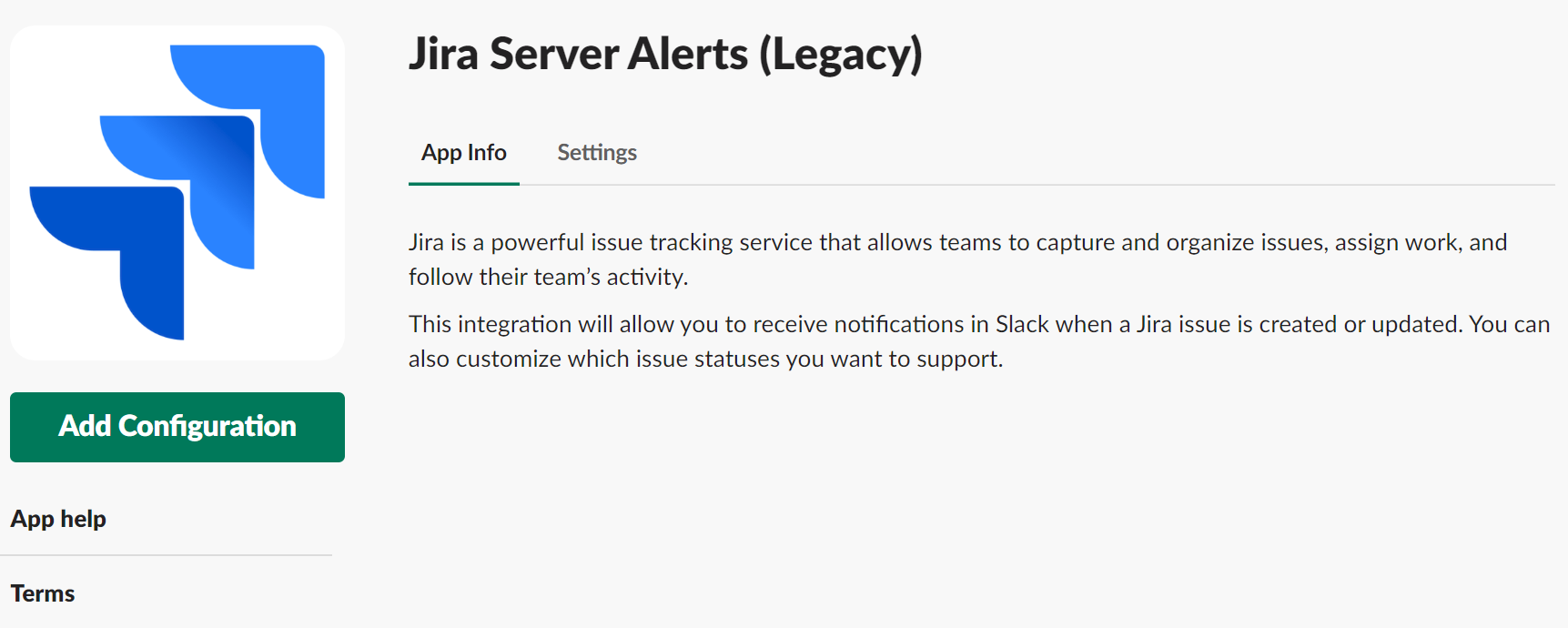
Click Add Configuration to add new Jira integration.
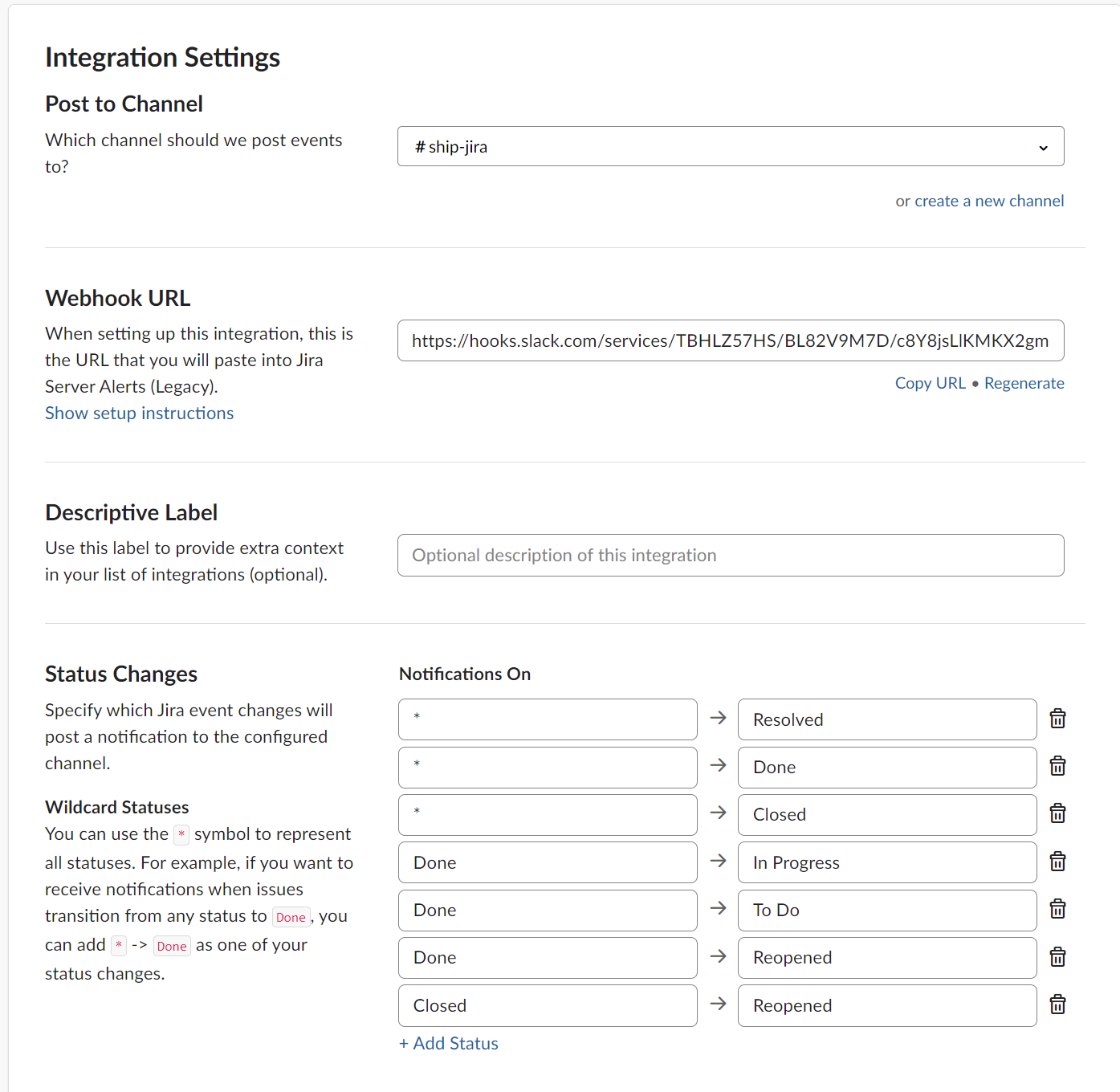
After completing the configuration, copy the Webhook URL, and then raise a service desk ticket to SHIP teams.