View Nexus Repos
Subscription Admins and Project Admins can view Nexus repositories provisioned for their SHIP-HATS projects from the Console.
Prerequisites
Ensure the following:
You are a Subscription Admin or Project Admin of the SHIP-HATS subscription. See Subscribe to Nexus Repo.
You are using a non-SE GSIB, COMET, or GMD (SEED) device.
Nexus Repo is provisioned in your SHIP-HATS subscription. If you don’t have one, see Create Nexus Repo.
Steps
In Console, go to Products > SHIP-HATS.
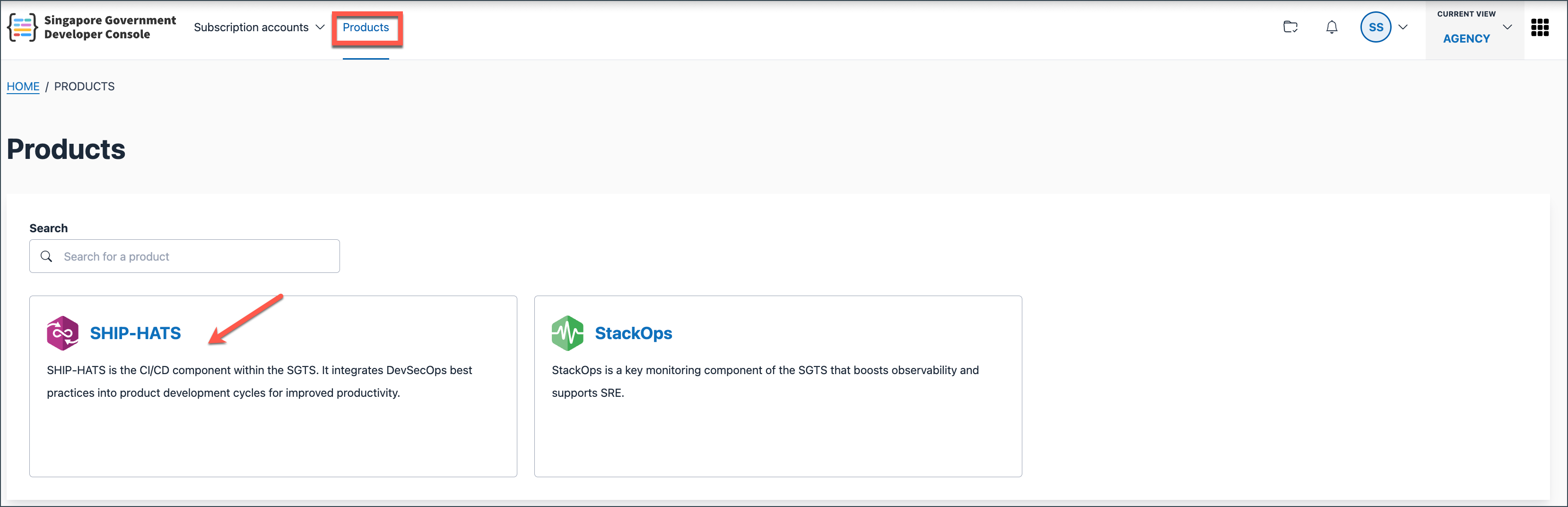
Select the subscription that includes your Nexus repository.

You will be directed to your Workspace.
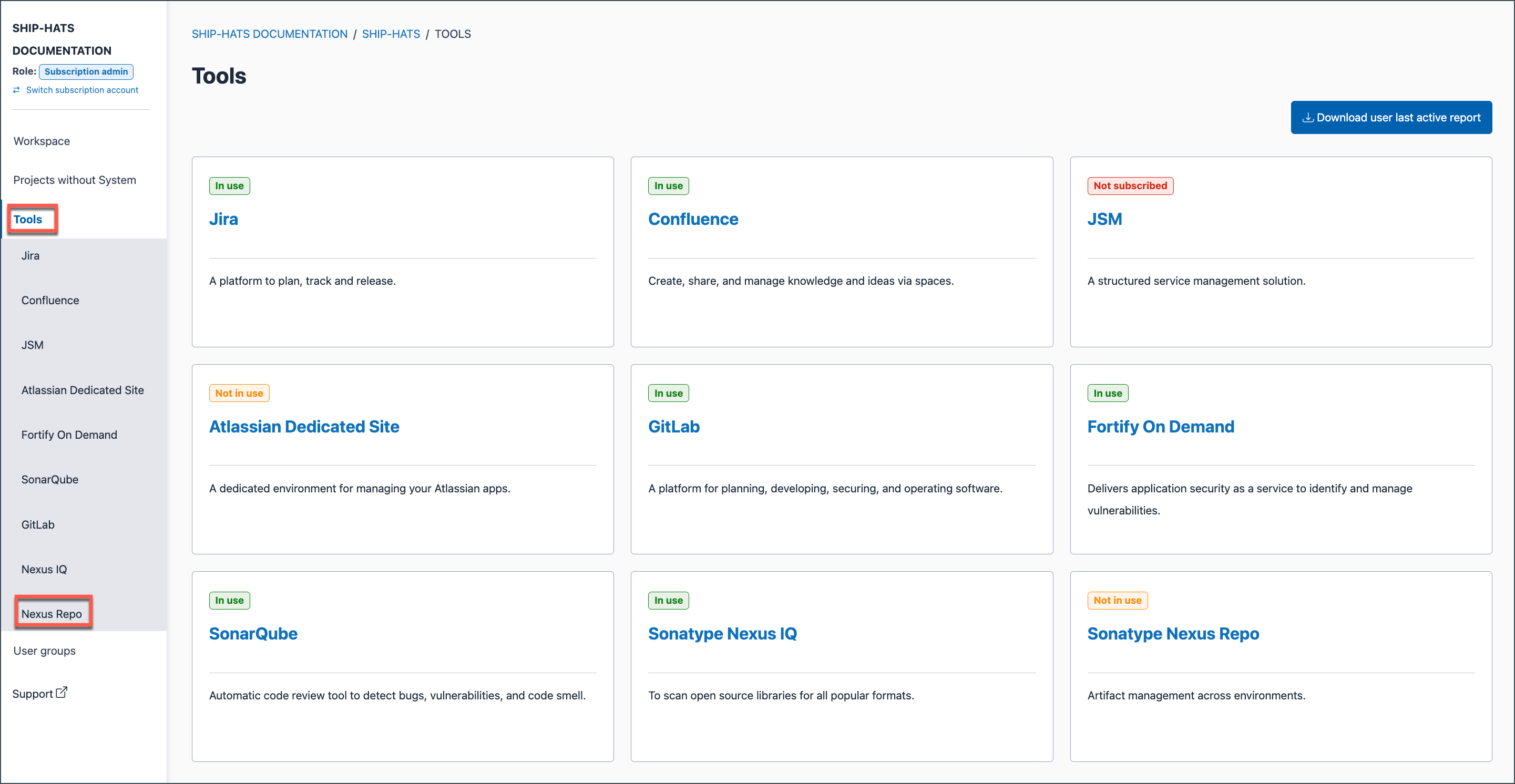
In the left navigation, go to Tools > Nexus Repo.
Select the SHIP-HATS Project that has the Nexus repository. Exisiting repositories for the selected project are listed.
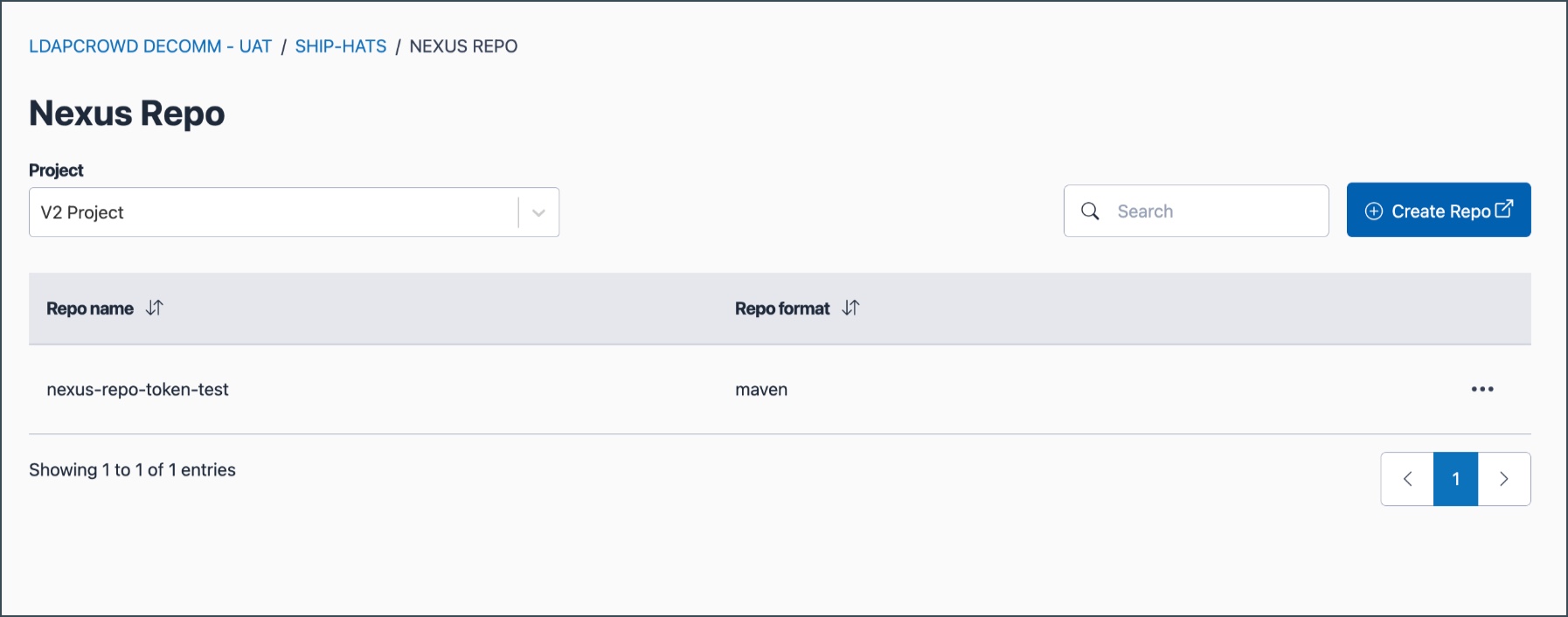
Select the repository to view its details.
