Step 3: Configure Training
Sections
- Model selection: The models that Mirage offers and how to select a model.
- Model hyperparameters: The hyperparameters available for each model and recommended values.
- Subsampling: What is subsampling, and when should you use it?
- Machine learning tasks: Evaluate synthetic data performance on machine learning tasks like classification and regression.
Model Selection
Different synthetic data generation models work well under different conditions. This page explains the strengths and limitations of each model and how to choose one that fits your dataset and use case. A default model is recommended based on your dataset, but exploring alternatives can help improve quality or privacy outcomes. Need help? Try our Support Assistant or visit the Support page.
If you already know your primary training goal, start with these pages:
- Accuracy: Prioritize synthetic data quality and fidelity to the original dataset.
- Speed: Prioritize faster generation and shorter training time.
- Privacy: Prioritize stronger formal privacy guarantees.
You may also refer to Custom page for more advanced model selection and configurations.
| Model | Best suited for | Less suited for |
|---|---|---|
| Denoising Diffusion Probabilistic Models (DDPM) |
|
|
| Adversarial Random Forest (ARF) |
|
|
| Bayesian Network |
|
|
| Gaussian Copula |
|
|
| DP-Copula (Privacy guide) |
|
|
If you have missing values but want to use models that do not work well with missing values (Gaussian Copula, DP-Copula), you can handle missing values in Step 2.
Complex relationships are patterns where the relationships between columns do not change in a simple or consistent way. This can include non-linear trends or relationships that depend on multiple variables rather than a single factor.
Complex distributions refer to data that does not follow a simple bell-shaped pattern. Examples include skewed distributions, multiple peaks, heavy tails, or uneven spreads of values.
Interpretability refers to how easily humans can understand and explain the relationships in the data. Highly interpretable data has clear, stable patterns that can be described in plain language, while less interpretable data may preserve complex patterns that are harder to explain, even if they are statistically accurate.
Model hyperparameters
Hyperparameters are variables that control different aspects of training. Model hyperparameters are available for the following models:
The full list of model hyperparameters can be found on the Custom page.
Potential issues when selecting hyperparameters
Selecting the default hyperparameters could lead to the following issues:
| Issue | Definition | Impact |
|---|---|---|
| Underfitting | The model may be too simple to capture important patterns in your data. | The synthetic data may not reflect column properties and relationships between columns. |
| Overfitting | The model may learn noise and random fluctuations too precisely. | The synthetic data may not be representative of your real dataset, as it does not generalise well or lacks proper diversity. |
To minimise over- and underfitting, amend the hyperparameters by following these steps:
Train a model using the default hyperparameter selection.
Train the same model, using the same training data, using automatic hyperparameter selection, and compare the improvement in synthetic data quality in the performance summary.
- If there is substantial improvement in synthetic data quality, the model has likely experienced underfitting, and performance can be improved by iteratively adjusting hyperparameters with small changes.
- If there is no substantial improvement in synthetic data quality, the model selected may be unsuitable for the data, and another model should be used.
Auto-tune hyperparameter selection

Selecting “Auto-tune hyperparameters” determines the best hyperparameters for the selected model, based on the training dataset provided. The process of searching through different hyperparameter combinations can improve performance but usually takes more training time.
The optimal hyperparameters for the model can change when the training dataset or data preparation steps are changed.
Subsampling
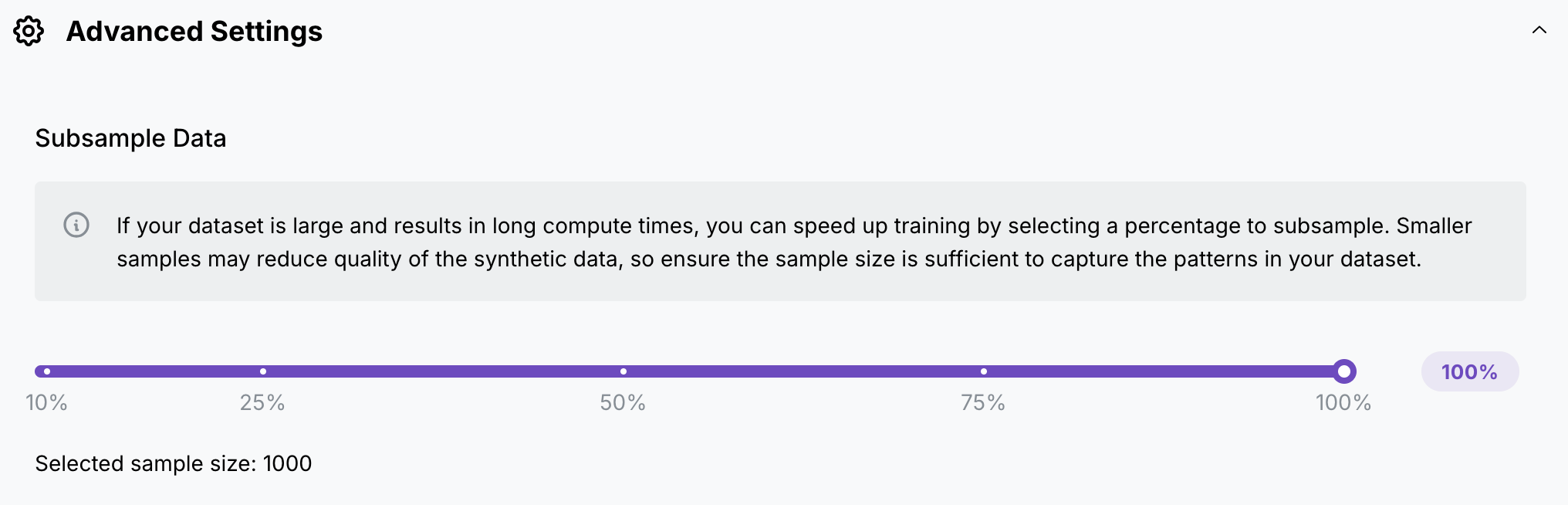
Subsampling removes a specified percentage of the dataset, to reduce the size of a large dataset for faster model training. Subsampling should not be selected for small datasets.
When subsampling is selected for the same dataset across multiple projects, assuming that the dataset goes through the same data preparation steps, in particular the same missing-value handling, the same subset will be chosen across the two projects. This ensures that there is a fair comparison of model performance across multiple projects.
Machine learning tasks
If you are generating a dataset for a machine learning task, this section allows you to evaluate the performance of synthetic data on machine learning tasks. If a machine learning task is selected, the evaluation metrics of the performance of synthetic data on the specified machine learning task will be displayed in the report.
This process will not improve the data quality of the generated synthetic data for machine learning tasks. This process only provides additional evaluation metrics, based on the machine learning task selected.
If you have a small dataset, and do not require additional evaluation metrics to determine the performance of your synthetic data on machine learning tasks, do not select a machine learning task.
Machine learning task types
Mirage can help you evaluate synthetic data performance with two main types of predictions:
Classification
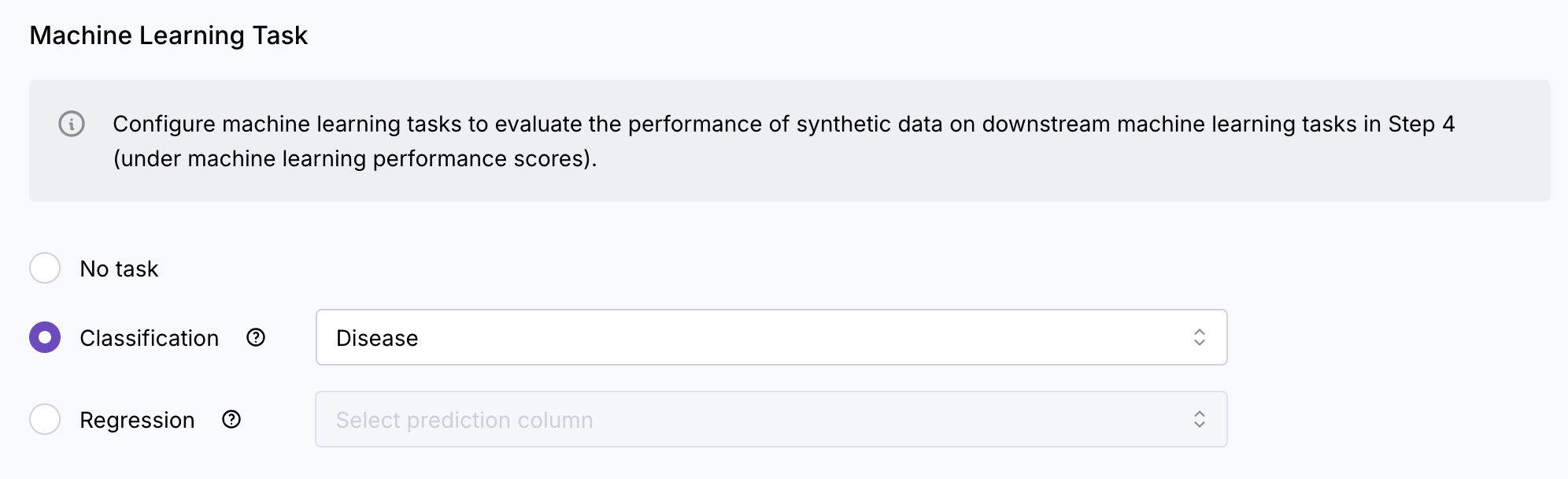
Use this when you want to predict which category something belongs to. The system will choose from existing categories in your column.
For example:
- Two categories:
- Predicting if an email is spam or not spam
- Predicting if a transaction is fraudulent or legitimate
- Multiple categories: Classifying feedback into different topics
Regression
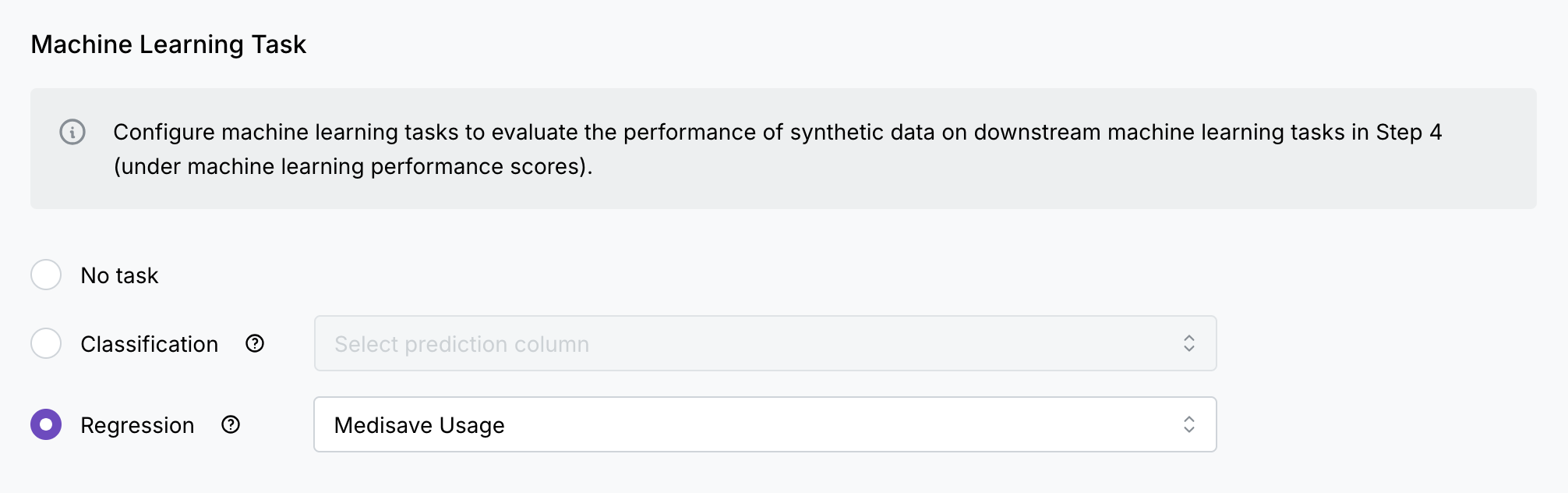
Use this when you want to predict a specific number or amount. The system can predict any value within the minimum and maximum values in your column.
For example:
- Predicting processing time for applications
- Predicting visitor numbers at public facilities
- Predicting population size and growth rate
Test set size
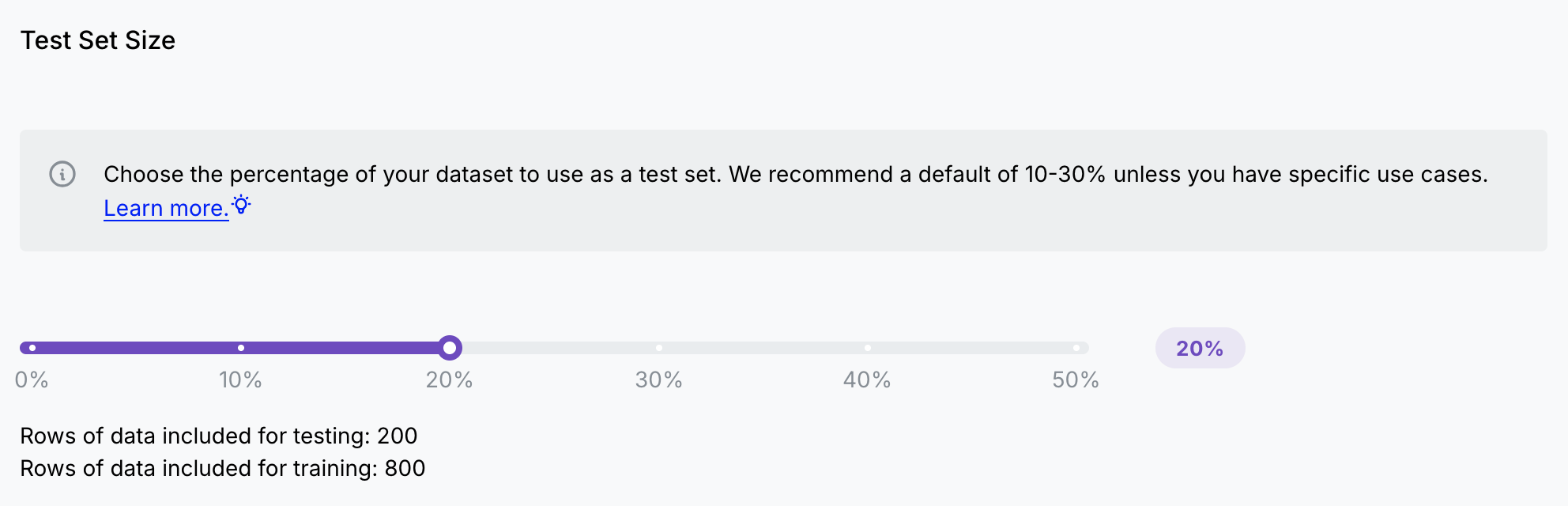
Definition
Selecting the test set size splits the original dataset into two segments:
- Train set: A subset of the original dataset allocated for training the model.
- Test set: A subset of the original dataset allocated for testing the model after model training is complete.
Each example in a dataset should belong to either the training set or test set, and not both. For instance, a single example shouldn’t belong to both the training set and the test set.
This is because in order to effectively test that the model has learnt underlying patterns, instead of memorising training data, the model needs to be tested on data previously unseen during training.
Source:
- Google Developers: A guide to train, test and validation data sets.
Test set size percentages
Suggested test set size percentages:
| Test % | Train % | Description | Use when | Impact on models trained on small datasets |
|---|---|---|---|---|
| 20 | 80 | The default percentage split. |
|
The test set may not be representative of the entire dataset, which may result in some variance in evaluation metrics. |
| 10 | 90 | Maximises the amount of data for training. |
|
The test set may not be representative of the entire dataset, which may result in a large variance in evaluation metrics. |
| 30 | 70 | Increases the amount of data for testing. |
|
The model may be unable to generalise well due to the smaller training dataset, resulting in worse evaluation metrics. |
Setting the test set size percentage to 0% means that the entire training dataset will also be used as the test dataset.
This should not be set in most cases, as this could cause data leakage: when training and evaluation data are the same, your model will appear to perform better than it actually would in real-world situations with new data.
The test set size percentage should only be set to 0% if your machine learning task is an unsupervised machine learning task, and you want to evaluate the effectiveness of the synthetic dataset on anomaly detection tasks. However, even in this case, a test size percentage greater than 0% would be ideal.
Rows with missing values in the prediction column will be dropped, as Mirage needs the actual values in the prediction column to check prediction quality.
