Transform
When “Transform” is selected for an identifier column, the identifier column will be generated according to a user-specified format, instead of being generated by a model. An identifier column should be transformed when the ID column is required in the synthetic dataset.
An ID column can be transformed in the following ways:
- Mock data: Transforms values according to a pre-defined format.
- Regular expression: Transforms values according to a user-specified regular expression.
- Incremental transformation: Transforms values into a sequence of numbers (e.g. 1, 2, 3 …).
Mock data
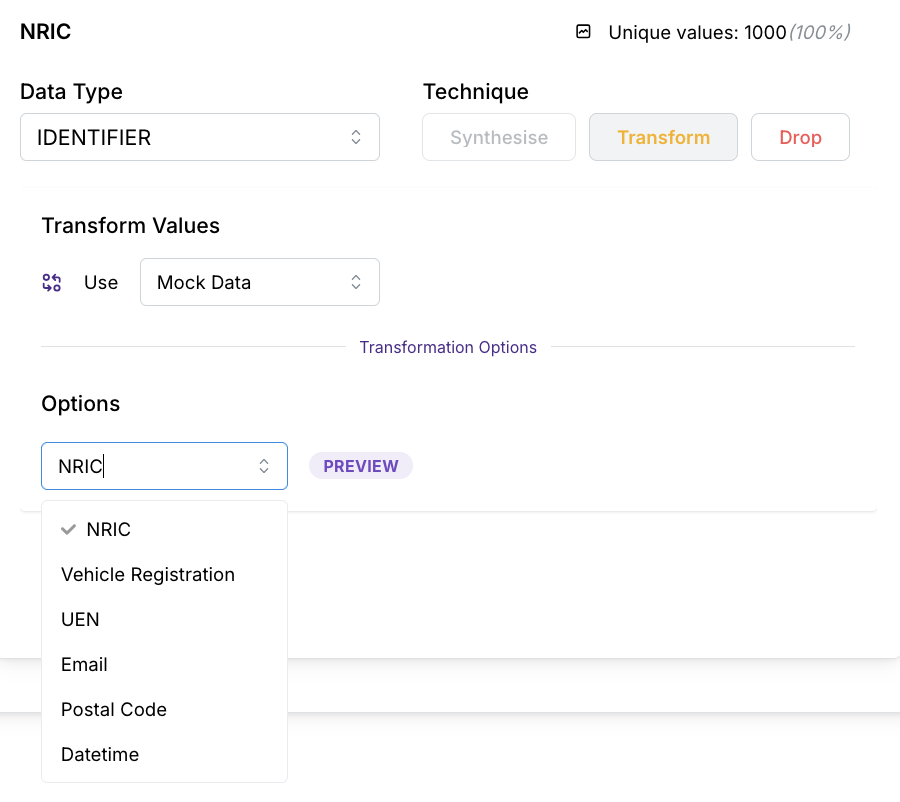
The “Mock Data” selection generates new values according to a pre-defined format, following the format of the option selected.
Options
Mock data columns that Mirage can generate include:
| Option | Example(s) |
|---|---|
| NRIC | F4703331A, G4314640I, M2058845G, S1443261A, T9981504H |
| Vehicle Registration | SAN2323R |
| UEN | R77MB1345J |
| millsjennifer@example.com, lorraine55@example.org, howardmiguel@example.net | |
| Postal Code | 389633 |
| Datetime | Multiple formats available. |
Datetime
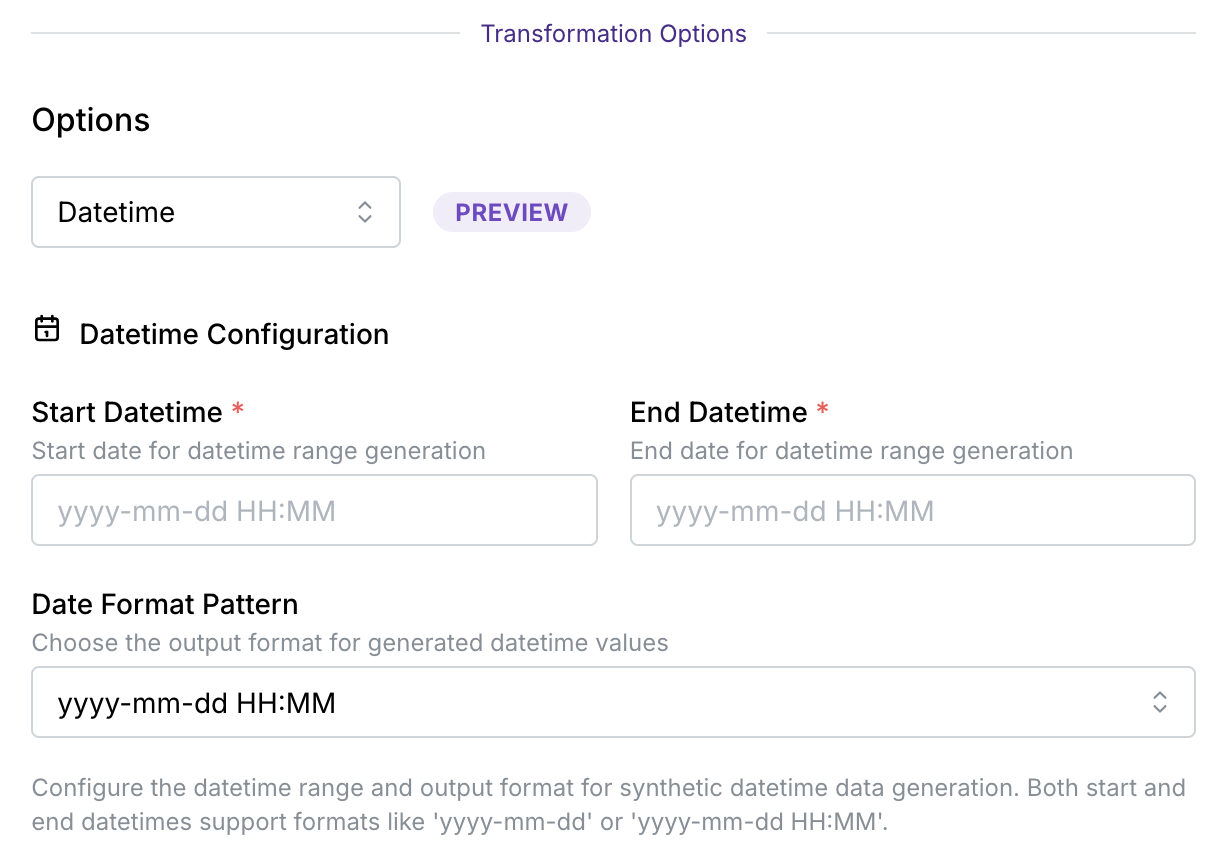
Mock data can also be used to generate datetime values.
This mock data option be used to replace sensitive datetime columns, such as:
- Birth dates
- Medical appointment dates
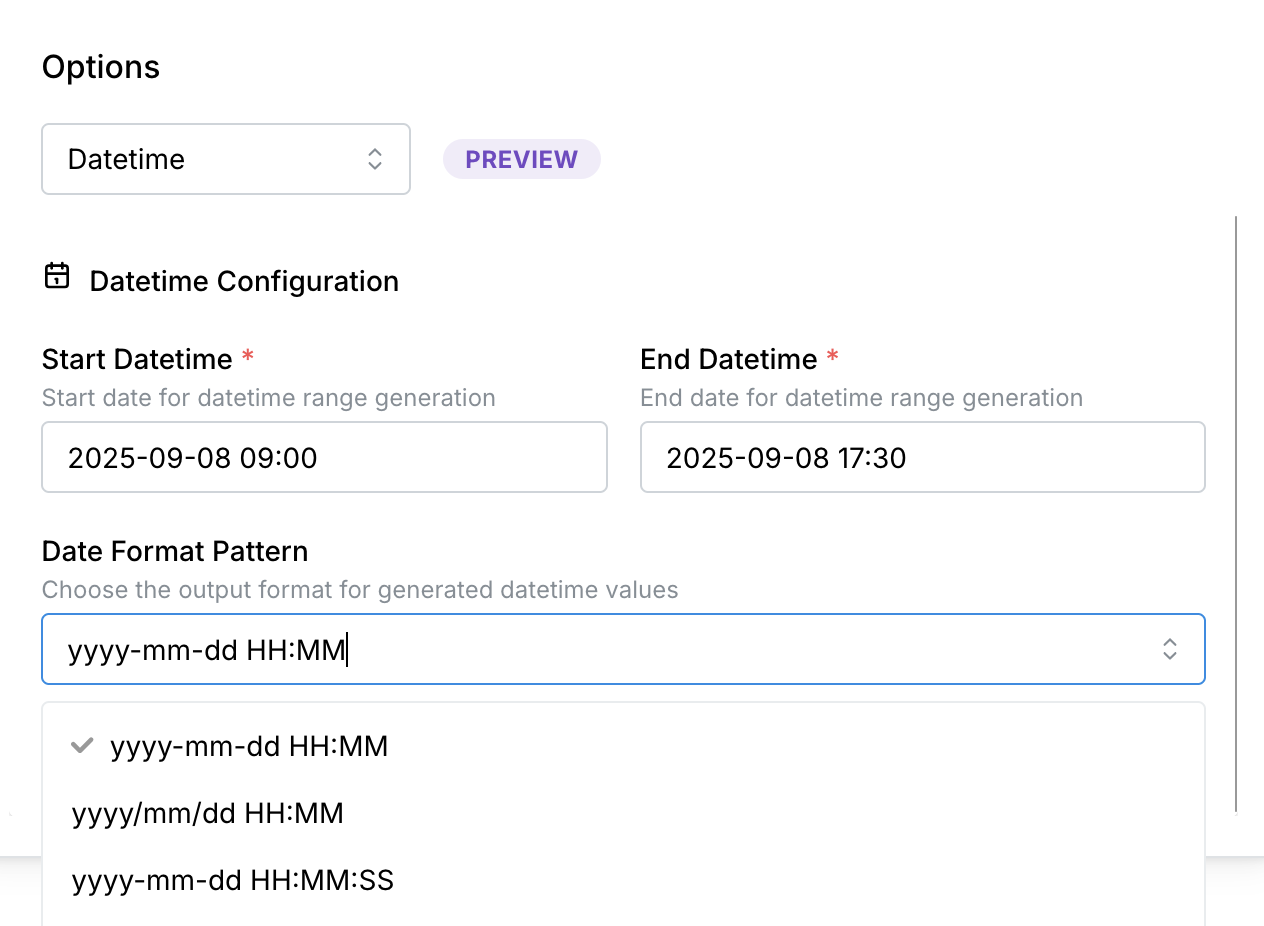
After specifying start and end datetime values in the format yyyy-mm-dd HH:MM, mock datetime data can be generated with the following formats:
| Datetime format | Example |
|---|---|
| yyyy-mm-dd HH:MM | 2025-09-08 10:55 |
| yyyy/mm/dd HH:MM | 2025/09/08 10:55 |
| yyyy-mm-dd HH:MM:SS | 2025-09-08 10:55:27 |
| yyyy/mm/dd HH:MM:SS | 2025/09/08 10:55:27 |
| dd-mm-yyyy HH:MM | 08-09-2025 10:55 |
| dd/mm/yyyy HH:MM | 08/09/2025 10:55 |
| dd-mm-yyyy HH:MM:SS | 08-09-2025 10:55:27 |
| dd/mm/yyyy HH:MM:SS | 08/09/2025 10:55:27 |
| yyyymmddhhmm | 202509081055 |
| yyyymmddhhmmss | 20250908105527 |
Regular expression
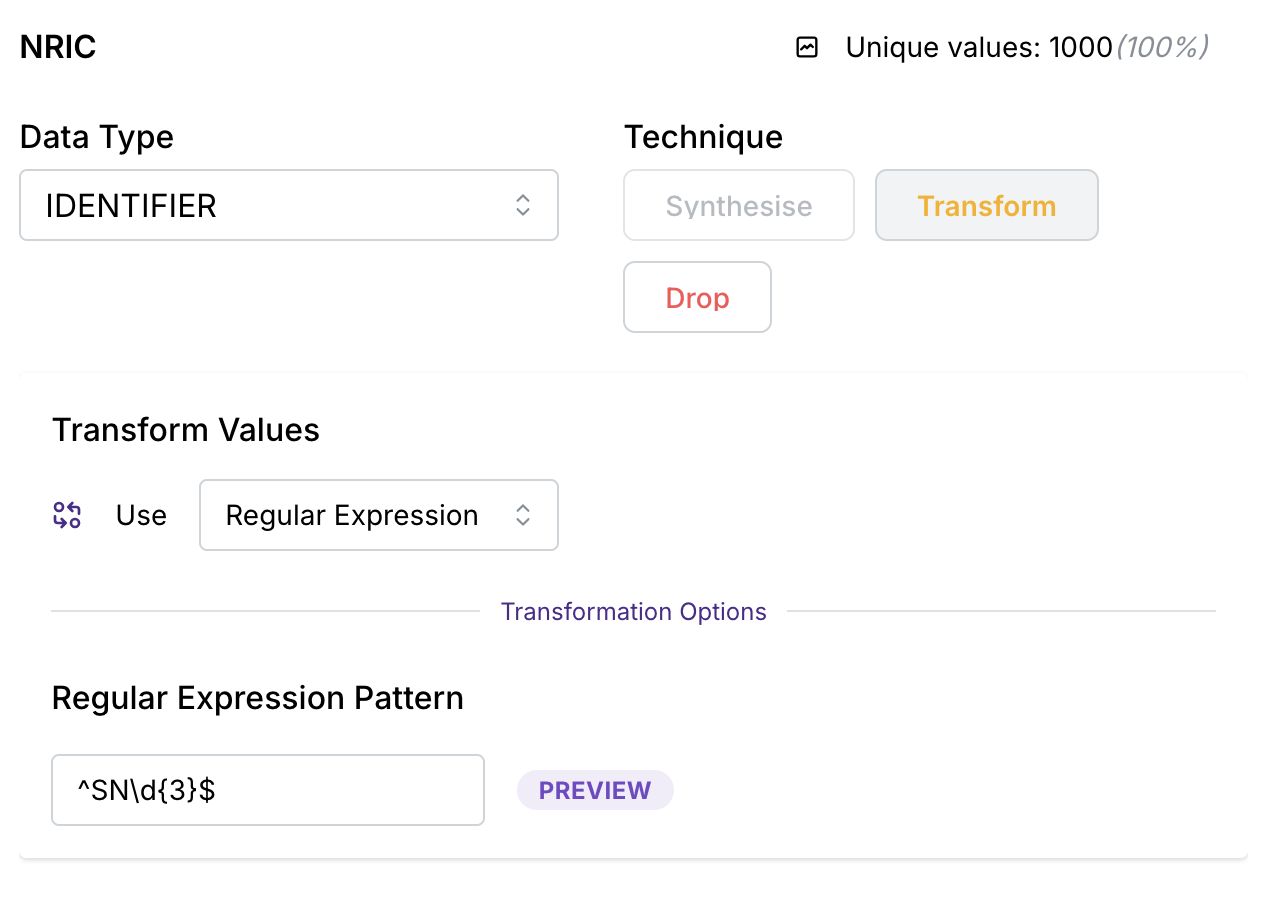
When “Regular Expression” is selected for an identifier column, the identifier column will be generated according to a user-specified regular expression.
Regular expression should be selected when the column needs to be in a particular format, and the format is not offered by Mirage under the “Mock Data“ option.
Incremental transformation
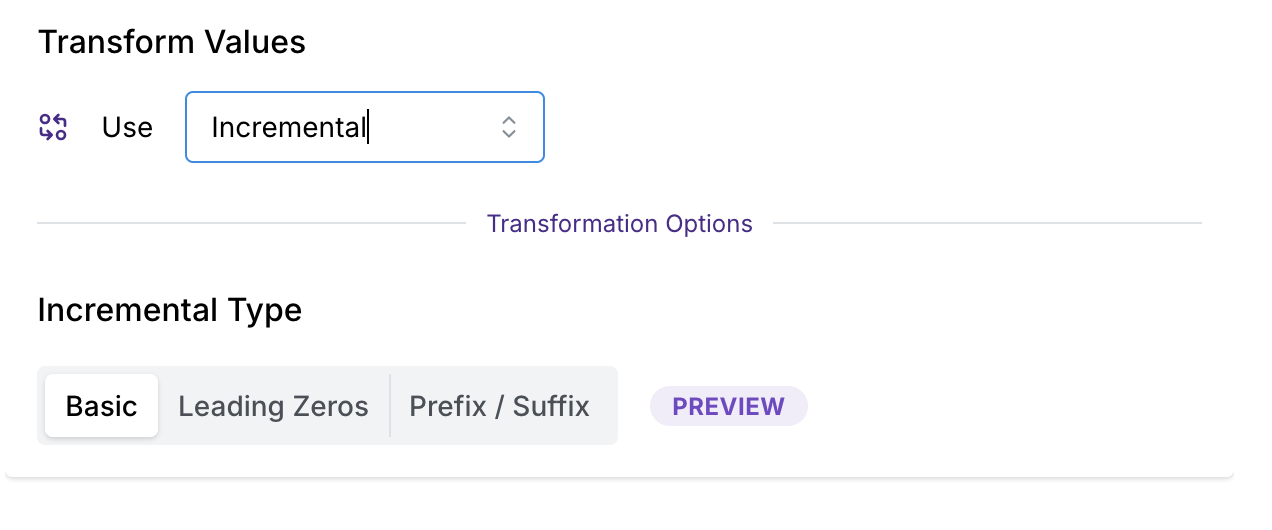
When “Incremental Transformation” is selected for an identifier column, Mirage creates new identifier values by generating a sequence of numbers, starting from 1, and applying formatting options. This maintains the sequential nature of identifiers while allowing identifier customization.
Incremental transformation should be selected when:
- You need to preserve the relative ordering or sequence of IDs in your synthetic data.
- The original identifiers are purely numeric and don’t contain meaningful embedded information.
Incremental transformation types
Incremental transformation can be customised in the following ways:
| Incremental Transformation Type | Description | Sample values |
|---|---|---|
| Basic | Simple sequential numbers without any additional formatting. | 1, 2, 3 |
| Leading Zeros | Sequential numbers with a specified number of zeros added to the front. | Default number of leading zeros: 0 1, 2, 3 Number of leading zeros: 1 01, 02, 03 |
| Prefix/Suffix | Generates sequential numbers combined with text before (prefix) and/or after (suffix) the number, connected by a joining character. | Default values: No prefix or suffix Joining character: - The prefix and the suffix value cannot both be empty. Prefix: Prefix, Suffix: Suffix Joining character: . Prefix.1.Suffix, Prefix.2.Suffix, Prefix.3.Suffix Prefix: Prefix, no suffix value Joining character: - Prefix-1, Prefix-2, Prefix-3 Suffix: Suffix, no prefix value Joining character: / 1/Suffix, 2/Suffix, 3/Suffix |
