Console dashboard
Overview
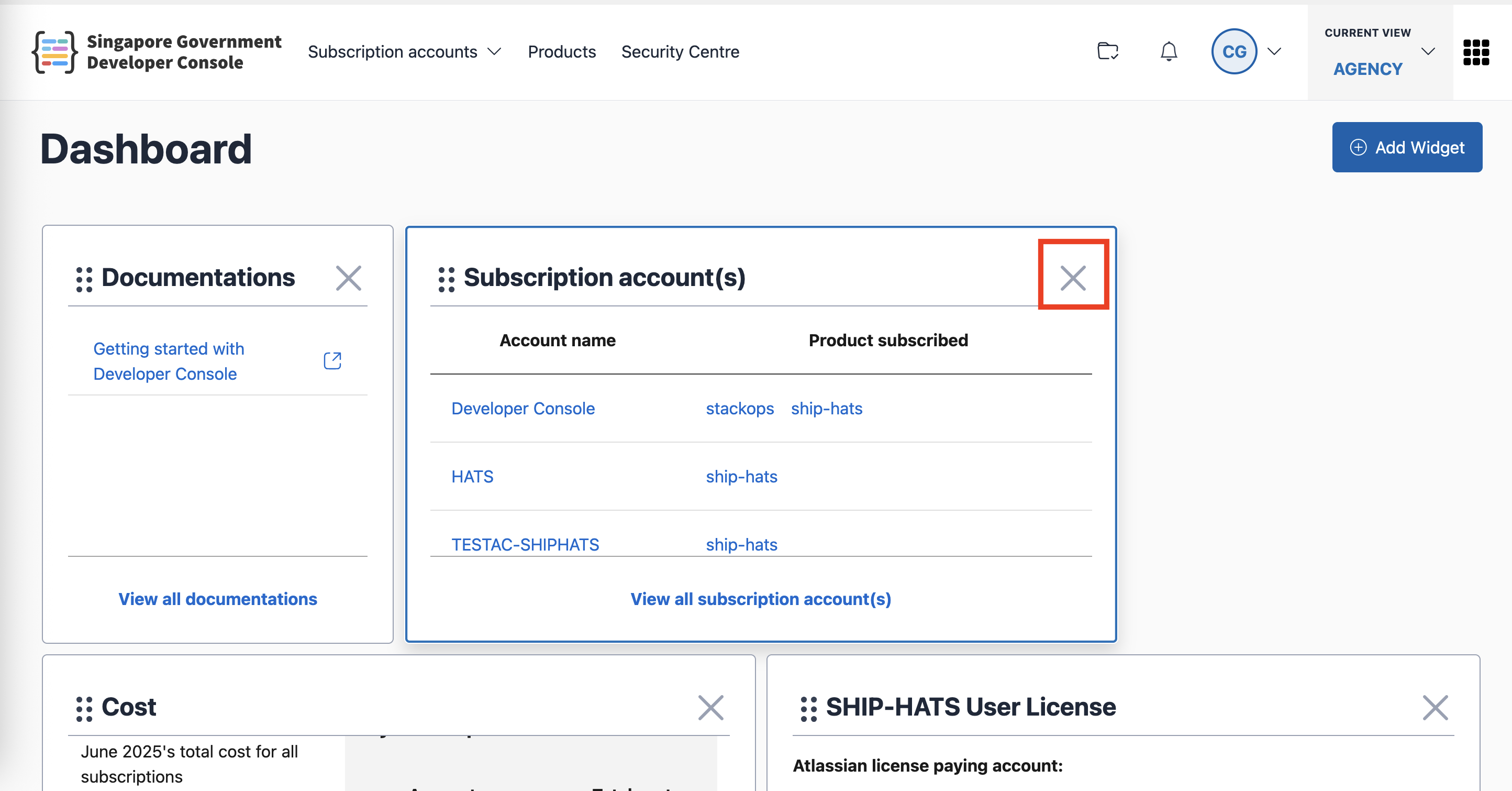
The Console dashboard is the main landing page after sign-in. It provides a customisable view where you can organise widgets to suit your needs.
Customising your dashboard
Moving widgets
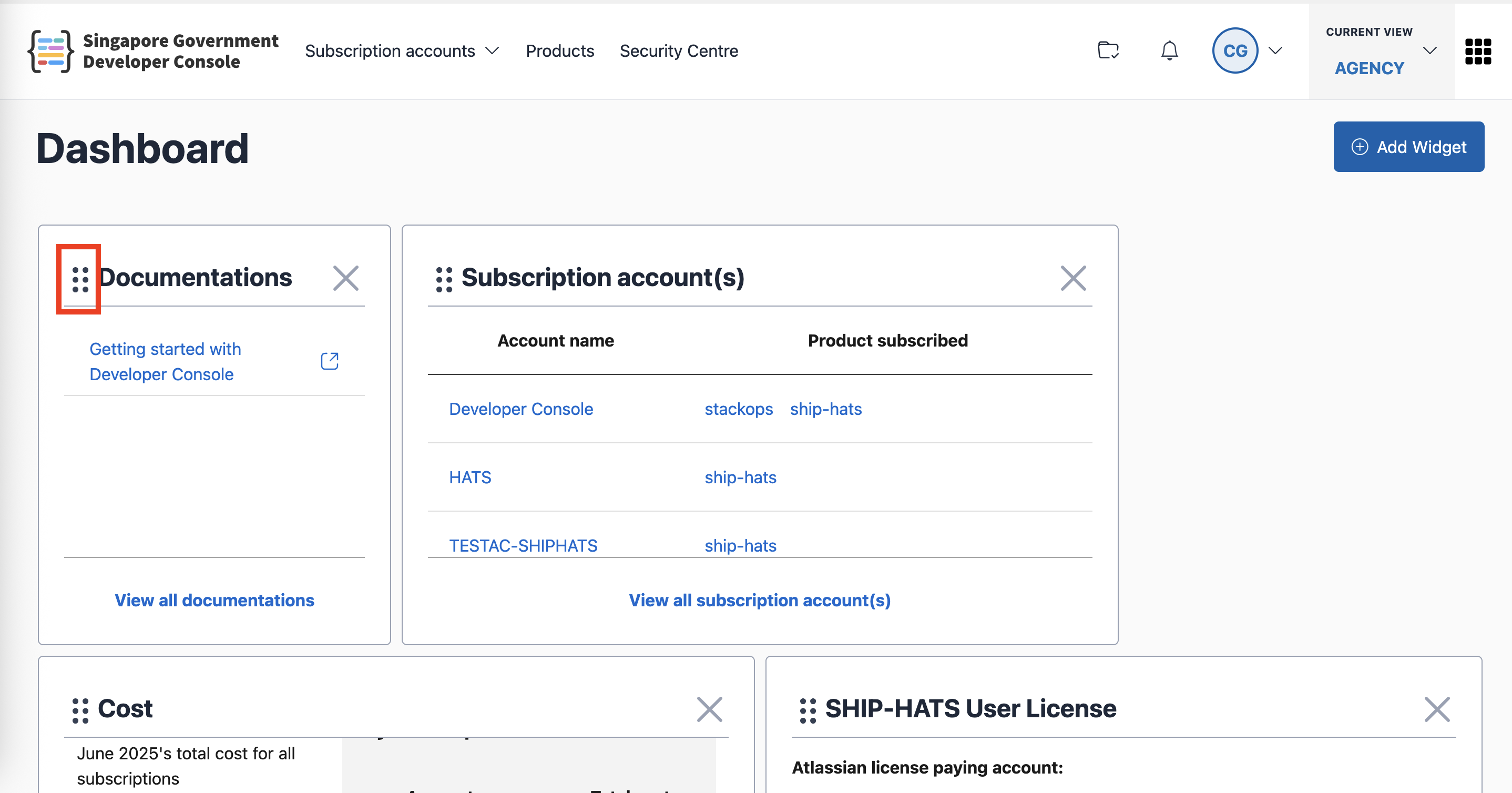
To move widgets, click and hold the drag icon on the top left of any widget. You can then move the widget to a different location. Releasing the icon will automatically save the new layout.
Adding available widgets
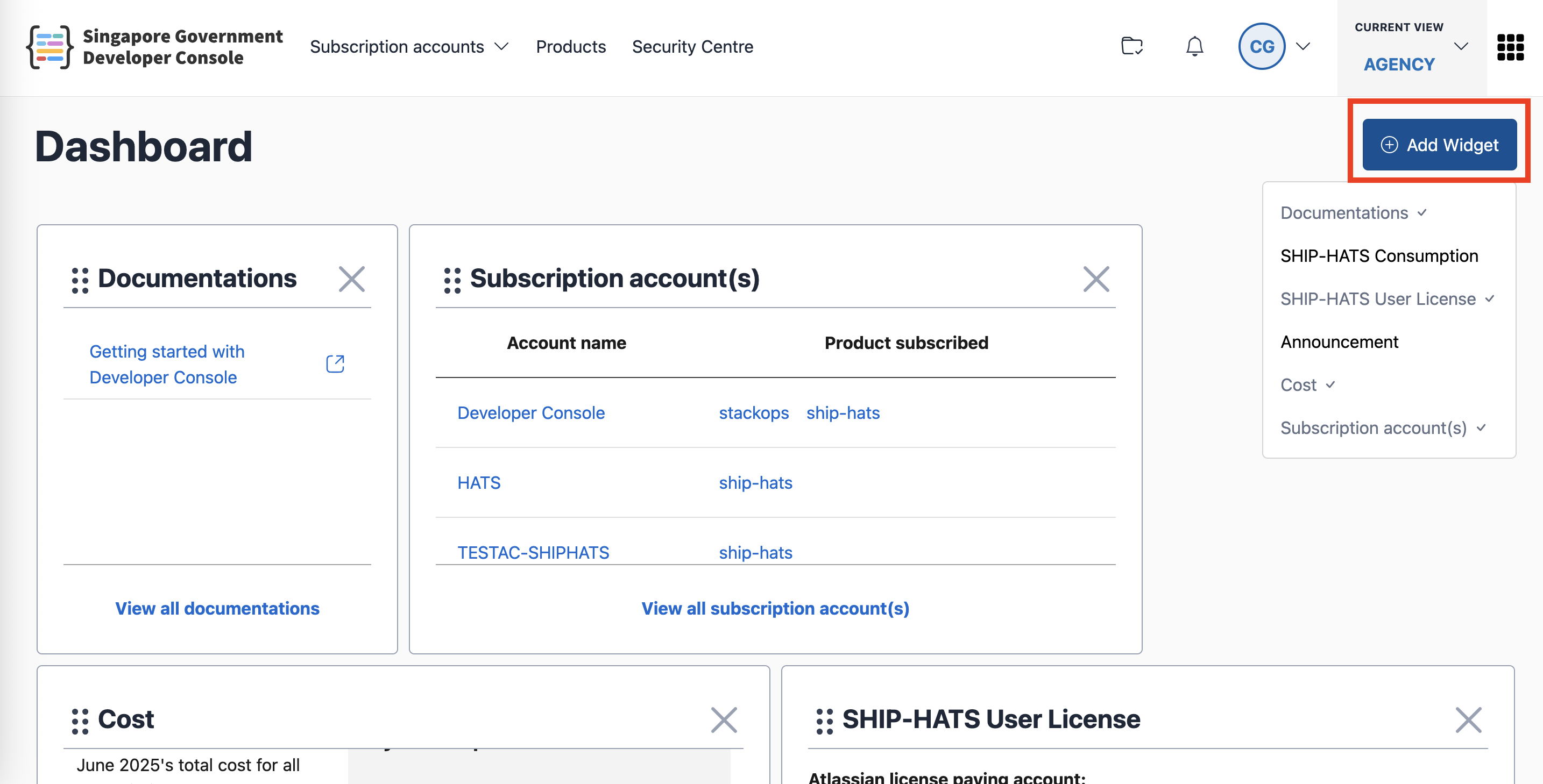
To see the list of available widgets to add to your dashboard, click on the Add widget button on the top right of the dashboard. A list of available widgets will appear. Selecting any one of them will automatically add it to your dashboard and save the layout.
Removing widgets
To remove a widget, click on the Remove icon (X) on the top right of the widget. The new layout will be saved automatically.