Activity logs
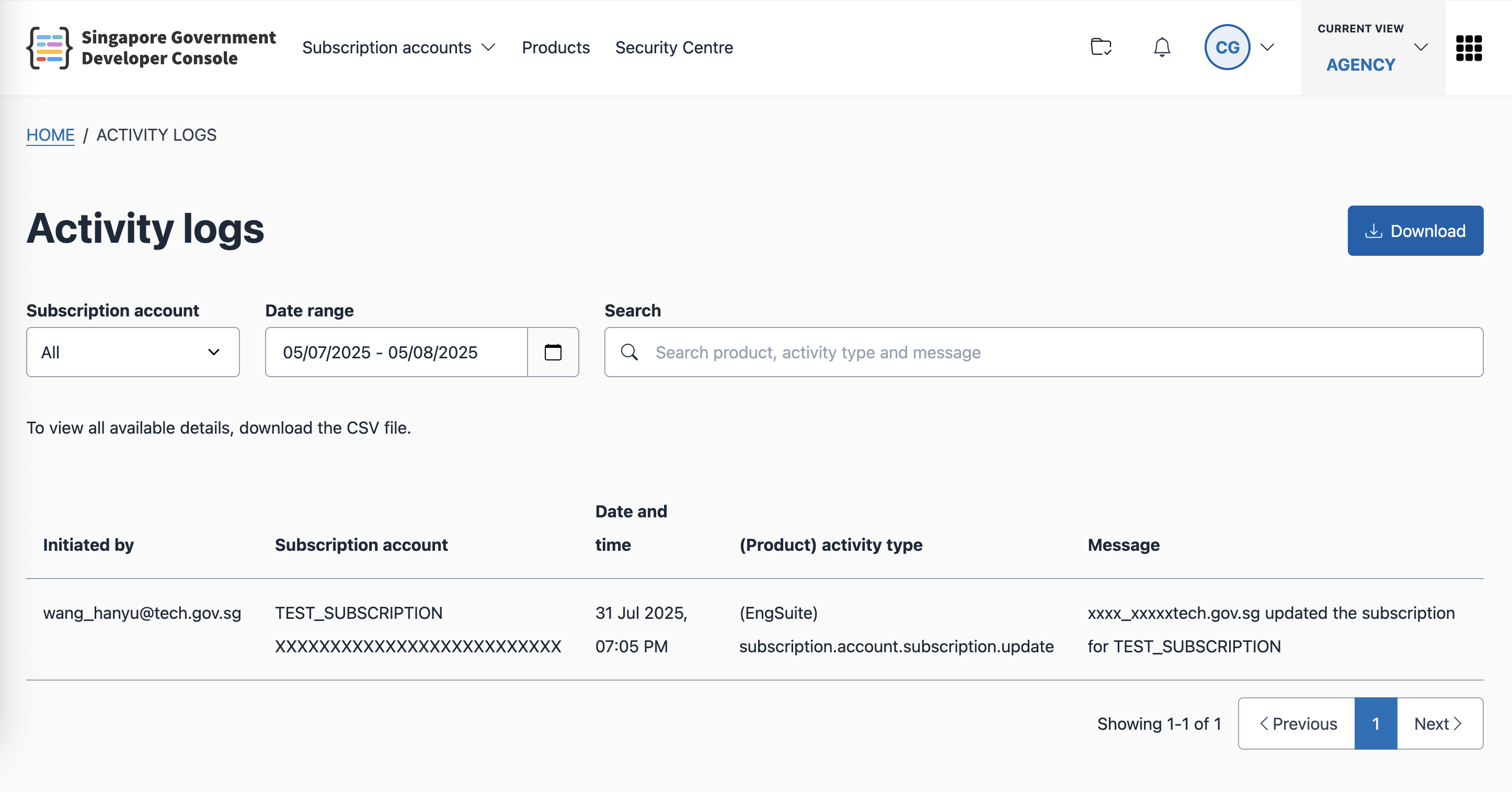
Activity logs let you view and track actions taken across all products in your subscription accounts. You can search, filter, and download logs for auditing or record-keeping.
View activity logs
- Go to the Activity logs page.
- You can also access it by selecting Activity logs from the navigation bar.
- The page lists all recorded activities for your subscription accounts.
Use the search bar or filters to narrow down the results.

Download activity logs
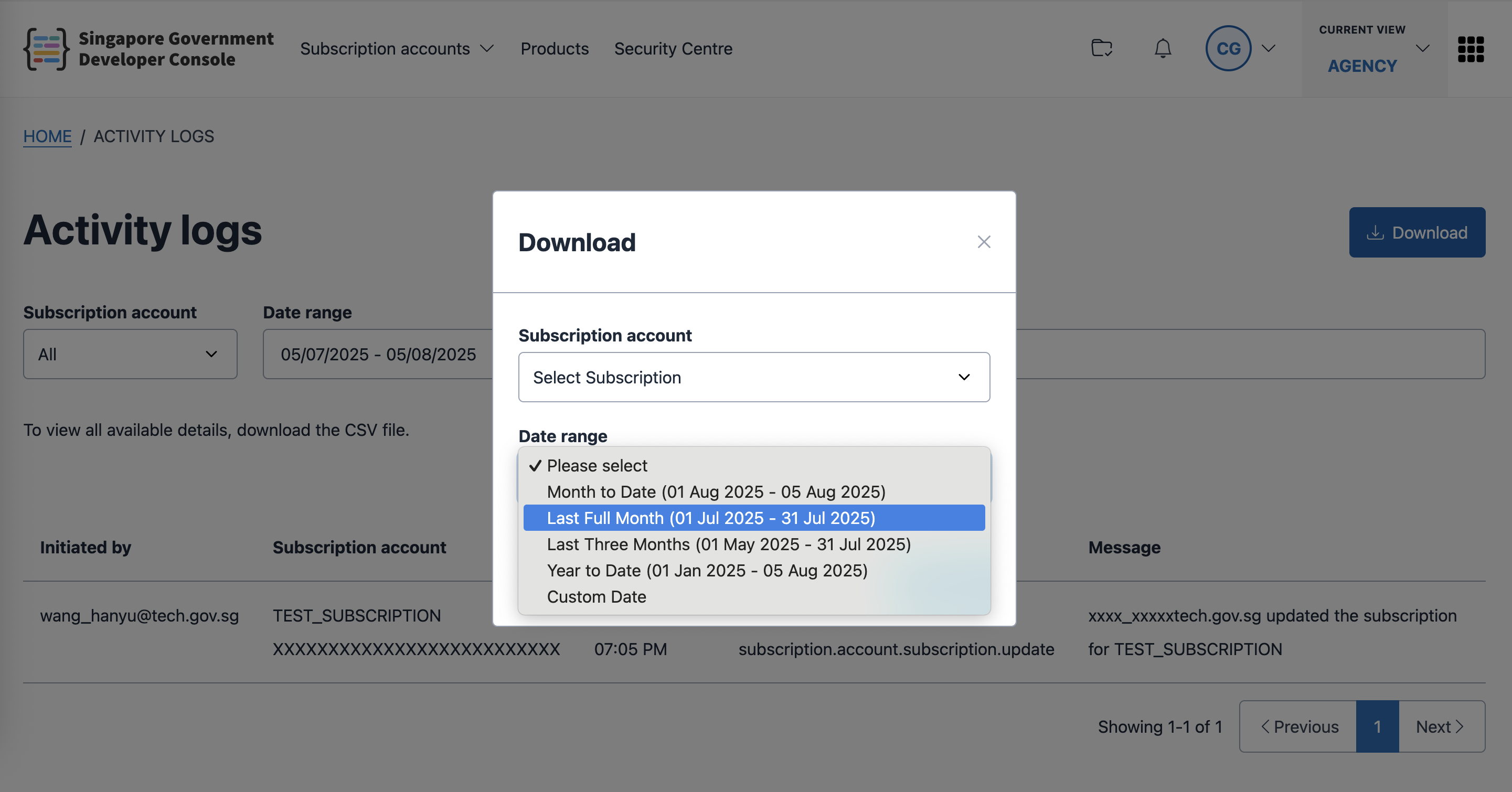
- Select Download.
- Apply filters to specify the logs you want to download.
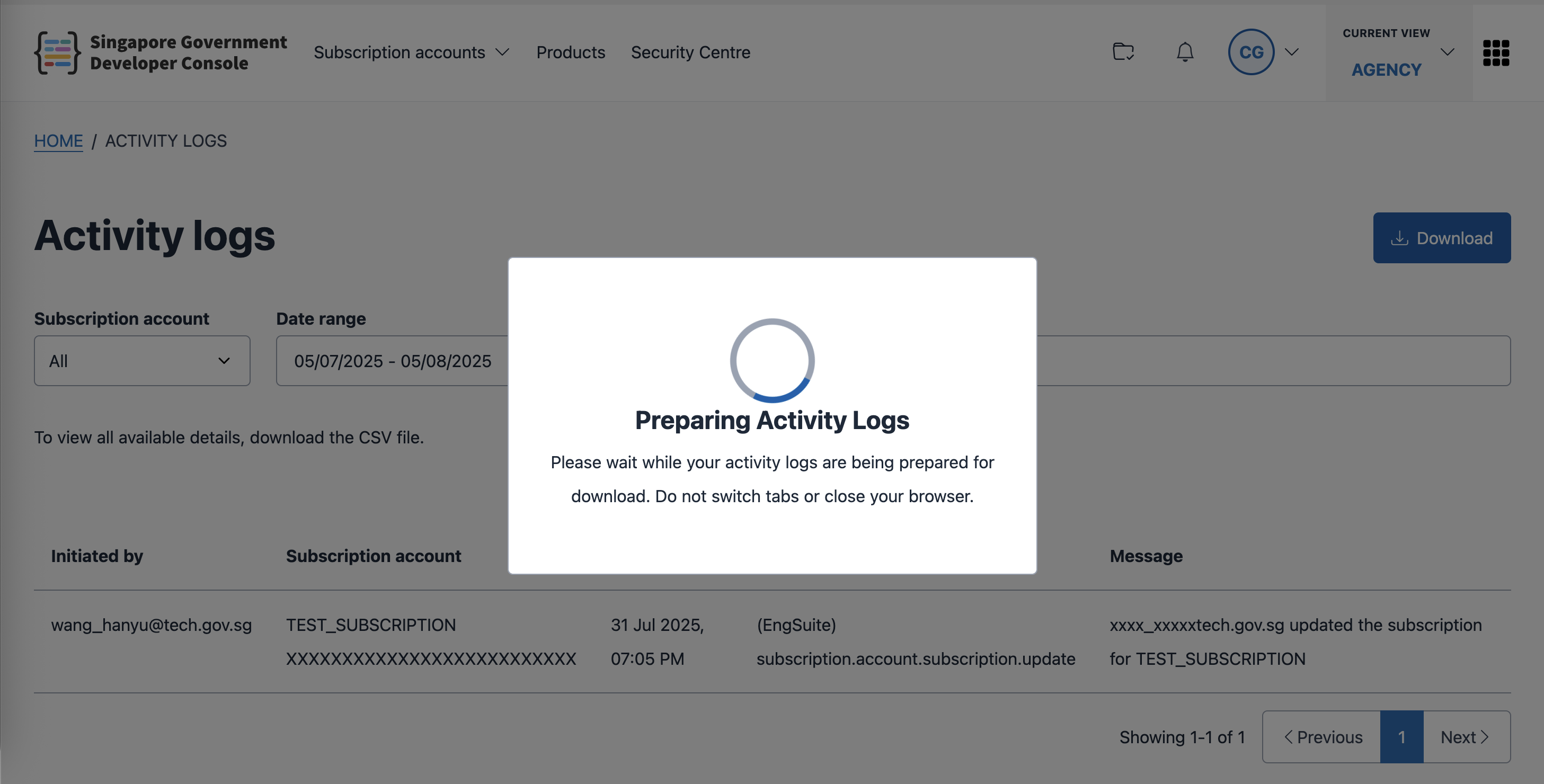
- Submit the download request.
- Once the report is ready, you will be prompted to save it as a CSV file.