Admin By Request (ABR) - User workflow
Use this guide for day-to-day tasks such as requesting and managing admin access.
On this page:
- Request admin access
- Approval process
- What you can and cannot do
- MFA flows
- Approval screens
- End the session
- FAQ
Having setup issues? See Setup and configuration – Troubleshooting.
Request admin access
You can request admin access in two ways:
- From the application
Right-click the application, or double-click the
.pkgfile - From the ABR icon in the menu bar
From the application
- Right-click the application, or double-click the
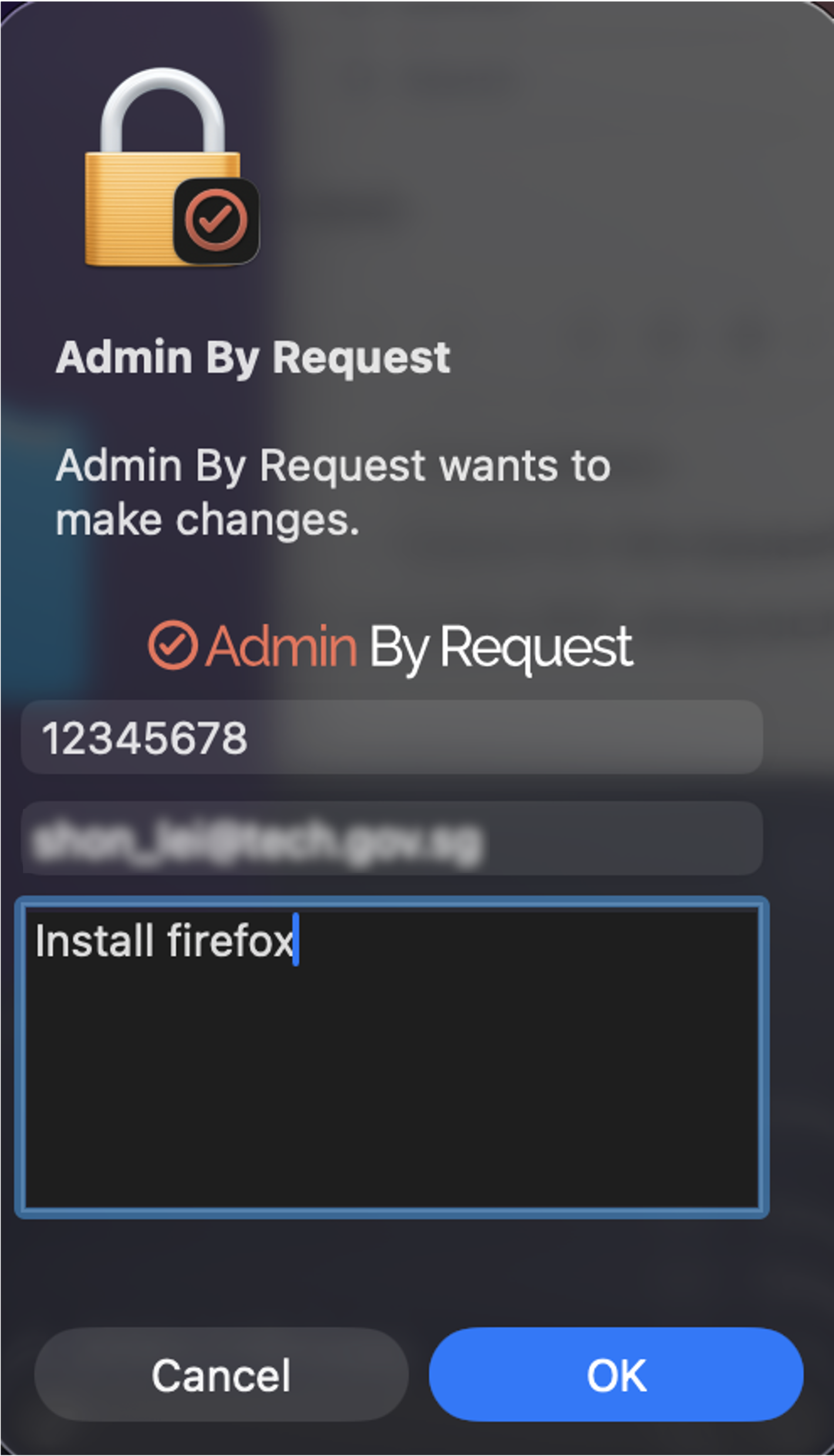
.pkgfile - The Admin By Request prompt appears
Note
On Windows devices, right-click and select Run as administrator.
- Enter:
- Phone number
- Email address
- Reason for the request (more than 5 characters)
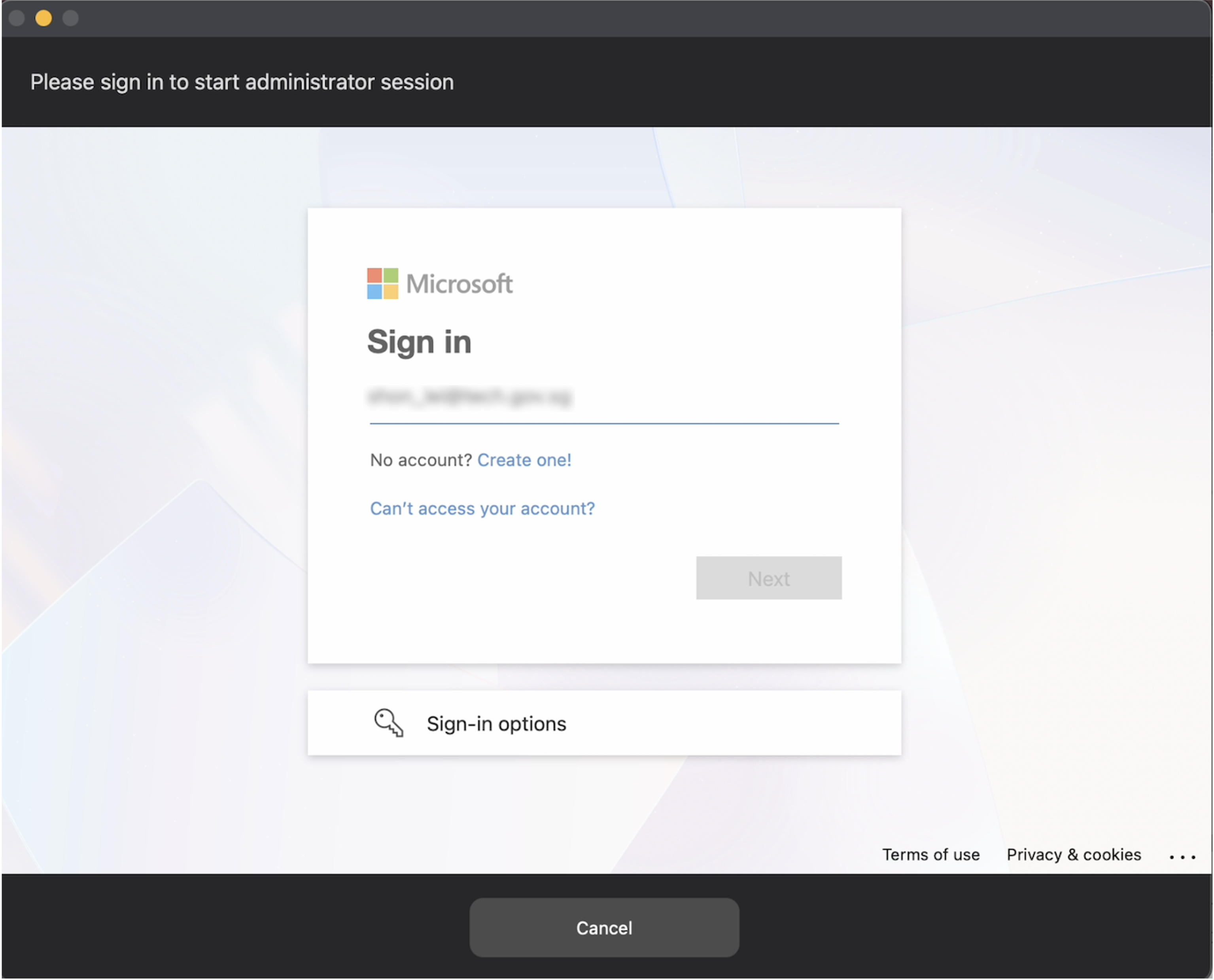
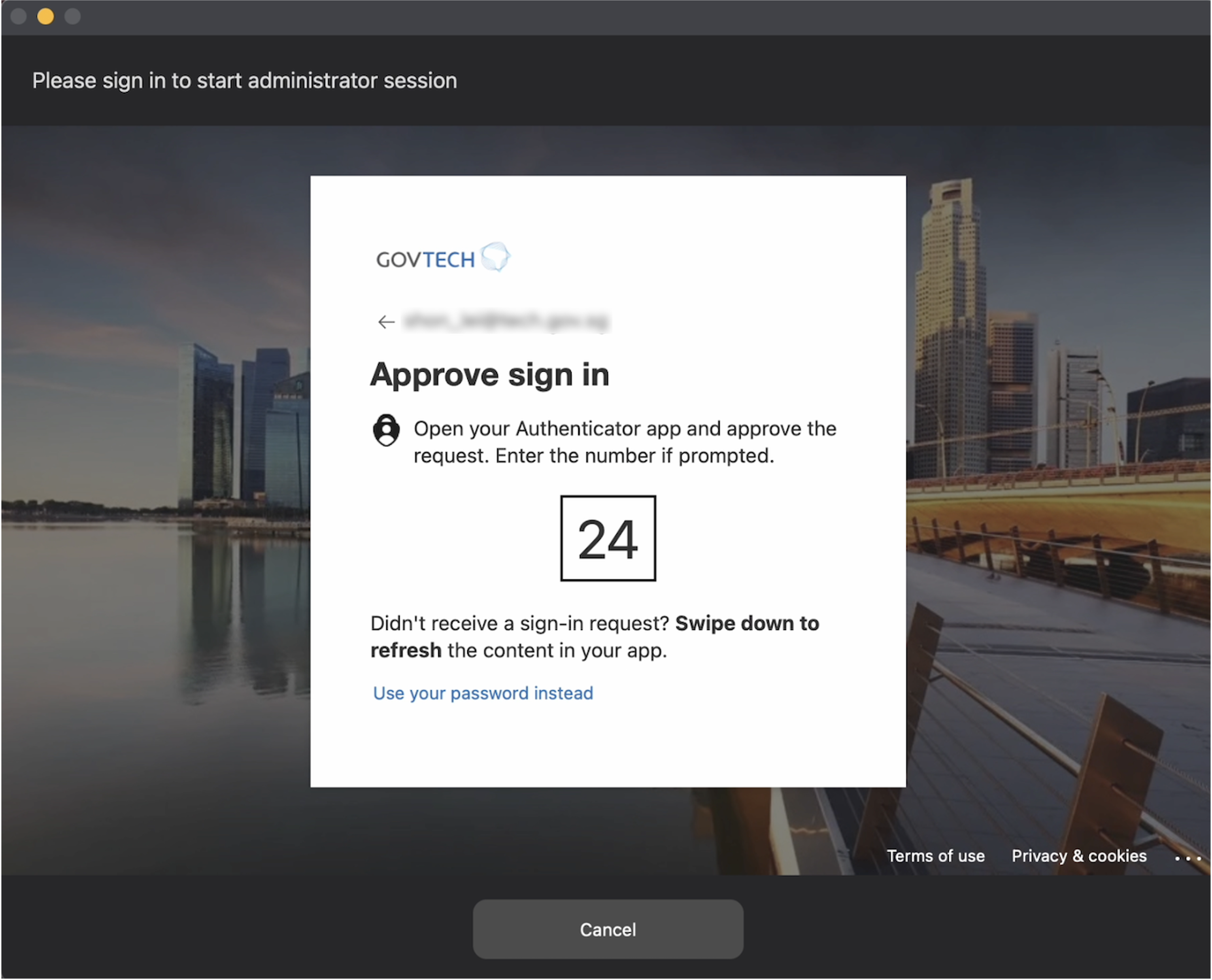
- Complete MFA using your tech.gov.sg account
From the ABR icon in the menu bar
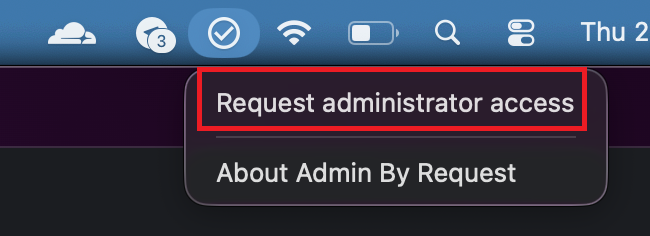
Select the Admin By Request icon in the menu bar

Select Request administrator access
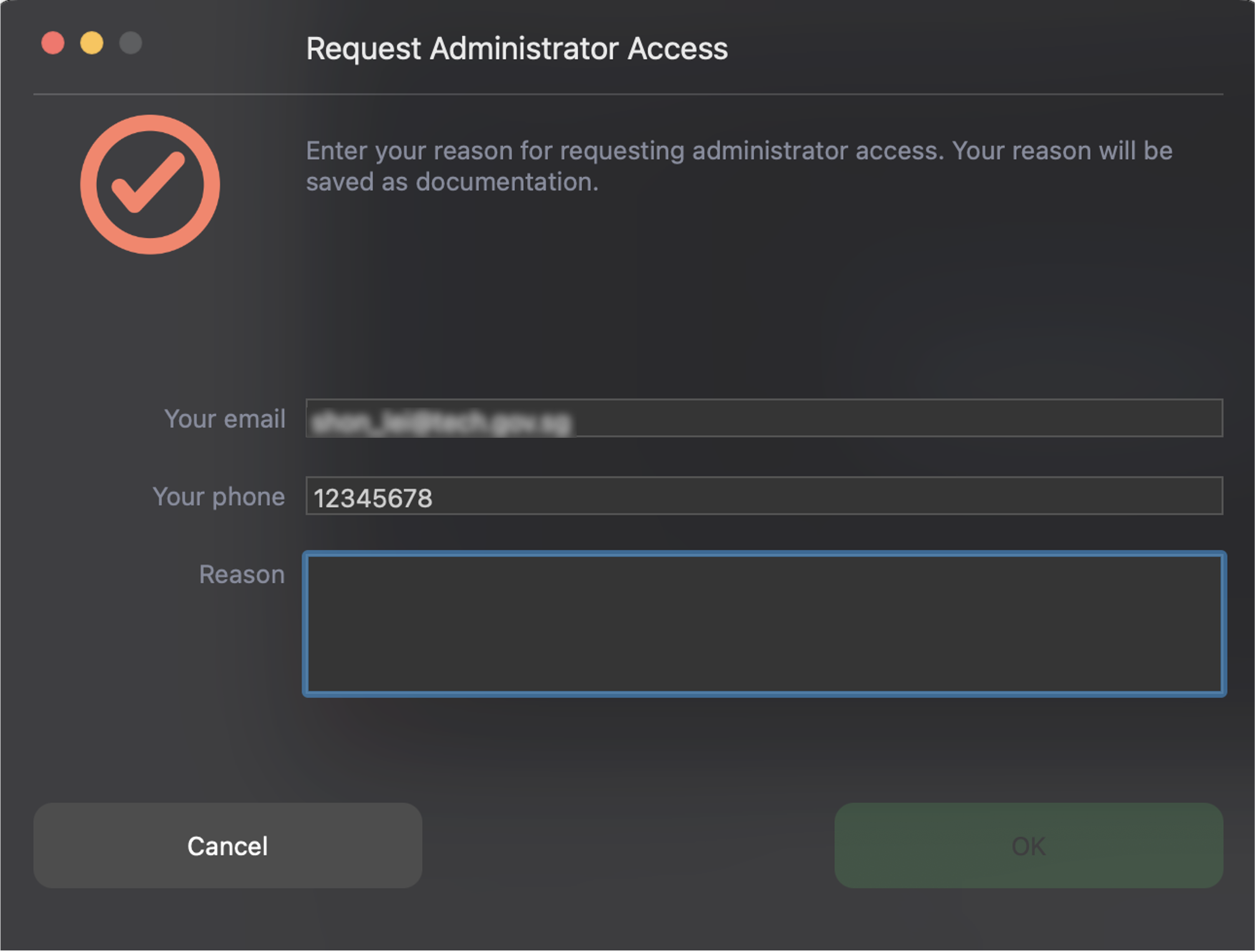
Enter:
- Phone number
- Email address
- Reason
Complete MFA using your tech.gov.sg account
Approval process
Approval required
Your request is sent to ABR portal approvers
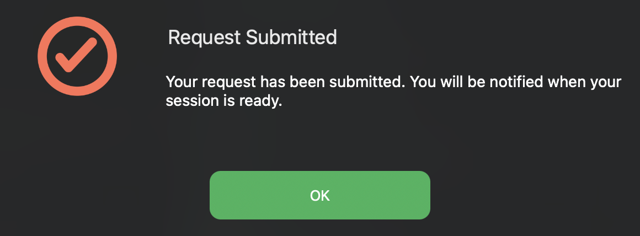
The approver is notified by email or dashboard
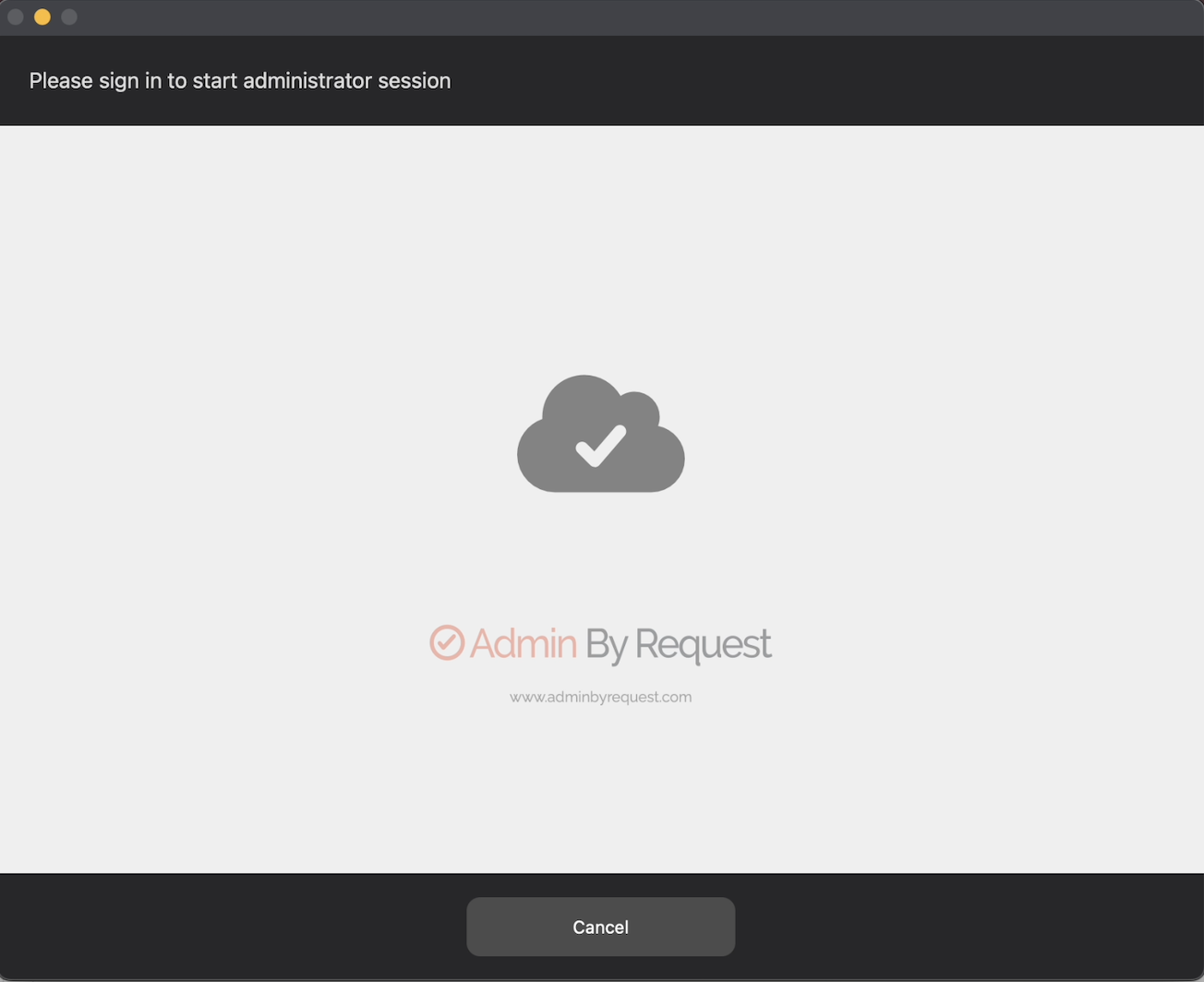
Once approved, a temporary admin session is granted.
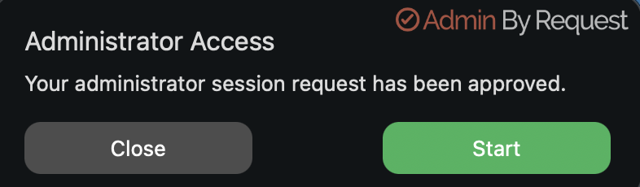
Complete MFA using your TechPass account.
Approver may deny your admin request if it does not meet the requirements.
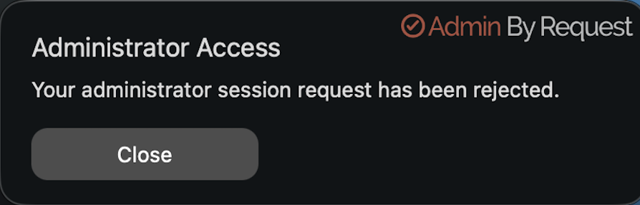
Pre-approved
If you are pre-approved, access is granted automatically.
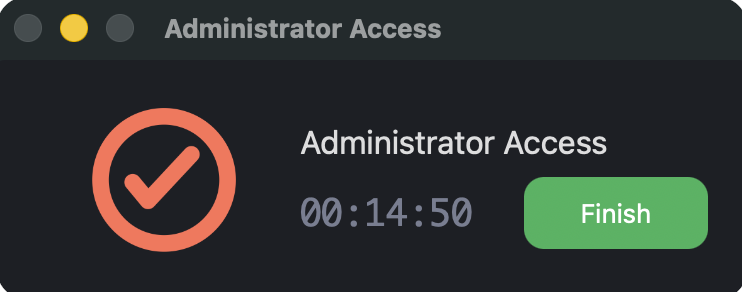
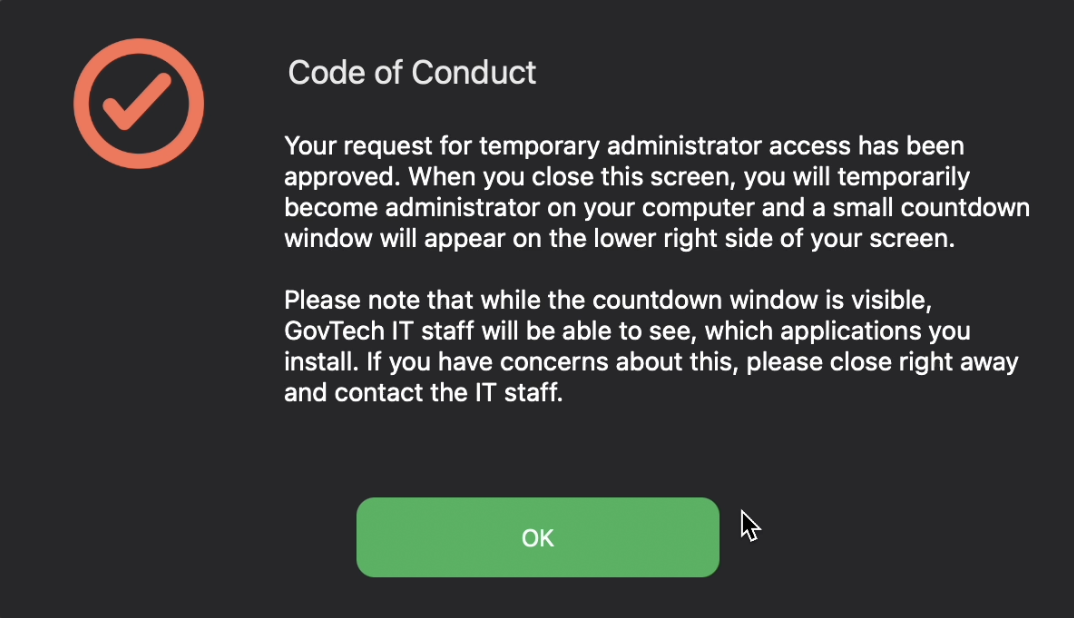
When approved
- A timer shows the session duration
- The ABR icon displays remaining time
- Temporary administrator rights are granted
What you can and cannot do
You can:
- Install software
- Update applications
- Run scripts or tools
You cannot:
- Disable ABR
- Extend the session
- Get permanent admin rights
MFA flows
MFA flow 1
MFA flow 2
Approval screens
Approved screen 1
Approved screen 2
End the session
The admin session ends when:
- The timer (15 minutes) expires, or
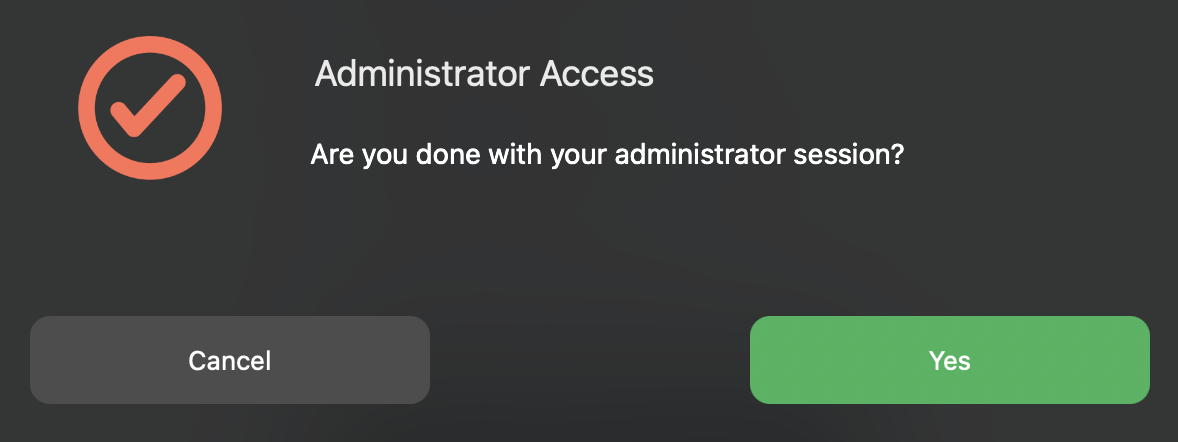
- You select Finish from the ABR menu
After the session ends:
- Admin rights are removed
- All actions are logged
End session manually
FAQ
These answers help with common situations when using Admin By Request.
No. Admin By Request grants temporary local administrator access only. Access is removed automatically when the session ends.
No. Admin By Request requires an internet connection to complete MFA and approval.
No. Users cannot bypass Admin By Request when device controls and policies are correctly configured.
Yes. Admins can review activities through the audit log, if command logging is enabled.
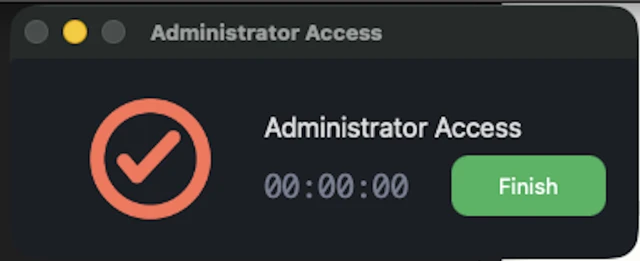
This is likely a display issue.
If you are cannot gain administrator access, retry the request until the timer displays 15:00.
Touch ID may not work after the macOS device is locked or resumes from sleep.
After you sign in using your password, Touch ID will work again during the session, including for admin access.
After the ABR client update, the printtool dialog box may appear when printing. Click Cancel to dismiss it and proceed with your printing task.
If you are unable to perform self-approvals, submit a service request via SEED ticket portal.
- Click the “Search” icon in the top menu bar to open Spotlight search.
- Type “Activity Monitor” in the search field and double-click Activity Monitor.app to launch the application.
- Click the “Memory” tab to view all running applications and their memory usage.
- Click the “Memory” column header to sort applications by memory consumption - from highest to lowest.
- Select the “Admin By Request” process from the list by double-clicking on it to view termination options.
- Click “Quit” then “Force Quit” to immediately terminate the Admin By Request application and free up memory.
