Search Filter & Result Item Customisation
SearchSG uses Machine Learning to auto-generate content-type and content-topic metadata tagging for your content to auto-organise your website content and provide useful filters with these generated data for use.
SearchSG also supports the customisation of filters as well as result item fields to be display with each search results to cater to your business needs.
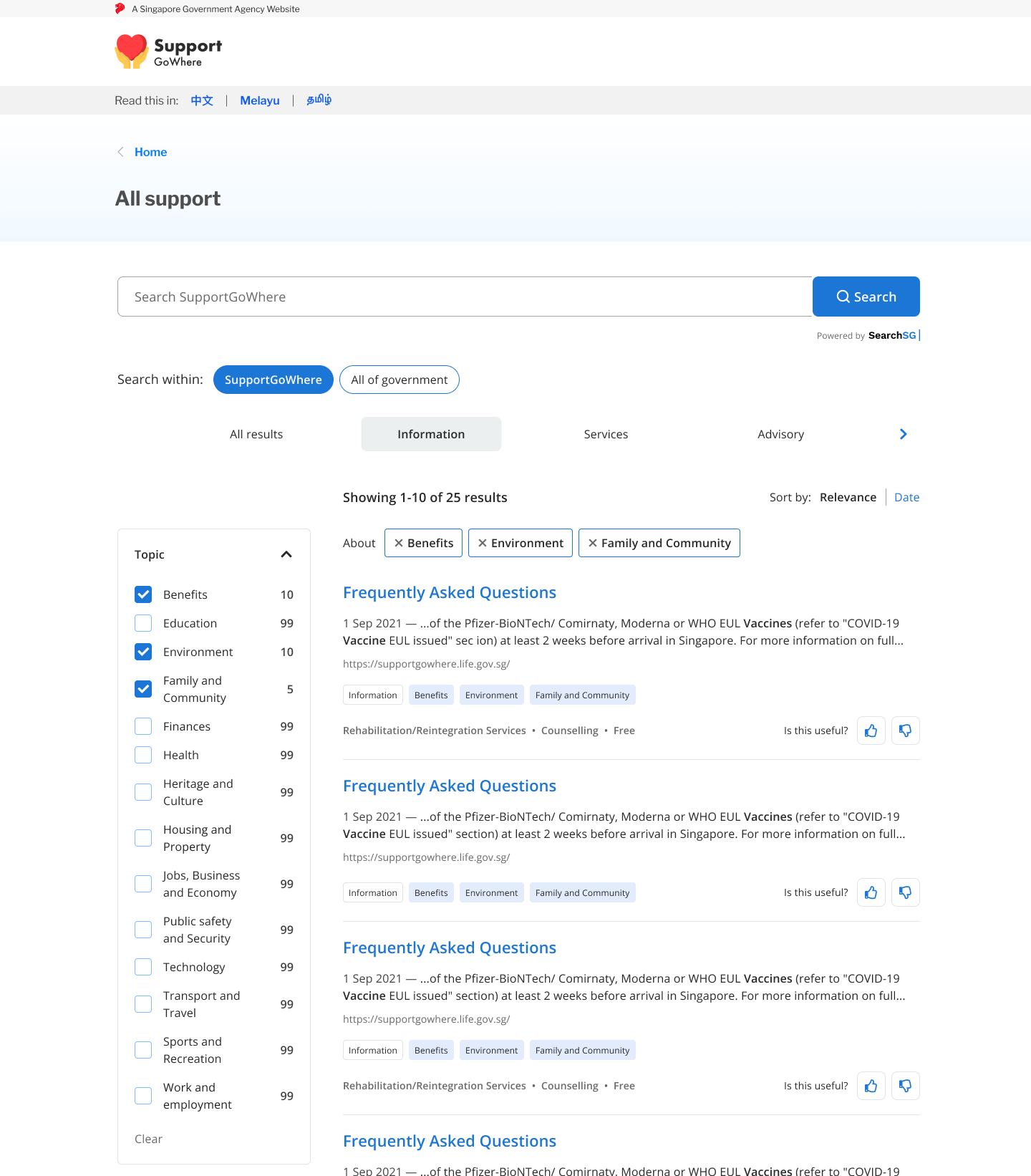
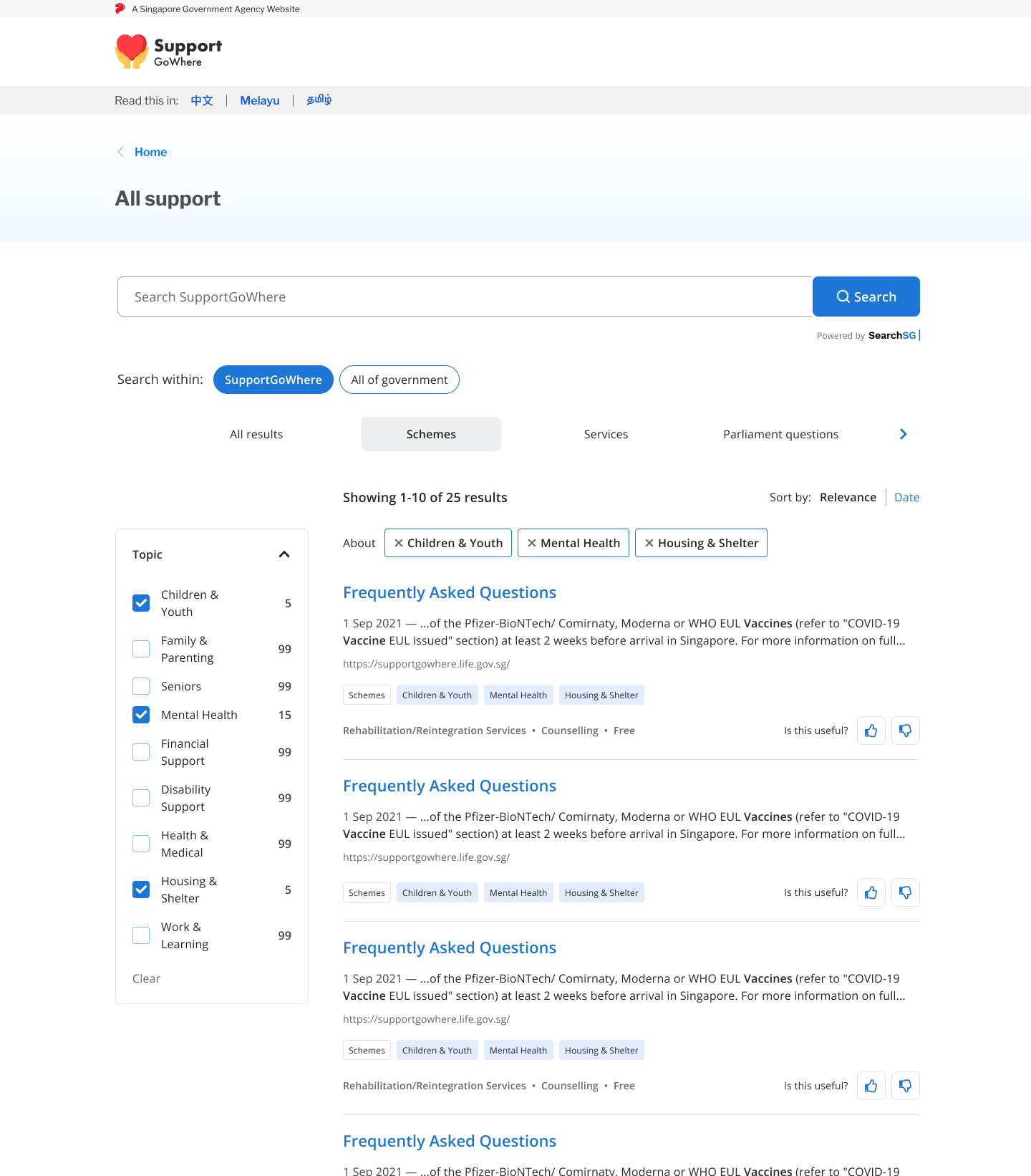
To custom filters / results item, following steps are required:
- Publish custom structured metadata within your website html
<head>tag to customise additional metadata to be tagged for your page - Define how you would like to use the published custom metadata to customise your search results filter / results items
Publishing custom structured metadata
SearchSG supports publishing of structured metadata using the schema.gov.sg (based off schema.org) vocabulary and JSON+LD data format, inline with standards used by other major web crawlers such as Google.
By making available additional structured metadata in a JSON+LD format on your page, you can allow SearchSG’s web crawler to collect and index data according to your customised metadata and support your customisation needs.
Simply add the following code block structure into your page <head> tag customised according to your page’s information.
| Attributes | Data Type | Remarks |
|---|---|---|
| type | String | Customised content type displayed on result item footer first tag - eg. “Guides” or “Schemes” or “FAQ” |
| title | String | Customised title displayed on result item title. For agency to overwrite and format result title without impacting their page’s title |
| description | String | Customised document meta_description field. For agency to add additional keywords for better searchability without impacting their page’s metadata or title. Optional display on the result item. |
| categories | String[] | Customised categories tagging and filter - displayed on result item footer as tags as well as can be used as filter menu options |
| keywords | String[] | Customised keywords tagging - displayed on result item footer as additional helping keywords for users |
Illustration of custom searchsg-attributes to result item
As an example, the following published structured metadata on the webpage’s <head> tag will enable these custom attributes to be tagged to the result item in SearchSG.
By publishing your custom structured metadata, your results will be updated and customised by the next day (after our crawler crawls your website).
<script type="application/ld+json">
{
"@context": "https://schema.gov.sg/",
"title": "Register your child's birth | LifeSG – Services",
"description": "If eligible, you can also apply for Baby Bonus and sign up for library membership for your child in the same application.",
"type": "Services",
"categories": ["Benefits", "Family and Community"],
"keywords": ["Newborn", "Baby Bonus", "Digital Birth Certificate"],
"image": "https://www.life.gov.sg/img/ways-we-help/birth-registration/hero_desktop.png"
}
</script>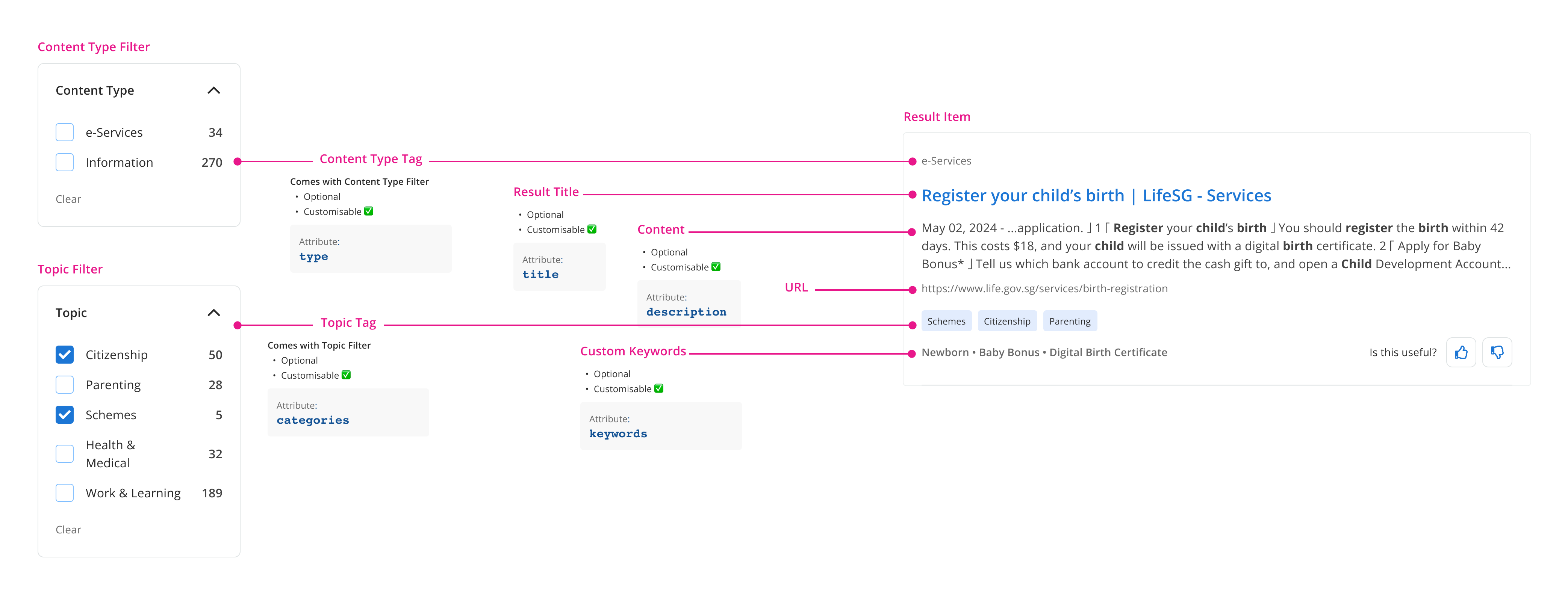
Define filter and result item customisation
You can choose to specify whether to use our auto-generated filters or your own custom filters using your published metadata fields such as agency_custom_categories to be set as filters.
Fill out our Contact Us form to help you customise when you are at this step.
