Embedding SearchSG Results Page within your website
SearchSG redirects your search queries to search.gov.sg hosted results page by default. However, if you prefer to embed our search results page within your site, we can also support that.
Even if the results page is embedded on your website, you will still be able to customise both the Website Search Bar and SearchSG’s result page to match the look and feel of your site.
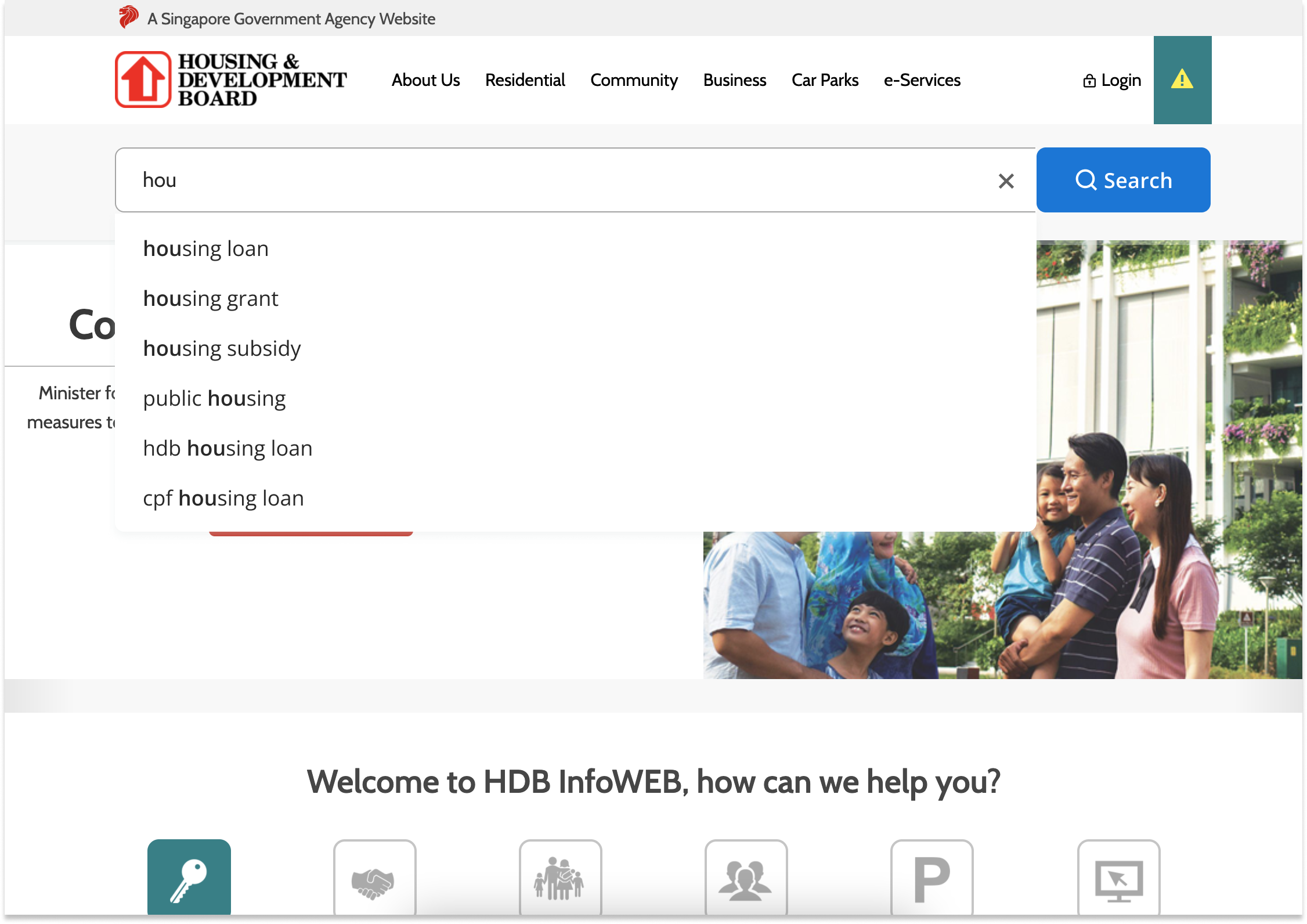
Embedded Search Results Page Experience
First, setup the SearchSG Website Search Bar to your webpages by following the instructions here.
Next, prepare a search results page on your domain with your own website’s header and footer.
Embed and render our search results page frame within your website body using iframe by using the following steps.
How to add SearchSG Embedded Search Results Frame to your page
Step 1. Load the searchconfig.js script for result page
Add the following snippet into the <head> section of the page that will display your search results. Note: The query param &page=result at the end of the script link must be included.
searchconfig.js - Configuration script for all environments
<script
id="searchsg-config"
src="https://api.search.gov.sg/v1/searchconfig.js?clientId=<your-issued-client-id>&page=result"
defer
></script>Step 2. Render the search result frame
Add the following code snippet to mark the page body location where you want to render the search result frame. Note: the id attribute must be set as ‘searchsg-result-container’ and must not be changed.
Marking Div for Rendering Result Frame
<div
id="searchsg-result-container"
style="min-height: 100vh;"
/>Step 3. Set CSP rule to allow for SearchSG domain
If website has Content Security Policy enabled, update CSP to add the following code:
default-src 'self' https://www.search.gov.sg
frame-src 'self' https://www.search.gov.sg
script-src 'self' blob: https://api.search.gov.sgAfter completing step 1-3, you may load your custom results page and check that the result frame is embedding and rendering properly on your website.
Step 4. Whitelist required query params on your CMS
For websites using a CMS that requires the whitelisting of URL query parameters, whitelist the following query parameters to allow the embedded search results iframe to work as intended.
| Query params to whitelist | Usage for SearchSG |
|---|---|
| cid | clientId |
| q | query |
| page | page number |
| scope | search scope |
| sort | search sort |
| sortList | search sort list |
| filter | search filter |
| filterList | search filter list |
| contentType | search content filter |
| ac | autocomplete used (analytics) |
| sid | site Id (analytics) |
| duid | domain user Id (analytics) |
| dsid | domain session Id (analytics) |
| rurl | referrer (analytics) |
Step 5. Inform us on your embedded search result page url (for redirection from SearchSG Website Search Bar)
This final step is notify SearchSG team of the URL of your custom results page. This is to be used for webpage redirection URL when users searches on the Website Search Bar widget.
Once this step is complete, you may test out the end-to-end interaction of search to redirection to your custom results page with embedded results frame.
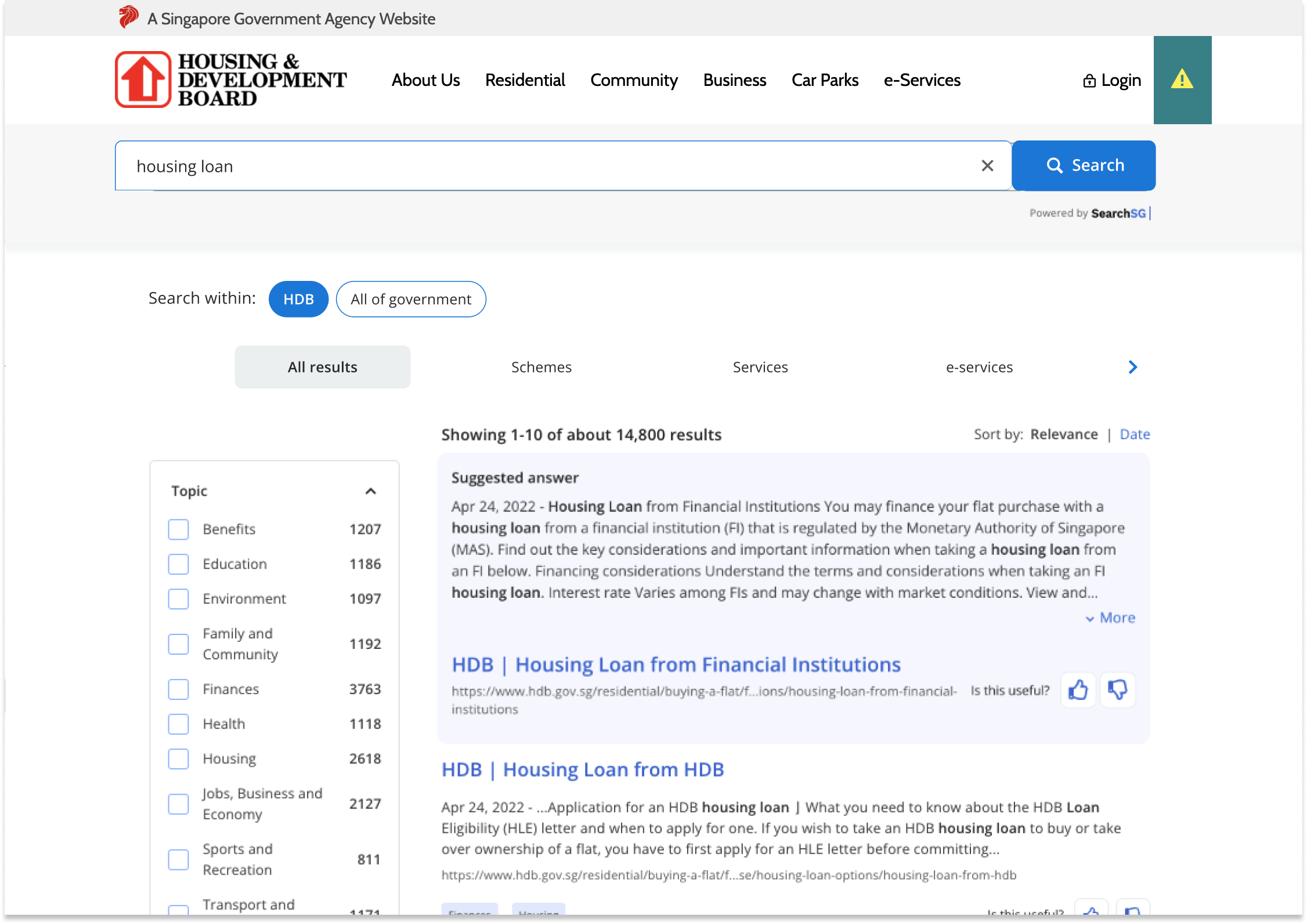
Example of SearchSG’s search result page embedded within your website