Verify the application deployment
The CStack application dev clusters for internet and GEN-routable have been decommissioned. The information on this page may be outdated, but we’re updating it soon. Thanks for your patience!
To verify the application deployment, you must verify with ArgoCD.
Verify with ArgoCD
Make sure that you are connected to SEED.
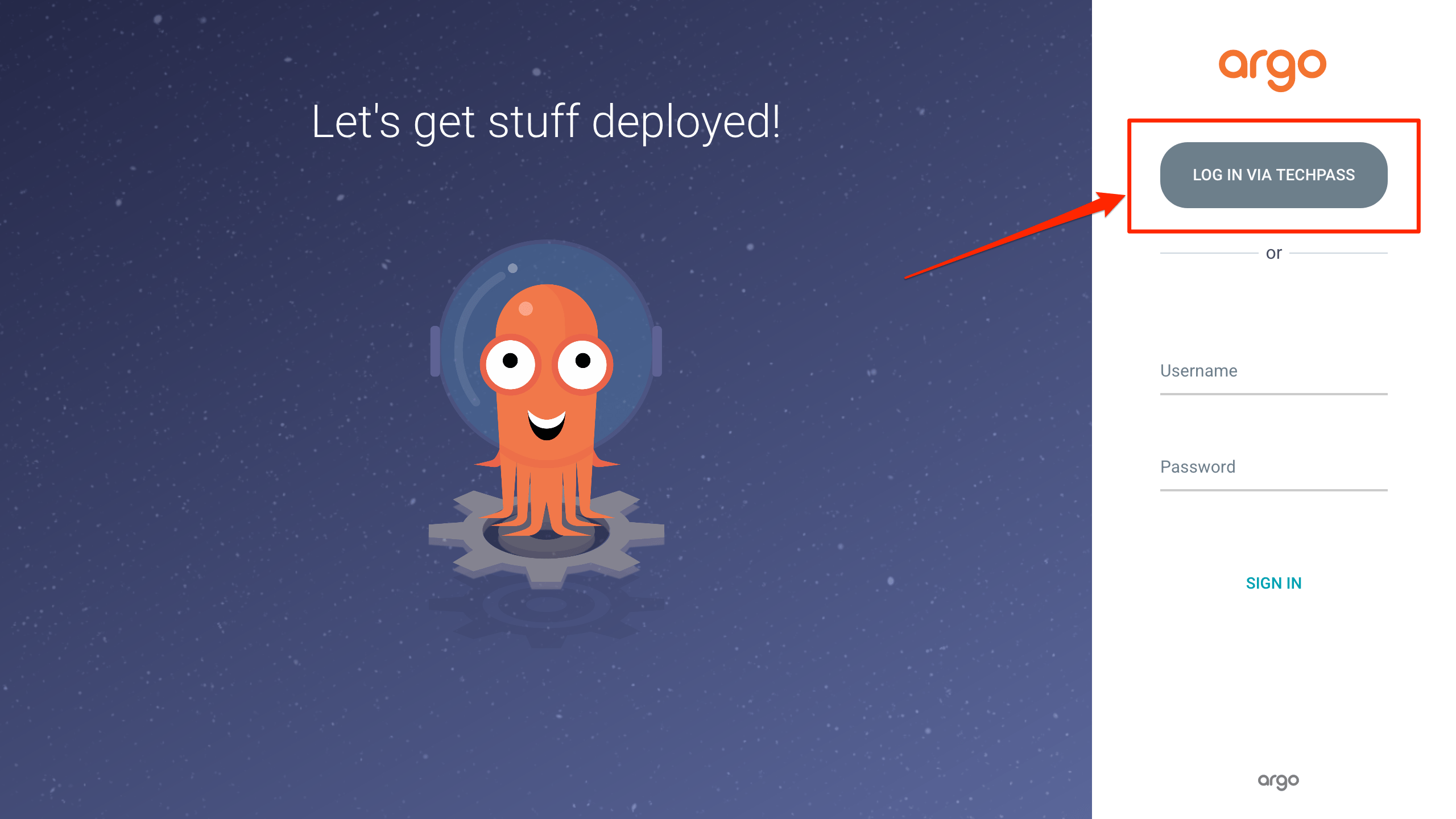
Navigate to the Dev ArgoCD Portal.
Click LOG IN VIA TECHPASS.
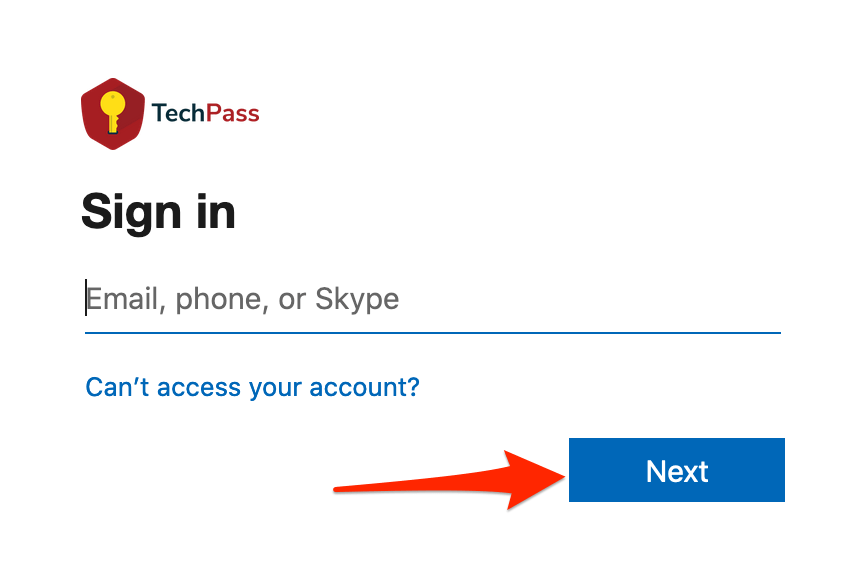
Enter your email address, and then click Next.
Enter verification code from your multi-factor authentication (MFA) app. You must use the code from the SG Govt M365 entry.

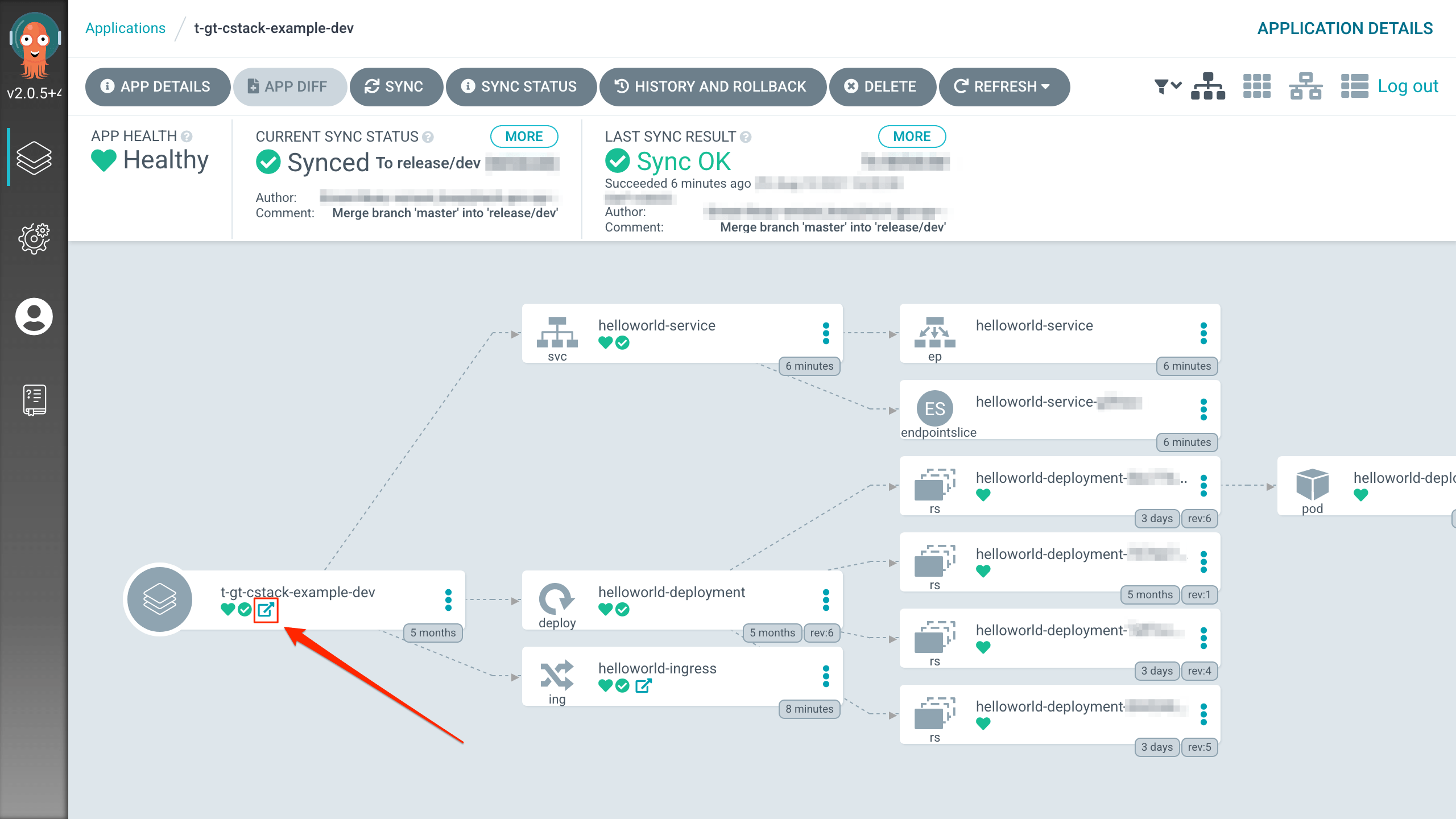
Click on your project (also known as an ArgoCD Application).
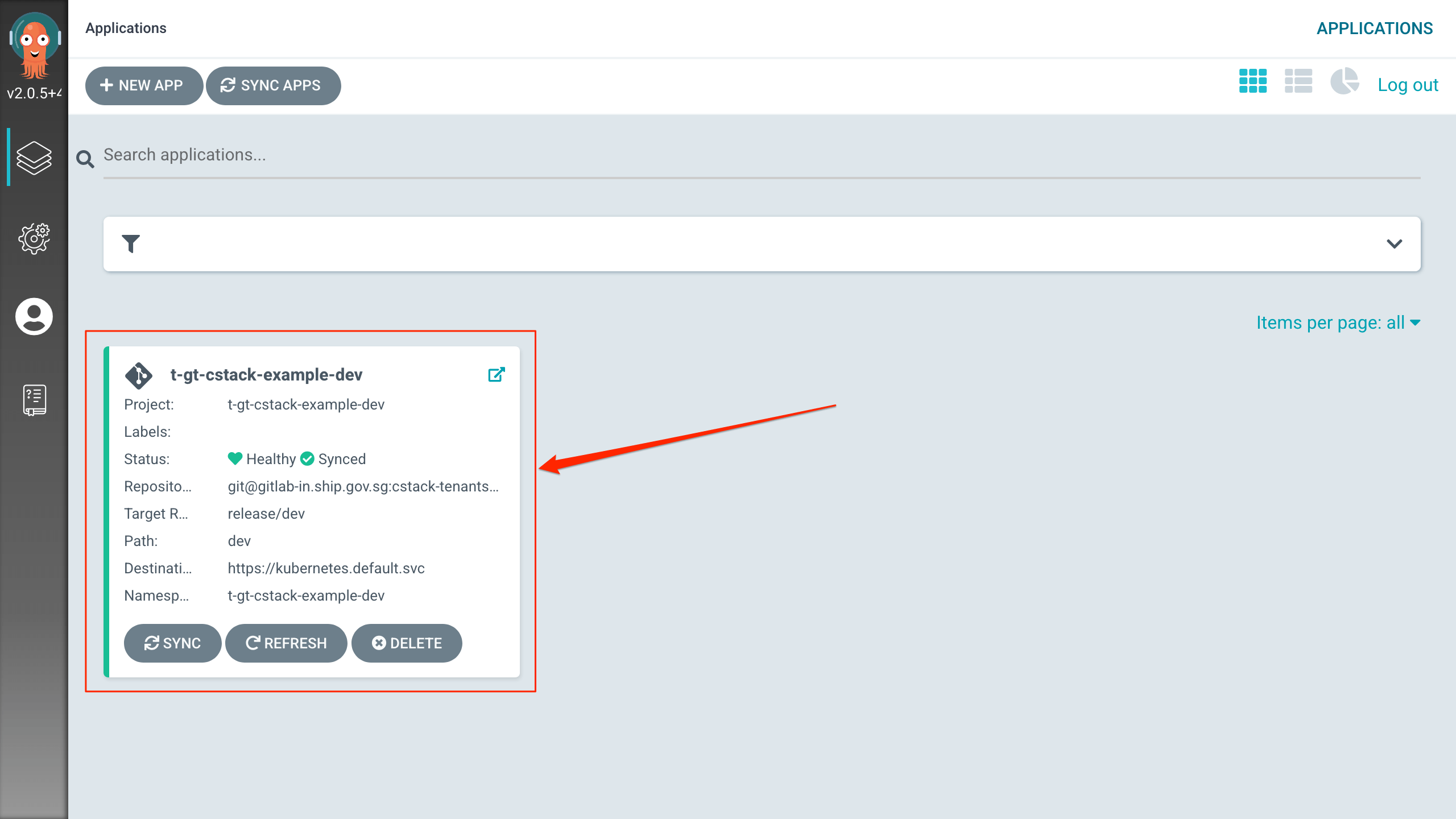
All your deployed resources will appear in your namespace. In the image below, the namespace is
t-gt-cstack-example-dev.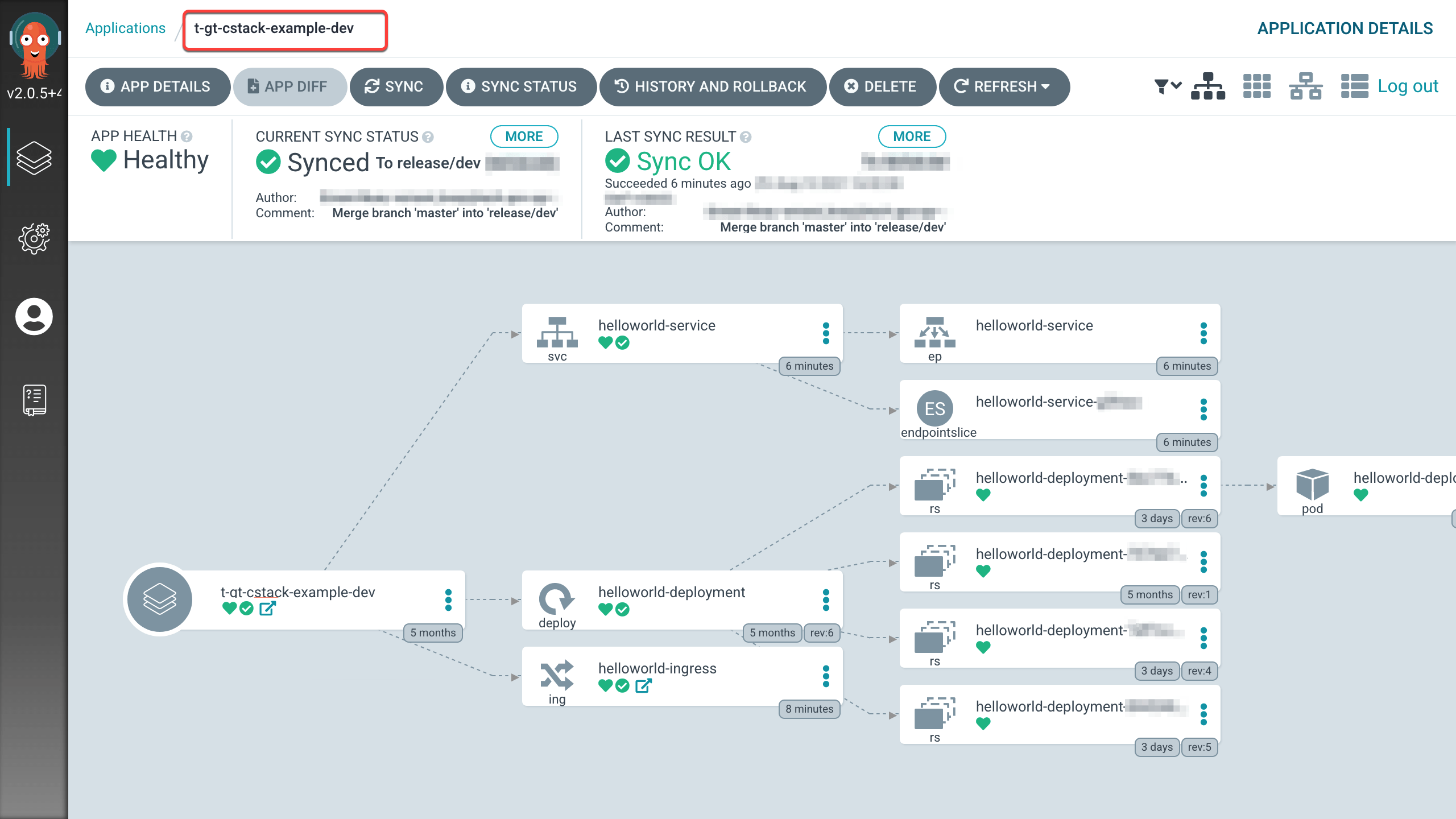
Click the link icon.
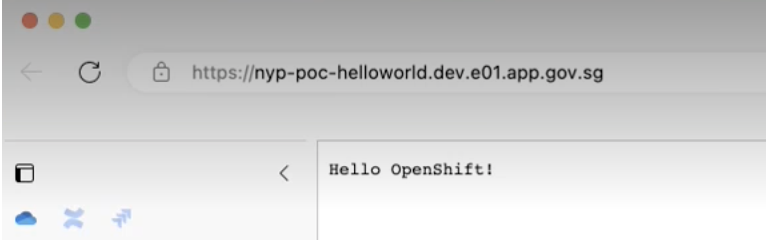
A Hello OpenShift! message will appear in your browser.
If the App Health is still Progressing, please wait a few more minutes for your resources to be deployed.