GitLab Code Projects
As part of onboarding, CStack creates an example-application code project in your tenant group. You may want to create more code projects within your subgroup.
To add code projects
Go to your tenant group.
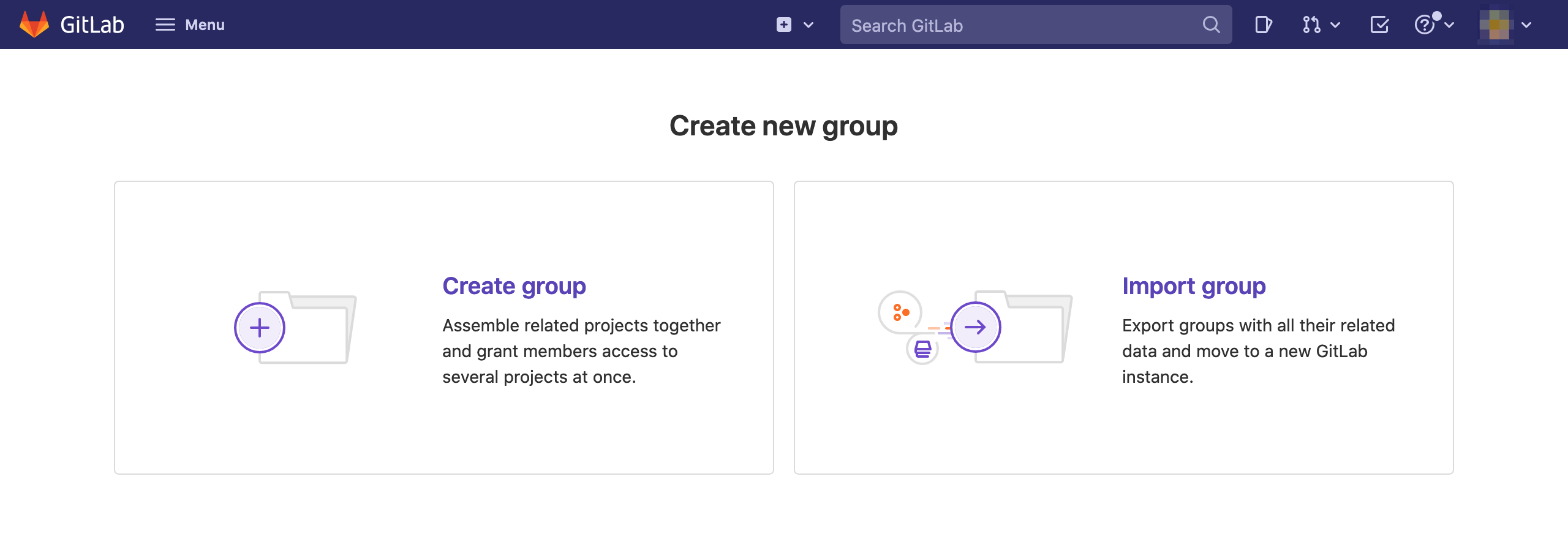
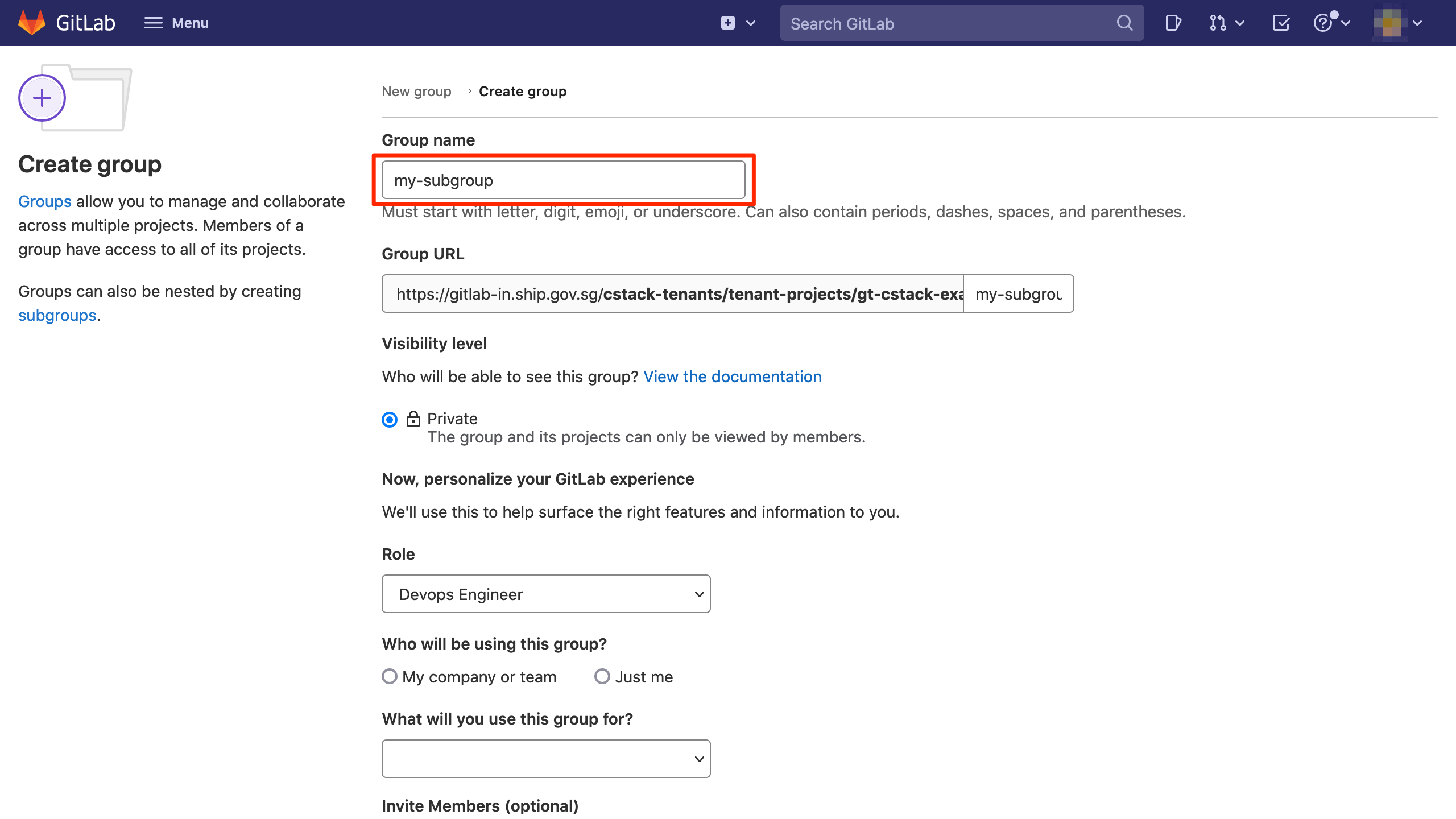
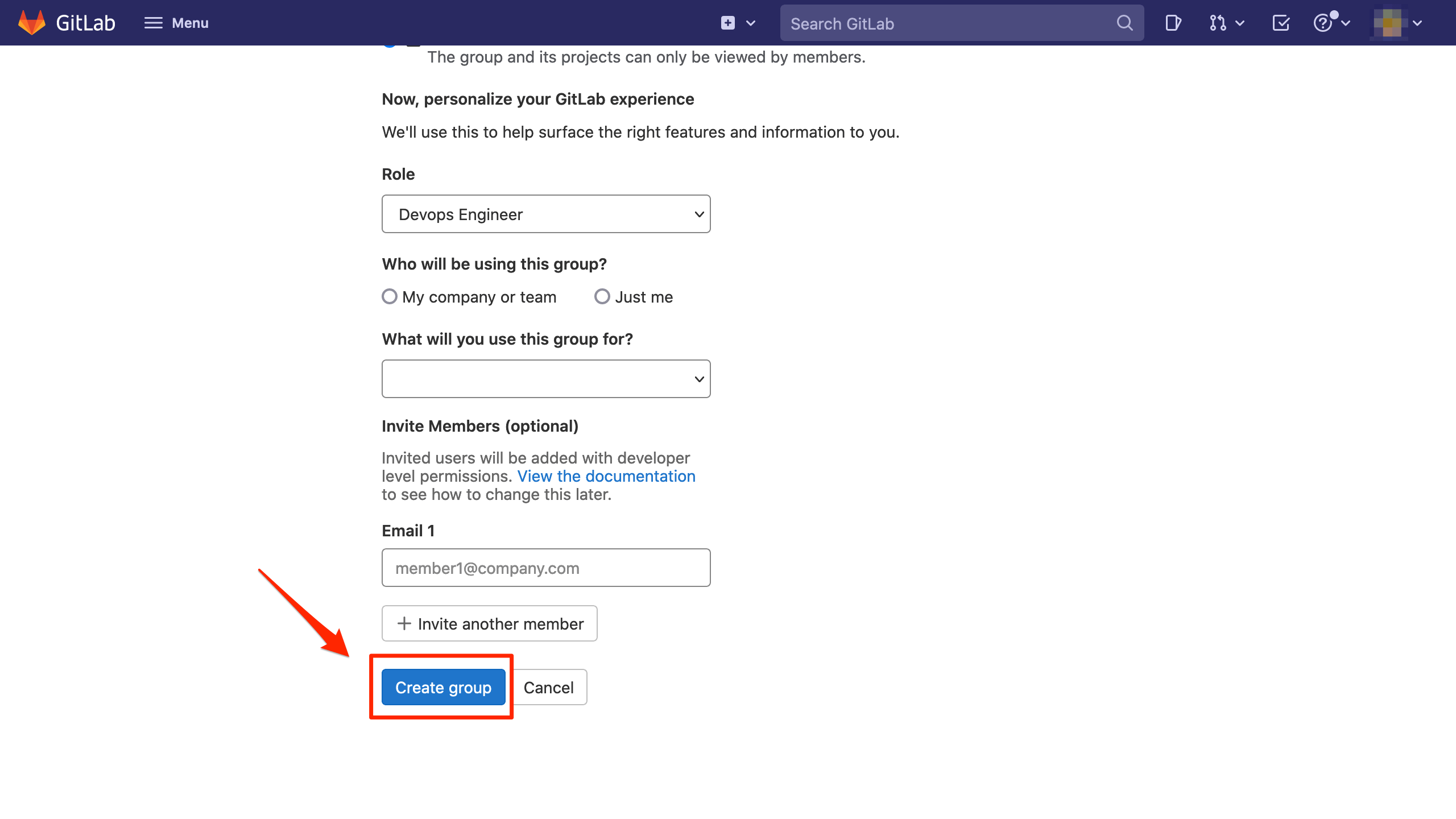
Create a new subgroup within your tenant group.
Tenants are only granted a
Maintainerrole for their tenant group, which does not include permissions to remove projects. Tenants should create a new subgroup to be granted anOwnerrole, which includes removing projects. Please refer to the Gitlab Role Permissions documentation.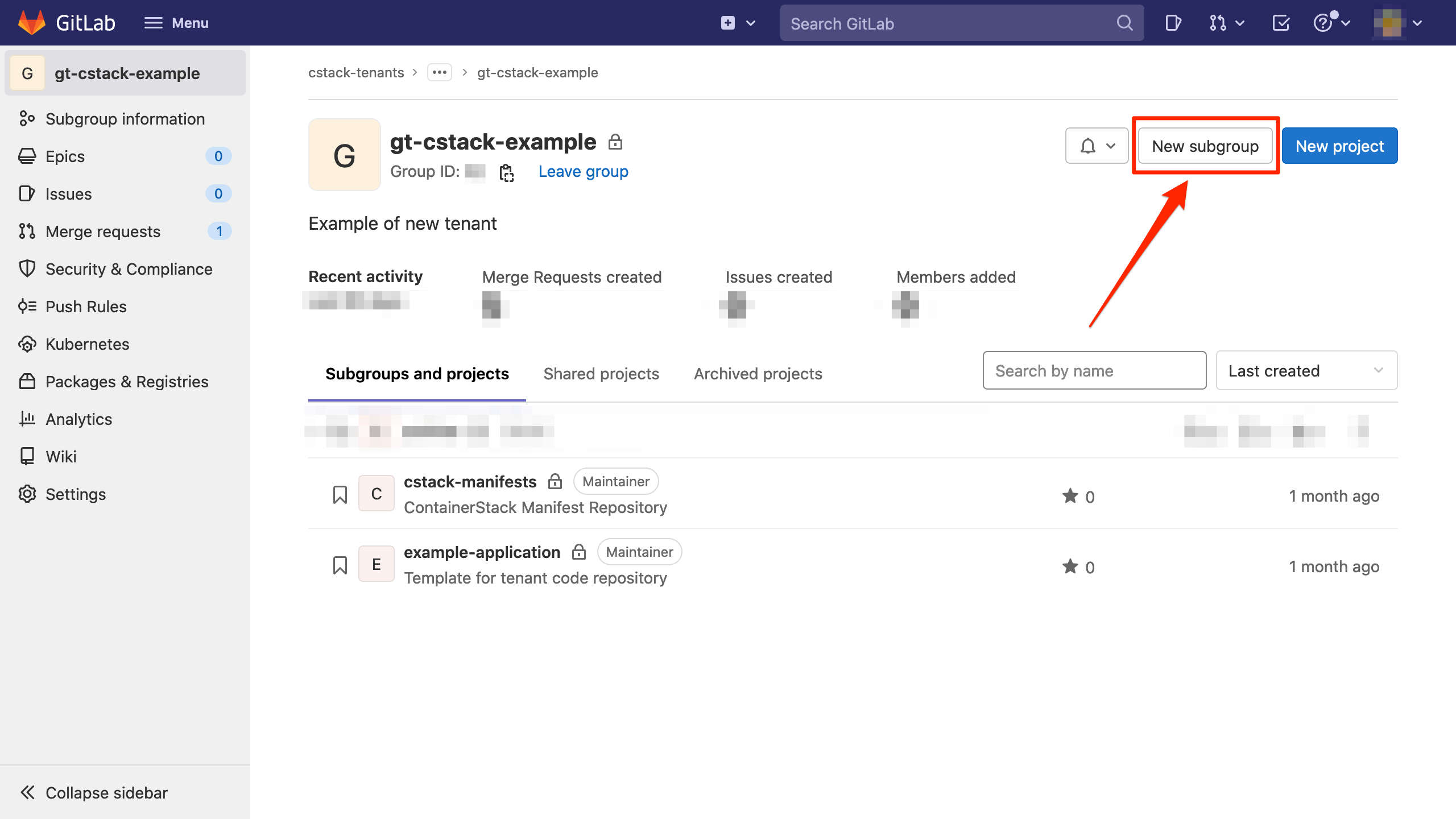
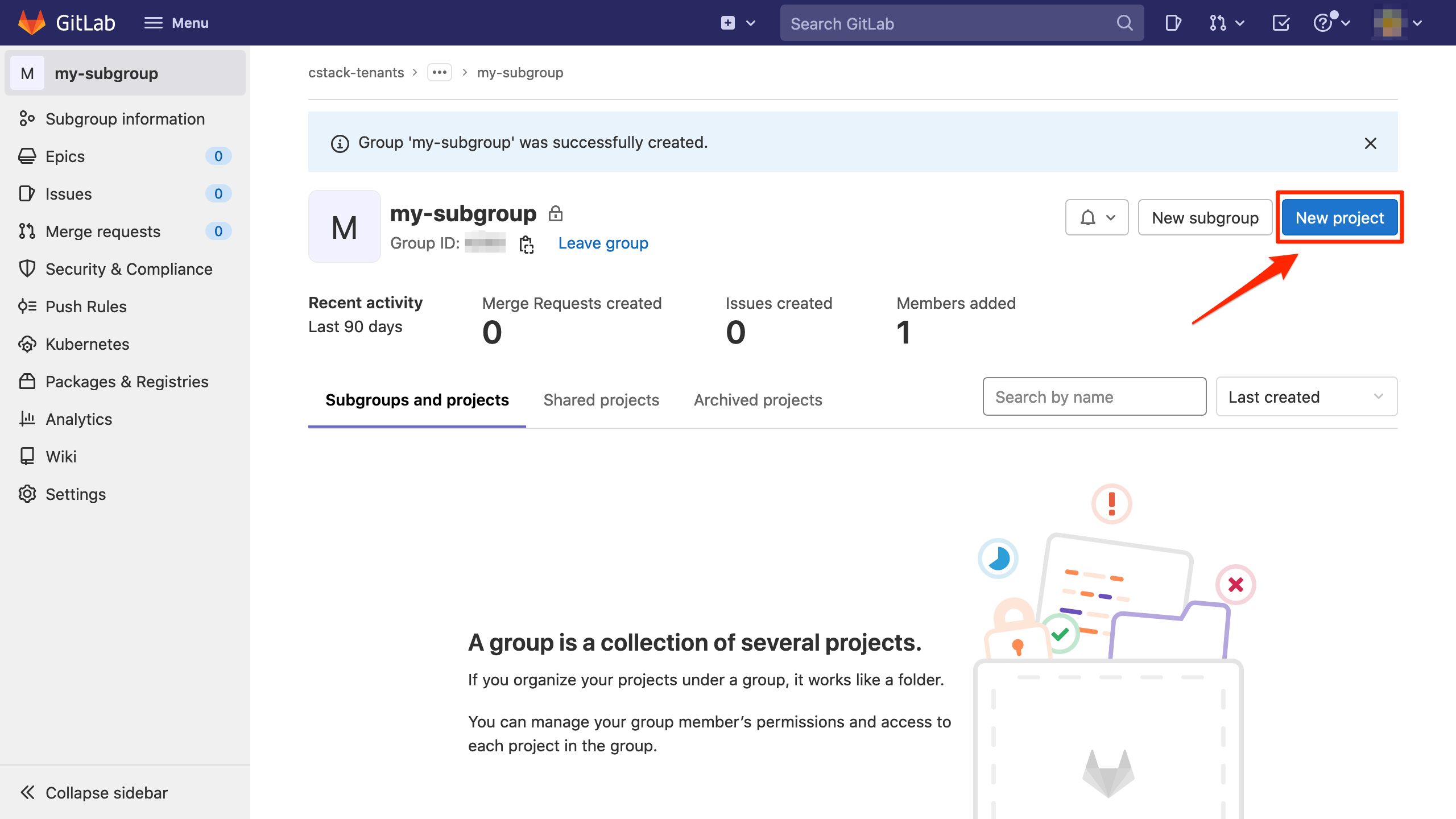
Click New project.
The New project button in the home page (https://sgts.gitlab-dedicated.com/) will create a personal project under your account rather than in the tenant group. Personal projects cannot be used with Container Stack.
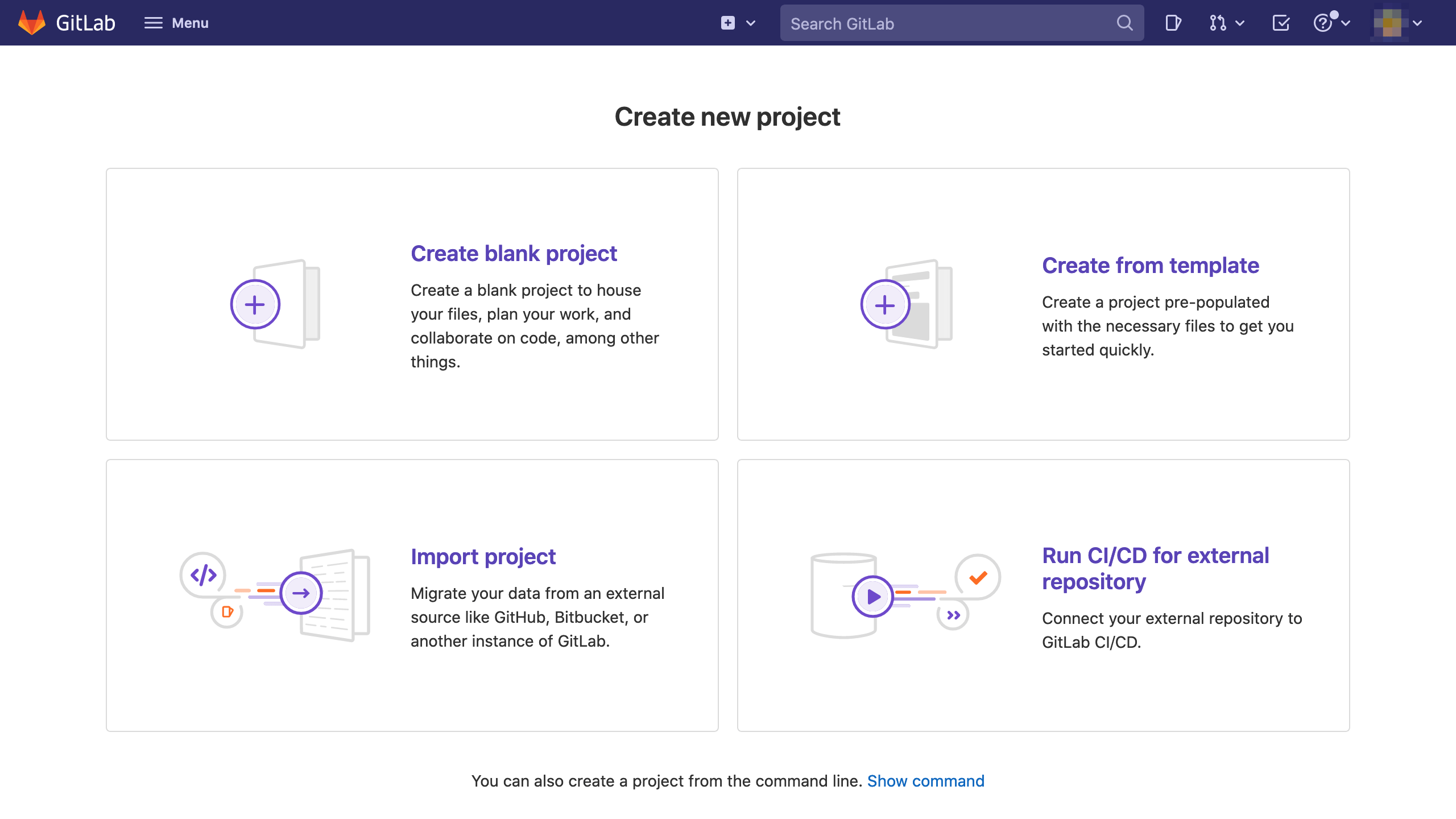
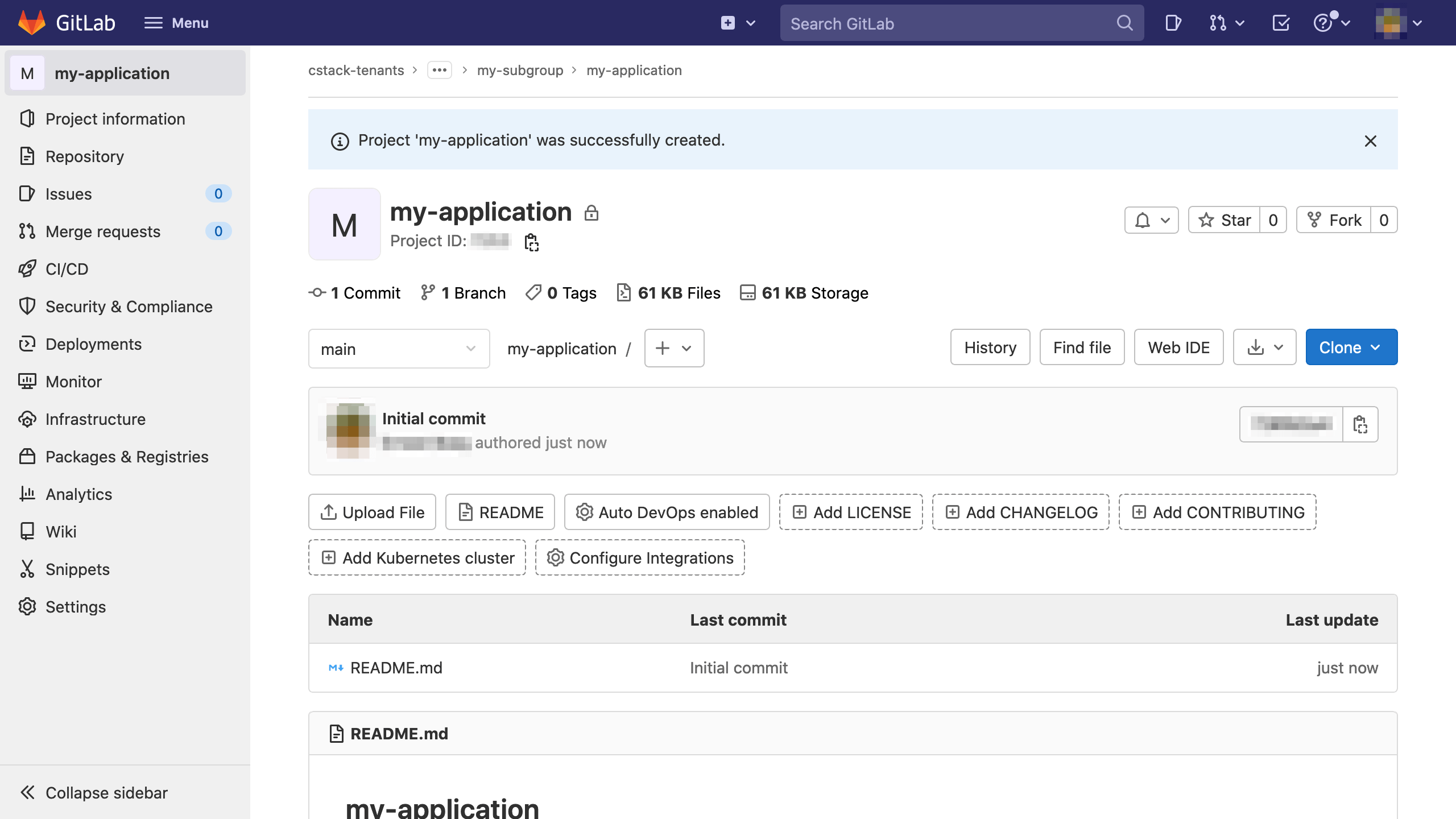
Create either a blank project or import a project.
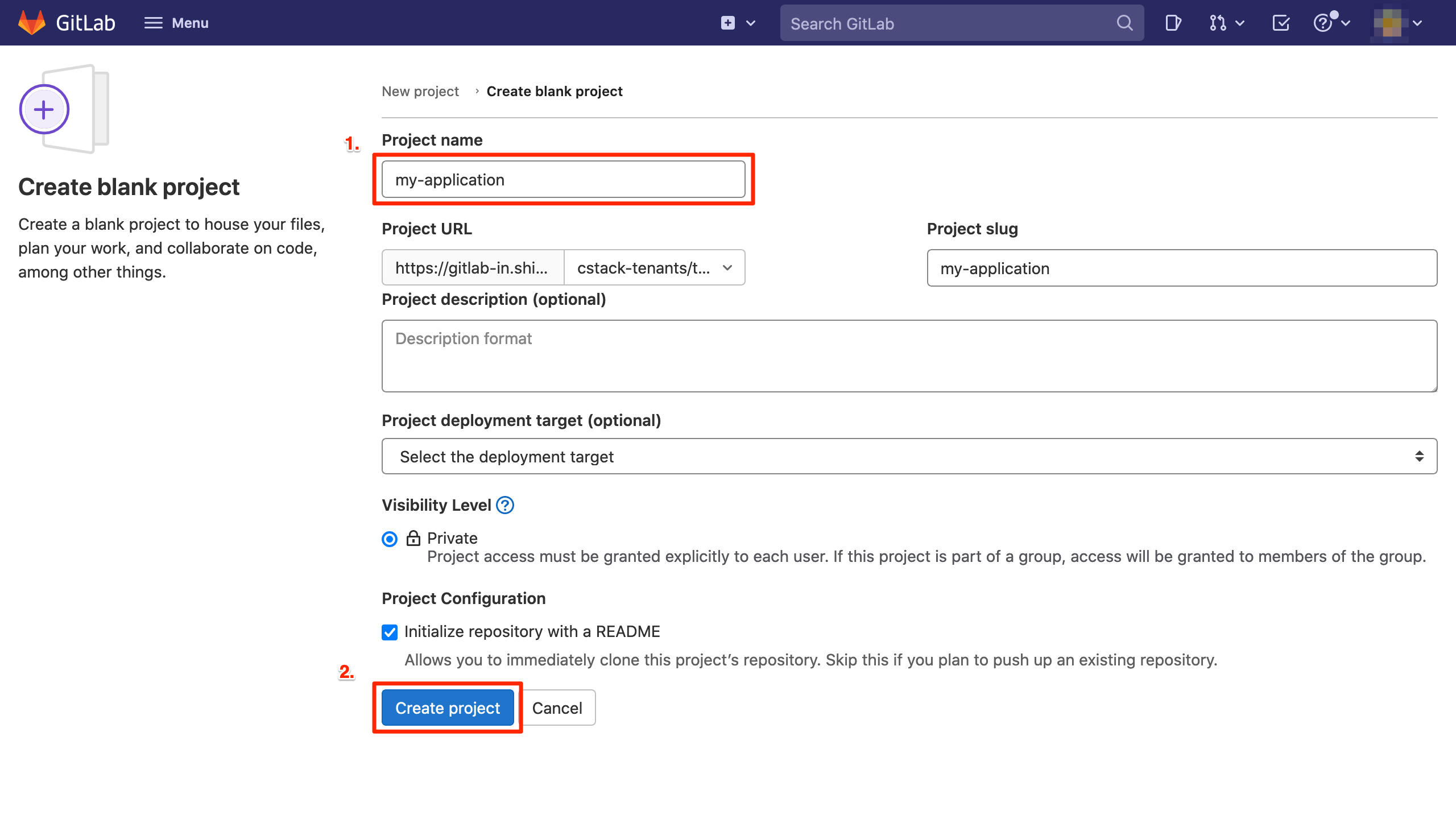
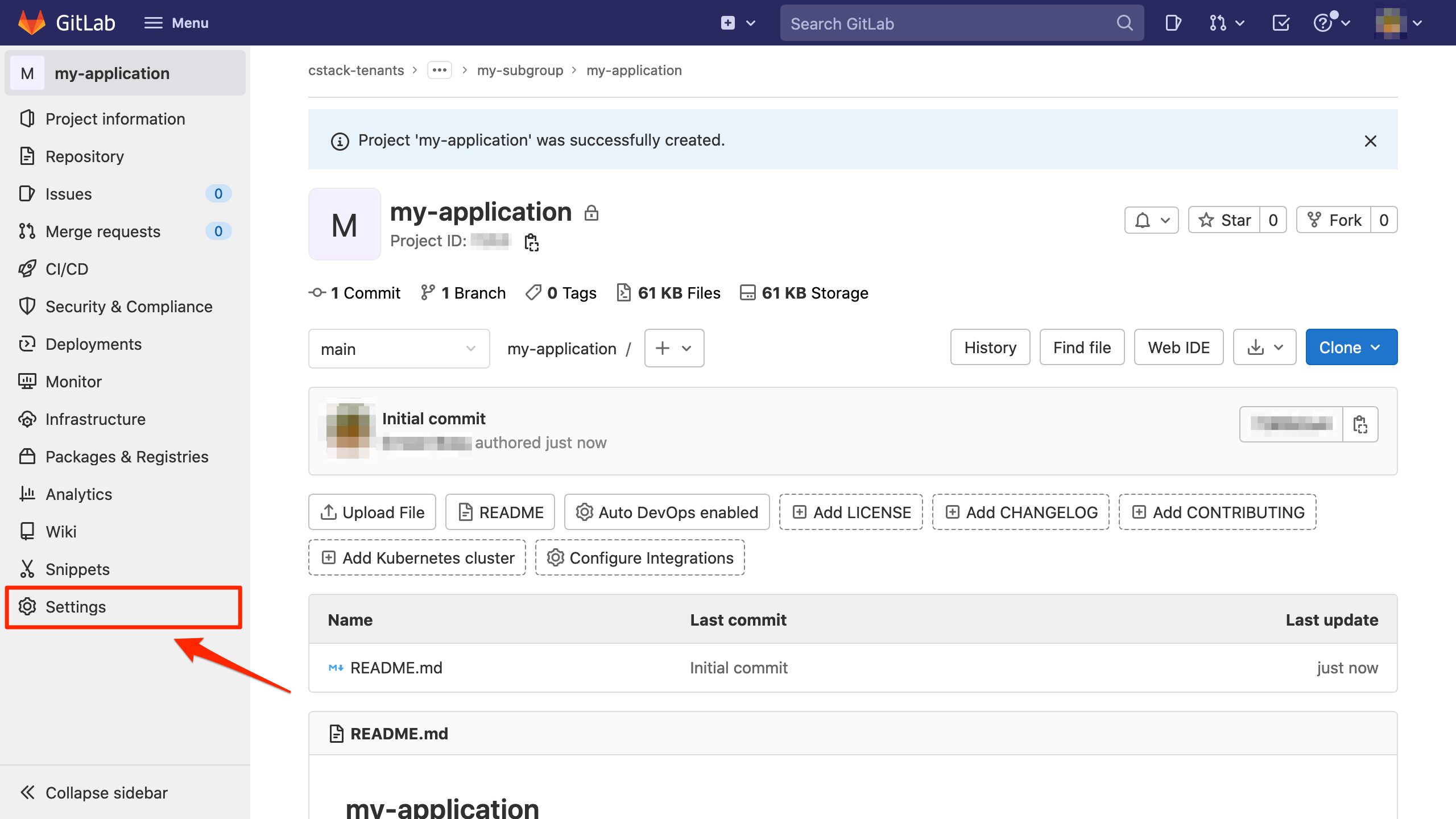
Copy the reference
.gitlab-ci.ymlfile to the new project and commit to your main branch.Configure the settings of the project by referencing the Gitlab Rules. This requires
Maintainerrole and above.