About the TechPass Account Portal
The TechPass Account Portal is used to create a new TechPass account or enable an existing one if it has been disabled due to inactivity.
You can use the portal to:
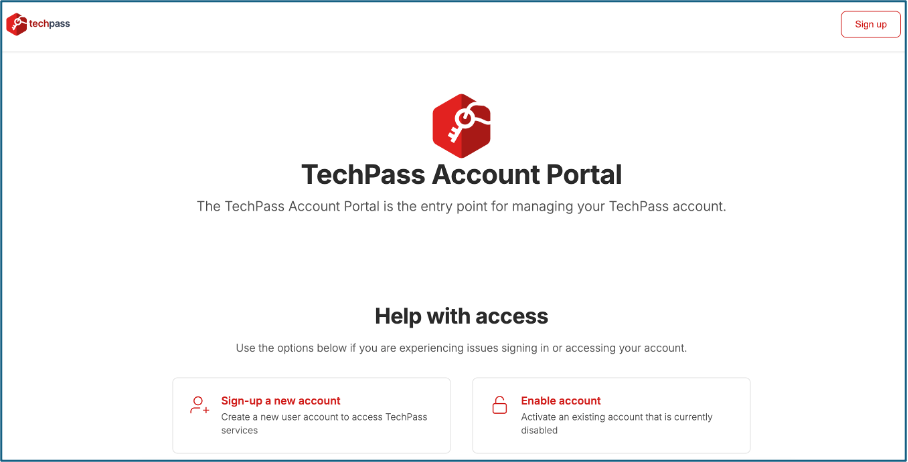 |
Who can create a TechPass account
You can create an account if:
- You use an official email ending in .gov.sg
- Your email domain is not open.gov.sg
- You can access that email inbox
The following domains are also eligible for self sign-up as Public Officer accounts:
- mindef.gov.sg
- dsta.gov.sg
- dsta-wog.gov.sg
- defence.gov.sg
- gebiz.gov.sg
- sps.gov.sg
If you do not meet the above criteria, you must be invited to onboard via the TechPass Portal. See: Get invited and onboard to TechPass
Get started
New to TechPass?
Already have an account that has been disabled?
Access the portal
What’s coming next
More features will be added to the TechPass Account Portal in future releases. In future releases, you will be able to:
- Reset your password or MFA.
- Manage your account after sign-in.
