Authentication
To login to Admin Portal, firstly you will either need to onboard to TechPass or have an active WOG AD (Whole-Of-Government Azure Active Directory) account.
How to login to Admin Portal?
- Access the URL: https://www.admin.search.gov.sg/
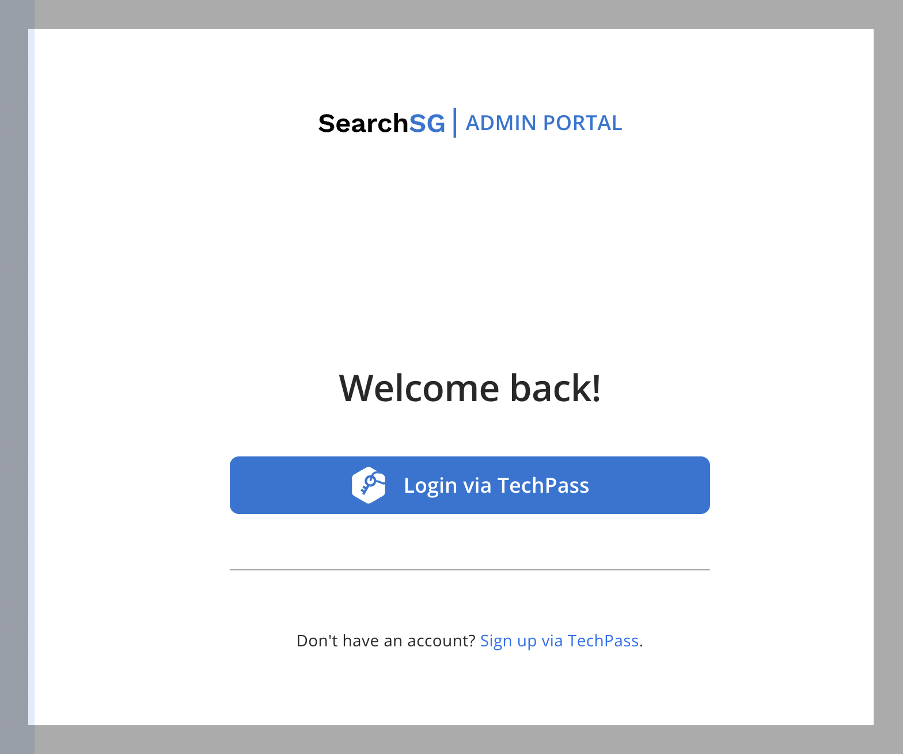
- If you are using TechPass account, click on “Login via TechPass”
- Follow through the TechPass authentication
- If you are using WOG AD account, click on “Login via WOG AD”
- Follow through the Microsoft Authentication.
- If you are using TechPass account, click on “Login via TechPass”
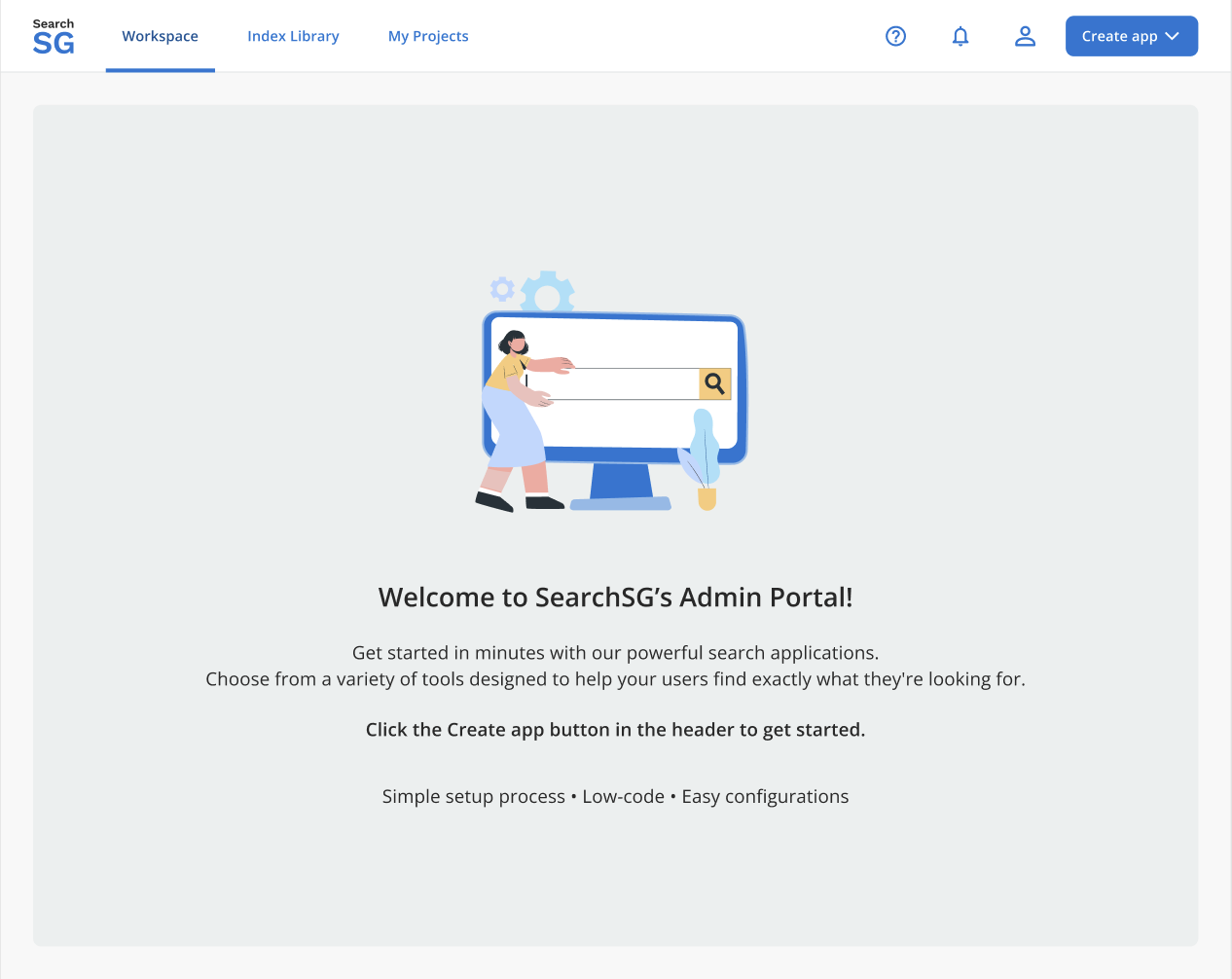
- Upon first time successfully login to Admin Portal, you will be brought to the “Workspace” page.
How to sign up to TechPass?
- Access the URL: https://www.admin.search.gov.sg/
- Click on “Sign up via TechPass” and follow the steps.
- Note that SEED access is NOT required for logging into the SearchSG Admin Portal.
- Note that SEED access is NOT required for logging into the SearchSG Admin Portal.
How to sign out of the Admin Portal?
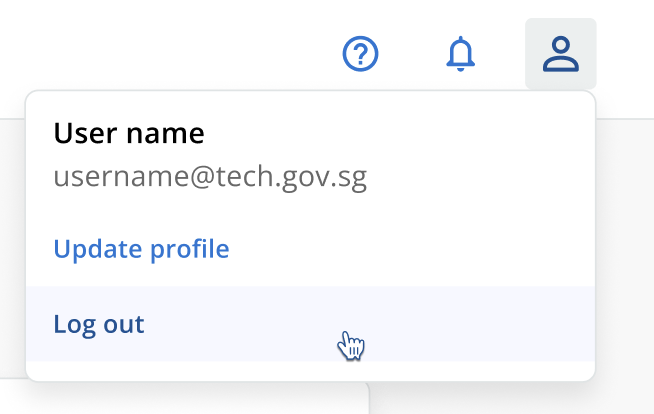
- Click on the
 icon and select “Log Out”.
- You are expected to see the following screen after successfully logging out from the Admin Portal.

