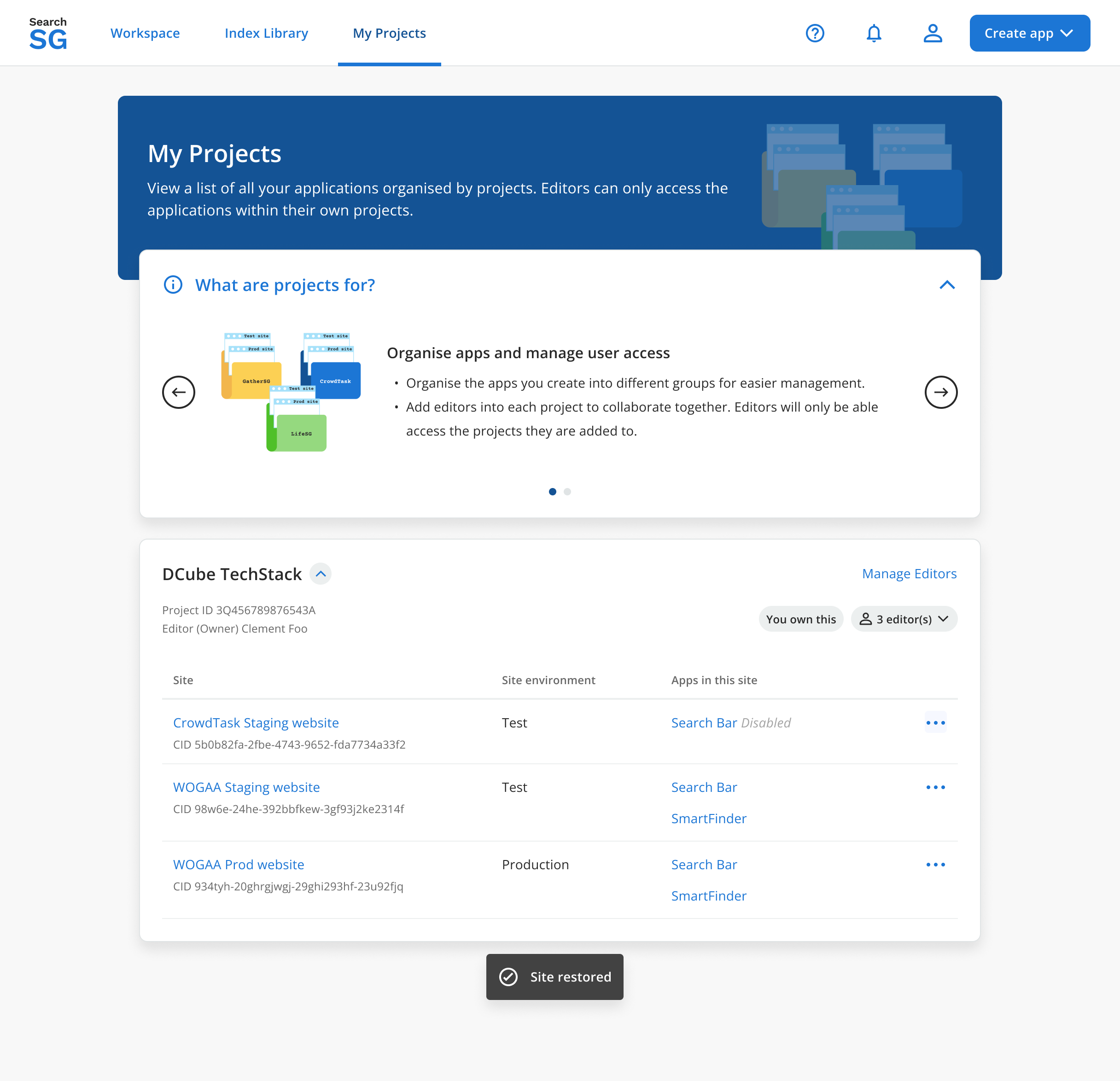
Site
How to create a site?
- A
Siteis created seamlessly during theCreate Applicationflow to configure where and how your search and recommend applications will be deployed and integrated to your site.
How to edit site settings?
Login to Admin Portal
Navigate to “Workspace” and select your site from the drop-down list
Click on “Site Settings”, you will be brought to the “Site Settings Overview” page
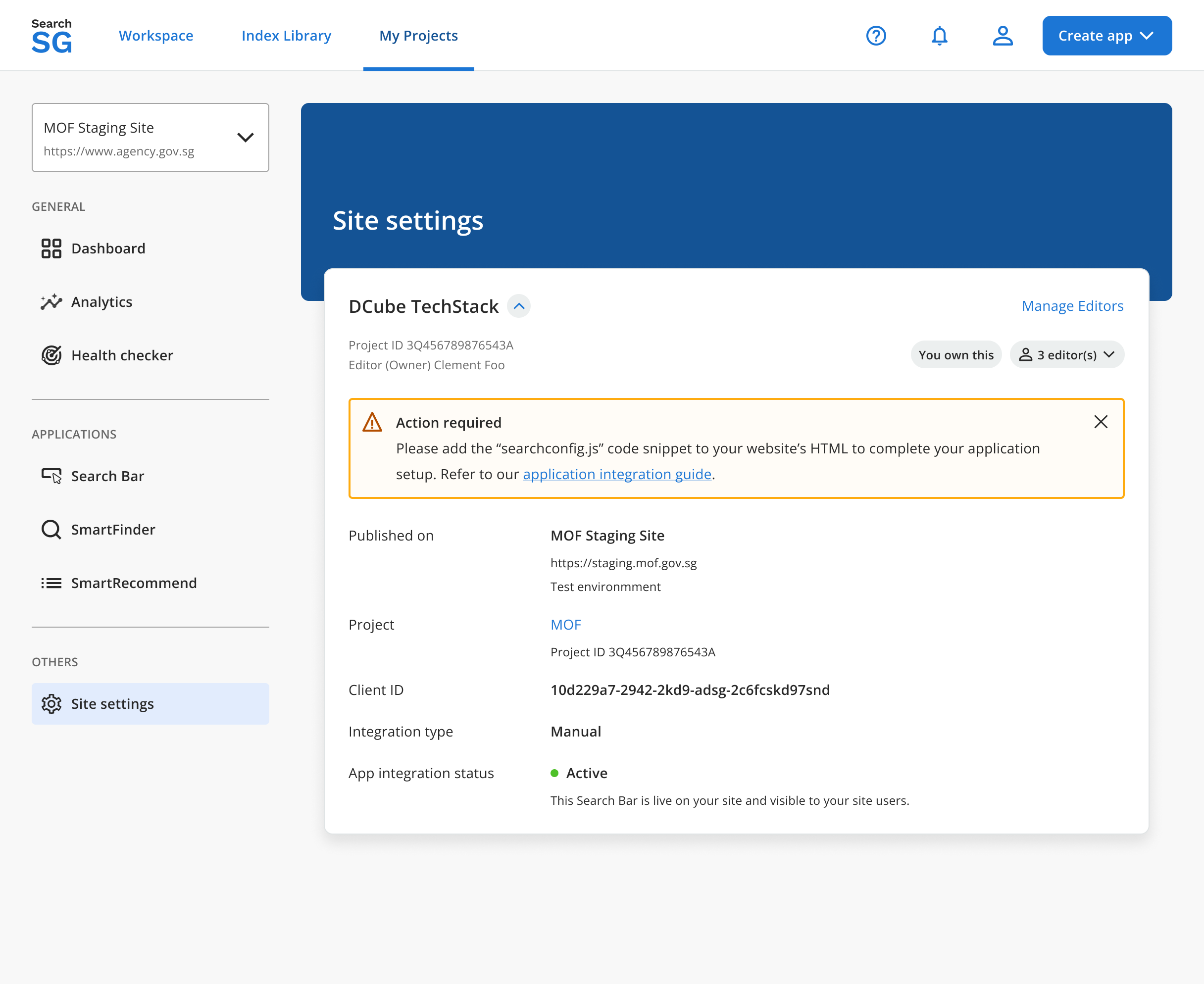
Click on “Edit site settings”, you will be brought to the “Edit site settings” page
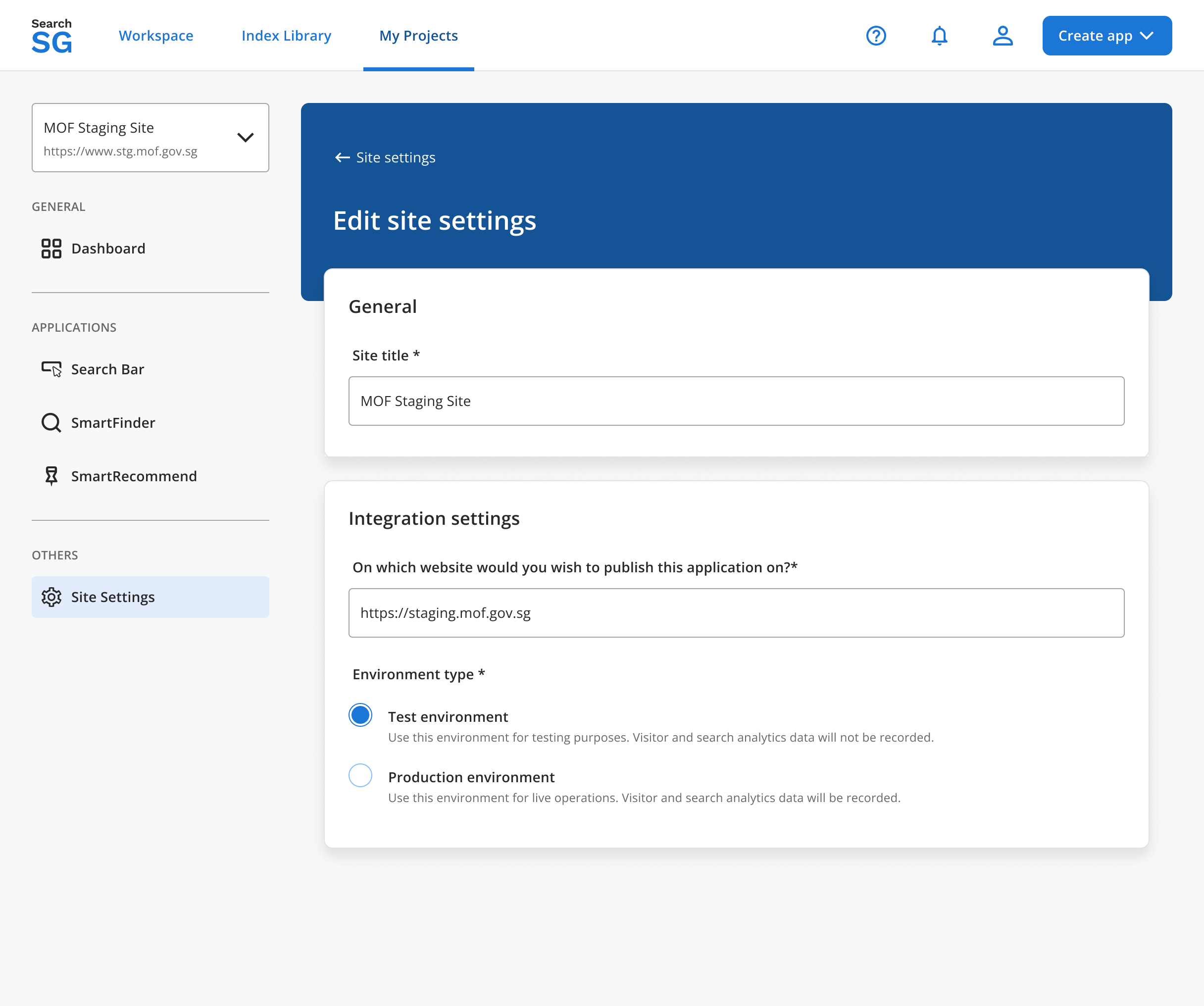
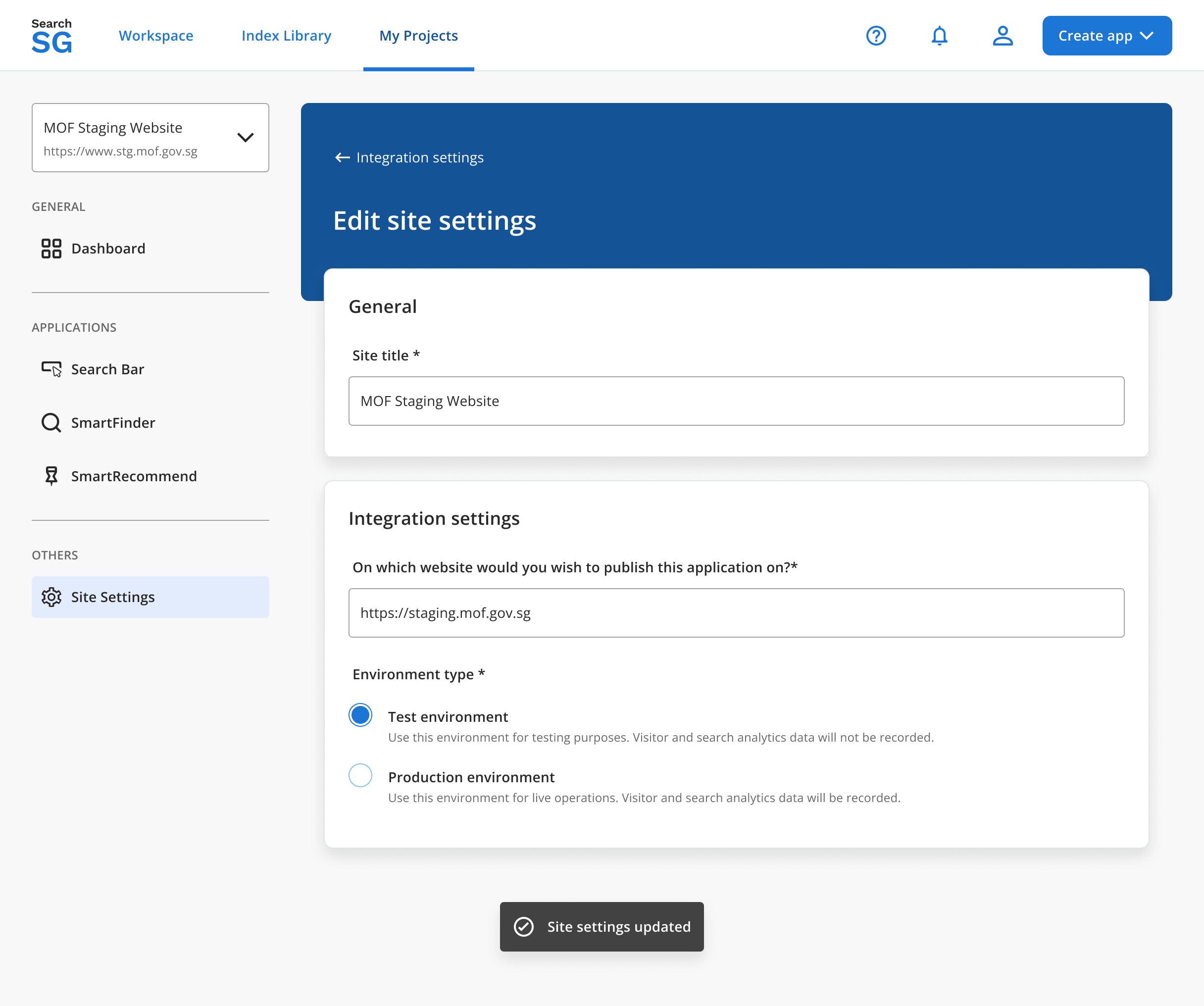
Click on “Save” after making changes.
How to delete a site?
Note: A site can only be deleted when all search and recommend applications within the site has been disabled.
Login to Admin Portal
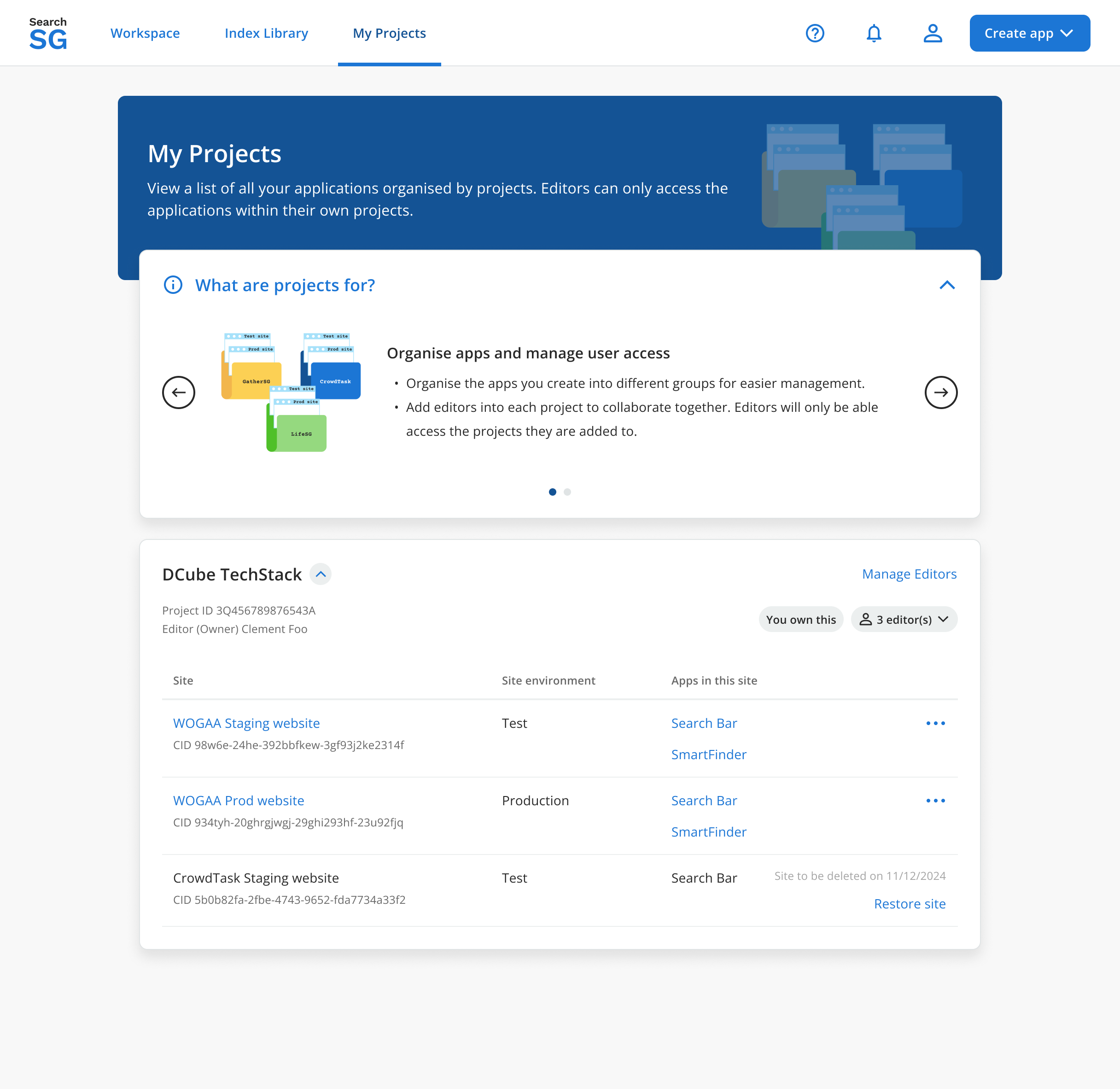
Navigate to “My Projects”
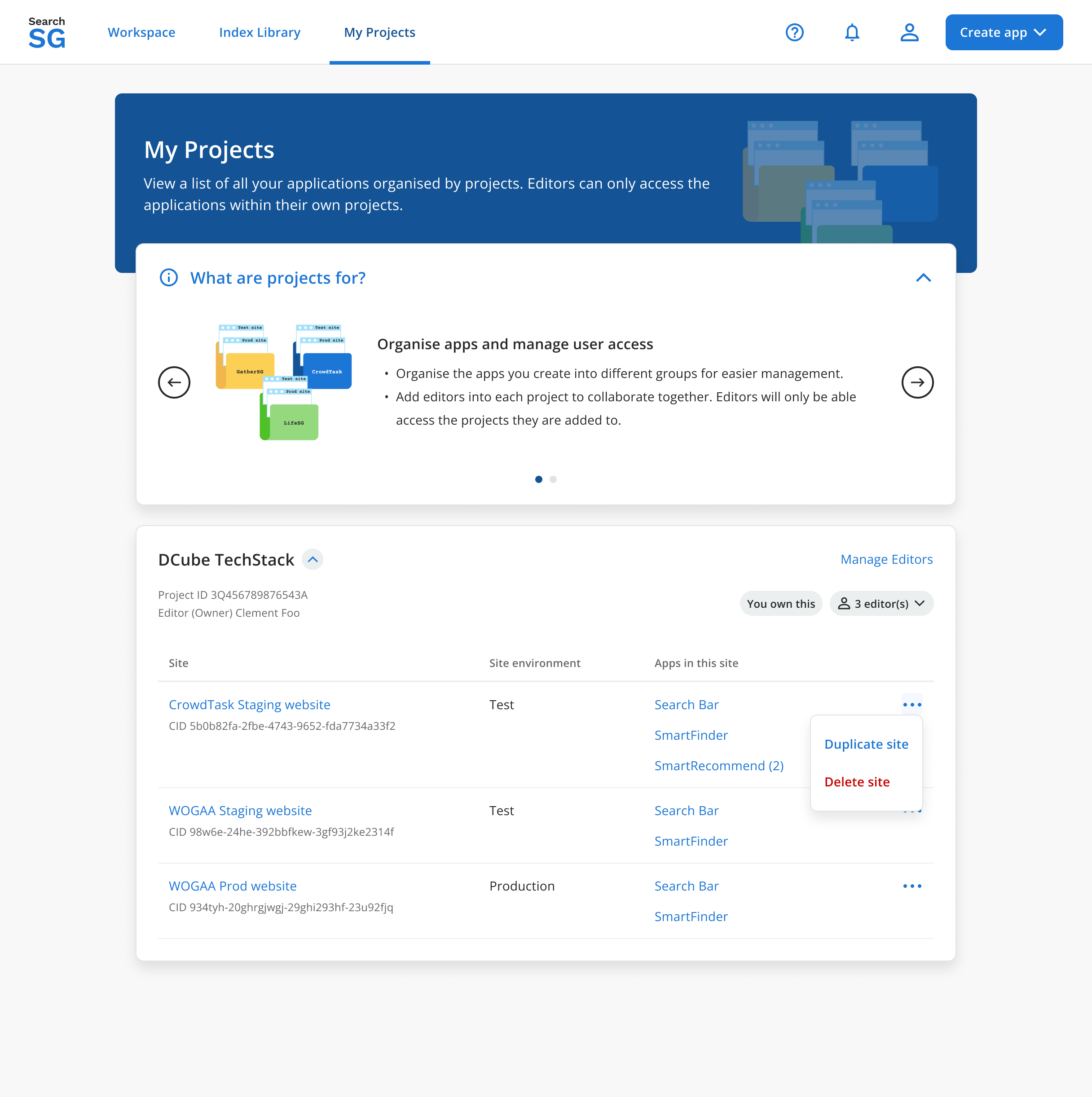
Click on the
 icon then “Delete site”
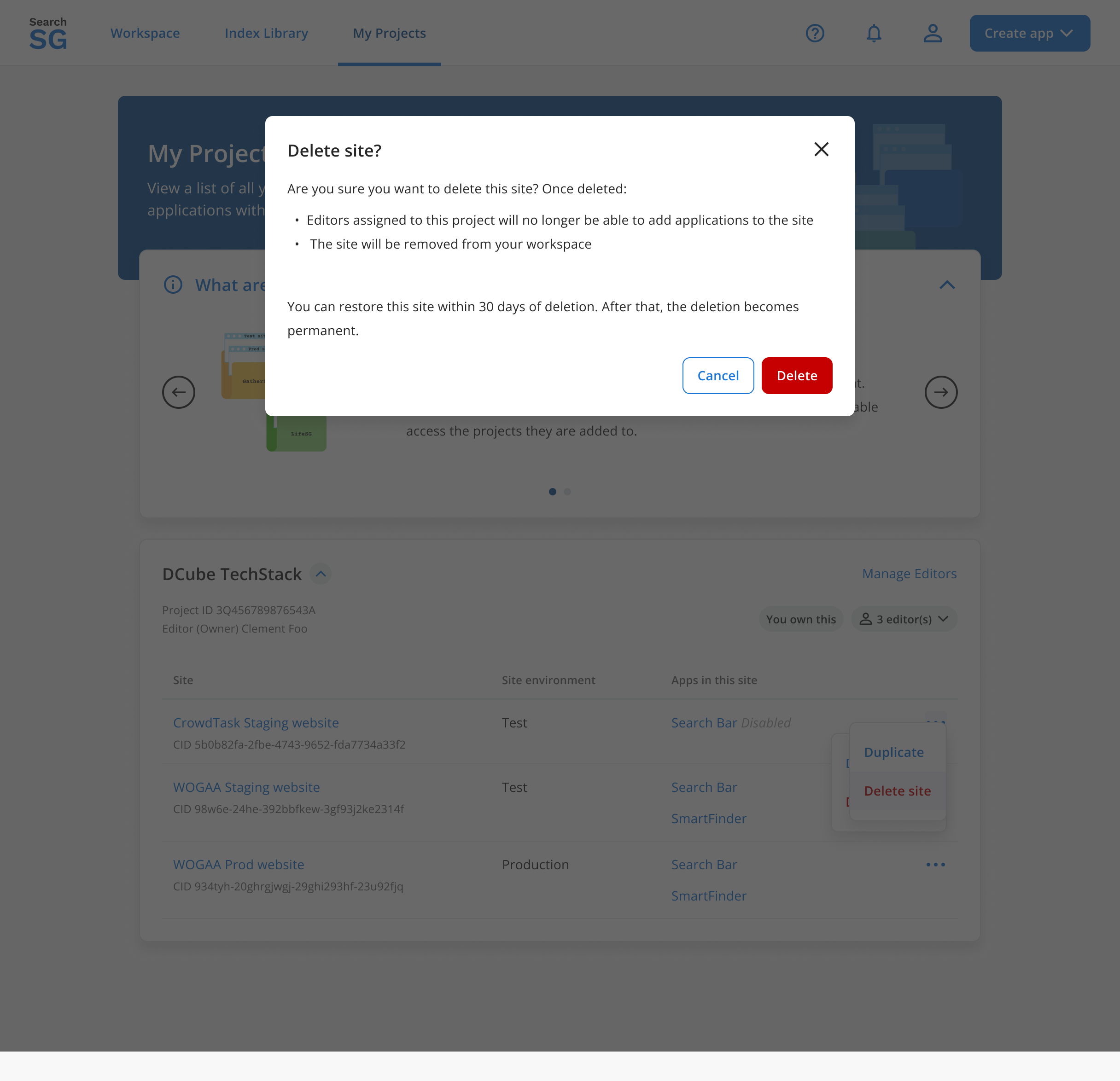
Click on “Delete” in the pop-up window
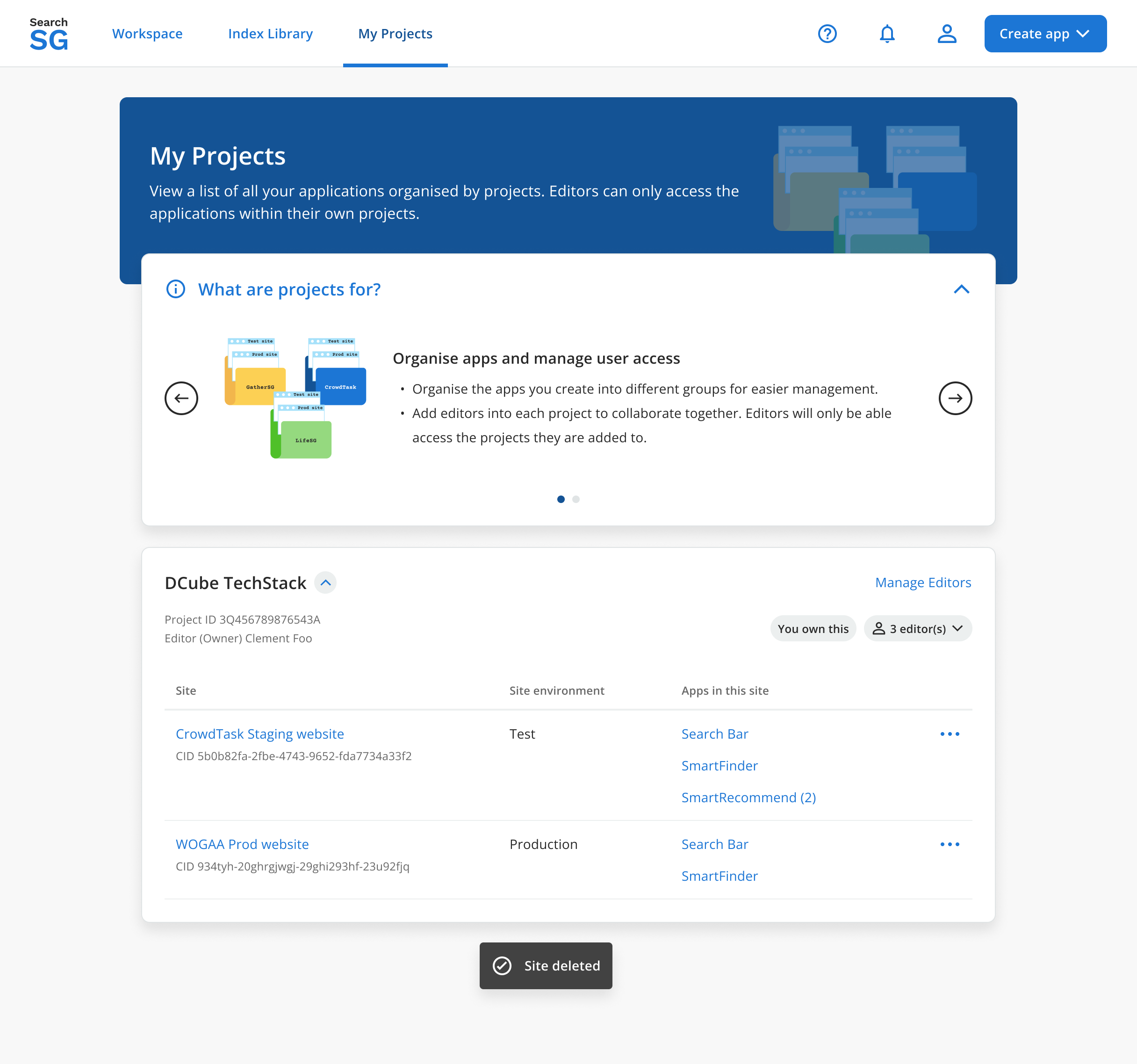
The site will be deleted if it has no application
For site that has active application(s), you are unable to delete.

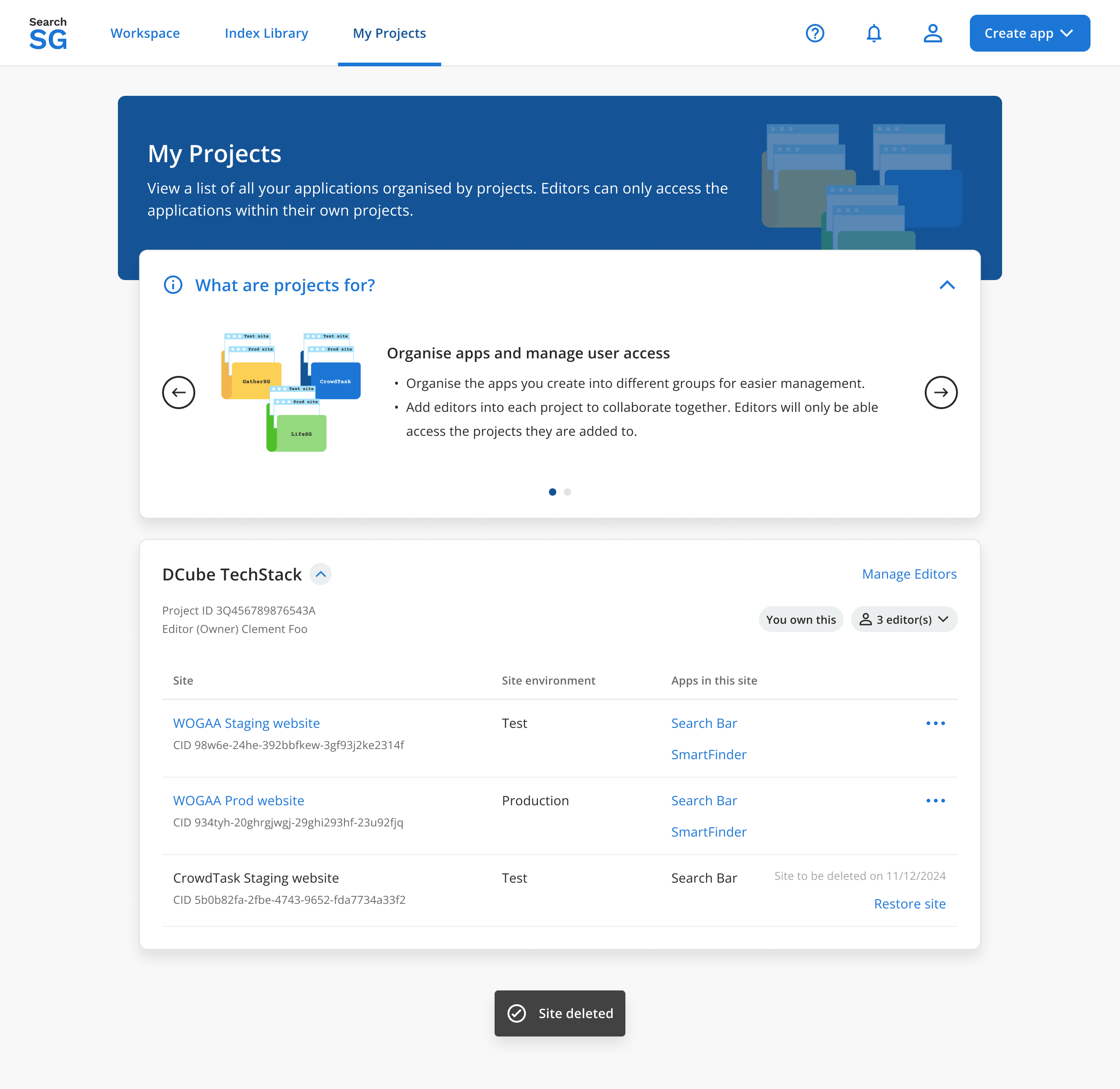
For site that has disabled application(s), the site will only be soft-deleted (disabled) and you will have 30 days to restore it if needed. Note: An email notification will be sent to editor(s) 3 days prior to the site being permanently deleted.
How to restore a site?
- Only the site is soft-deleted (disabled), and you have a 30-day window to restore it before it is permanently deleted.
Login to Admin Portal
Navigate to “My Projects”
Click on “Restore site”
Click on “Restore”

The site will be restored